

Written by Oğuzhan Karahan
Last updated on Aug 28, 2026
●15 min read
Starlight Precise 2.6 vs 2.5: What Changed?
Starlight Precise 2.6 has replaced 2.5 in the Topaz enhancement lineup, and if your renders depend on that model, the version jump matters. This comparison breaks down the new sharpness control, the temporal consistency changes, and how local processing behaves on the new build.
Find out exactly what changed between the two versions, which footage actually benefits, and whether re-rendering existing projects is worth your time.

Starlight Precise 2.6 did not arrive as an extra option in Topaz Video 1.7.
It replaced 2.5 outright, starting from release 1.7.0.
That puts your presets, queued renders, and known-good outputs directly on the line.
The catch:
Official docs say the 2.5 look still exists, as the default third level of a new sharpness slider.
So the real Starlight Precise 2.6 vs 2.5 question is not whether your model is gone.
It is what changed in sharpness, temporal consistency, and local performance, and whether those changes matter for your footage.
Here is the verified answer:
Exactly what changed, which clips benefit, and whether re-rendering existing projects is worth your time.
Starlight Precise 2.6 vs 2.5: The Verified Changes at a Glance
Starlight Precise 2.6 is a rework built directly on 2.5, keeping the same model intent and hardware requirements while adding a three-level sharpness control, an updated model for better temporal consistency, and up to 15% local speed improvements for AMD and Nvidia GPUs.
Topaz Labs keeps the lineage simple in its documentation:
Whe two versions are similar in model intent and requirements, and 2.6 is literally built upon 2.5.
That makes the Starlight Precise 2.6 vs 2.5 question unusually clean.
The deltas are narrow, documented, and easy to check.
| Row | Starlight Precise 2.5 | Starlight Precise 2.6 |
|---|---|---|
| Availability | Release versions 1.4 to 1.6.1 | Release 1.7 and later |
| Sharpness control | None | Three-level slider, level 3 default |
| Temporal consistency | Baseline | Updated model for better temporal consistency |
| Local speed | Baseline | Up to 15% improvement for AMD and Nvidia GPUs |
| Output cap | Up to 4K | Up to 4K |
| Hardware requirements | Documented requirements | Same requirements as 2.5 |
The replacement mechanics matter as much as the deltas.
Topaz Starlight Precise 2.6 replaces 2.5 from release 1.7.0, and docs state 2.5 is essentially accessible via the default third sharpness level.
Here's where it gets tricky:
The Astra model page lists 2.6 as "Previously Starlight Precise 2.5" and credits a key flicker bug fix.
The documentation separately describes an updated model for better temporal consistency.
Whether those two statements describe one change is undocumented.
Treat them as two official claims, not one confirmed fix.
Everything else in the table stayed identical on paper.
Same intent, same requirements, same output ceiling.
Starlight Precise Sharpness Control: How the Three Levels Work
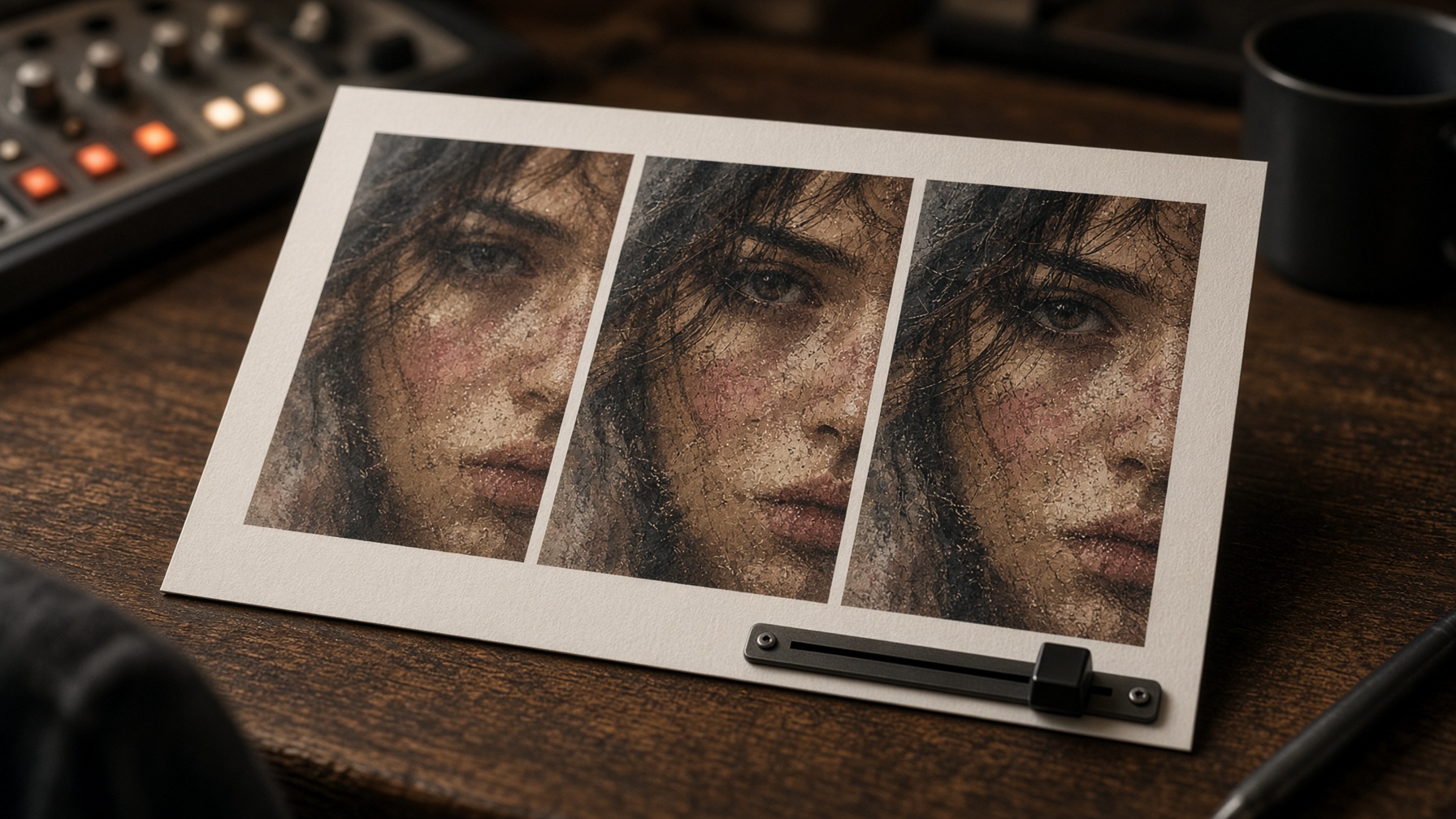
Starlight Precise 2.6 adds a three-level sharpness slider: level 3 is the default and equates to 2.5 output, level 1 gives a lighter, more natural look, and level 2 balances the two. Differences stay conservative, taking the edge off while keeping the model's essence intact.
The Starlight Precise sharpness slider is the one genuinely new creative control in 2.6.
Nothing else in the update changes what you can dial in during a render.
The official framing is restraint. The docs describe conservative differences between levels, intended to take the edge off while keeping the model's essence intact.
So the slider is a taste adjustment, not a second model.
What Each Level Changes
Each level maps to a documented look, and level 3 carries the default status.
| Level | Documented behavior |
|---|---|
| 1 | Lighter, more natural look |
| 2 | Balances levels 1 and 3 |
| 3 | Sharpest output; the default; equates to what is expected from 2.5 |
Watch this clip to see Starlight Sharp running inside Topaz Video. Third Move Studios covers the sliders and a full 4K export.
Level 3 is the reference point. If you skip the slider entirely, you are rendering the 2.5 look on the updated 2.6 model.
Where Softer Levels Help AI Footage
The documented fit is AI-generated footage with solid structure and composition that still reads soft, plastic, or slightly artificial.
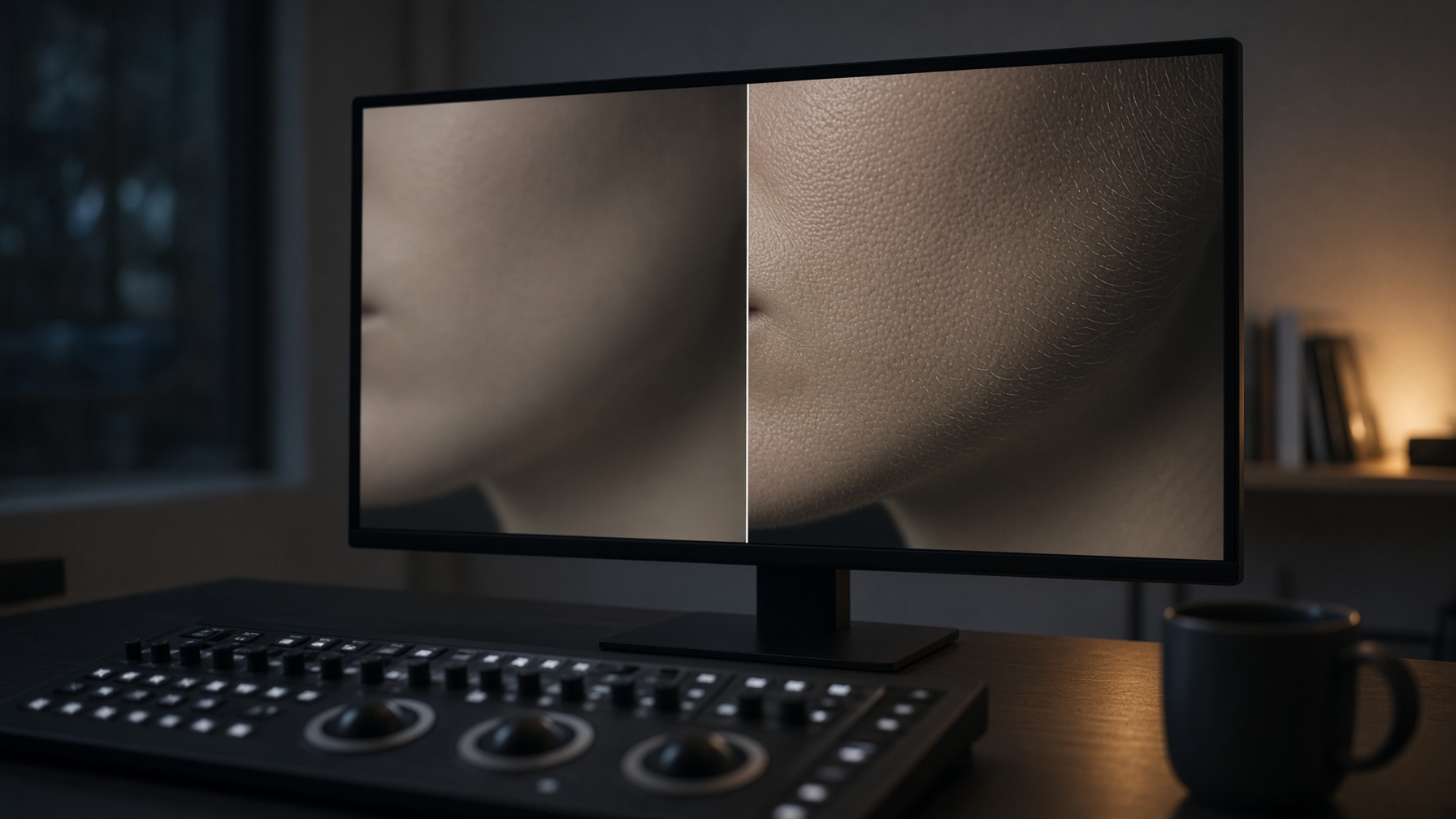
One forum report from the release thread notes that level 1 shows much less image noise and fewer skin artifacts, suggesting it as a possible default.
That is a single user report, not verified behavior.
The honest caveat cuts the other way too. Because docs describe the differences as conservative, over-processing risk is not a documented flaw.
It is simply what to watch on skin and fine texture as you move from level 1 toward level 3.
Temporal Consistency in 2.6: Official Fixes and Reported Caveats
Official Topaz material credits Starlight Precise 2.6 with an updated model for better temporal consistency, and the Astra model page separately credits a key flicker bug fix, while early user reports mostly agree consistency improved but include unresolved threads about stutter and performance.
Temporal stability is where official claims and forum threads overlap without matching.
Here is the split, labeled by origin.
Confirmed from official material:
Docs for AMD and Nvidia list an updated model for better temporal consistency.
The Astra model page credits 2.6 with resolving a key flicker bug.
Third-party API listings for 2.5 already cited full temporal consistency across frames, so flicker reduction is a 2.5 heritage, not a new 2.6 promise.

The catch:
Whether the flicker fix and the temporal consistency update are one change or two is undocumented. Treat them as two separate official statements.
Reported by users:
One user found the sharpest setting slightly softer than 1.6.1 output on a difficult test clip, while consistency was far better.
That single-clip result sits in tension with the docs statement that level 3 equates to 2.5.
Threads tagged investigating report frame stuttering from 2.6 output and 2.6 performing worse than 2.5, with no official resolution documented.
One user's result on one clip is a reason to test, not a verdict.
Starlight Precise 2.6 Local Performance: Reading the 15% Claim
Topaz documents up to 15% local speed improvements for AMD and Nvidia GPUs in 2.6, with hardware requirements unchanged from 2.5, while diffusion processing still runs significantly slower than core enhancement models and some user reports remain unresolved.
The speed claim needs careful reading before it reaches your render queue.
"Up to 15%" is a ceiling, not a promise. No benchmark methodology or per-GPU breakdown is documented in official material.
The better move:
Read the Starlight Precise 2.6 local claim as possible gains on supported hardware, and plan around the diffusion baseline instead.
| Platform | Minimum | Recommended |
|---|---|---|
| Nvidia | 12GB VRAM, 32GB system RAM | 16GB VRAM |
| AMD | 12GB VRAM | 16GB VRAM |
| Apple Silicon | 16GB | 24GB |
Nvidia targets compute capability 8.9, with some success reported on 8.6 cards but no official support. Local rendering runs on all licenses through Neuroserver.
Starlight models process significantly slower than core enhancement models regardless of hardware.
Processing times range from several minutes to multiple days, depending on video length, resolution, frame rate, and system.
Context: 2.5 reached local desktop rendering in Topaz Video 1.4.0 for Nvidia, then expanded to AMD and Mac in 1.6.0, with Mac builds slightly modified and possibly slower.
Same Requirements, New Reports
Hardware requirements are identical for 2.5 and 2.6.
Investigating-tagged user threads include:
Starlight Precise 2.6 spilling into shared system memory
0 FPS on an RTX 5080 16GB during processing
Both reports remain unresolved, with no documented official fix. Treat them as system-specific user reports, not confirmed defects.
Test a short clip on your own hardware before committing to long jobs.

Topaz Video 1.7 Migration: Presets, Projects, and the 2.5 Question
From release 1.7.0, Starlight Precise 2.6 replaces 2.5 in Topaz Video, and the 2.5 look stays essentially accessible through the default third sharpness level. Documented guidance on existing presets, projects, and queued renders after updating is missing, so verify before you update.
Updating to Topaz Video 1.7 swaps the model out from under your workflow.
The replacement is documented; the migration is not.
How saved 2.5 presets, open projects, and queued renders resolve after the update is not documented in available material.
That leaves the risk on you. Treat these as practical checks, not official steps:

Verify how your saved 2.5 presets resolve once the app lands on 2.6.
Clear or confirm queued renders before updating, since queue behavior is undocumented.
Export a short test clip and compare it against a known-good 2.5 render.
Release 1.7.0 also ships Starlight Mini improvements, about 2x faster on Nvidia cards with more than 12GB VRAM and now available to all users.
It adds a Final Cut Pro plugin plus Neuroserver model downloads through Model Manager and the Export Queue.
Availability also depends on the surface you render through.
The Topaz desktop app moved to 2.6, while third-party cloud and API surfaces such as Runware and Satura still list Starlight Precise 2.5.
Which AI-Generated Footage Actually Benefits From 2.6
Starlight Precise 2.6 mainly benefits AI-generated footage with solid structure that reads soft, plastic, or slightly artificial, and the gains come from trying levels 1 and 2. Footage already approved at the 2.5-equivalent level 3 has little reason to re-render.
The docs position Starlight Precise 2.6 for AI-generated video with strong composition and structure that appears soft, plastic, or slightly artificial.
Its focus is realistic faces, skin textures, material, texture, and text.
Here's how that maps to upgrade value:
Strong-structure AI output that looks soft or plastic gains the most; this is the documented target footage.
Renders already approved at 2.5 gain little unless you are chasing temporal consistency.
Very low-quality or below-480p material stays out of scope; Starlight Mini is the documented recommendation there.
The documented weak fits are equally specific:
Shots with heavy motion blur may be rendered as texture.
Very low or poor-condition media is out of scope, and content below 480p is not intended.
Interlaced content must be de-interlaced first.

One honest caveat: official guidance on matching levels 1 to 3 to specific footage types stops at the level descriptions.
The mapping above is editorial interpretation of documented behavior.
This walkthrough shows the full pipeline on real AI-generated clips.
Pay attention to how Bozek Media handles sharpening and the Starlight feature.
The decision rule: run short test exports at levels 1 and 2 on your softest-looking shots.
Keep level 3 for anything already approved.

Unchanged Limits: The 4K Cap, No Preview, and Slow Renders
Starlight Precise 2.6 inherits every operational limit of 2.5: output capped at 3840x2160 locally and in the cloud, no working Preview or Frame Preview, standalone use without other filters, and diffusion-level render times. Upgrading changes the output character, not the capability ceiling.
The version jump adds no new operational headroom.
Every hard limit documented for 2.5 applies to 2.6 in full:
Output options are Minimum, 2x, 3x, and 4x relative to the source.
Output is capped at 3840x2160 locally and in the cloud.
Content already at 4K renders at 3840x2160 regardless of the scale factor.
Preview and Frame Preview will not work; export a few seconds instead.
The model is standalone and cannot be combined with other filters.
Square-pixel footage at or under 4K UHD is recommended to avoid aspect ratio shifts.
Local rendering still runs through Neuroserver on all licenses, and diffusion processing keeps its own timeline regardless of the cap you set.
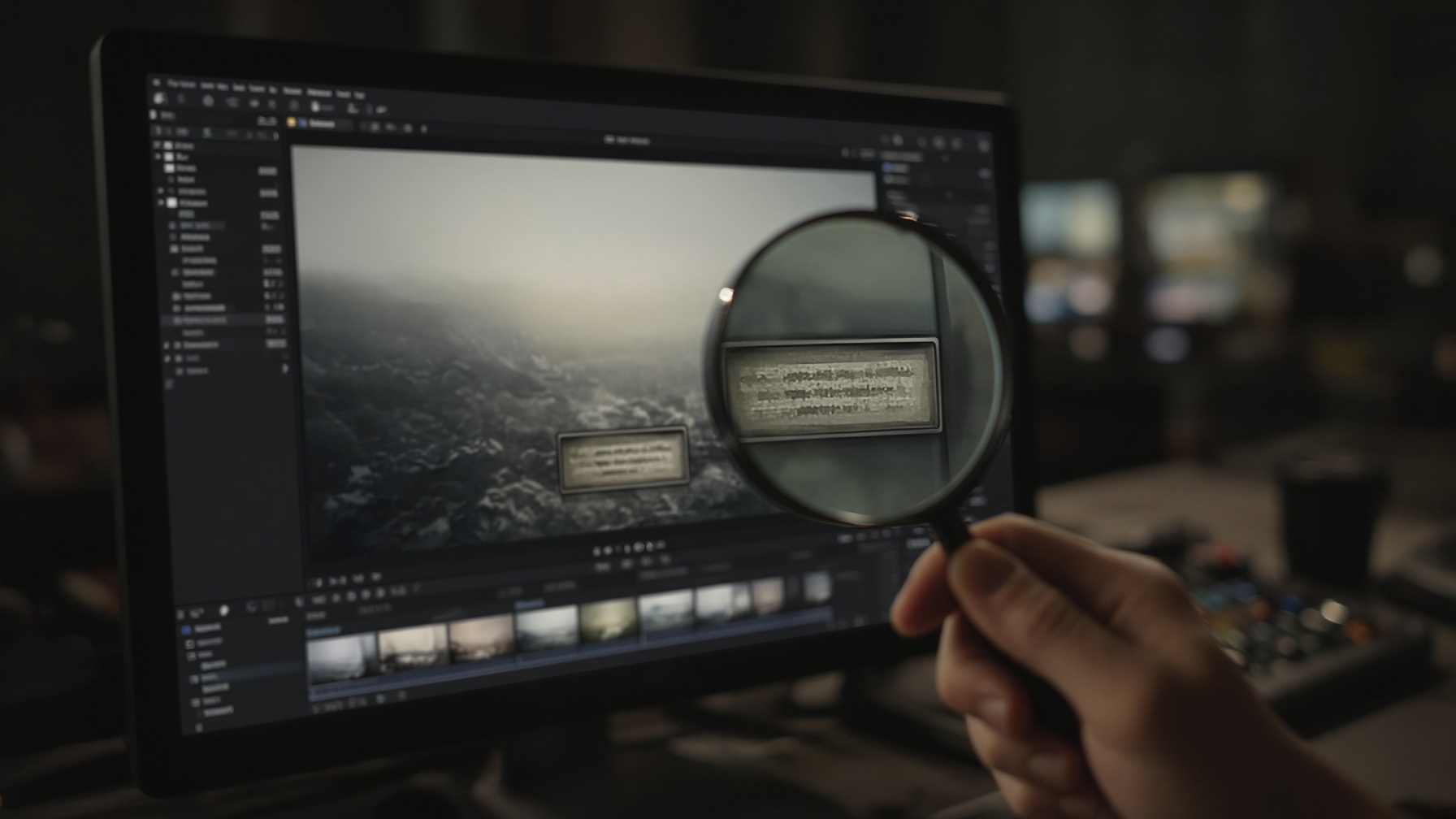
One limit hits AI-generated video specifically: text that is too small, blurry, or inconsistent may be interpreted as texture or pattern.
AI video output often contains exactly that kind of marginal on-screen text.
The practical result: the upgrade question is about look and consistency, not new capability.
Starlight Precise 2.6 Upgrade Questions, Answered
Is Starlight Precise 2.5 still available after the Topaz Video 1.7 update?
From release 1.7.0, the Topaz desktop app replaces 2.5 with 2.6, and official docs do not list 2.5 as selectable there. Third-party cloud and API surfaces such as Runware and Satura still list 2.5 as of the research snapshot. The 2.5 look stays essentially accessible through the default third sharpness level in 2.6.
Does sharpness level 3 in 2.6 match 2.5 output exactly?
Official docs describe the 2.5 look as essentially accessible via the default third sharpness level, not as a guaranteed identical render. One user report on a difficult test clip found the sharpest setting slightly softer than 1.6.1 output, though with far better consistency. That is a single report on one clip, so treat it as a prompt to run your own short test export rather than a settled regression.
Do finished 2.5 projects need re-rendering after upgrading?
If your 2.5 renders were already approved, there is no documented reason to re-render them. The upgrade case is footage chasing softer levels, better temporal consistency, or the up to 15% speed improvement on new renders. How saved presets, open projects, and queued renders resolve after updating is not documented, so confirm those before you install release 1.7.0.
Is Starlight Precise 2.6 local rendering actually faster than 2.5?
Topaz documents up to 15% local speed improvements for AMD and Nvidia GPUs, with no published benchmark methodology or per-GPU breakdown. Diffusion processing still runs far slower than core enhancement models, so expect minutes to days depending on clip length, resolution, and system. Some investigating-tagged user threads report 2.6 performing worse than 2.5, and those remain unresolved, so test on your own hardware.
Can Starlight Precise 2.6 be combined with other Topaz filters?
No. The model is standalone and cannot be combined with other filters, in both 2.5 and 2.6. Preview and Frame Preview will not work either, so export a few seconds when you need to check a result. Plan your pipeline so enhancement and any other processing happen as separate passes.
![How to Master AI Image and Video Upscaling [2026 Guide]](/_next/image?url=https%3A%2F%2Fcdn.creatide.ai%2Fassets%2Fuploads%2Fimages%2F2026%2F04%2FwM9IxkdPGAOVPRXo6HtOotHz.jpeg&w=3840&q=75)
![Local PC vs Cloud AI Generation: Which is Better? [2026 Guide]](/_next/image?url=https%3A%2F%2Fcdn.creatide.ai%2Fassets%2Fuploads%2Fimages%2F2026%2F04%2FIrRoGtAwPYu0Dn5eB1FN7Hhs.png&w=3840&q=75)
![The 3 Best Image to Video AI Tools [2026 Benchmarks]](/_next/image?url=https%3A%2F%2Fcdn.creatide.ai%2Fassets%2Fuploads%2Fimages%2F2026%2F04%2F4gAxWKbHo223sqJxsdQaoEIN.png&w=3840&q=75)
