Upload your photo, pick your countries, and watch AI transform you into different nationalities with cinematic transition videos.
Updating the options.
Add a file to see the price.
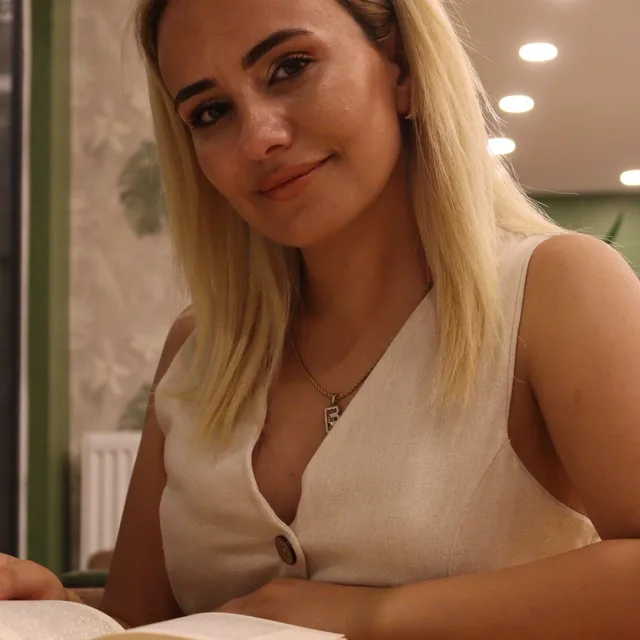
Start with a front-facing portrait or clean selfie. Better lighting and less blur help the AI country portrait generator preserve facial identity.
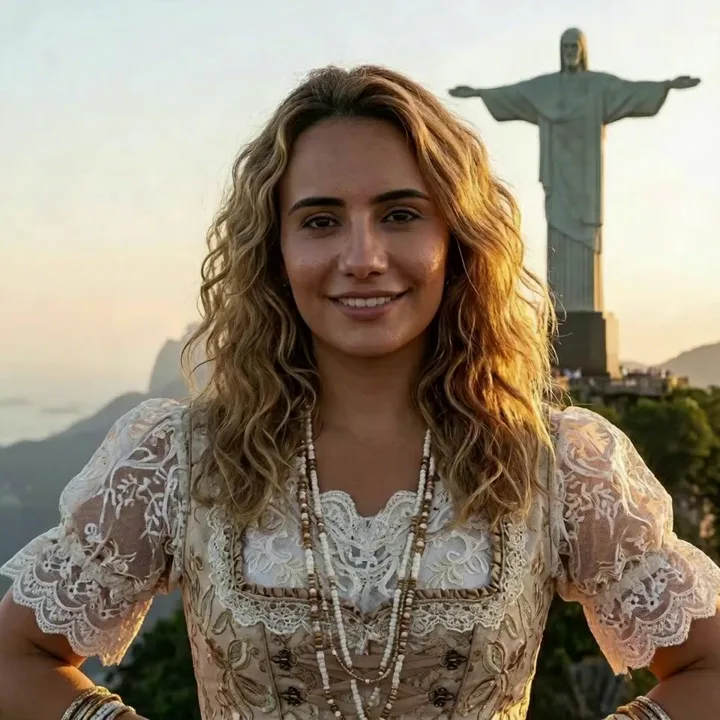
Choose 2 to 10 countries, pick gender guidance, select an aspect ratio, and set 480p, 720p, 2K, or 4K output.
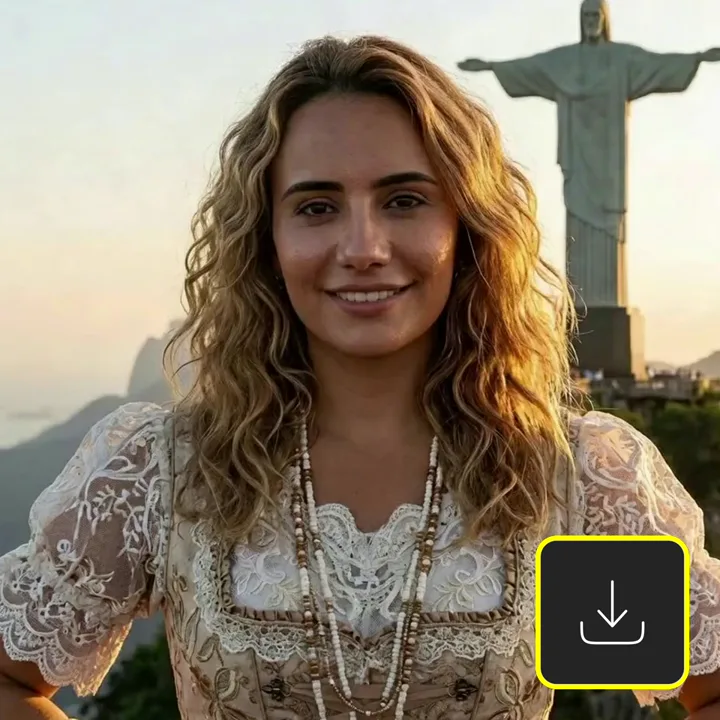
AIVid. creates country-inspired portraits, links them with cinematic transitions, and returns a short video ready to download.
What Is Born Elsewhere? Born Elsewhere turns one portrait into country-inspired looks and a short transition video. Upload a photo, choose countries, set format and resolution, and Creatide keeps the same person across the montage.
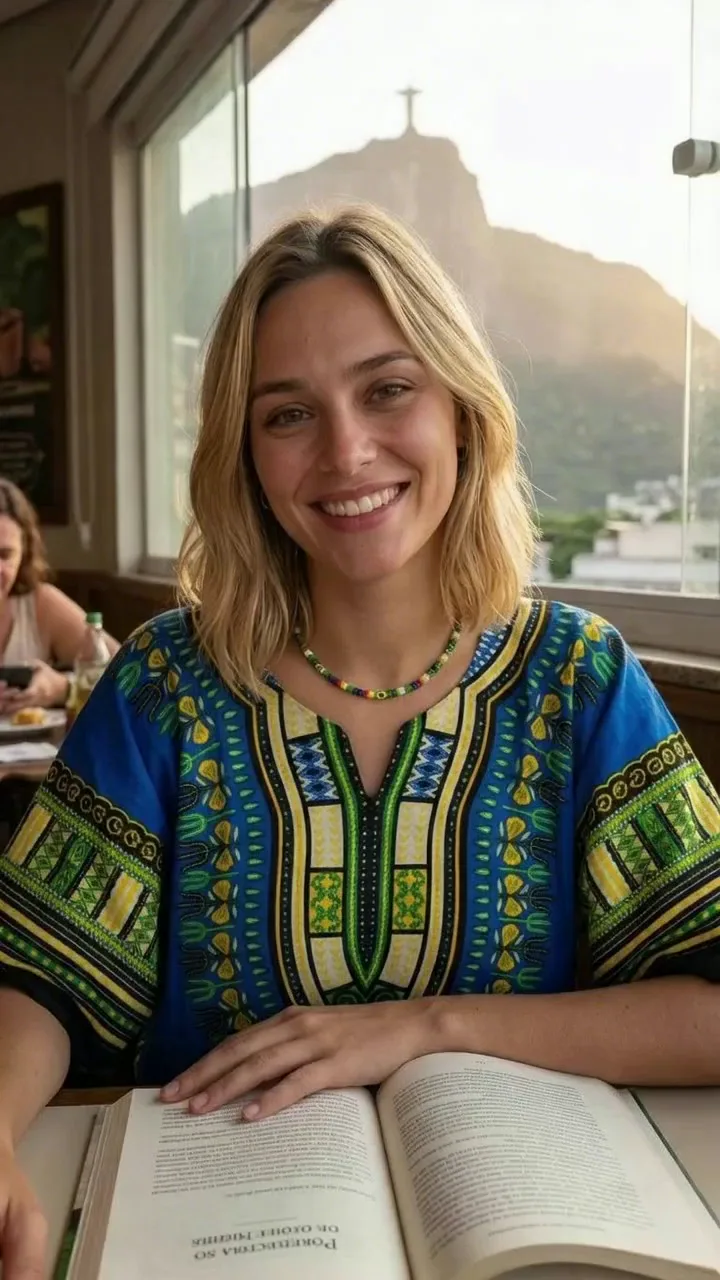
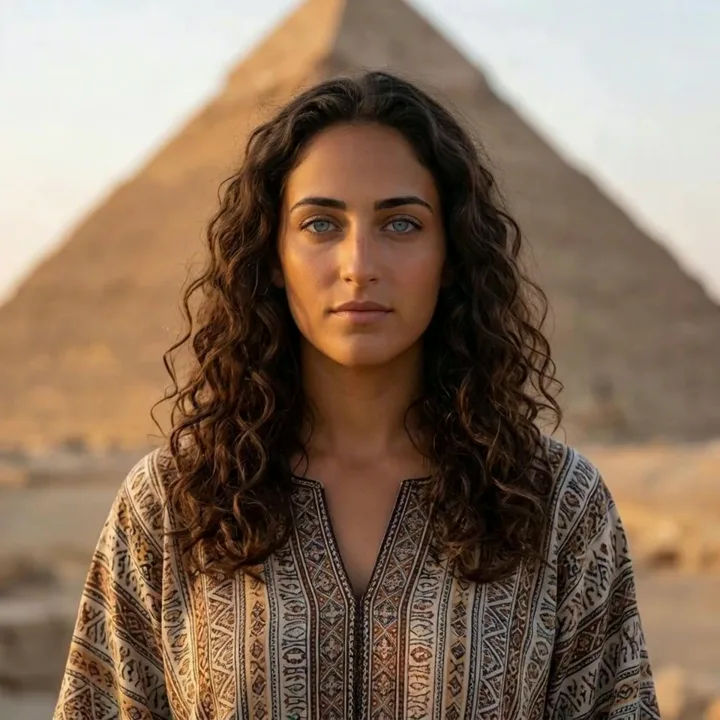
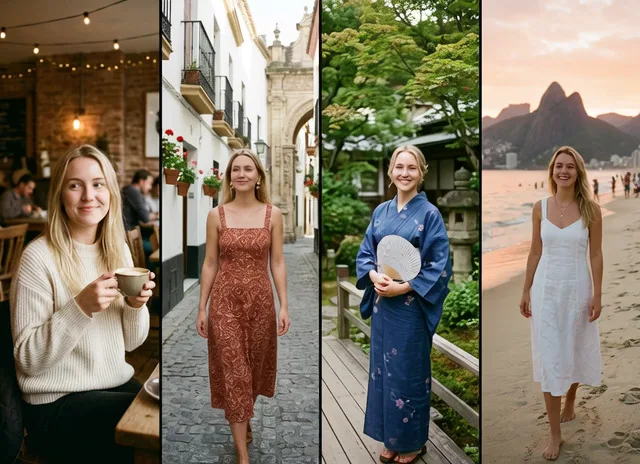
See how one photo can become a set of country-inspired portrait scenes across Japan, Nigeria, Brazil, India, Sweden, Egypt, Italy, Thailand, and more.
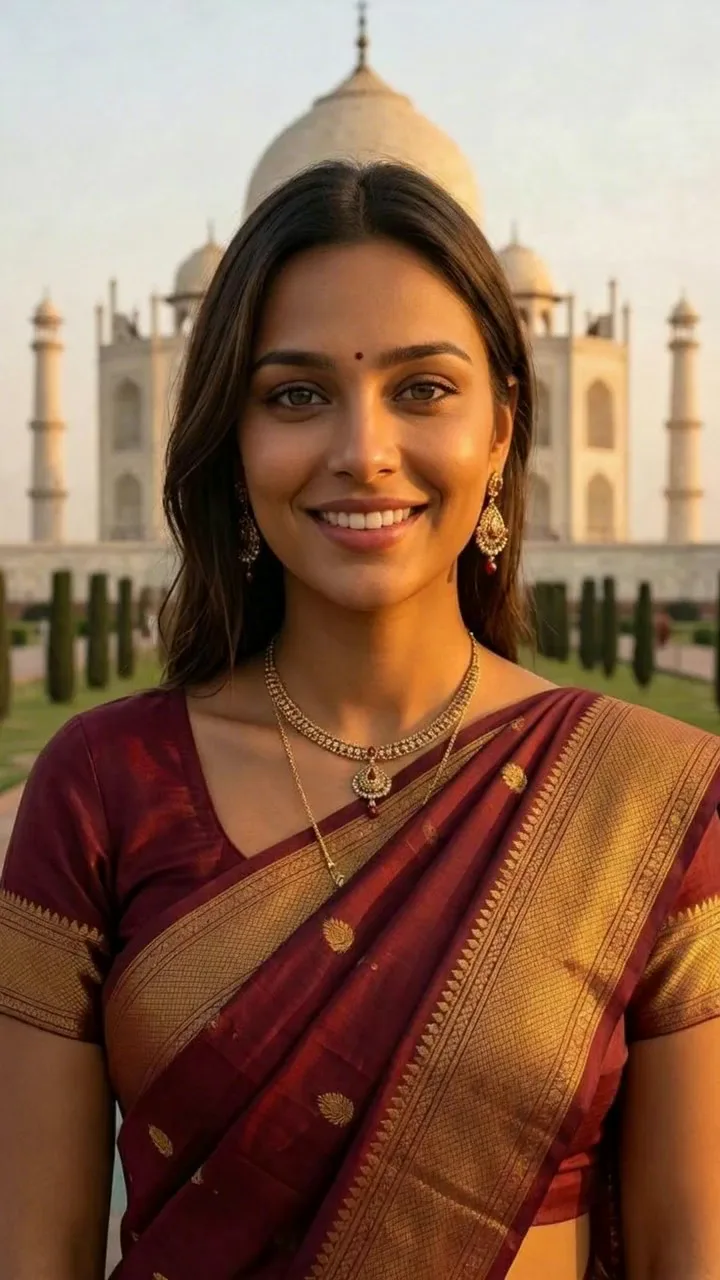
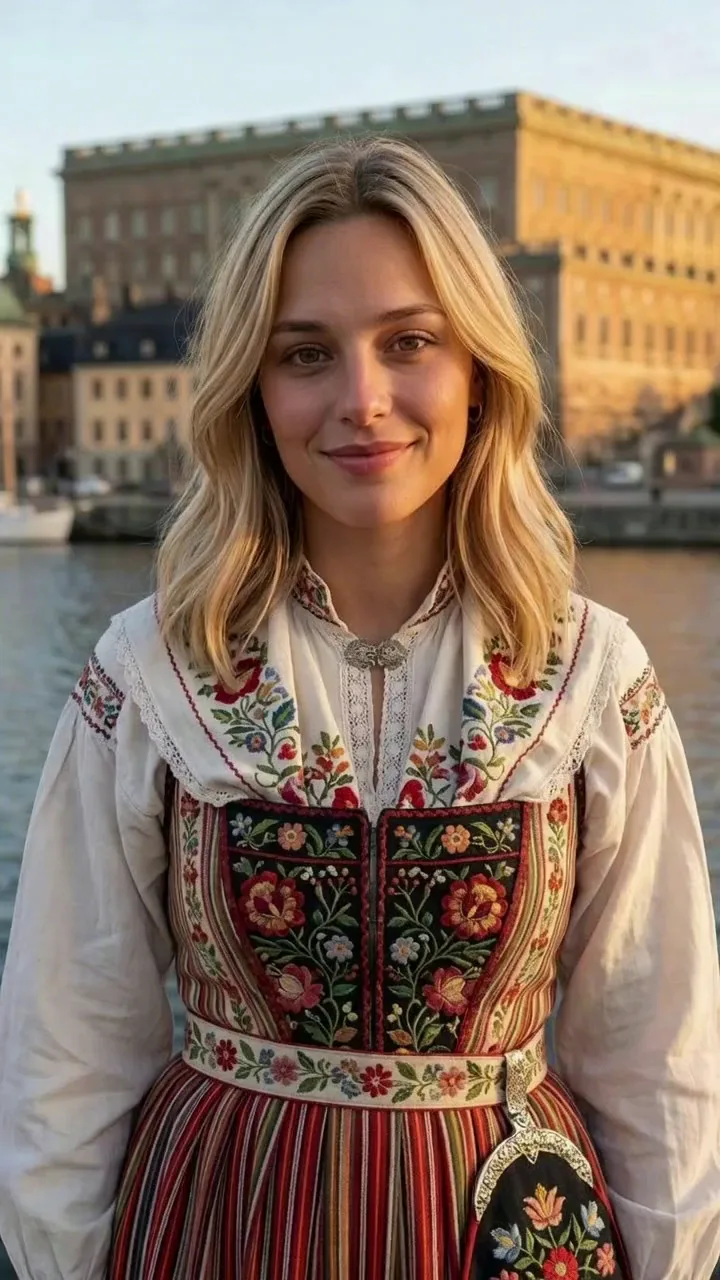
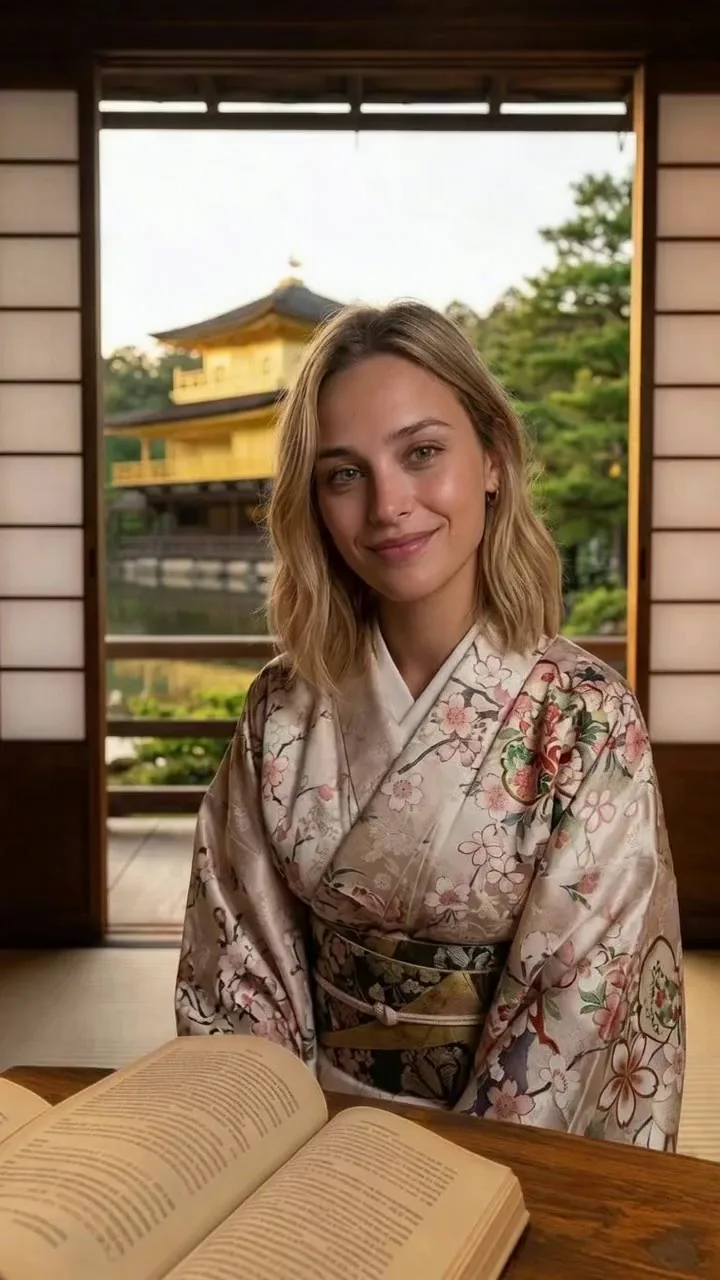
Swipe through country-inspired outputs generated from a single photo.
Choose the countries, format, resolution, and identity guidance before generating your montage.
Use one JPG, PNG, or WebP portrait as the identity source for all country-inspired outputs.
Add a name when you want the generated country-inspired look to feel more complete.
Choose auto, male, or female guidance so styling stays closer to the result you expect.
Select 2 to 10 countries and arrange the sequence for the final video.
Create vertical reels, square posts, landscape videos, or portrait-style formats.
Use 480p or 720p for faster outputs, or choose 2K and 4K for a sharper final video.
Use fewer countries for a tight reel, or pick up to 10 countries for a longer country-hopping montage.
Make a social reel, build a portrait set, or create visual references from one source photo.
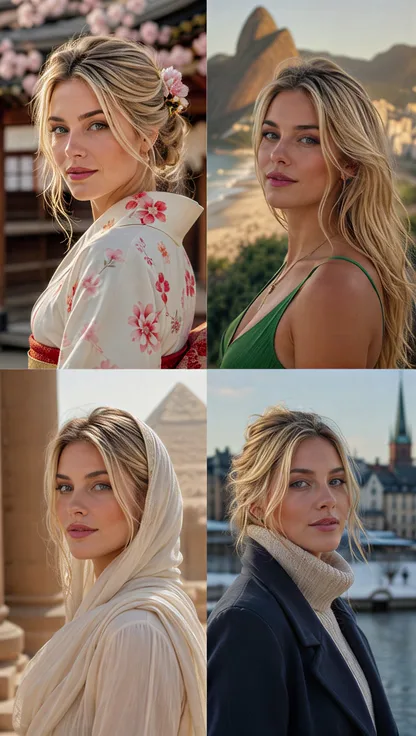
Turn one selfie into a country-hopping video for social posts and short edits.
Make A Reel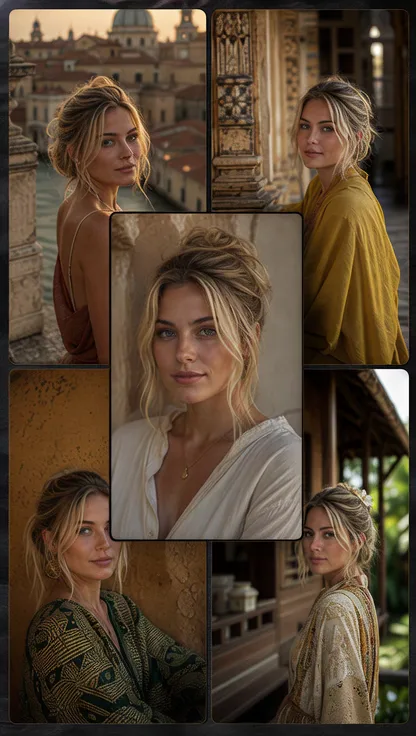
Create country-inspired portraits for avatar ideas, profile concepts, and visual experiments.
Create Portraits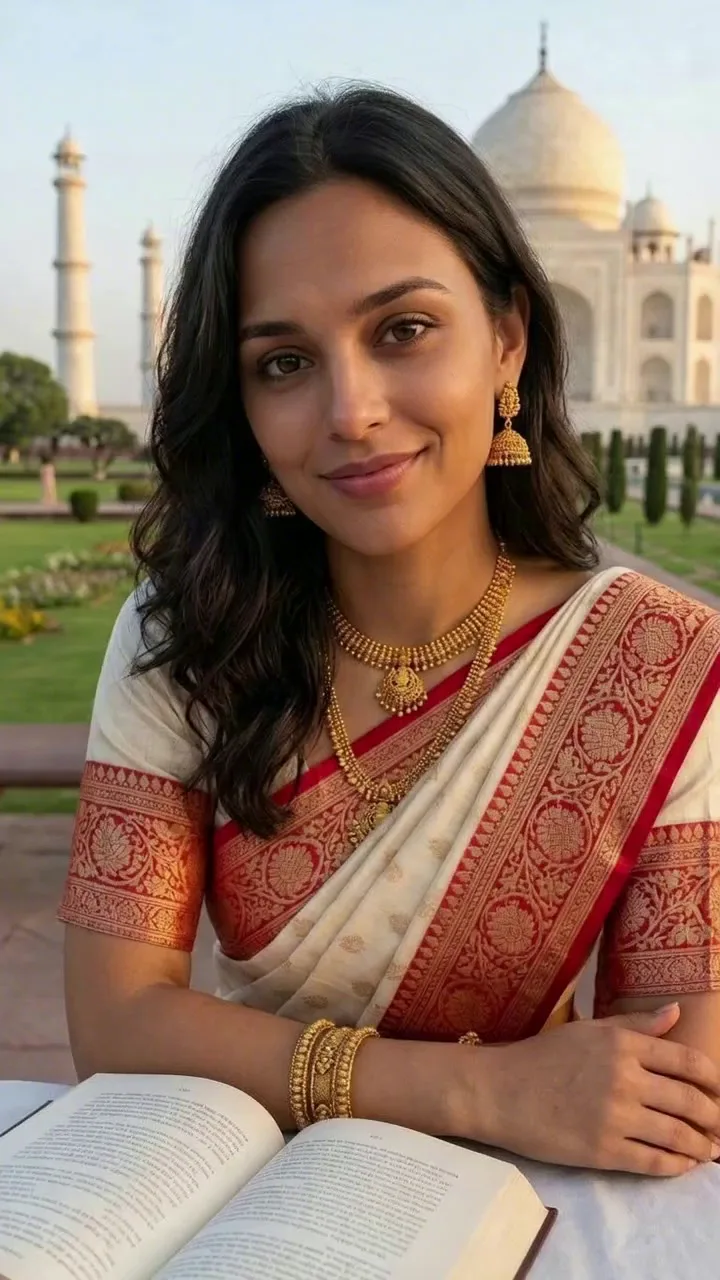
Use the generated looks as character references, casting ideas, or storyboard inspiration.
Build A MoodboardBorn Elsewhere helps answer the playful question "what would I look like if I was born in another country?" with a guided video workflow. Instead of prompting country by country, upload one photo, choose the countries, set the format, and let Creatide create a consistent portrait montage. The result is built for entertainment, storytelling, social content, and creative exploration, not identity verification or factual ancestry claims.
Use Born Elsewhere to create a country-hopping reel, a portrait set, or quick visual references from one photo.
Create short "what if I was born elsewhere?" reels with ordered country transitions.
Create ReelTry different portrait styles for avatars, profile images, and personal visual concepts.
Try CountriesGenerate country-inspired character references for scripts, campaigns, or moodboards.
Explore IdeasFor best results, use your own photo or an image you have permission to transform.
Upload once, choose your countries, and generate a smooth transformation video without writing separate prompts for every scene.
Answers about the Born Elsewhere AI country portrait generator, country selection, resolution, privacy, usage, and output quality.
Born Elsewhere is an AI country portrait and montage generator. It turns one uploaded photo into country-inspired alternate portraits and a short cinematic transition video.
You can use it as a creative AI nationality generator, but the output is only a visual idea. It does not verify nationality, ethnicity, ancestry, citizenship, or real cultural identity.
You can select 2 to 10 countries and arrange their order. The selected order controls the sequence of the final Born Elsewhere montage video.
Use a clear, front-facing portrait with good lighting, minimal blur, and only one main person. Strong source photos help preserve facial consistency across country transformations.
Yes. Choose 9:16 for vertical reels and shorts, 1:1 for square posts, 16:9 for landscape video, or 3:4 and 4:3 for portrait-style formats.
Yes. Higher resolutions usually cost more credits. In this workflow, 2K and 4K use an additional upscale pass after the base video generation.
Use photos you own or have permission to transform. Born Elsewhere is intended for consent-based creative content, personal entertainment, and lawful storytelling.
The result is an AI-generated visual interpretation, not a factual cultural or identity claim. Treat outputs as creative portraits rather than documentary accuracy.
You can use your generated outputs according to AIVid. terms and your rights to the uploaded photo. For branded work, make sure every person in the source image has granted permission.
AI transformation can shift styling, age cues, clothing, hair, or facial details. Cleaner source photos, fewer countries, and moderate resolution choices usually improve consistency.
Read guides about AI country portraits, AI nationality generators, face consistency, portrait prompts, and social video workflows.
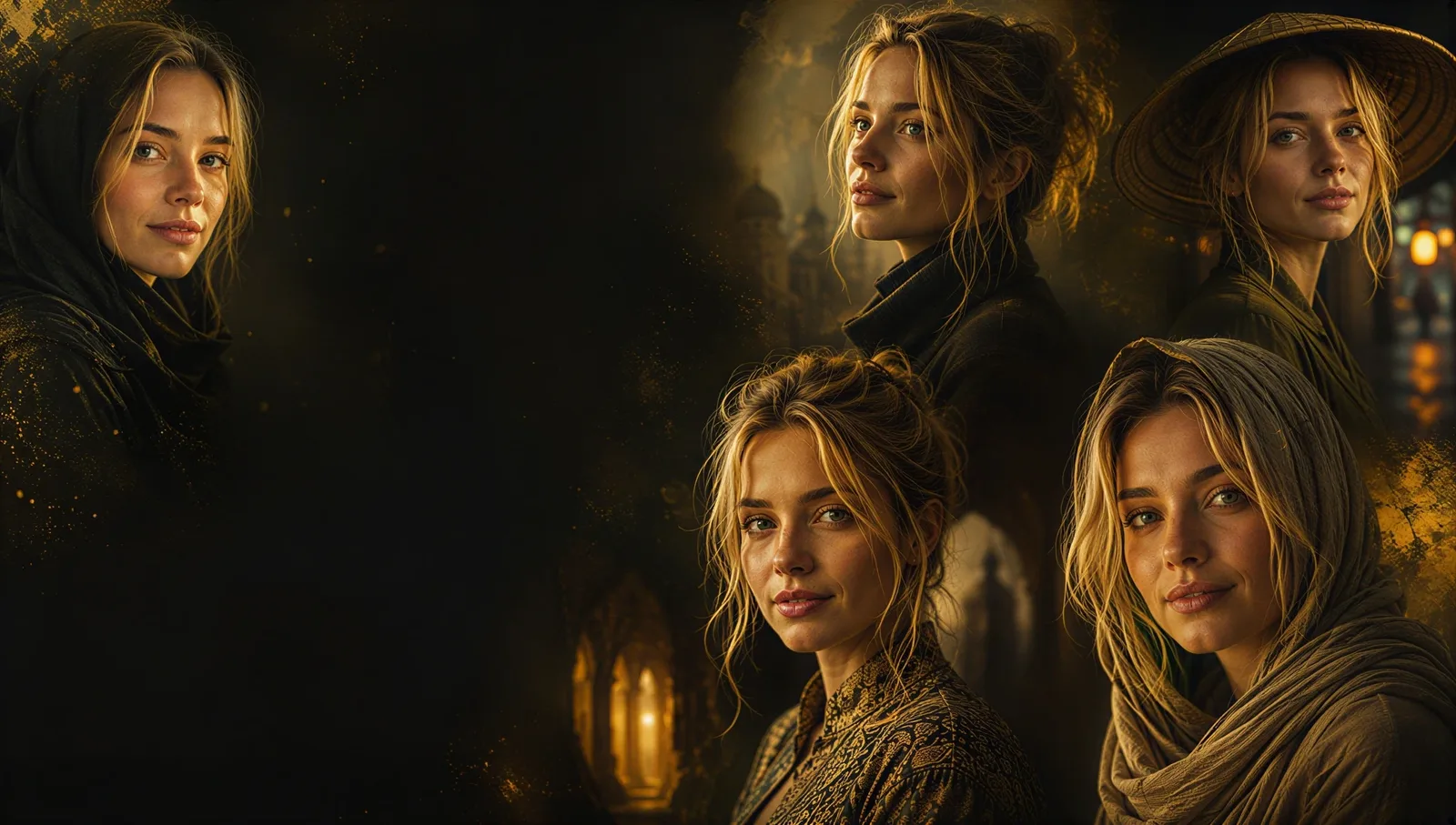
Upload a photo, choose countries, set your video format, and generate an AI country transformation montage in minutes.
Unlock premium AI creation, faster rendering, commercial rights, and watermark-free exports whenever your next idea is ready.
No watermark - Cancel anytime - 14-day money-back