
Frame GrabberFrame Grabber
FREERuns on your deviceRuns on your deviceFind the sharpest moment in a video and save it as a full-resolution image.Free vs Pro Same Tool, More Power.
| Feature | Free | Pro |
|---|---|---|
| Best frames found | 6 | 24 |
| Contact sheet PDF | — | ✓ |
| Video size | Up to 2 GB | No limit |
Save a Video Frame in Three Steps.
- Add a videoDrop an MP4, MOV or WebM. It opens in your browser and stays on your device.
- Find the sharp momentThe sharpness graph marks the clearest frames. Step frame by frame with the arrow keys.
- Save itDownload a PNG, JPG or WebP at the video’s full size, or all the best frames as a ZIP.
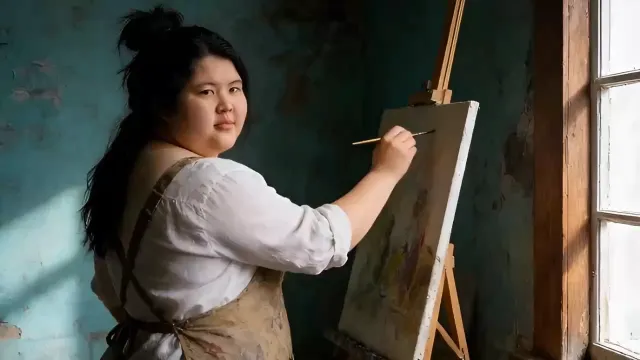
Why Paused Frames Look Blurry.
Pressing pause and taking a screenshot usually gives a soft, smeared image. Three things cause it, and the sharpness graph is built to dodge all three.
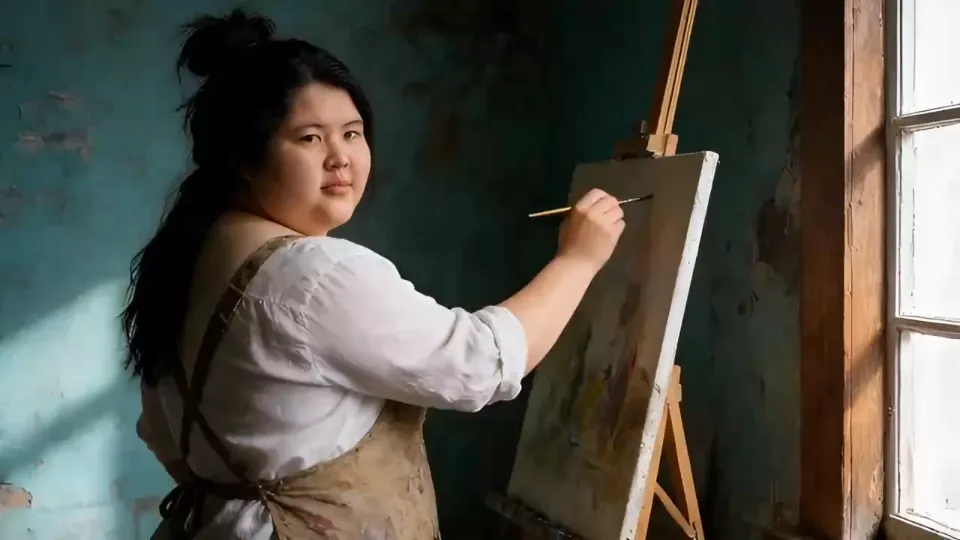
Motion Blur
While the camera’s shutter is open, anything moving smears. At normal video shutter speeds, a hand or a car moving fast is blurry in almost every frame.
Compression
Video stores a few full frames and describes the rest as changes. Frames in between can carry blocky details that you never notice while it plays.
Focus Hunting
Phones refocus constantly. A pause in the middle of a refocus looks soft, even though the shot looks sharp when you watch it.
One Video, Many Stills.
Thumbnails
Grab a crisp still with the right expression, then design the thumbnail on top.
Product Stills
Filmed a product video? Save the best angles as images for your store, ads and carousels.
Storyboards and Reviews
Save all six best frames as a ZIP to share a quick visual summary with a client or a team.
Social Posts
A strong frame from a Reel makes a great feed post or carousel slide, so one shoot gives you both.
Memories
Pull a sharp moment from a family video to print, frame or share as a photo.
Reference
Save a frame to show an editor or colorist exactly the look, pose or moment you mean.
Related Tools
18 tools · scroll Video01Video CompressorShrink a video to fit Discord, WhatsApp or an email.
 Video02Trim, Cut & MergeCut the slow parts, join clips, rotate or flip.
 Video03Slow Motion & Speed RampSlow down the best moment, trim the rest, smooth the ramps.
 Video04Extract Audio or MuteSave a video's sound as MP3, or the video without it.
 Subtitles05Video to TextGet a transcript of any video or audio, with timestamps.
 Music & audio06Text to SpeechTurn a script into a natural voiceover and save it as MP3.
 Music & audio07Slowed + ReverbMake slowed, reverb, sped up and nightcore versions of a song.
 Image08Remove Image BackgroundCut out a product or a person, ready for any design.
 Image09Image UpscalerMake small or blurry photos sharp, for free.
 Image10Magic EraserBrush over people, objects or text and they’re gone.
 Image11Image to PromptTurn any image into a prompt for AI images or video.
 Video12Video to PromptA prompt for every scene of a video, ready to remake.
 Video13AI Clip StitcherJoin AI clips with matched color and smooth cuts.
 Video14Seamless Loop MakerMake a clip loop forever without a visible jump.
 Video15Video Background RemoverCut a person out of a video, with a transparent background.
 Video16Color MatchGive every clip the same look, or save it as a LUT.
 Music & audio17Voice CleanerTake the noise and hum out of a voice recording.
 Image18Start Frame PrepFit a start frame to the exact size an AI video model wants.
Grab a Sharp Still from Any Video
Frame Grabber scans your video and scores every frame for sharpness, so you can jump straight to the clearest moments and save them as full-resolution images.
Step frame by frame, compare the six best picks and download PNG, JPG or WebP. It all runs in your browser.
Full Resolution, No Player in the Way
A screenshot captures your screen, not the video: it’s often smaller than the original and can include the player’s controls. Frames saved here are the exact pixels of the video, at its full size.
A 4K video gives you 8-megapixel stills.
How Big Is a Video Frame?
A still is exactly as large as the video it came from. Here’s what each resolution is good for.
Record in 4K, grab in 4K
A frame can never be bigger than the video it came from. If you know you’ll want stills, record in 4K and at a faster shutter speed, then grab the frames here at full size.
| Video | Frame size | Megapixels | Good for |
|---|---|---|---|
| 720p | 1280 × 720 | 0.9 MP | Social posts, chats |
| 1080p | 1920 × 1080 | 2.1 MP | Thumbnails, websites, slides |
| 1440p | 2560 × 1440 | 3.7 MP | Large web images, small prints |
| 4K | 3840 × 2160 | 8.3 MP | Prints up to about 32 × 18 cm at 300 dpi |
Pick the Frame Like a Photographer.
Sharp is the start. These four checks turn a sharp frame into a great one.
Eyes Open, Mouth Closed
For people, step a few frames around the moment. Blinks and half-words are common, and one frame later is often the keeper.
Peak of the Action
For jumps, splashes and throws, the highest point is the sharpest because the motion briefly slows down.
Clean Background
Pick a frame where nothing distracting crosses behind the subject, like a passer-by or a car.
Leave Room for Text
Thumbnails and ads need space for words. A frame with empty sky or wall on one side saves cropping later.
Frame Grabbing, Answered.
How do I save a frame from a video?
Add the video, move to the moment you want, or click one of the best frames, and press Save frame. You get a PNG at the video’s full resolution.
Why is my still blurry?
Most frames in a video carry some motion blur. Use the sharpness graph to pick a peak, or turn on Skip blurry frames so only clear ones are suggested.
What resolution will the image be?
The same as the video: 1920 × 1080 for 1080p, 3840 × 2160 for 4K. Choose 1080p under Size for a smaller file.
PNG or JPG?
PNG keeps every pixel and is best for editing or thumbnails. JPG is smaller and fine for sharing. WebP is smallest for websites.
Is my video uploaded?
No. Frames are decoded and saved by your browser, so the video never leaves your device.
Can I step one frame at a time?
Yes. Use the arrow keys or the frame buttons. Hold Shift to jump one second.
Can I grab frames from a YouTube video?
Use a video file you have on your device and the rights to. Links aren’t downloaded.
Can I save several frames at once?
Yes. Save all six best frames as a ZIP, or with Pro find up to 24 and export a contact sheet.
 Start generating
The Next Shot IsJust a Prompt Away
Unlock premium AI creation, faster rendering, commercial rights and watermark-free exports whenever your next idea is ready.