
Image Upscaler
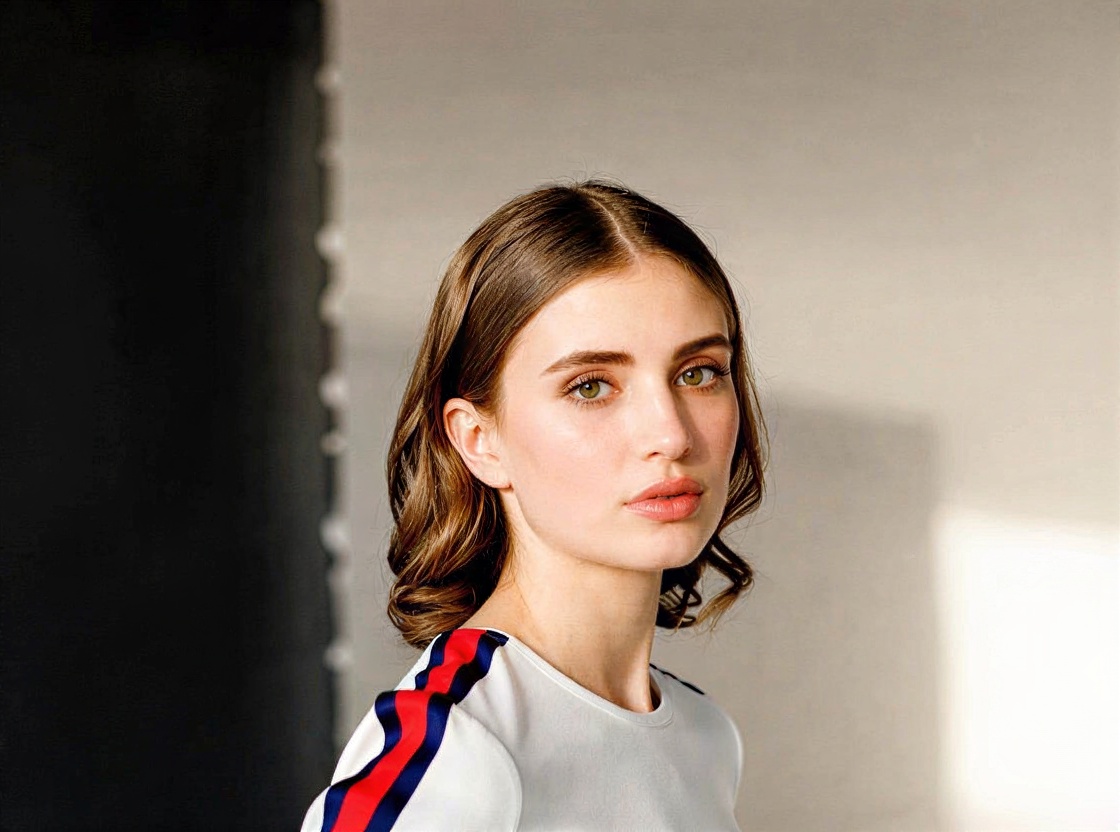
FREERuns in the cloudRuns in the cloudMove the yellow box to inspect any spot at 400%. The left square is what you have, the right one is what you get.
Free vs Pro Same Tool, More Power.
| Free | Pro | |
|---|---|---|
| Max resolution | 720p (HD) | 1080p and 4K |
| Speed | Free queue | Priority |
| Daily runs | 3 | Unlimited |
Upscale an Image in Three Steps.
- Add an ImagePNG, JPG or WebP, up to 2000 px on the long side.
- Pick the Size720p for the web, 1080p and 4K with Pro for prints and big screens.
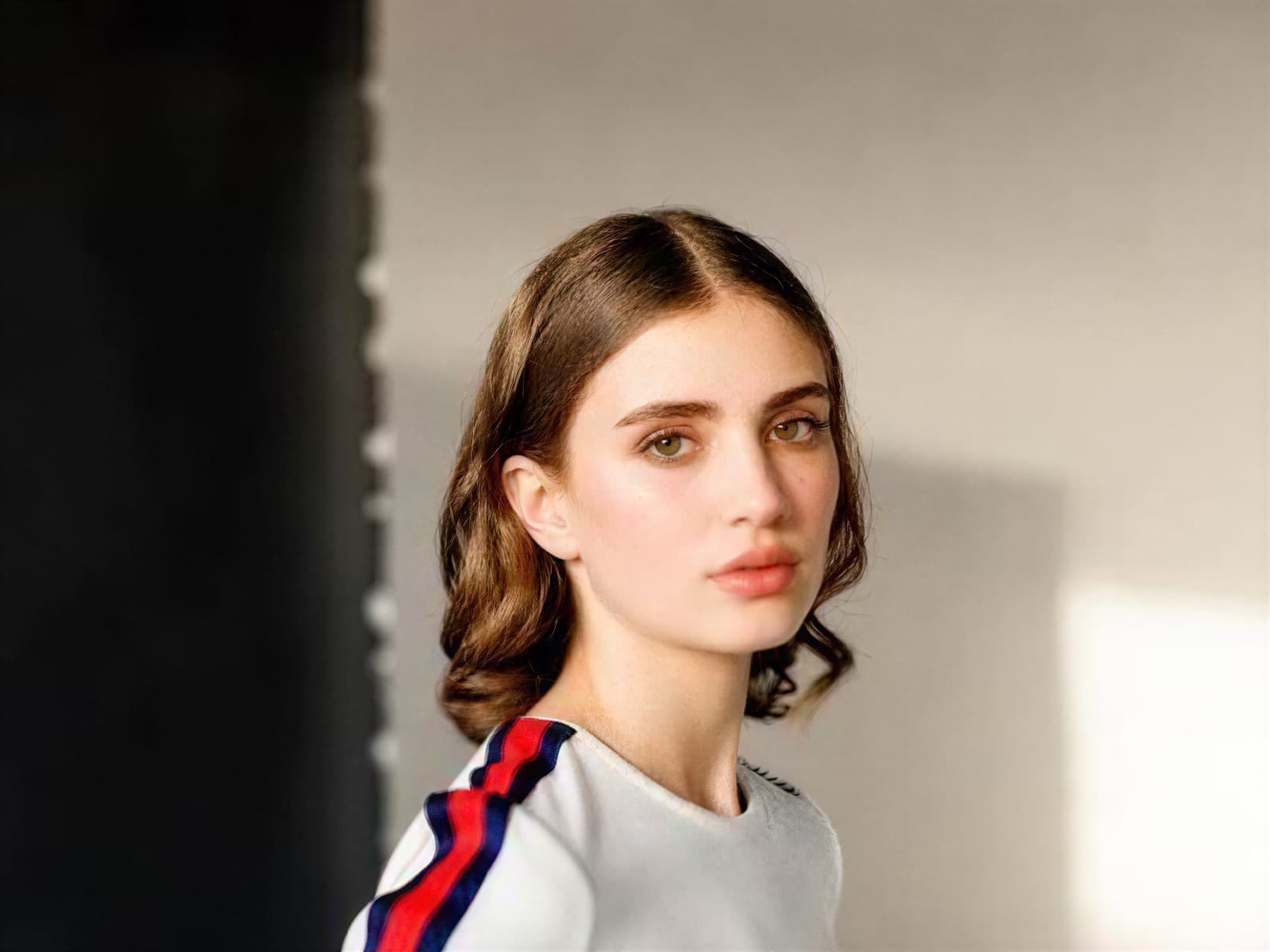
- DownloadDrag to compare, then save the sharp version.
Related Tools
18 tools · scroll Video01Video CompressorShrink a video to fit Discord, WhatsApp or an email.
 Video02Trim, Cut & MergeCut the slow parts, join clips, rotate or flip.
 Video03Slow Motion & Speed RampSlow down the best moment, trim the rest, smooth the ramps.
 Video04Extract Audio or MuteSave a video's sound as MP3, or the video without it.
 Video05Frame GrabberSave the sharpest frame of a video as a still image.
 Subtitles06Video to TextGet a transcript of any video or audio, with timestamps.
 Music & audio07Text to SpeechTurn a script into a natural voiceover and save it as MP3.
 Music & audio08Slowed + ReverbMake slowed, reverb, sped up and nightcore versions of a song.
 Image09Remove Image BackgroundCut out a product or a person, ready for any design.
 Image10Magic EraserBrush over people, objects or text and they’re gone.
 Image11Image to PromptTurn any image into a prompt for AI images or video.
 Video12Video to PromptA prompt for every scene of a video, ready to remake.
 Video13AI Clip StitcherJoin AI clips with matched color and smooth cuts.
 Video14Seamless Loop MakerMake a clip loop forever without a visible jump.
 Video15Video Background RemoverCut a person out of a video, with a transparent background.
 Video16Color MatchGive every clip the same look, or save it as a LUT.
 Music & audio17Voice CleanerTake the noise and hum out of a voice recording.
 Image18Start Frame PrepFit a start frame to the exact size an AI video model wants.
Upscale Images Without Losing Quality, Free
Stretching a small image makes it blurry. This free upscaler uses AI to add the missing detail, so photos come back bigger and still sharp.
Your image is only used to make your result. The upscaled image is saved to your History, so you can download it again later.
Bring Old Photos Back
Turn on Remove noise for scans and heavily compressed JPGs.
Use 1080p or 4K with Pro for prints and large screens. Every run needs a free account, up to 3 a day.
Sharper Images for Everything.
Printing Photos
Make small images big enough to print sharply as posters, canvases and photo books.
Online Stores
Supplier photos are often small. Upscale them so product zoom shows detail instead of blur.
Old and Low-Res Photos
Bring family photos, old phone pictures and scans up to the size of today’s screens.
AI Images and Designs
Many AI image tools output around 1024 px. Upscale to 4K for ads, banners and prints.
Get the Most from Upscaling.
AI upscaling adds detail it predicts from the image. Give it a good starting point and it does better work.
- 01
Start with the Cleanest Version
Use the original file, not a screenshot or a photo sent through a chat app, which has already lost detail.
- 02
720p for Screens, 4K for Print
720p is enough for most web and social uses. Use 1080p or 4K with Pro when you need to print large or crop in heavily.
- 03
Turn on Remove Noise for Old Files
Scans, night photos and heavily compressed JPGs have grain and blocks. Cleaning them first gives a smoother, sharper result.
- 04
Check Details Up Close
Zoom in on text, hair and patterns. AI can invent detail, so make sure logos and writing still look right.
Mistakes That Waste the Upscale.
Upscaling a Screenshot
Screenshots of photos have already lost detail and color. Use the original file for a much sharper result.
Going Straight To 4K
4K on a tiny, noisy image can make textures look painted. Turn on Remove noise, and try 720p first.
Not Checking Text and Logos
AI can reshape small letters. Zoom in on any text in the image before you print or publish it.
How Big Can You Print?
At 300 dpi, the usual quality for photo prints, every inch needs 300 pixels.
| Your image | After 1080p | After 4K | Prints sharp up to |
|---|---|---|---|
| 500 × 750 | 1080 × 1620 | 2560 × 3840 | 22 × 33 cm (8.5 × 12.8 in) |
| 800 × 1000 | 1080 × 1350 | 3072 × 3840 | 26 × 33 cm (10.2 × 12.8 in) |
| 1024 × 1024 | 1080 × 1080 | 3840 × 3840 | 33 × 33 cm (12.8 × 12.8 in) |
| 960 × 540 | 1920 × 1080 | 3840 × 2160 | 33 × 18 cm (12.8 × 7.2 in) |
Upscaling Images, Answered.
How big can the result be?
Free upscales go up to 720p (HD). Pro goes up to 1080p (Full HD) and 4K (Ultra HD), sharp enough for prints and big screens.
What does Pro add to this tool?
1080p and 4K exports, no daily limit, and Pro skips the free queue. Pro also comes with monthly credits for Creatide’s AI video, image and music models.
Which images can I upscale?
PNG, JPG and WebP images up to 2000 px on the long side.
Is my image stored?
Your image is only used to make your result. The upscaled image is saved to your History, so you can download it again later.
Is it free?
Yes. Upscaling to 720p is free with a free account, up to 3 images a day. 1080p and 4K come with Pro.
What’s the difference between upscaling and resizing?
Resizing stretches the pixels you have, so the image gets blurry. Upscaling uses AI to add new detail, so edges and textures stay sharp.
Can it fix a blurry photo?
It helps with photos that are small or slightly soft. Strong motion blur or a photo that’s out of focus can’t be fully fixed.
Will it change how my photo looks?
It keeps the colors and the composition and adds fine detail. On very small images, skin or grass can look a little smoother than in real life.
Can I upscale a logo?
Yes, but a vector file such as SVG is always sharper for logos. Upscaling is best when a small PNG or JPG is all you have.
 Start generating
The Next Shot IsJust a Prompt Away
Unlock premium AI creation, faster rendering, commercial rights and watermark-free exports whenever your next idea is ready.