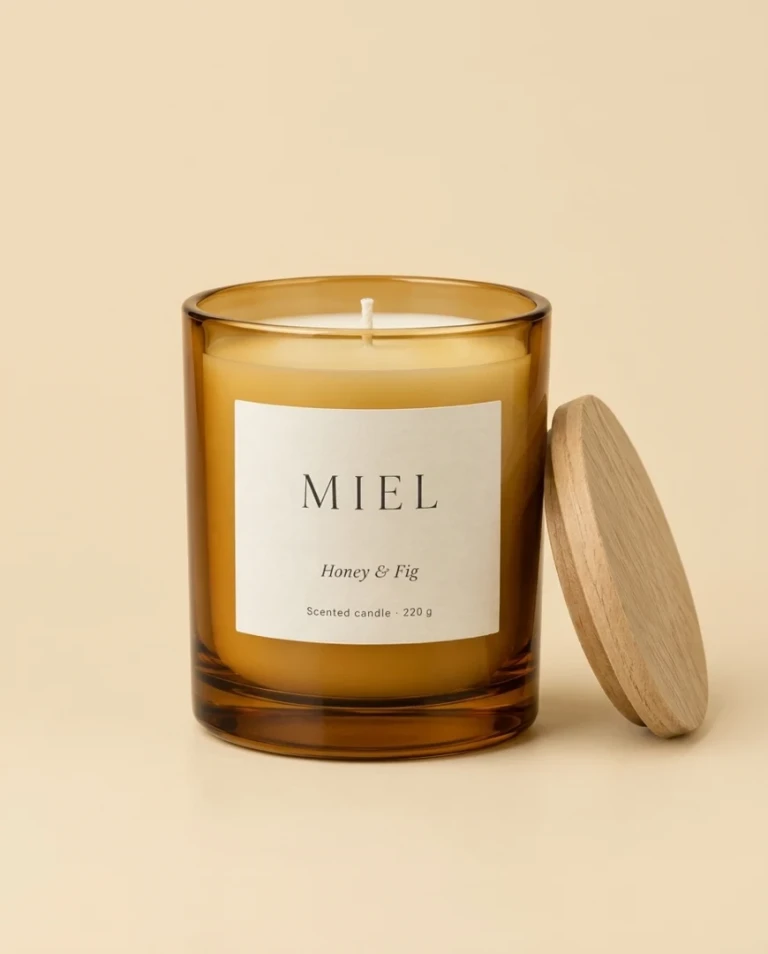
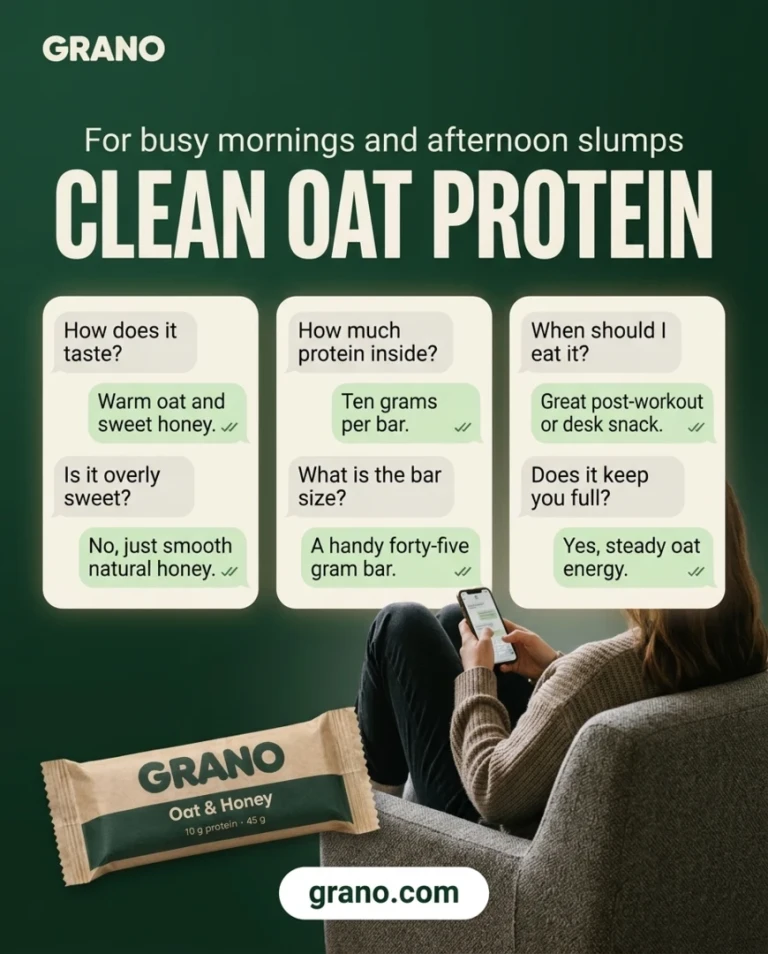
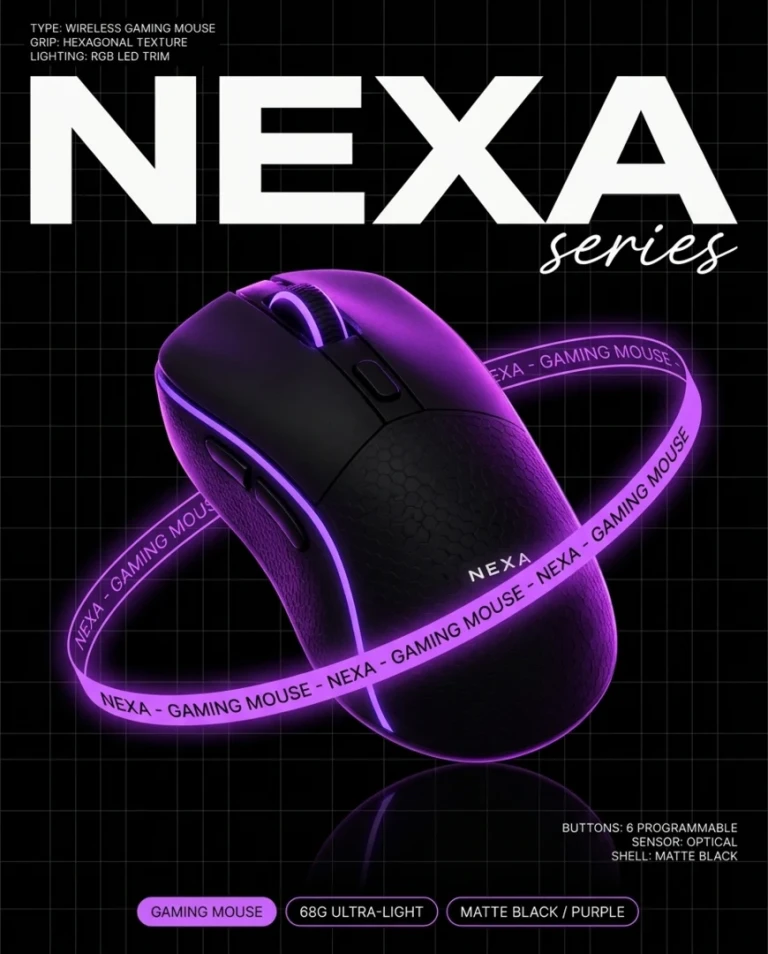
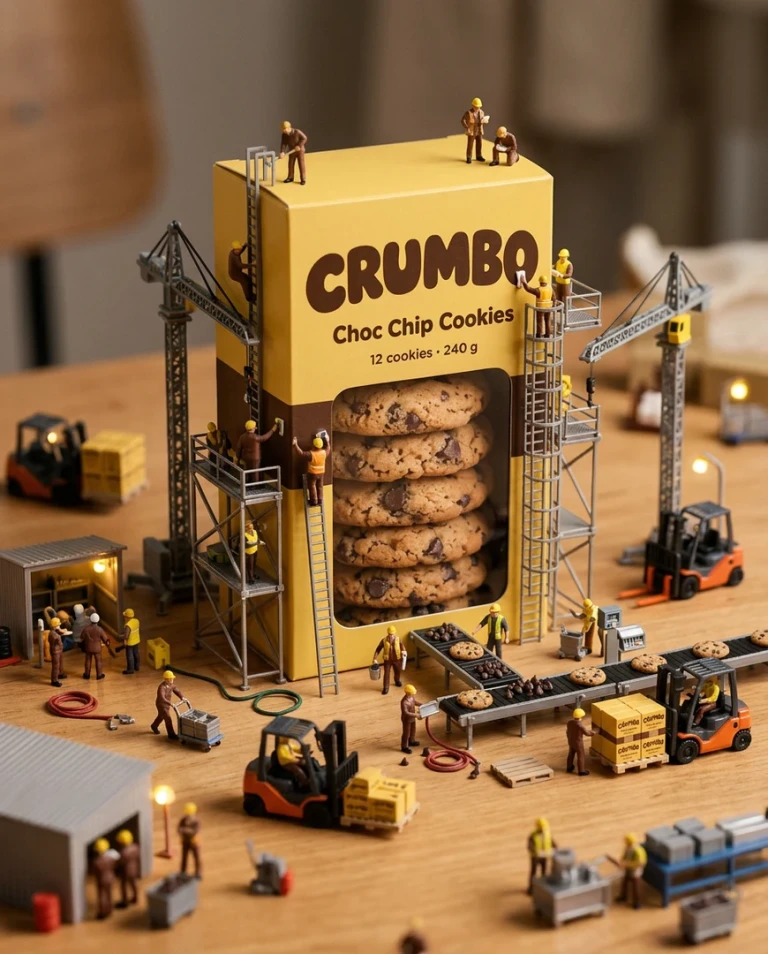
Ad Hub turns your product into ad content. Add your products and avatars to your library, mention them in your prompt with @name, and generate video or image ads without a studio, actors or an editing team.
Pick a style to start from a look that already works, and switch between video and image on the same page. In video mode, Hook and Setting let you decide how the ad opens and where it takes place.
For brands and sellers
Create More Ad Variations, Faster
Ads get better with testing. Make several versions of the same idea by changing the style, the hook, the setting, the model or the aspect ratio, without paying for a new shoot each time.
Your products and avatars stay in your library, and your results stay under the composer and in the latest generations, ready to reuse for the next campaign.
FAQ
Ad Hub, answered.
What is Ad Hub?
Ad Hub is the Creatide.ai page for making video and image ads from your product. You describe the ad you want, add a product and an avatar from your library if you want them in it, and generate.
How do I put my product or an avatar in the ad?
Pick them from your library in the composer, or type @ followed by the item's name in your prompt. One ad uses at most one avatar and one product.
Do I have to pick a style?
No, a style is optional. When you pick one, its reference guides the look of your ad.
Which model should I use?
The model list on the page shows what you can pick. The aspect ratios, resolutions and, for video, lengths you are offered depend on the model you choose.
How much does an ad cost?
The price in credits is shown next to the Generate button before you start. It changes with the model and the options you pick.
What happens if a generation fails?
The credits for it are refunded in full.
Where do I find my ads?
New results appear under the composer. Older ones stay in the Last generations strip below it.
Do I need an account?
You can look around without one. Generating, creating library items and saving ask you to sign in.