

●11 min read
Suno Download Limits: What Creators Need to Know
You generated the perfect track, but Suno download limits add a separate ceiling before you can export it.
See what changed on September 3, how Pro and Premier allowances and extra downloads work, plus simple ways to audition smarter and save capacity.

You finally generated your keeper track.
It sounds ready for release, yet export hits a second ceiling.
Generation success no longer means you can use the file.
Since September 3, 2026, Suno download limits separate creating a song from taking the file home.
That split matters most for AI music creators and YouTube teams planning releases.
The catch:
Leftover generation credits don't help once exports run out.
The decision shifts from how much you can make to how much you can save and ship.
The difference is what changed, how the two budgets work, and what each plan allows.
A tighter audition routine and clear reset plus extras check saves capacity for final releases.
What Changed With Suno Download Limits on September 3, 2026?
Suno download limits starting September 3, 2026 separate file export from generation credits, creating a download ceiling that covers every song including tracks created before that date, while libraries stay playable and shareable on all plans pending official Help Center re-verification.
Generation creates the track inside Suno. Listening and sharing there stays available.
Export moves the file outside Suno for release or editing. That move now needs its own allowance.
The practical result:
Creators must budget two actions instead of one. Large back catalogs face the same ceiling as new songs.

Changed: downloads need a separate allowance starting September 3, 2026, including songs created before that date
Changed: remaining generation credits cannot cover an export once download allowance ends
Stayed same: library stays playable on Suno on every plan including Free
Stayed same: library stays shareable on Suno without spending an export
Older tracks keep their in app value for review and links. File export is where the new choice appears.
Confirm current official blog and Help Center details before planning releases, because policy may change.

Why Do Generation Credits and Suno Download Credits Behave Like Two Budgets?
Generation credits fund creation and in app audition while Suno download credits fund file export, so each budget runs independently and one can run out while the other still shows balance pending official FAQ re-verification.
Think of audition as review inside Suno. Think of export as taking the file outside.
You can play versions, share links, and compare mixes inside Suno without spending Suno download credits. Export is the moment the counter moves.
That means:

| Budget Type | What It Spends On | When It Is Consumed | What Happens When It Runs Out |
|---|---|---|---|
| Generation credits | New songs and variants | At creation time | Creation pauses until reset or top up |
| Suno download credits | File export for release or editing | At first successful file export | Export pauses while in app playback continues |
One song counts as one download regardless of format pulled. Downloading the same song twice still counts once.
Failed or interrupted downloads do not count against the total. Stems count as part of that same song export.
In app review protects capacity for final releases. Use it to shortlist before any file leaves Suno.
Check current official FAQ before planning stems or format pulls, because counting rules may change.

What Do Free, Pro, and Premier Actually Let You Export Each Month?
Reported allowances point to 7 lifetime trial exports for Free, 20 per month for Pro, and 60 per month for Premier with reset on billing date, so verify current official pricing, Help Center, and Terms before planning releases.
Free exports cover testing rather than release.
Suno download limits treat playback and file export as separate actions.
| Plan | Reported Monthly Download Allowance | Reset Rule | Commercial Note |
|---|---|---|---|
| Free | 7 lifetime reported | No monthly reset reported | Personal use only, verify Terms |
| Pro | 20 per month reported | Billing date reset reported | Download based rights reported, verify Terms |
| Premier | 60 per month reported | Billing date reset reported | Studio nuance reported, verify Terms |
The practical result:
Counts reportedly reset on billing date without rollover.
Free tier trial exports and personal use boundary
Reported guidance describes up to 7 trial downloads for Free accounts for personal use only pending Terms verification.
Older accounts reportedly keep 7 trial downloads plus purchasable extras, while newer accounts may receive occasional trials and purchases.
Pro export ceiling and who hits it first
The Suno Pro download limit is reported as 20 per month, so frequent releasers and YouTube teams hit it first.
Watch this video to see what counts as one download. Pay attention to the retroactive math.
Counts reportedly reset on billing date without rollover for unused exports.
Premier allowance plus Studio nuance
The Suno Premier download limit is reported as 60 per month, so verify current Studio definition in official sources.
Studio workflows are reported to download without ordinary limits pending Help Center confirmation.
How commercial use attaches on download
Paying subscribers are reported to hold commercial rights to songs they download, while trial downloads are not.
Secondary summaries link qualifying commercial exploitation to a permitted download channel. They suggest rights continue after exhaustion or expiry, so check official Terms and do not treat this summary as legal advice.

How Does Suno Music Download Pricing Work for Extra Downloads and Resets?
Unused downloads reportedly do not roll over and counts reset on billing date, while extra downloads are purchasable, so check current official Suno music download pricing and Help Center before paying because allowances and prices may change.
The catch:
Unused capacity disappears while purchasable extras need fresh price confirmation.
Monthly reset controls timing, while official pricing controls only the extra purchase decision.
Rollover and billing date reset check
Unused downloads reportedly do not roll over and counts reset on billing date, so confirm your date in account settings.
Buying additional downloads without guessing price
Extra downloads are reported as purchasable for all plans including Free, so check official Suno music download pricing before budgeting.
Omit any price seen in secondary summaries until official sources confirm it.
Pre purchase verification checklist
Use Suno music download pricing pages and Help Center together before paying.

Confirm current allowance and reset date in official Help Center.
Confirm extra download availability and current price in official pricing.
Confirm Free purchase rules if you do not hold a paid plan.
Confirm commercial Terms wording before exporting for release.
Recheck close to purchase because policy may change.
Why Does Auditioning Every Version Drain Your Allowance So Fast?
Iterative auditioning drains downloads because generation can produce dozens of variants while each exported version spends download credit, so exporting every alternate mix exhausts the monthly allowance long before generation credits run out pending official verification.
Twenty variants can collapse to two keepers. That collapse explains the export waste.
Generation encourages version pileup. Export charges for each keeper you take outside.
The catch:
A new version counts as a new song. Reported counting rules treat each distinct version as a separate download pending official verification.
Downloading the same song again reportedly counts once. Failed downloads reportedly do not count.
Stems reportedly count inside that same song export.

Exporting before shortlisting finalists
Exporting every alternate mix for comparison
Exporting stems separately without planning
Re-exporting for minor tweaks that need listening first
Exporting for external feedback that could happen in app
That audition loop hits YouTube teams hardest. Multiple episodes need multiple finals each week.
Early September discussions show frustration from annual plan holders facing 20 monthly exports. Other threads float 1-to-1 download per creation ideas.
Each tweak creates another candidate. Each candidate tempts another export.
This walkthrough breaks down the two versions per track math. Watch how downloading both halves your finals.
YouTube schedules leave little slack for rework. Counting details may change.
Check official wording on Suno download limits before budgeting monthly exports.

How Can You Audition Smarter and Waste Fewer Exports?
Preserve capacity by auditioning everything in app, shortlisting two or three finalists in batch review, then exporting once with formats and stems planned together, because disciplined version control prevents duplicate exports without changing the monthly allowance.
Start with in app listening. That habit keeps export decisions clear.
Play all variants in app without exporting.
Compare in one batch session and pick two finalists.
Confirm hook, mix, and length against release need.
Lock file name and favorite flag before export.
Export once after format and stems check.
Listen first shortlist routine
Judge every version inside the app first. Set hook fit and mix clarity as shortlist criteria.
Run one batch listening session per project. Pick only finalists for export consideration.
Version control that prevents duplicate exports
Name each keeper clearly before you export. Include date, mix letter, and use case in the name.
Mark the favorite inside the app and log which version was exported. That tracking check stops accidental re-exports.
Export once discipline for formats and stems
Plan formats and stems before spending the download. Confirm which files you need for release and edit.
Reported rules group stems inside the same song export pending verification. Recheck Help Center wording before planning stems pulls.
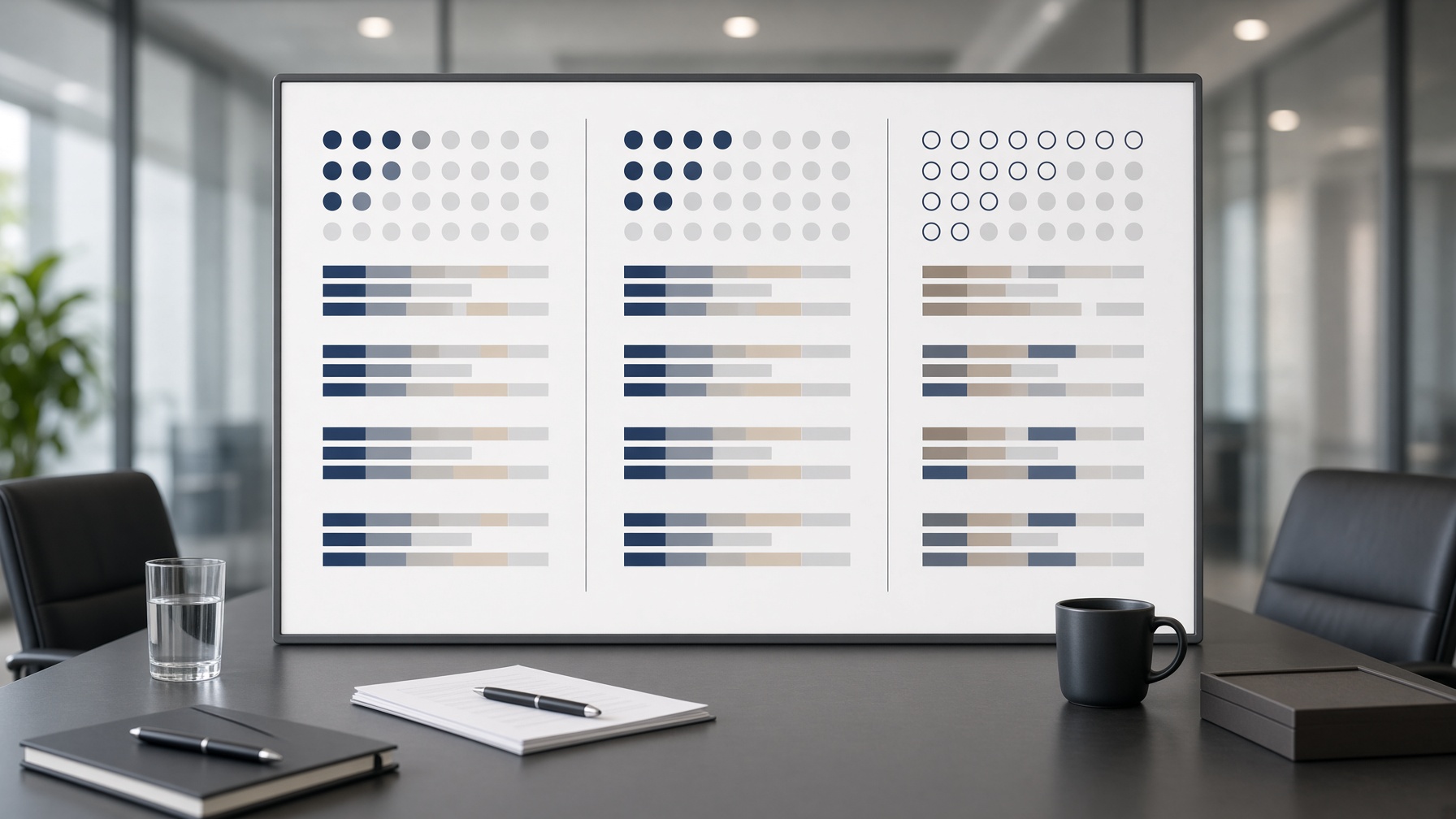
Should You Upgrade, Buy Extras, or Change Your Workflow?
Staying and tightening workflow fits low export volume, buying extras covers occasional overages, and upgrading fits steady high release cadence, so match monthly exports and commercial need first and verify current official pricing and Terms because allowances may change.
The practical result:
AI music subscription limits turn into a monthly export budget.
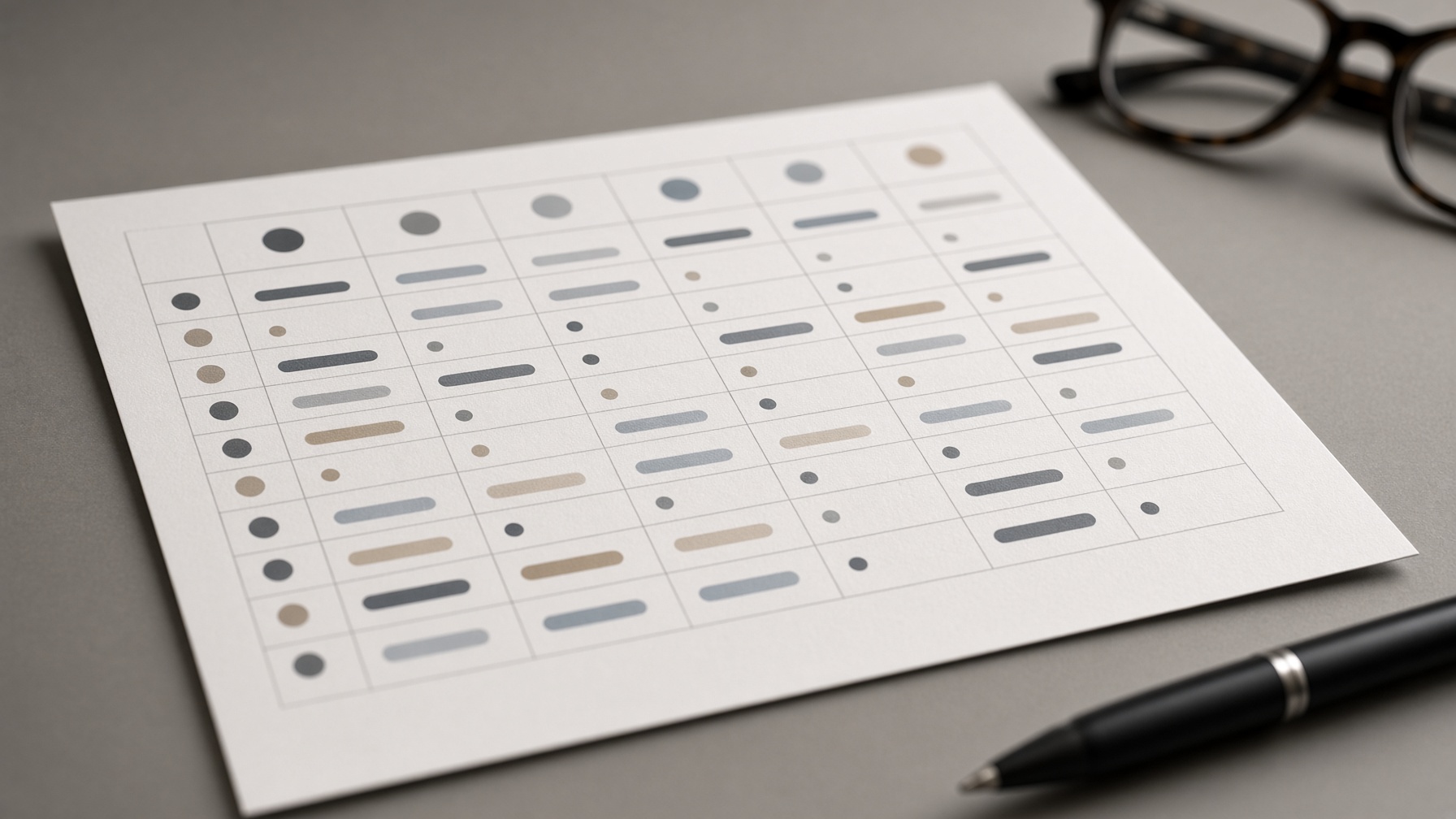
| Option | When It Fits | Trade Off | What To Verify |
|---|---|---|---|
| Stay and tighten workflow | Exports fit after shortlisting | Needs discipline each cycle | Allowance and reset date |
| Buy extras | Need a few extra files occasionally | Adds purchase friction | Extra availability and price |
| Move from Pro to Premier | Steady need above 20 finals | Higher cost in slow months | Premier allowance and Terms |
| Evaluate Studio path | Studio-based production need | Fit is still unclear | Studio definition and rules |
Release cadence and team needs shape the choice. Solo singles differ from weekly batches.
Commercial need adds weight. Keep legal review separate from download math.
Pricing and Terms may change. Recheck official pages before renewal or purchase.
Frequently Asked Questions About Downloads and Next Steps
How many downloads do Free, Pro and Premier get under Suno download limits?
Reported allowances are 7 lifetime Free trials, 20 Pro, and 60 Premier per month. They reset on billing date and may change, so verify Help Center.
Do Suno download limits apply to songs made before September 3?
Yes, limits apply from September 3 to all songs, including songs made before that date. Your library stays playable and shareable in the app.
What happens when you run out of downloads?
You can still play and share songs inside Suno, but you cannot export new files until reset. You can wait for billing reset or check official pricing for additional downloads.
Do unused downloads roll over to the next month?
Reported rules say unused downloads do not roll over. They reset on your billing date, so time exports carefully.
Does downloading affect commercial use?
Paying subscribers reportedly keep commercial rights only for songs they download through a permitted channel. Trial downloads are for personal use only, so check current Terms before release.
How should you plan auditioning versus exporting to save downloads?
Audition in the app and shortlist before you export. Reported counting treats one song as one download, but a new version as a new song.
![OpenAI Sora is Dead: The Shocking Truth Behind the Shutdown [2026 Data]](/_next/image?url=https%3A%2F%2Fcdn.creatide.ai%2Fassets%2Fuploads%2Fimages%2F2026%2F04%2F5Y2kTkwF6dlLDYBZb918X24o.jpeg&w=3840&q=75)


![Copyright and Ethical Issues in AI Images [2026 AI Copyright Guide]](/_next/image?url=https%3A%2F%2Fcdn.creatide.ai%2Fassets%2Fuploads%2Fimages%2F2026%2F04%2FSe2y8wugI0XWnHNVhNuTqzJ1.png&w=3840&q=75)