

Written by Oğuzhan Karahan
Last updated on Aug 28, 2026
●16 min read
Seedream 5.0 Pro Multi-Image Fusion: Reference Control Test
Multiple Seedream reference images can fight for control of identity, product shape, lighting, and style.
This guide shows how to rank every input before generation so Multi-Image Fusion stays intentional.
You leave with a practical hierarchy, priority rules, and a cleaner multi-reference workflow for real campaign work.

More references can wreck the composite.
Creators dump product shots, face refs, packaging art, moodboards, and backgrounds into Seedream 5.0 Pro with no clear ranking.
The model then has to reconcile competing cues for identity, product geometry, style, composition, lighting, and background.
That is where Multi-Image Fusion starts to drift.
The real cost is not the first failed image.
It is the chain of extra generations, slower approvals, and a final asset that still misses the brief.
The catch:The model will not assign your reference hierarchy for you.
Rank every input first. Give each reference one job and a clear priority before generation.
The better move:
Build that hierarchy before you write the prompt.
By the end, the work should feel less like dump-and-hope compositing.
It should feel like a controlled multi-reference workflow for product, character, packaging, and campaign visuals.

Multi-Image Fusion in Seedream 5.0 Pro: What Gets Combined
Multi-Image Fusion in Seedream 5.0 Pro fuses multiple reference materials into one scene under text instruction. Official materials frame it as multi-source composition for complex scenes, often inside interactive precision editing. Production teams can combine subject, product, packaging, style, and environment cues without rebuilding every cutout by hand.
You are assembling several Seedream reference images into one directed composition, not only retouching a single frame.
Official ByteDance materials describe this as combining multi-source materials for complex scenes.
You supply multiple reference materials, often with a target base image, then instruct how those elements should land in the final scene.
Multi-source fusion starts from several inputs and builds one scene from them.
The practical result:
teams can pull identity, product shape, packaging art, style direction, and environment cues from separate assets without hand-cutting every piece first.
Official materials also place this fusion mode inside interactive precision editing contexts, alongside spatial guidance, sketch rendering, color or material replacement, and layer separation.
The capability is composition under instruction, not automatic art direction.
You still decide what each source contributes.
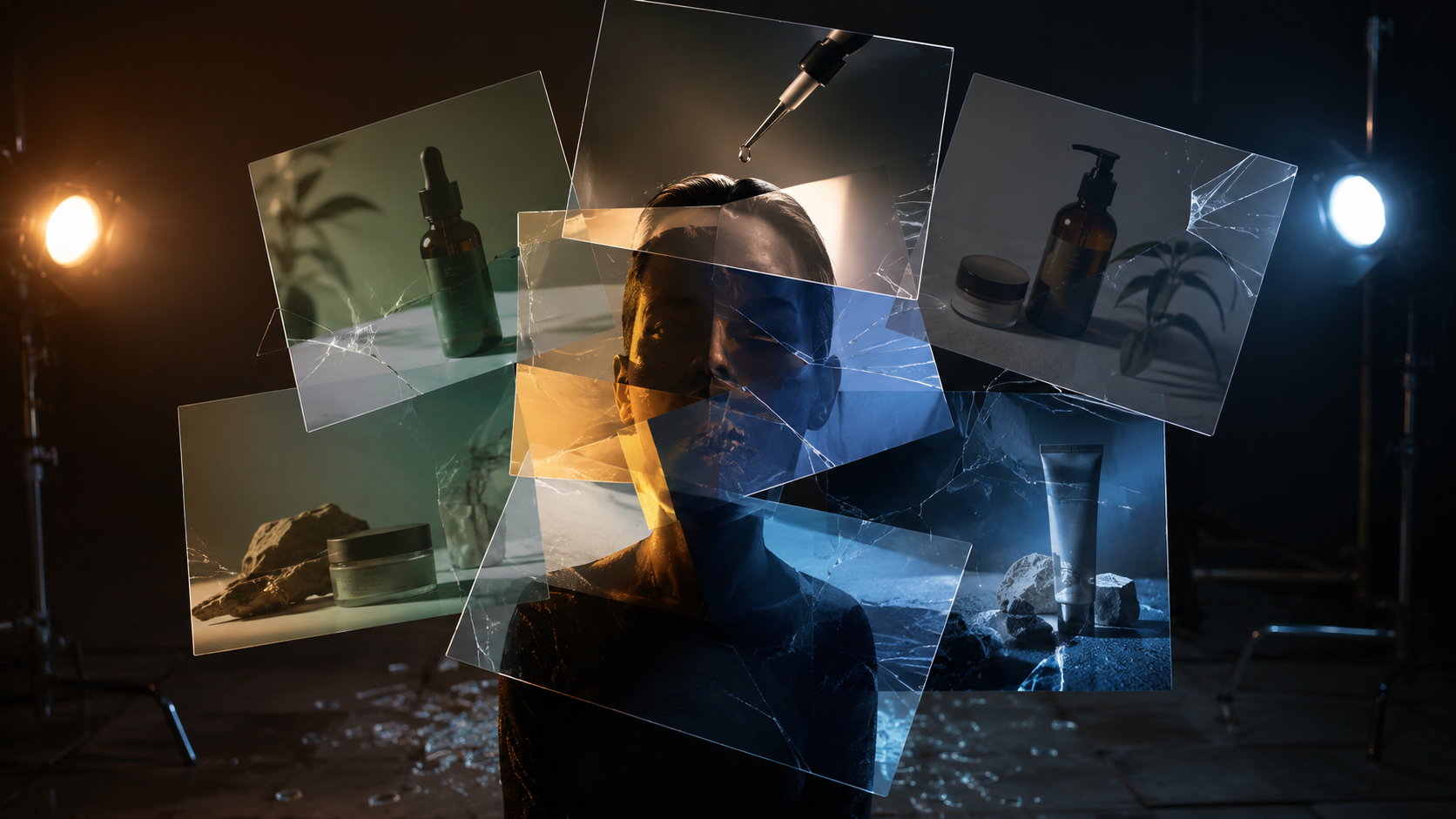
Competing Seedream Reference Images: Where Coherence Breaks
Competing Seedream reference images break coherence when identity, product geometry, style, composition, lighting, and background all pull with equal weight. Role ambiguity is the root issue before generation. Without one primary job per reference, the model reconciles rival locks and outputs mixed faces, warped packaging, style bleed, or lighting fights.
Equal-weight dumps are the usual production failure, not weak prompts alone.
Product teams often load several pack shots with different camera heights and expect clean geometry.
Character designers feed two face angles plus a wardrobe still and hope identity holds.
Agencies and advertisers mix moodboards, lifestyle frames, and product locks as if every file ranked the same.
Here's where it breaks: the model is reconciling rival locks, not ranking them for you.
These Seedream reference images can fight across six production signals at once:
Identity
Product geometry
Style
Composition
Lighting
Background
When two inputs claim the same job, the scene has no stable primary lock.
A face ref and a lifestyle ref can both dominate identity cues, so features blend.
Packaging art and a decorative style board can both push structure, so labels warp.
A hard-light product plate can fight a soft environment plate, so lighting splits.
That means role ambiguity starts before generation, not after the first bad export.
More files increase cue coverage, but equal priority multiplies conflict.
Diagnose which signals are competing before you add another reference.

Seedream Reference Hierarchy: Rank Every Input Before Generation
A Seedream reference hierarchy is a creator-assigned control system you set before generation. Rank every input by job: subject, product, packaging, composition, lighting, environment, style, and exclusions. Give each reference one primary job. The model does not auto-rank equal-weight files for you.
This ranking is production method, not a built-in Seedream product screen.
You assign roles before generation so text and images share the same order.
That means: every Seedream reference hierarchy starts as a human plan, then becomes prompt language.
Build the map once per brief, then reuse it across retries.
| Role | Primary job | Default rank |
|---|---|---|
| Subject | Character or face identity | Highest |
| Product | Geometry, silhouette, materials | Highest |
| Packaging | Structure and label geometry | Highest |
| Composition | Camera framing and layout | Support |
| Lighting | Light direction and quality | Support |
| Environment | Scene context and set | Support |
| Style | Look, palette, and finish | Lower |
| Exclusions | Motifs or materials to block | Hard block |
One file, one primary job.
If two files claim the same job, demote or drop one before you generate.
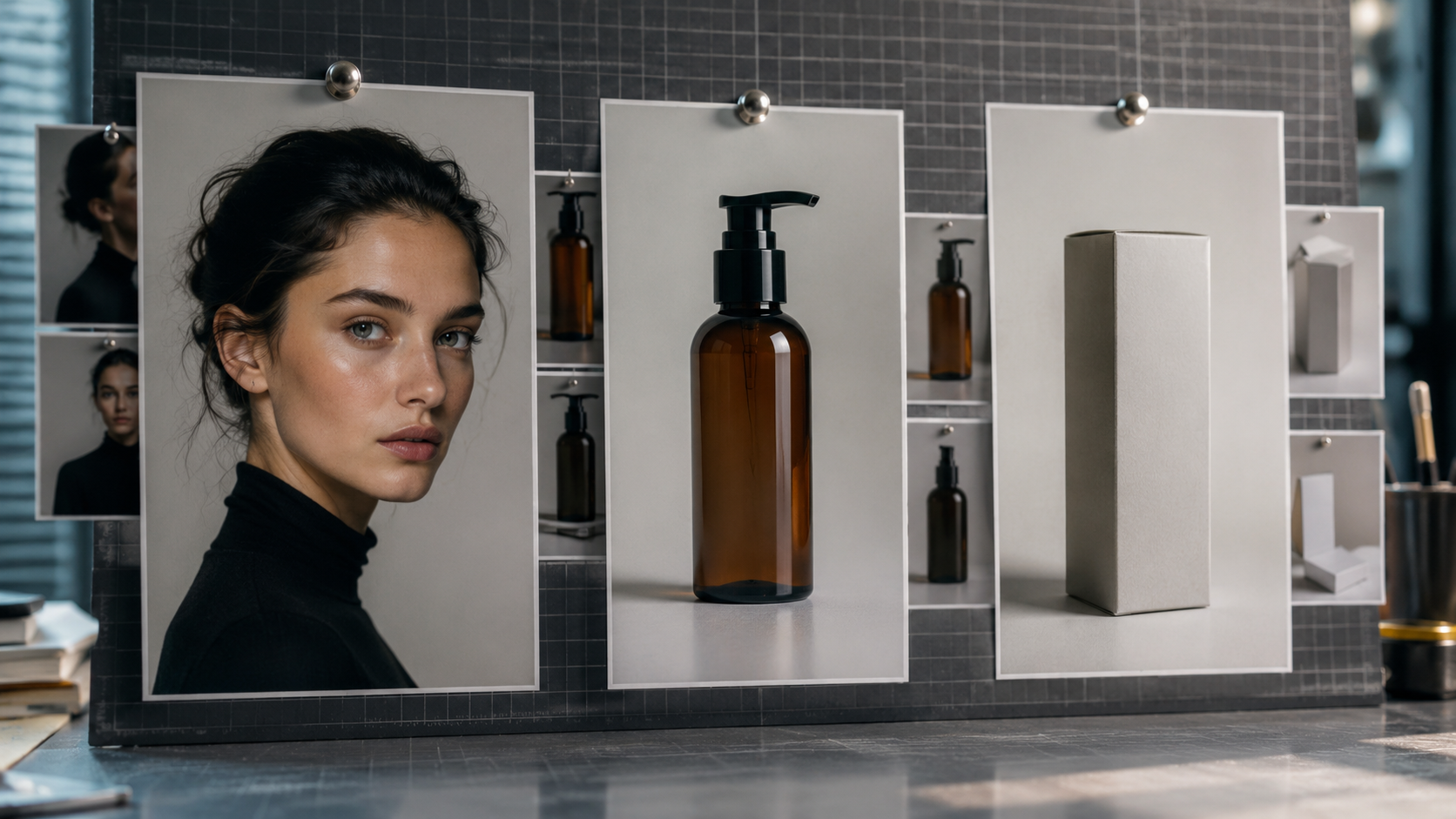
Subject, Product, and Packaging Anchors
These three roles hold identity and geometry.
Choose one primary subject or product lock, then keep every other angle supportive.
A secondary product frame can show texture or a side detail.
It should not rewrite the main silhouette.
Packaging anchors protect structure and label shape first.
Do not let a decorative pack shot compete with the structural pack lock.
Composition, Lighting, and Environment Controls
These roles set camera language, illumination, and scene context.
They support the hero lock. They do not replace it.
Composition refs define framing and layout only.
Lighting refs define direction and quality only.
Environment refs set place and atmosphere without owning the subject.
Where it gets tricky: an environment still can overpower a face or product silhouette.
Demote that environment ref, or strip it, before generation.
Style References and Explicit Exclusions
Style refs borrow finish, palette, and mood at lower priority.
They should never climb above subject, product, or packaging locks.
Treat exclusions as first-class hierarchy items.
Write what materials, motifs, or looks must stay out.
That keeps unwanted style bleed from rewriting the composite.
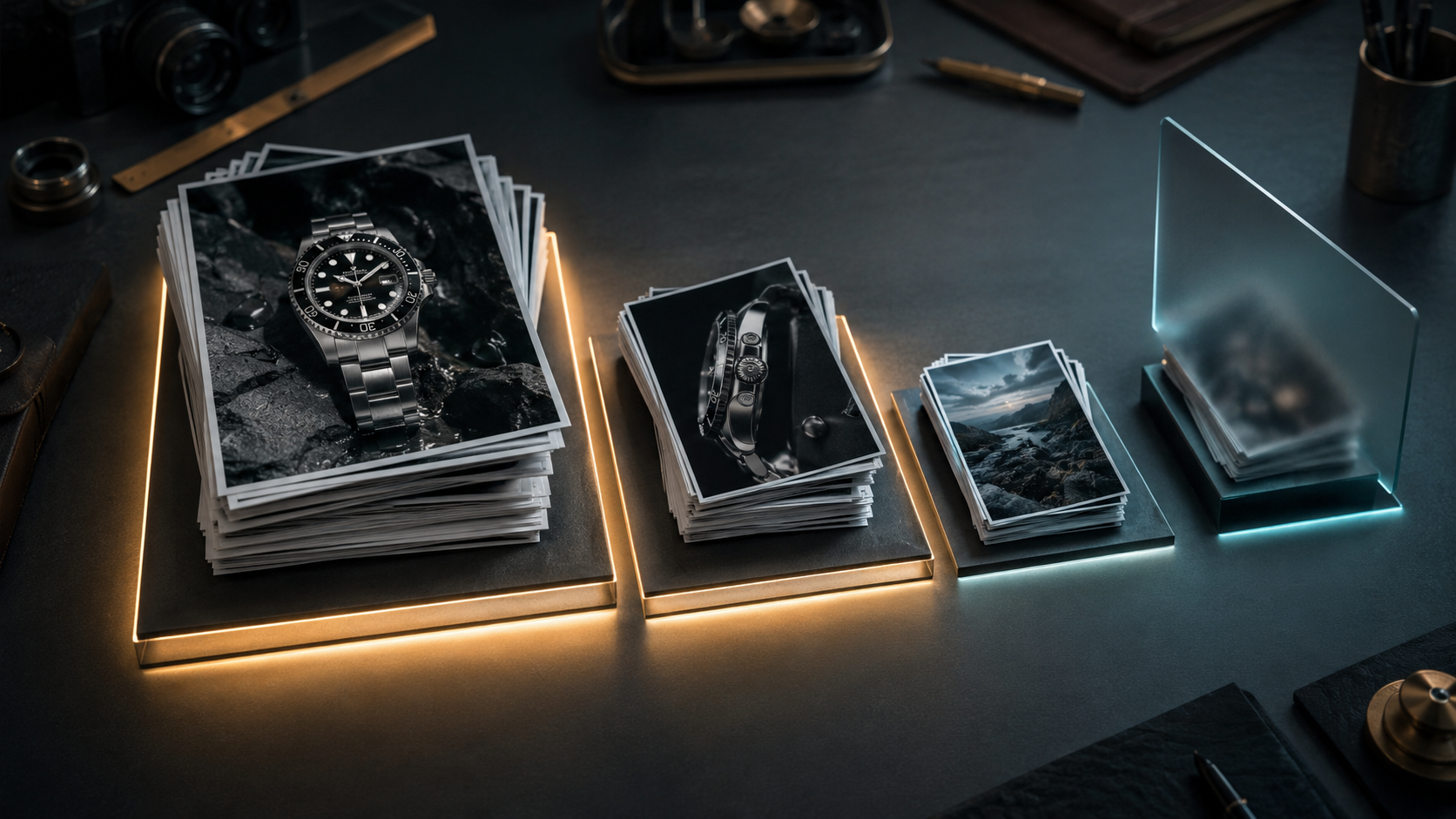
Role and Priority Rules That Keep Fusion Stable
Stable Multi-Image Fusion starts when every Seedream reference image gets one role and one priority before generation. Rank inputs as primary lock, secondary support, tertiary atmosphere, or hard exclusion. Restate those ranks in the prompt so text and images pull the same direction.
Hierarchy only becomes useful when you convert it into priority rules.
Assign a clear role and priority to every reference before generation.
That creates a trade-off: fewer competing signals, cleaner locks.
Primary lock owns identity, product geometry, or packaging structure.
Secondary support can add pose, angle, material, or label detail without rivaling that lock.
Tertiary atmosphere sets mood, environment, and loose scene context.
Hard exclusions block materials, motifs, or looks that must stay out.
Write prompt language that restates the same order.
Name the primary lock first.
Then state what secondary support may influence.
Then describe atmosphere as lower weight.
Then list exclusions as hard blocks.
When text ranks one way and uploads rank another way, fusion drifts again.
Give each reference one role.
Mark it primary, secondary, tertiary, or exclusion.
Resolve any shared-job conflict first.
Restate the same order in the prompt.
Generate only after ranks match.

Seedream Multi-Reference Workflow for Production Jobs
A Seedream multi-reference workflow ranks inputs by job type before generation in Seedream 5.0 Pro. Product, character, packaging, and campaign paths each need a different primary lock. Apply hierarchy and priority so Multi-Image Fusion keeps the hero stable while support refs stay subordinate.
Hierarchy only helps when you apply it to the brief in front of you.
The practical result: the same files can succeed or fail based on which lock you protect first.
Run a short pre-generation sequence for every job. Choose the primary lock. Attach only non-rival support refs. Demote atmosphere and style. State hard exclusions. Then restate that same order in the text prompt.
Product Shots With Clean Geometry Locks
Start with one product still that owns silhouette, proportions, and material mass.
Add secondary material or angle refs only when they reinforce the same form.
Demote lifestyle backgrounds so set detail cannot rewrite the product outline.
Write the prompt to protect geometry first, then materials, then scene mood.
If a label must stay readable, name that as a hard lock instead of hoping style refs will preserve it.
Character Identity Across Multiple Face Refs
Pick one clear face still as the only primary identity anchor.
Use secondary refs for expression, pose, or wardrobe only when they do not rival the face.
Keep style boards lower than identity so finish and palette cannot reshape features.
If a wardrobe or background still starts competing with the face lock, demote or remove it before generation.
Restate the identity order in text so Multi-Image Fusion follows the same rank.
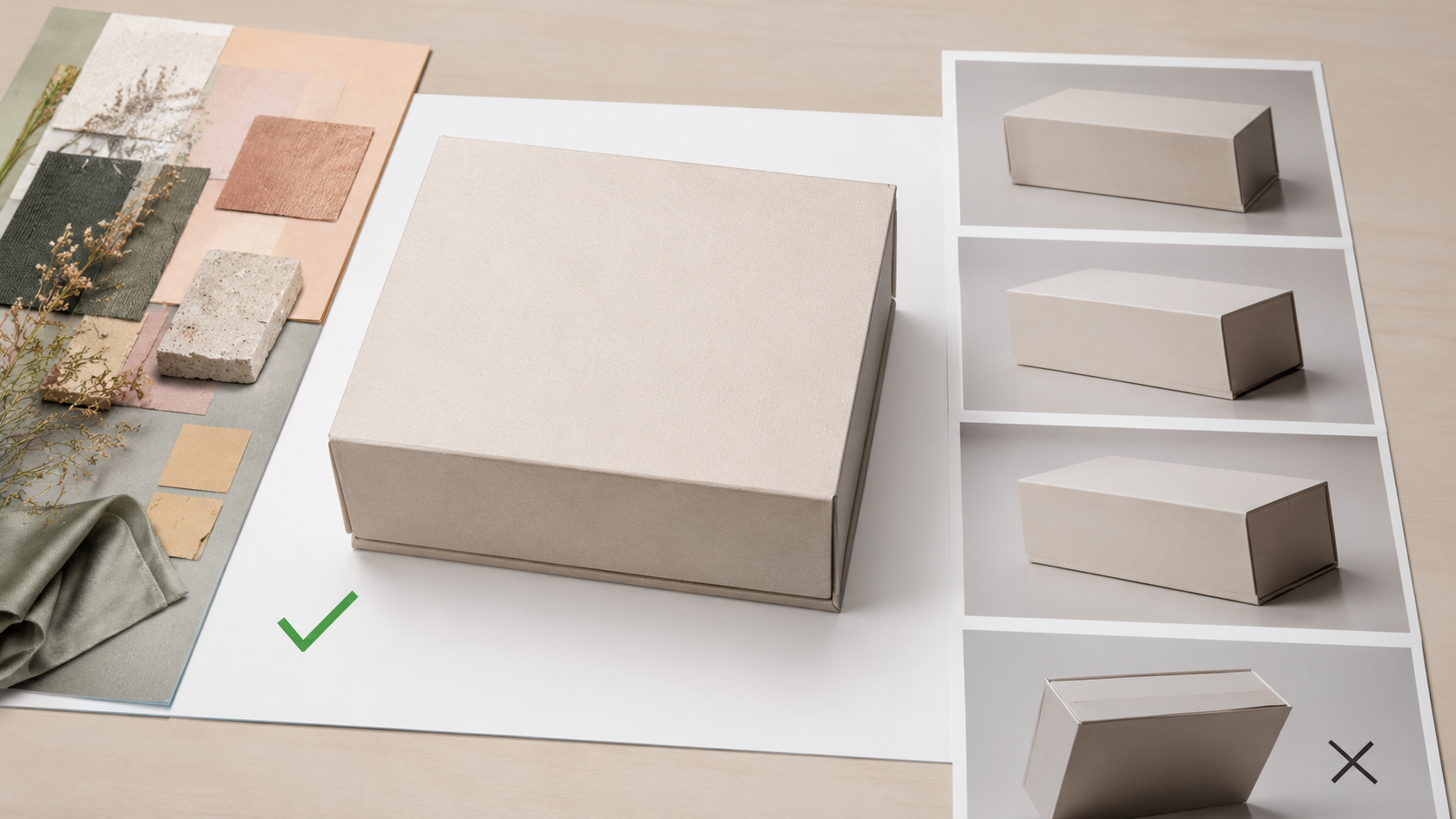
Packaging and Label Control Without Warp
Treat the structural package still as the highest-priority geometry lock.
Separate decorative style boards from package structure so finish cues cannot bend box edges or label planes.
Match camera height across structural refs whenever possible.
Mismatched angles are a common warp trigger in packaging fusion.
Ask the prompt to keep package form stable first, then materials, then atmosphere.
Campaign Composites With Ranked Supporting Assets
Campaign boards need a hero lock first: product, character, or both when the brief demands it.
Rank supporting props below the hero so accessories never steal identity or silhouette control.
Environment and style stay tertiary unless the brief is set-led.
List exclusions for motifs, props, or looks that must stay out of the frame.
That ranking turns a multi-source collage into a controlled composite instead of a noisy mood dump.

Seedream Reference Consistency Checks Before You Commit
Seedream reference consistency is a creator-run preflight, not an automatic Seedream 5.0 Pro feature. Match camera height and crop on core anchors, align lighting direction, cut duplicate jobs, keep style refs sparse, and restate locked attributes so Multi-Image Fusion gets one clear instruction set.
Hierarchy already ranked the files.
Consistency checks decide whether those files can share one frame without inventing a compromise.
Here's why:
Mismatched camera height, crop, or light direction force the model to average competing cues.
That softens the primary lock you already set.
Run a short preflight on every core anchor before you generate.
Match camera height across primary subject, product, or packaging locks.
Match crop tightness so one ref is not a tight portrait while another is a wide set still.
Align the dominant light direction on geometry and identity refs.
Remove any second file that repeats the same job.
Keep style refs sparse and subordinate to the hero lock.
Restate locked attributes in the prompt: identity, silhouette, materials, and exclusions.
The better move is subtraction when signals compete.
Fewer aligned refs beat a larger stack of mixed camera angles and light directions.
After generation, use platform-supported interactive editing or layer controls only for local refinements when those tools are available.
Do not treat post edits as a substitute for the preflight.
If the scene still drifts, drop the weakest support ref and regenerate with the same priority order.
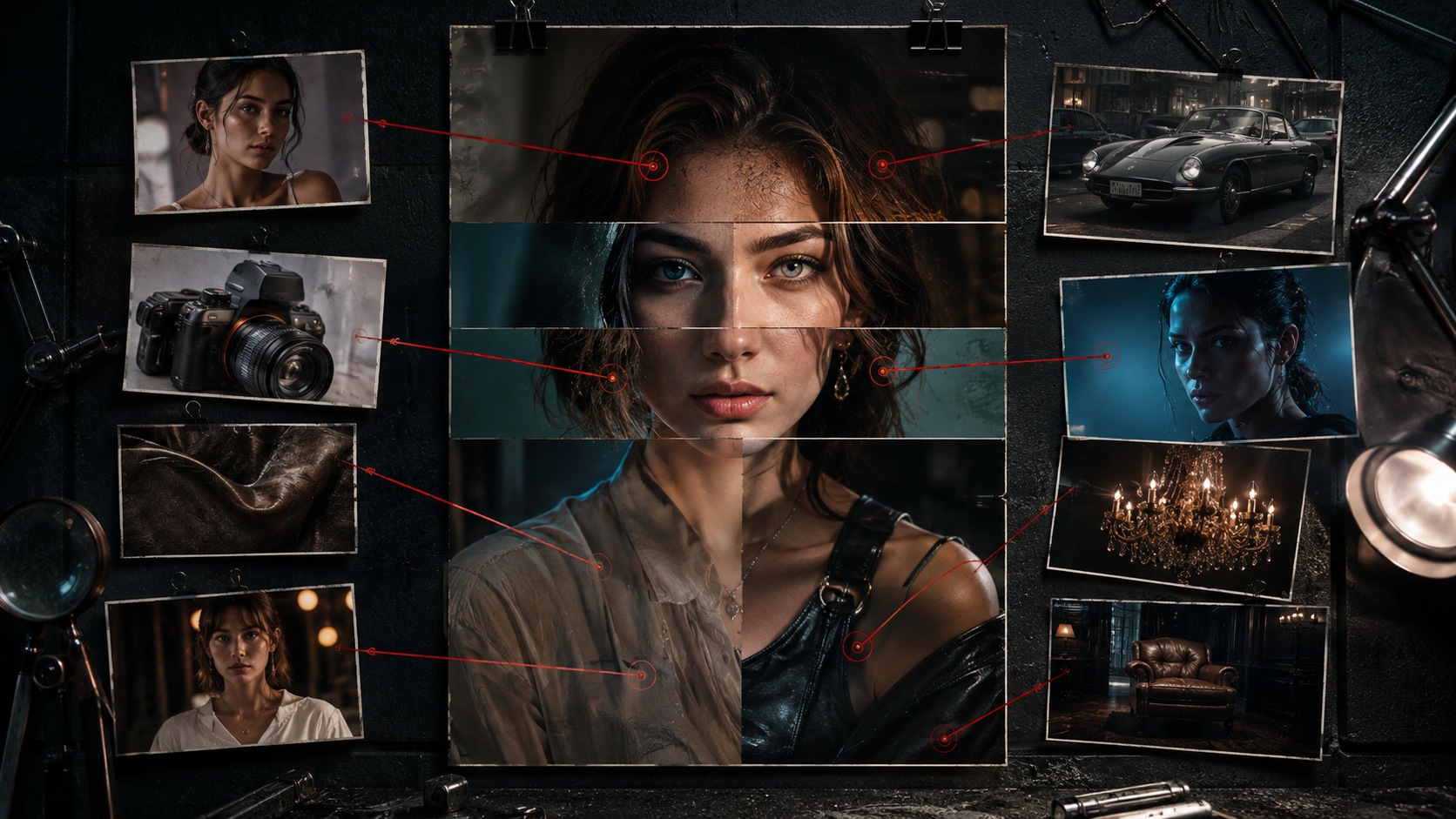
Seedream Image Compositing Failures and Fast Fixes
Common Multi-Image Fusion failures in Seedream image compositing come from competing reference signals, not random model noise. Identity drift, product deformation, style bleed, lighting mismatch, background takeover, and over-referenced scenes usually improve when you demote rival locks, isolate one control, or remove weak inputs.
Broken outputs usually map to one lost lock: identity, product, style, light, or background.
The better move: find which job lost control, then demote or remove the rival input.
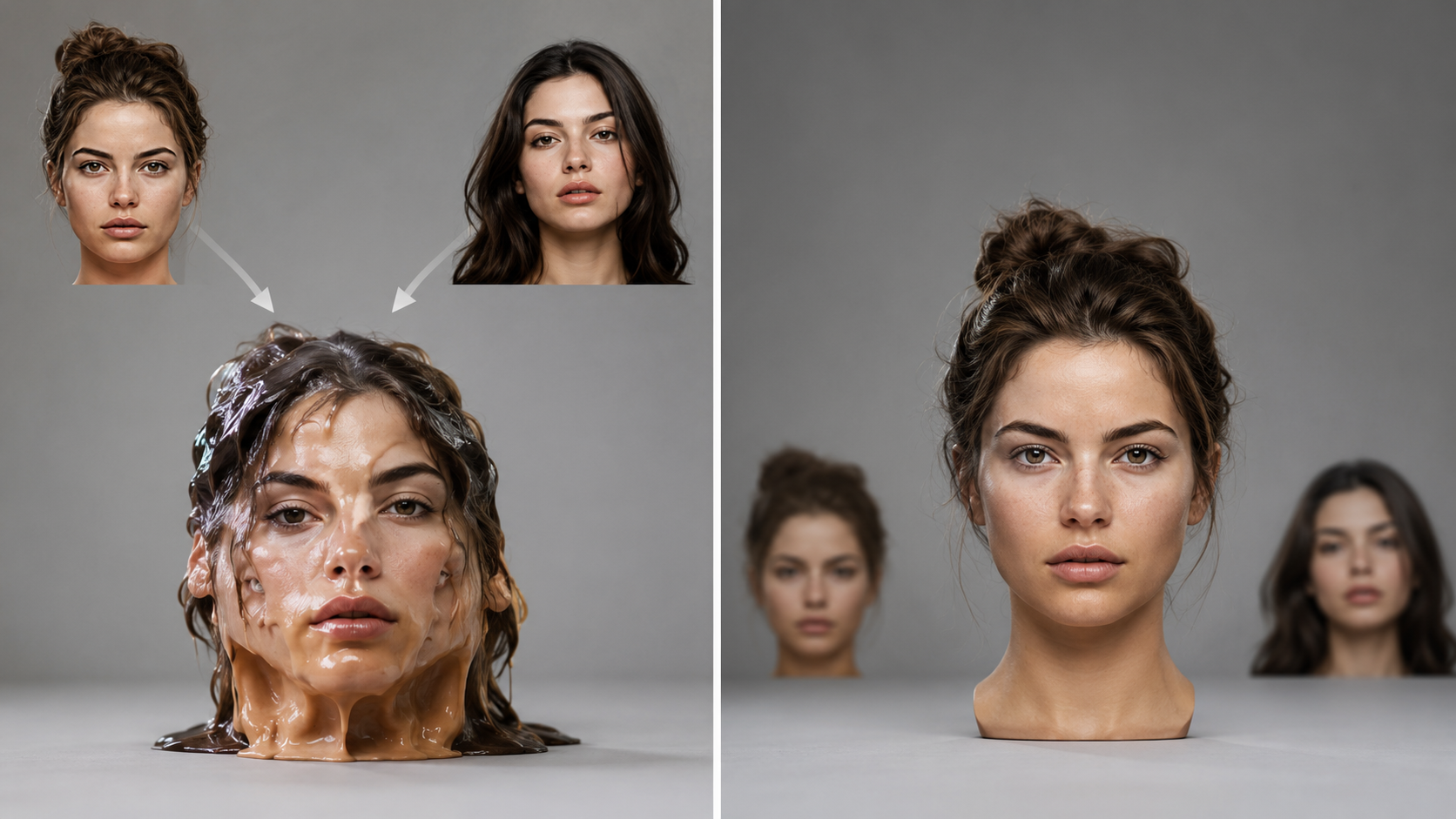
Identity Drift and Product Deformation
Identity drifts when two face or product refs claim the same primary lock.
Angle mismatch forces the model to average geometry instead of protecting one silhouette.
Keep a single primary anchor for face or product form.
Demote or remove rival geometry refs, then restate the locked shape in the prompt.
Style Bleed and Lighting Mismatch
Style bleed happens when moodboards overpower brand materials or product finish.
Lighting mismatch appears when support refs push conflicting light directions into one frame.
Lower style priority so atmosphere cannot rewrite the hero.
Isolate one lighting control and drop the second light direction.
Background Takeover and Over-Referenced Scenes
Background takeover starts when equal-weight environment or prop refs compete with the hero.
Over-referenced scenes leave no clear primary lock, so the composite averages everything.
Reduce input count and restate hard locks in text.
Write exclusions for set detail that must stay out.
If interactive precision editing or layer separation is available, treat it as a repair path, not a perfect first-pass guarantee.

Production Limits to Plan Around Before You Scale
Multi-Image Fusion in Seedream 5.0 Pro still needs clear human prioritization before you scale. Conflicting high-priority references can remain unstable. Multi-source composition is not a substitute for art direction. Interactive editing and layer controls may help after generation when a platform exposes them.
Fusion follows multi-source inputs plus text instruction.
It does not invent a finished creative brief for you.
Official materials frame multi-image fusion as strong for early-stage collages and creative brainstorming.
That framing is a production limit, not a soft note.
Product, character, packaging, and campaign teams still rank locks, support refs, and exclusions before a batch run.
The catch: two high-priority refs that claim the same job can stay mixed even after hierarchy work.
Equal-weight face and product geometry can keep the frame unstable.
Art direction still decides which signal wins.
Multi-source composition cannot replace that call.
When a platform exposes them, interactive precision editing and layer separation can support post-generation revision.
Treat those tools as optional cleanup paths, not a promise that every conflict will resolve cleanly.
Scale only when the primary lock is explicit, support refs are demoted, and exclusions sit in the prompt.
If those controls stay fuzzy, pause the batch instead of adding more files.
Frequently Asked Questions
How many Seedream reference images can Multi-Image Fusion use at once?
There is no single hard cap you should treat as universal from official ByteDance language alone. Some third-party product pages report higher multi-reference limits for Seedream 5.0 Pro, so verify the limit in the platform you use. In practice, fewer clearly ranked refs usually beat maxing the stack.
Do you need a base or target image for Multi-Image Fusion?
Official materials describe fusion as inputting multiple reference materials and a target base image, then assembling elements as instructed. A base frame can stabilize layout when you place products, people, or props into a directed canvas. Follow your platform’s required inputs, and keep the production principle simple: multi-source materials plus clear text instruction.
What is the difference between Multi-Image Fusion and layer separation?
Multi-Image Fusion combines multiple source materials into one instructed scene. Layer separation splits a composition into independent editable layers for rearrange, scale, or swap work after generation when the platform exposes it. Use fusion to assemble ranked inputs. Treat layers as optional cleanup, not a replacement for pre-generation priority.
Can Multi-Image Fusion combine multiple people or faces into one group scene?
Official ByteDance materials describe multi-image compositing that can pull facial features from separate photos and place people into one scene with specified positions. Give each person one clear identity lock and rank placement in the prompt. Equal-weight rival face refs for the same person still risk identity drift.
Can a detailed prompt fix conflicting equal-weight Seedream reference images?
Only partly. Prompt text works best when it restates the same role and priority order as the uploads. If two images still claim the same primary job at equal weight, text alone usually cannot fully settle the fight. Demote or remove the rival reference first, then restate the surviving lock in the prompt.
When should you regenerate with a cleaner hierarchy instead of interactive precision editing?
Regenerate when the primary lock is wrong, multiple jobs conflict, or the whole frame averaged competing cues. Use interactive precision editing or layer tools, when available, for local region fixes after hierarchy is already sound. Post-edit is cleanup, not a substitute for ranking inputs before generation.
What if character identity and product geometry both must stay primary in one shot?
Choose one absolute hero for the first pass based on the brief, then protect the second lock with secondary support and explicit prompt language. If both stay equal top priority, Multi-Image Fusion can remain unstable. For true dual-hero needs, stage generations or use post-generation placement and editing when available.
Does Multi-Image Fusion guarantee packaging labels stay sharp and readable?
No automatic guarantee. Packaging still needs a structural package lock, demoted decorative style refs, and prompt language that protects label geometry. If label accuracy is critical, treat it as a hard lock and plan local repair if needed.


