
Written by Oğuzhan Karahan
Last updated on Sep 3, 2026
●12 min read
Kling 3.0 Lip Sync Problems: Why Voices Drift and How to Fix Them
Kling 3.0 Lip Sync promises native dialogue but many creators report drifting voices and loose mouth matching.
See what is verified, what still fails in dialogue production, and which low risk steps can reduce wasted generations before you spend more credits.

Dialogue looks simple until voices drift.
Kling 3.0 Lip Sync promises dialogue, sound, and mouth movement generated together in one pass for short character driven scenes.
Creator reports describe a different result in practice. Mouth timing feels loose and voices shift between takes.
The catch:
That small mismatch turns dialogue heavy shorts, ads, trailers, and social hooks into retake loops. Each failed take costs time and extra generations that add up fast.
The better move:
Separate what is verified about native audio from what is only reported, then plan smaller, testable dialogue takes. That distinction makes troubleshooting faster and keeps expectations realistic.
The payoff is practical timing cues, voice stability checks, and a calmer way to plan dialogue before you generate. Small script and framing choices then carry less risk across takes.
Kling 3.0 Lip Sync: What Verified Native Audio Support Actually Covers
Kling 3.0 Lip Sync uses Kling AI native audio to generate dialogue, effects, ambience and lip movement together in one pass across supported modes, with five language support and multi character assignment, while exact dialogue limits and mode coverage still need verification before production planning.
Native co-generation means one thing for planning.
The model creates picture and sound at the same time.
Dialogue, effects, ambience and mouth motion come from the same pass.
That differs from adding dubbing after silent video.
Here is why:
Joint generation lets lip shape follow speech intent from the start.
But audio quality then depends on shot stability too.
Official documentation points to several linked capabilities in the 3.0 series.
Native Audio: joint dialogue and lip movement means plan voice inside the video prompt.
Multi-Shot storytelling: multi beat scenes mean keep dialogue short across cuts.
Storyboard control: shot order control means lock framing before adding lines.
Start Frame plus Element Reference: visual anchors mean hold identity stable for speech close ups.
Multi-character coreference: multi speaker assignment means label each speaker plainly per line.
Five language support: Chinese, English, Japanese, Korean and Spanish plus dialects means write lines natively.
That mapping changes dialogue planning.
Write speaker, line, emotion and visible reaction together.
Kling AI native audio works best when voice direction lives in the same prompt block.
Duration and mode coverage still need verification.
Official material points to flexible duration up to 15 seconds in supported modes.
Confirm dialogue caps, input limits and credit terms in current official terms before budgeting takes.
Verified Versus Reported: Where Kling 3.0 Audio Problems Actually Come From
Verified Kling AI native audio covers joint video and sound generation, five language lip sync and multi character assignment up to 15 seconds, while timing drift, missing sync and voice shifts remain user reported issues that require small tests and retake checks before longer production.
Sorting reports saves retakes.
Use this table to sort Kling 3.0 audio problems by status before you retake.
| Claim | Status | What it means for production |
|---|---|---|
| Native joint audio video generation | Officially documented | Plan dialogue inside prompt, not as post dub |
| Five language lip sync | Officially documented | Write lines natively, test dialects separately |
| Multi character dialogue assignment | Officially documented | Label speakers plainly, keep turns short |
| Up to 15 second output | Officially documented | Keep dialogue beats short, verify duration by mode |
| Mode dependent native support | Third party reported | Check mode first, retest if you switch modes |
| Slightly off mouth timing | User reported | Retake with shorter line and front face framing |
| Missing sync on a take | User reported | Simplify motion, then regenerate rather than repeat |
| Voice change across shots | User reported | Lock reference and test one shot before chaining |
| Per second credit rates for native audio | Third party reported | Test short first, confirm current terms officially |
That split matters for troubleshooting.
Officially documented items guide planning. User reported timing and voice items guide retake checks.

Kling 3.0 audio problems look similar on screen but need different fixes.
For production workflows, this means test one short take first.
If timing or voice slips, rewrite and simplify before expanding to multi shot builds.
When Kling 3.0 Lip Sync Not Working Means Timing Drift, Not Missing Audio
When Kling 3.0 lip sync not working appears in reports, it usually means timing drift with loose mouth timing rather than silent output, where prompt sensitivity and temporal coherence shape syllable timing and small framing or wording changes decide whether a retake stabilizes.
Timing drift means mouth movement trails or leads syllables by a small margin.
Available reports describe this as user reported drift, not confirmed missing audio.
That is why Kling 3.0 lip sync not working complaints often describe drift, not silence.
These symptom patterns appear most often in source reported cases:
Slightly off timing on short lines, where vowels look late.
Good take versus bad take variance from the same prompt wording.
Face turn or occlusion loss when the mouth leaves clear view.
Camera move plus subject move conflict during speech.
Multi shot cut discontinuity where sync resets after a cut.
For production workflows, timing risk rises as visual load rises.
Where it gets tricky:
Temporal coherence strains when the model must hold lips, face and camera steady at once.
Mouth Timing That Looks Slightly Off
Short lines expose syllable timing errors faster than long speeches.
Trim to one clear beat per shot and hold the face still for easier review.
Face Visibility and Camera Motion Effects
Front facing framing keeps mouth timing readable. Occlusion or fast head turns can break that cue.
Watch this tutorial to see multi character lines prompted for native audio. Notice how clear speaker cues separate each voice.
Multiple angles and longer sequences strain coherence further. Lock the camera and test one angle first.
Prompt Wording That Weakens Sync Cues
Vague direction leaves the model guessing who speaks and how. Write speaker, line, emotion and visible reaction together.
Label multiple speakers plainly with short separate turns. Simplify to one speaker if timing slips.
Kling 3.0 Voice Consistency: Why Character Voices Shift Across Shots
Kling 3.0 voice consistency remains user reported as unstable across takes, where weak character reference, unclear speaker labels and multi shot chaining let voice identity drift even when mouth timing looks close and single speaker tests stay safer.
Voice identity can hold once, then shift on the next take.
Available reports frame this shift as user reported, not officially confirmed behavior.
That is why Kling 3.0 voice consistency needs shot by shot checks in dialogue work.
These triggers appear in source reported voice shifts:
Weak character reference without a stable visual anchor.
Inconsistent style across shots with mixed realism cues.
Unclear speaker labels when two voices share one block.
Overlapping lines that blur who speaks when.
Dialect or accent variation that pulls delivery off model.
Multi shot story discontinuity where voice resets after a cut.
For production workflows, this means voice planning matters as much as line writing.
The practical result:
Strong reference plus plain labels reduce retake guesswork.
Character Reference and Identity Carryover
Consistent style helps the model carry voice identity across takes.
Retake hint: reuse the same reference image and Bind Face Subject style cues.
Multi Speaker Labeling and Voice Control
Plain labels prevent voice swapping in two person dialogue.
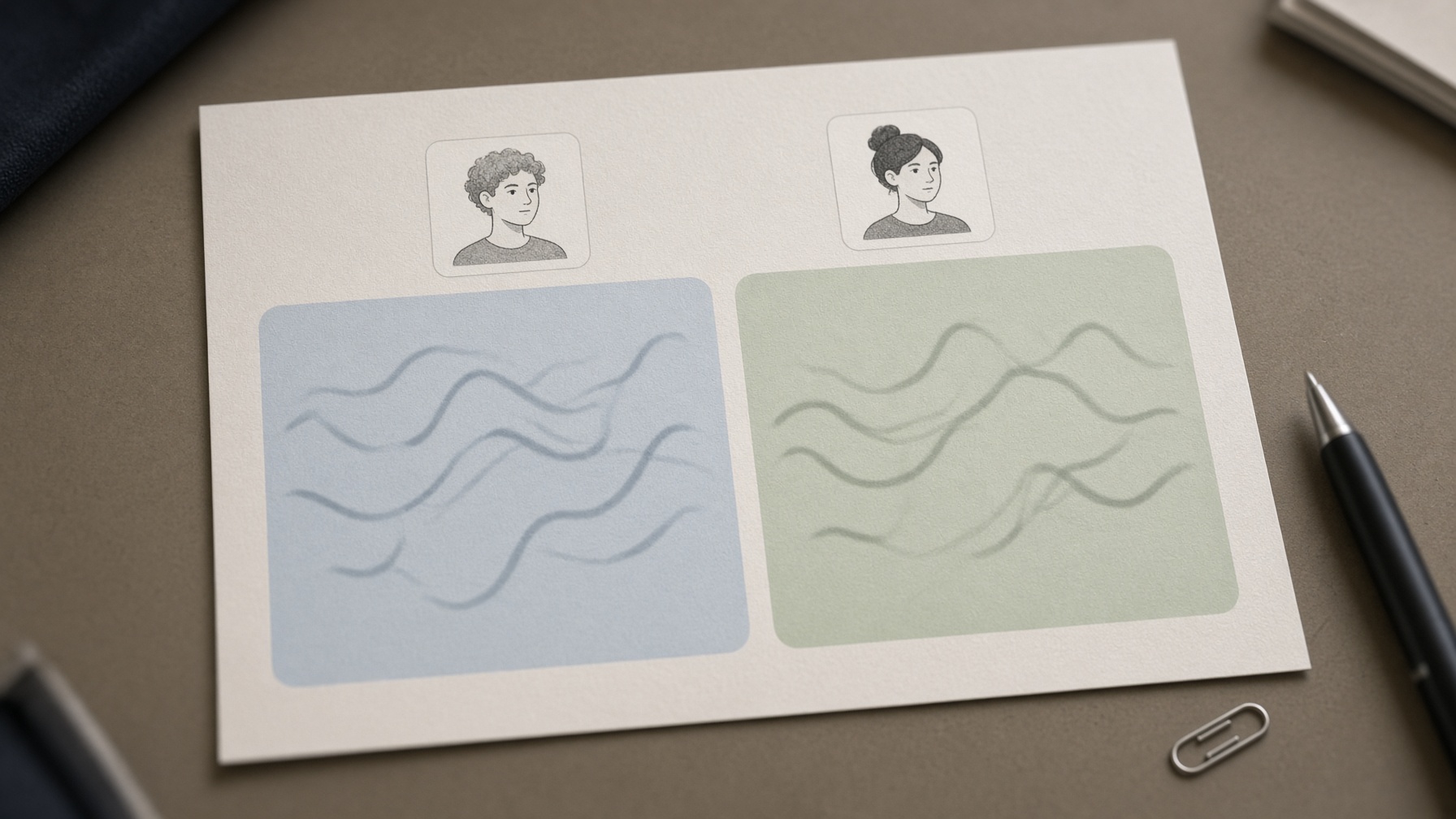
Retake hint: plan one voice per speaker and verify voice controls before expanding.
Multi Shot Storytelling and Accent Drift
Dialogue across cuts drifts faster. Accent shifts add further strain.
Retake hint: test one short shot first, then chain shots with matched wording.
Low Risk Dialogue Workflow That Cuts Retakes Before You Generate
Kling 3.0 Lip Sync dialogue works best with short single speaker tests before longer builds, using visible mouth framing, explicit speaker plus line plus emotion direction, and short duration checks that catch drift early and reduce failed multi shot generations.
Most dialogue waste comes from building too much too soon. Test one speaker first and expand only after sync holds.
Multi speaker prompts hide which voice slipped. Use this sequence to keep each test readable:
Trim the script to one short beat per test.
Lock one speaker with front facing framing.
Write speaker, line, emotion and visible reaction together.
Anchor identity with an image reference for the shot.
Run a short single shot test and check mouth timing.
Expand to chained shots only after the test holds.
Short tests reveal drift before cost grows. Small tests also protect Kling AI credits from long failed builds.
Review the mouth on vowels and stops first. If those hold, dialogue usually survives expansion.
Trim Script and Lock One Speaker Per Test
Keep each test to one line and one speaker. Short beats show sync errors faster.
That isolation shows whether timing or labeling caused the miss. It also keeps rewrites quick.
Direct the Visible Performance
Write speaker, line, emotion and visible reaction in one block. Split cues weaken sync signals.
The catch:
Front facing framing keeps the mouth readable during speech. Hold the camera still for the test.
Test Short Then Expand
Anchor identity with image to video before adding complexity.
Run the short test first, then chain shots once voice and timing hold. Keep style and reference identical across the chain.
Decide Retake or Rewrite
Triage fast by asking timing, voice or framing. Change only the failed part.
If timing trails, simplify motion or wording rather than repeating the same prompt.
Kling AI Credits and Retake Control Without Guessing at Pricing
Kling AI credits go further when you verify mode, duration and framing before generating, because short planned tests and strict retake rules prevent long multi shot failures without needing exact pricing or per second math.
Waste usually comes from unclear prompts, not pricing surprises. A short check saves more than any credit estimate.
Here's why:
Native audio behavior can shift by mode and duration. Verify settings before long dialogue builds.
Speaker labels and face visibility decide most sync takes. Mode and duration checks catch silent failures early.
| Check | Action | Why it saves retakes |
|---|---|---|
| Prompt clarity | Write speaker, line, emotion and reaction together | Prevents vague sync cues |
| Speaker labeling | Label each speaker plainly and keep turns separate | Stops voice swapping |
| Face visibility | Keep mouth front facing and unobstructed | Keeps timing readable |
| Shot count | Test one shot before chaining | Isolates failure source |
| Duration choice | Start short, then extend after stable sync | Limits long failed renders |
| Mode native audio check | Verify mode supports native audio | Avoids silent dialogue takes |
| Retake stop rule | Rewrite after two similar fails | Prevents repeat spend |
Confirm current Kling AI credits behavior from official sources, since third party rates vary. Rates change, so avoid fixed math.
Set a retake stop rule and rewrite after two similar fails. Short duration tests expose drift before multi shot spend.
Model Output Limits That Decide Whether Dialogue Looks Believable
Kling AI native audio can produce believable short dialogue, but temporal coherence, character stability, prompt sensitivity, and controllability set firm boundaries that explain why longer multi speaker scenes drift and why short anchored tests need fewer retakes.
Dialogue realism fails at the edges first.
Takes shift face and voice, so reuse one anchor and retest.
Prompt sensitivity shifts timing with small edits, so freeze text after good sync.
Turned or covered mouths soften motion, so keep faces front facing.
Longer multi angle runs fade temporal coherence, so split into short shots.
Multi speaker or contact scenes strain sync and stability, so isolate speakers.
Tight input and duration caps limit controllability, so write short director cues.
Plan shorter inside them and retakes drop.
Coherence and Stability Under Dialogue Load
Longer runs strain lip and face hold. Short stable shots drift less.
Angle changes reset coherence fast, so favor locked framing.
Controllability and Prompt Sensitivity
Small edits can shift voice or timing. Clear speaker and reaction cues steady control.
Input and Duration Boundaries
Text plus one or two images must anchor identity. Short multi shot plans fit best.
Verify stated limits before planning long dialogue.
Frequently Asked Questions and Safer Next Steps for Dialogue
Why does mouth movement look slightly off even when dialogue is there?
This slight drift is user reported in production workflows, not an official failure rate. Timing slips show fastest on fast speech, turned faces, or moving cameras, so test one short front facing line first and simplify motion if vowels miss.
What should I check first when Kling 3.0 lip sync not working shows up as silent or unmatched mouths?
Confirm the mode you used supports native audio, then check face visibility and prompt clarity. If the mouth is covered or the prompt splits speaker, line, and emotion, rewrite them together in one block and retest short before expanding.
How can I improve Kling 3.0 voice consistency across shots?
Voice change across takes is user reported, so keep one speaker, one visual anchor, and plain speaker labels per test. Lock wording after a good take and chain shots only after the single shot holds, since multi shot stories drift faster.
Does native audio work in all modes and languages?
No. Native audio is officially described for 3.0 series builds, but source reported notes say support can depend on mode, so verify your mode before planning dialogue. For languages, check the current list of supported voices and dialects in the product docs before casting a multilingual scene.
What duration and multi speaker limits should I verify before planning?
Verify the current maximum length for your mode and whether multi speaker dialogue is supported in that mode, since reported caps vary. Plan short single speaker beats first, because longer runs and overlapping lines raise timing and identity risk.
How can I reduce wasted takes from Kling 3.0 audio problems?
Trim to one short beat, test one shot, and set a stop rule to rewrite after two similar misses instead of regenerating the same prompt. For Kling 3.0 Lip Sync planning, this test small discipline keeps failures cheap and points to timing, voice, or framing faster.


