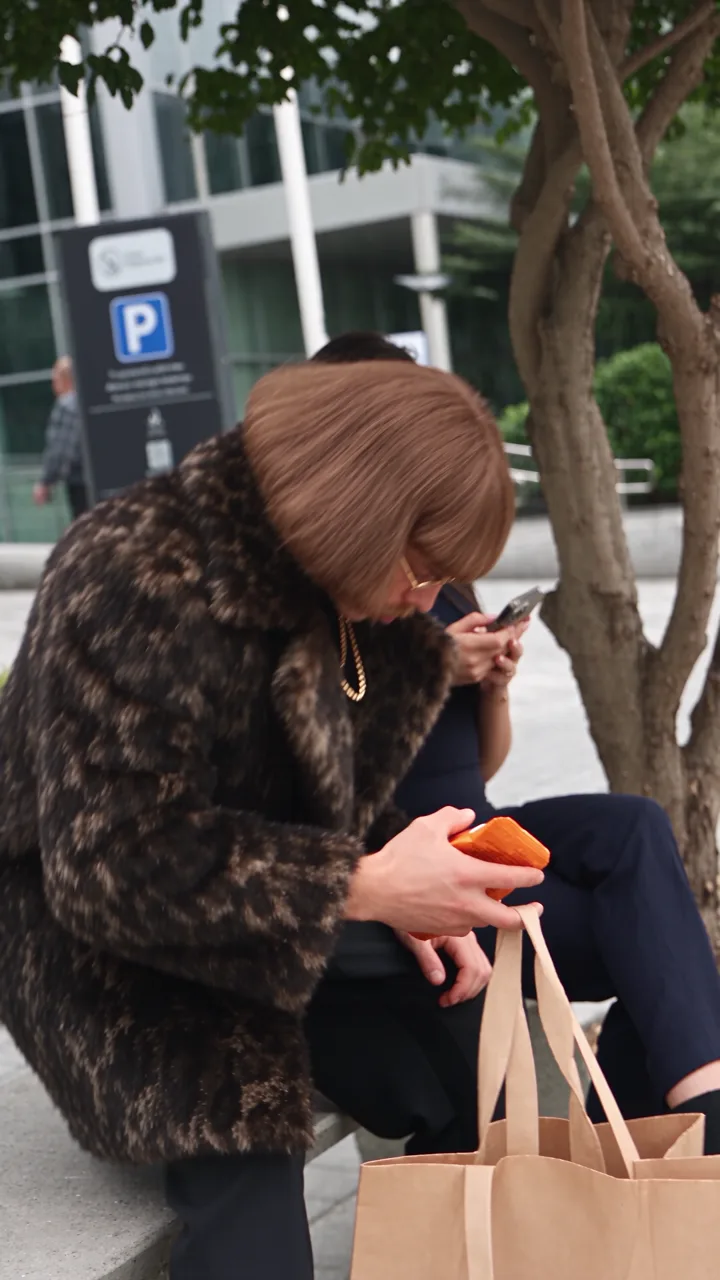
Quirky Stranger Shares Chips on City Bench
Prompt
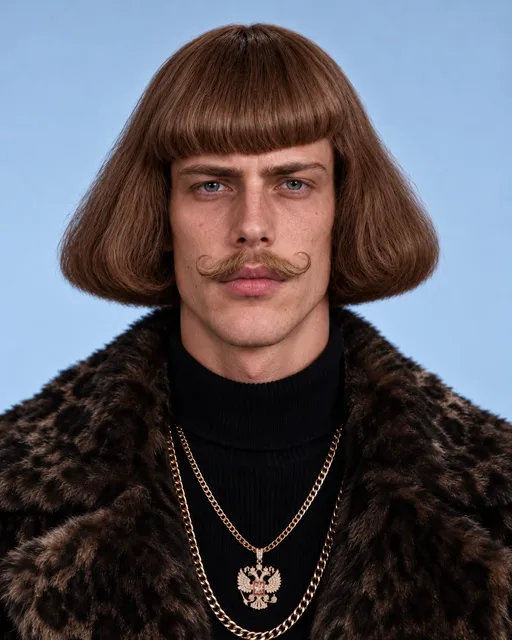
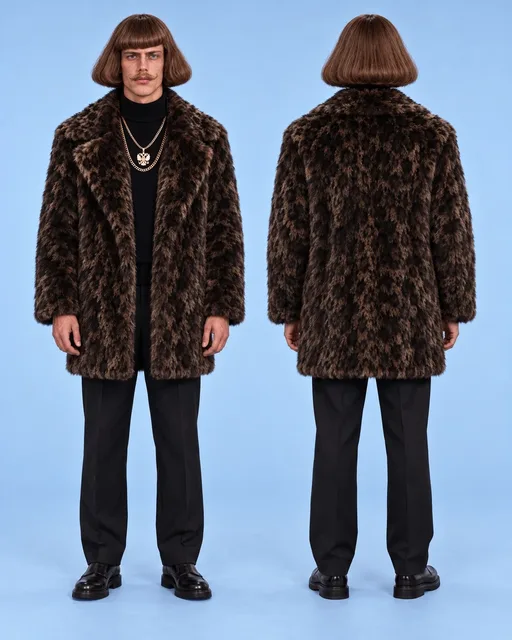
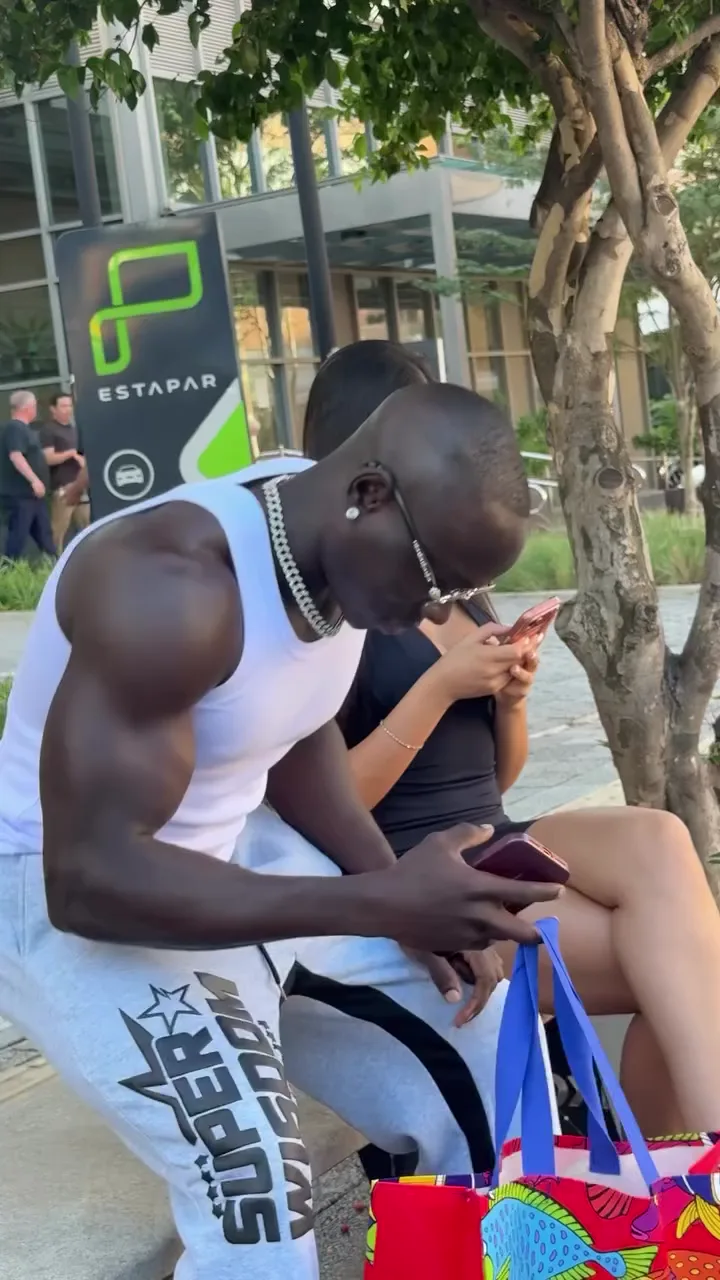
Use @Video1 as the absolute master reference for the full video. Use @Image1 as the FACE / IDENTITY reference for the replacement male character. Use @Image2 as the FULL-BODY / PHYSIQUE / BODY PROPORTIONS / OVERALL APPEARANCE reference for the replacement male character. Recreate the original video as closely and faithfully as possible. Keep everything exactly the same: - same full video, - same location, - same background, - same environment, - same furniture and objects if present, - same lighting, - same camera angle, - same framing, - same camera movement, - same pacing, - same timing, - same choreography, - same gestures, - same interaction between the characters, - same original audio, - same original voices if present, - same dialogue if present, - same lip sync if present, - and same overall scene. Replace the original male character with a new male character built from @Image1 and @Image2. Use @Image1 for: - exact face, - identity, - facial features, - eyes, - nose, - lips, - jawline, - hairstyle, - hairline, - hair color, - skin tone, - and overall recognizable appearance. Use @Image2 for: - full-body appearance, - physique, - body proportions, - height impression, - posture, - stance, - silhouette, - and overall body structure. IMPORTANT: The replacement male character’s appearance must come ONLY from the uploaded reference images, not from the original actor in the video. Do NOT inherit from the original male actor: - face, - facial structure, - hairstyle, - hair color, - skin tone, - body shape, - physique, - proportions, - silhouette, - or identity. Only preserve from the original video: - movement, - performance, - timing, - gestures, - blocking, - camera, - framing, - scene structure, - and environment. The replacement male character must look like one coherent person: - face from @Image1, - body from @Image2. Keep the male identity stable and consistent throughout the whole video. Replace the original female character with a newly generated beautiful woman. IMPORTANT: Do not keep the original female character’s identity. Generate a new woman, but preserve her role in the video. She should be: - very beautiful, - elegant, - visually striking, - feminine, - realistic, - naturally integrated into the footage, - and consistent throughout the whole clip. She must remain an adult woman and should look like a high-quality, naturally attractive, polished female character. The generated female character must keep the exact same role and performance as the original female character: - same movement, - same head movement, - same pose timing, - same gestures, - same facial-expression timing, - same position in frame, - same spacing relative to the male character, - and same interaction with the male character and the environment. Do not change the choreography. Do not change the scene structure. Do not invent new actions. Both replacement characters must keep the exact same performance as the original characters: - same body movement, - same timing, - same gesture rhythm, - same camera relationship, - same positions in frame, - and same interaction flow. Preserve the ORIGINAL AUDIO from @Video1 unchanged. Keep: - original voices, - original dialogue, - original sound, - original timing, - and original synchronization. Do not generate a new voice. Do not replace the dialogue. Do not change speaking speed. Do not retime the audio. If either character speaks or mouths words, preserve the exact mouth movement and lip-sync timing so the replacement faces match the original audio naturally. Do not change the background. Do not change the location. Do not change the environment. Do not change the lighting. Do not change the camera. Do not add new shots. Do not add subtitles or text. Do not change the duration. IMPORTANT TEXT RULE: Do not generate any subtitles, captions, text, words, letters, symbols, Chinese characters, hieroglyphs, overlays, UI elements, watermarks, labels, logos, or any on-screen graphic text of any kind at any moment in the video. Use the FULL original video. The final result should look like the exact same original video, with the exact same scene, camera, movement, timing, interaction, and audio, but with: - the original male character replaced by the male character built from @Image1 and @Image2, - and the original female character replaced by a newly generated very beautiful woman. Everything else must remain unchanged.
Swap target
Person swap
Resolution
1080p
Video:
Images: