●17 min read
AI Microdrama: How to Build a Vertical Series With AI
One-off AI clips are easy. A coherent vertical series is not.
An AI microdrama only works when story, character lock, motion, voice, and captions stay aligned across episodes.
This playbook gives you a repeatable production path from idea to publish-ready vertical drama.

Isolated AI clips are easy.
A multi-episode vertical series is not.
When characters drift, dialogue tone shifts, and episode continuity breaks, the story stops feeling like one show.
Viewers notice the cracks before you finish the arc.
The real cost is the chain reaction.
Extra generations, slower approvals, and a final cut that still fails the brief pile up fast.
The better move:
Build an AI microdrama as short-form vertical serialized drama produced with generative tools.
Your goal is a coherent multi-episode series without a full traditional crew.
By the end, the work should feel less like random generation and more like production control.
Story structure, character lock, scene assembly, and continuity checks decide whether the series holds together.
Miss one handoff and the next episode starts weaker.
Generic one-shot workflows skip those handoffs.
This playbook puts them in the right order.
What an AI Microdrama Actually Is
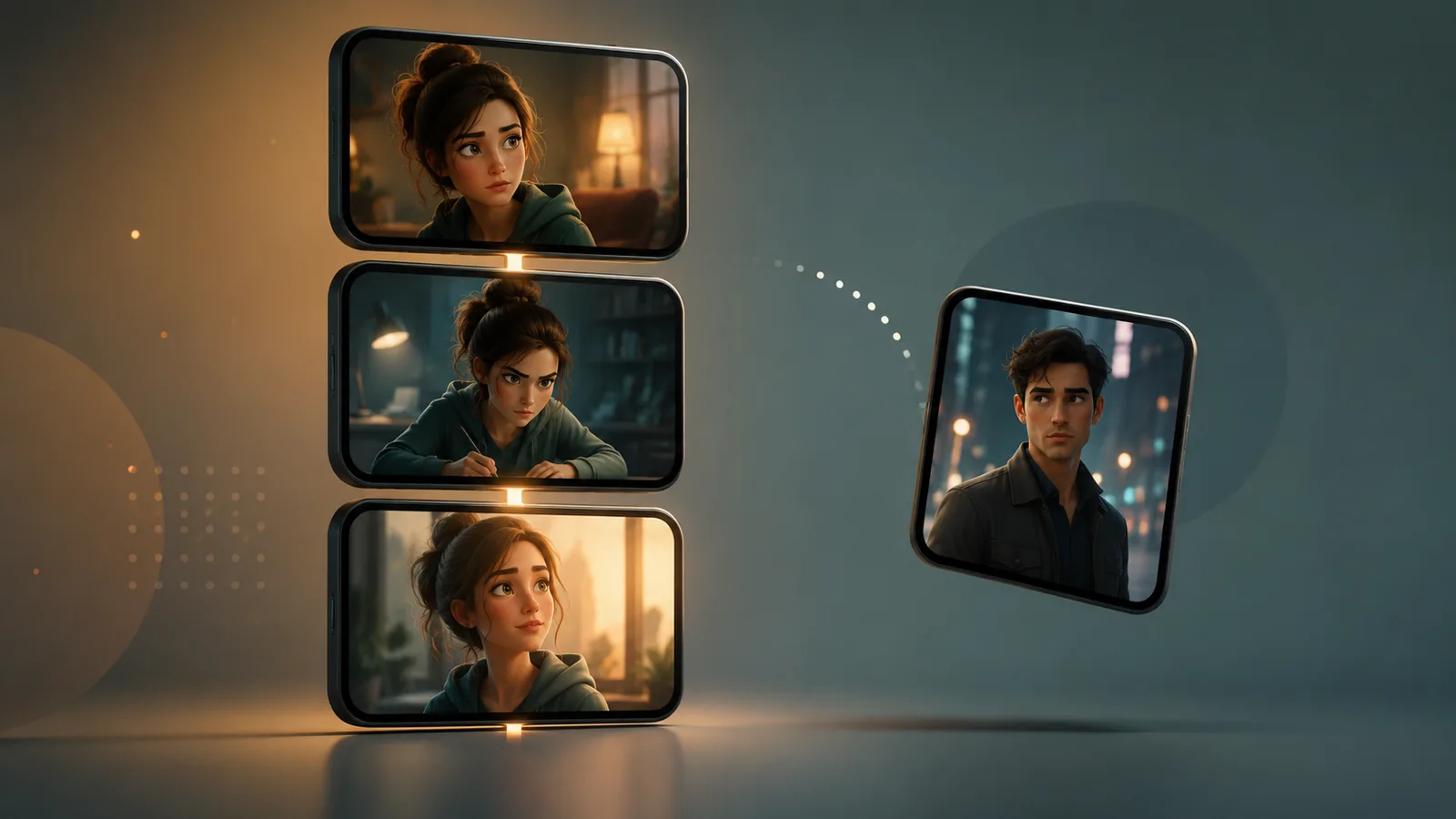
An AI microdrama is short-form vertical serialized drama produced with AI-assisted writing, character setup, scene generation, voice, and final assembly. It prioritizes multi-episode continuity for mobile viewers rather than one-off spectacle or long horizontal series formats.
That definition is a production category, not a fixed industry standard.
An AI microdrama lives as a short episode unit inside a continuing arc.
Each publish should advance conflict, relationship pressure, or a reveal that only makes sense after the previous episode.
Related labels describe the same format from different angles.
An AI micro series usually stresses tighter episode chaining for mobile feeds.
AI episodic short drama points to the same mobile-first pattern when the emphasis is on turn-by-turn story beats.
The hard boundary against one-off AI clips is obligation.
A single clip can change faces, wardrobe, and tone without consequence.
A serialized vertical drama cannot.
Viewers return for the same people, the same world rules, and the next beat.
Long horizontal series run under different constraints.
They can use wider framing, longer scenes, and slower reveals.
Mobile-first microdrama compresses conflict, dialogue, and identity into short vertical units.
Serialization, character continuity, and mobile pacing matter more than one spectacular shot.
If episode two cannot match episode one, the format fails even when a single frame looks cinematic.
Treat the format as a continuity product first and a generation product second.
Without that scope, the project is only a folder of disconnected clips.
Why AI Vertical Drama Is Surging Now
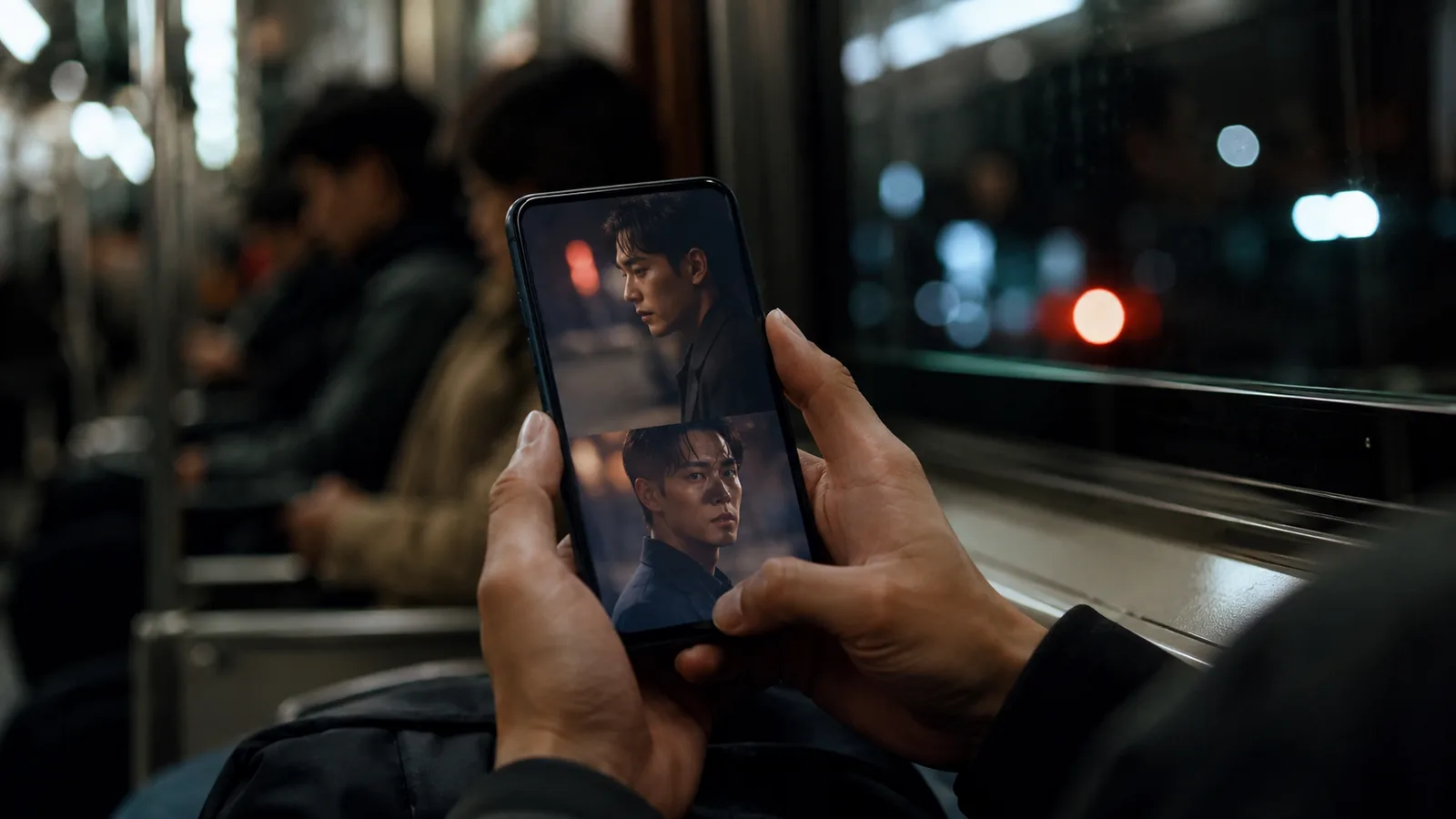
AI vertical drama demand is rising because mobile-first viewing favors short serialized episodes, and confirmed platform moves are treating microdrama as a product category. Character.ai's c.ai Series and Vigloo's AI-realized vertical titles show faster production cycles and characters positioned as durable mobile assets.
Mobile feeds reward stories that resolve a beat fast and leave a hook for the next open.
That pressure favors short vertical episodes over long horizontal arcs.
Public reporting has put two platform moves on the map.
Forbes reports Character.ai launched c.ai Series, a slate of original short-form vertical dramas inside its mobile app.
Viewers can chat with the characters after each episode.
The first titles include a romance anime, a Gen Z paranormal horror, and a virtual-world survival thriller, produced by an in-house studio using AI.
The strategy tests whether the character, rather than the episode, becomes the durable asset in mobile entertainment.
Forbes also reports Vigloo released its first AI-realized vertical micro dramas, including Met a Savior in Hell and Seoul: 2053.
Vigloo builds for a mobile-first vertical scrolling format.
Company statements describe AI-driven visual production compressing timelines that once made blockbuster-style microdrama hard to attempt at small scale.
Vigloo CEO Neil Choi has said that format can now be produced in weeks in their production context.
The practical result:
Shorter cycles make serialized mobile storytelling more realistic without a full traditional crew.
Character continuity becomes the asset that holds return viewing together.
That is why AI vertical drama interest is not only about faster clips.
It is about building series that survive more than one episode.
The Coordination Problem Multi-Episode Creators Hit First
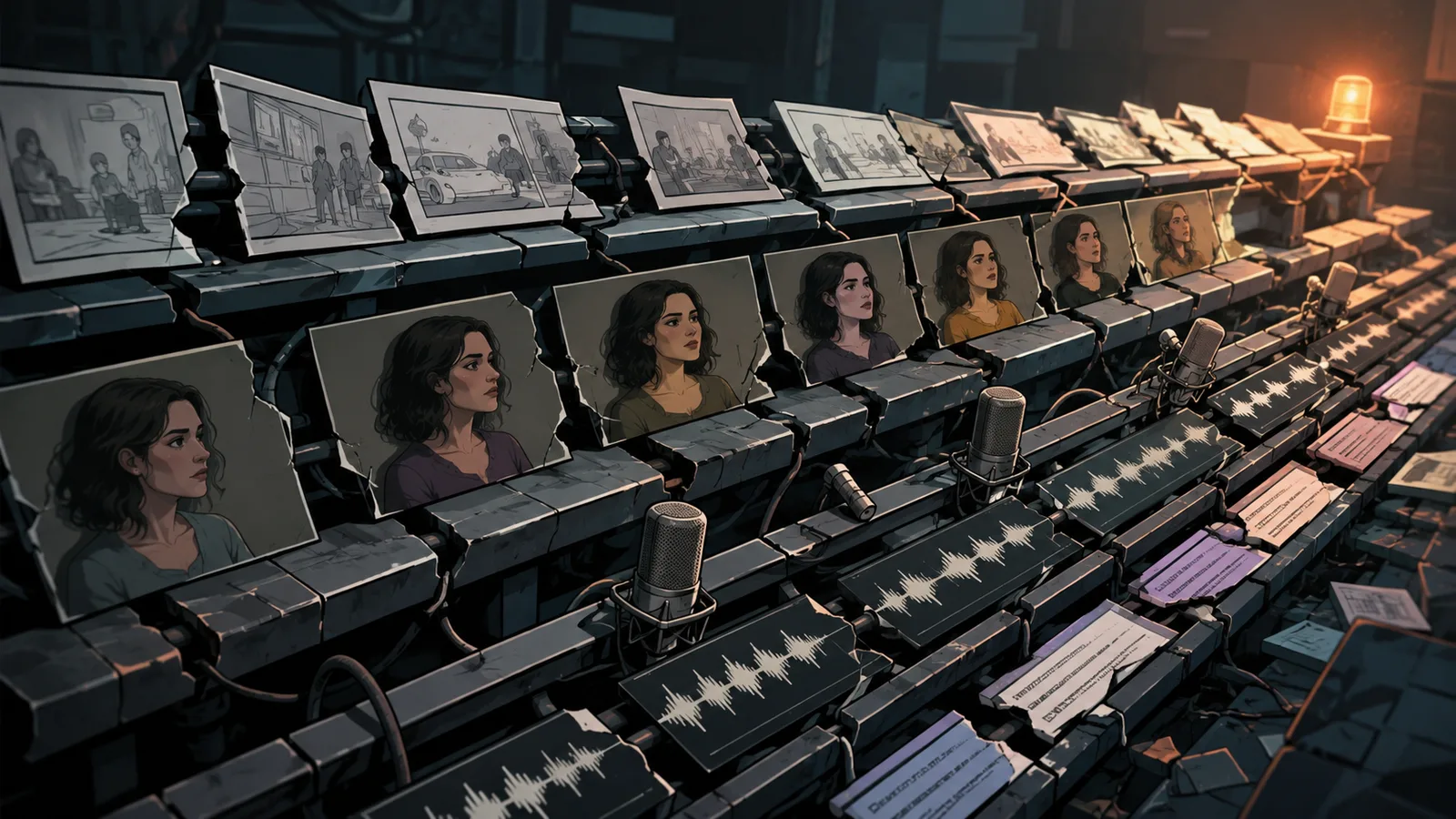
Multi-episode creators fail when scripts, consistent characters, scenes, voices, music, and editing are handled as disconnected steps. That break turns vertical series AI production into identity drift, wardrobe shifts, mismatched voice, broken scene order, caption timing errors, and lost emotional continuity.
The pain is coordination across episodes, not a missing single feature.
When the script advances without a locked character look, faces and wardrobe start to drift.
When voice is cast after scenes are already generated, tone can fight the established performance.
Music and captions added last without shared timing rules make emotional peaks land late or too early.
Scene order breaks when each clip is treated as an isolated shot instead of a continuing beat.
Viewers notice those cracks before the plot lands.
In AI video generation, the same look and feel across scenes is not automatic.
Even small shifts in face, hair, outfit, or voice can pull people out of the story.
Vertical series AI work needs a unified system rather than ad hoc generation.
AI Short Film Workflow for a Vertical Series
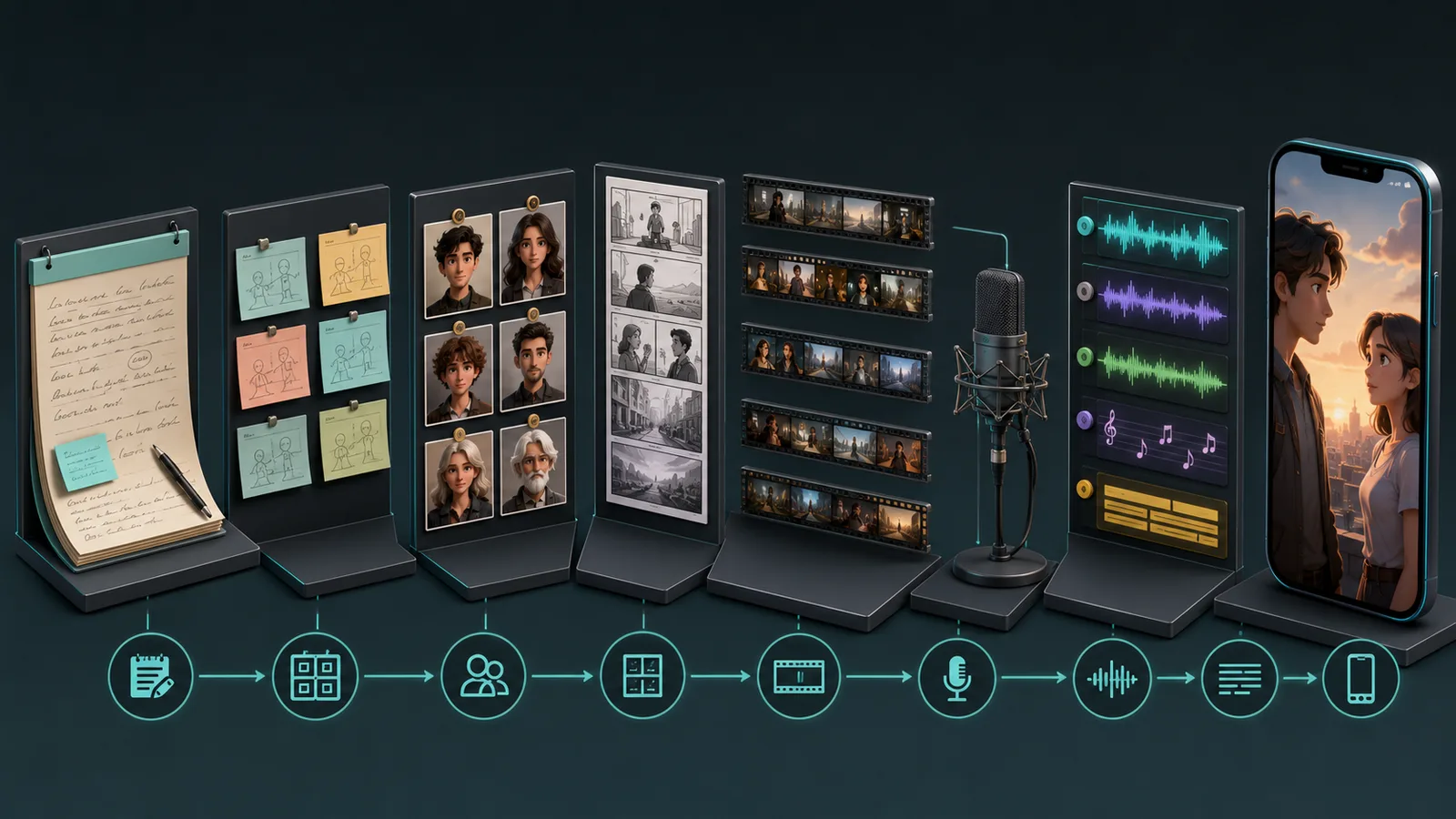
A repeatable AI short film workflow moves from story idea to a publish-ready vertical episode through script, episode planning, character lock, storyboards, scene generation, motion assembly, voice, lip-sync, music, captions, and final cut. Later stages inherit locked assets so serialized drama stays coherent.
Order matters more than tool choice.
If you generate scenes before episode beats and identity assets are locked, every later pass becomes repair work.
Keep the path process-first and tool-agnostic so each stage hands clean inputs to the next.
Source-reported drama pipelines commonly start from an idea, script, or novel chapter, then expand into structured short-drama scripts with scenes, dialogue, and conflict before visual production.
Creator workflow demos often follow the same sequence: outline first, then episodic scene work, then assembly.
Use this production order as your control system:
Story and script
Episode beats and scene list
Character lock handoff
Storyboard and shot plan
Image-to-video or clip generation
Motion assembly
Voice
Lip-sync
Music
Captions
Final vertical cut
Lock identity assets before scene generation, then stop rewriting them mid-render.
Deep character methods come next in this playbook.
Here, the handoff is simple: freeze who the cast is, then produce the episode.
Script, Episode Beats, and Scene Breakdown
Convert the input into episode-ready structure before any render.
Start with a story idea, script, or novel chapter.
Write one clear episode goal that advances the arc.
Map three to five conflict beats sized for short mobile viewing.
Build a scene list with location, characters on screen, and the emotional turn.
Keep dialogue short enough to read on a phone and still leave a hook.
Do not draft the full series bible at this stage.
This ComfyUI tutorial shows how to lock consistent character performance and seed-based variations across scenes.
Lock only the current episode beat map so production can move without inventing plot mid-render.
Storyboards, Shot Generation, and Motion Assembly
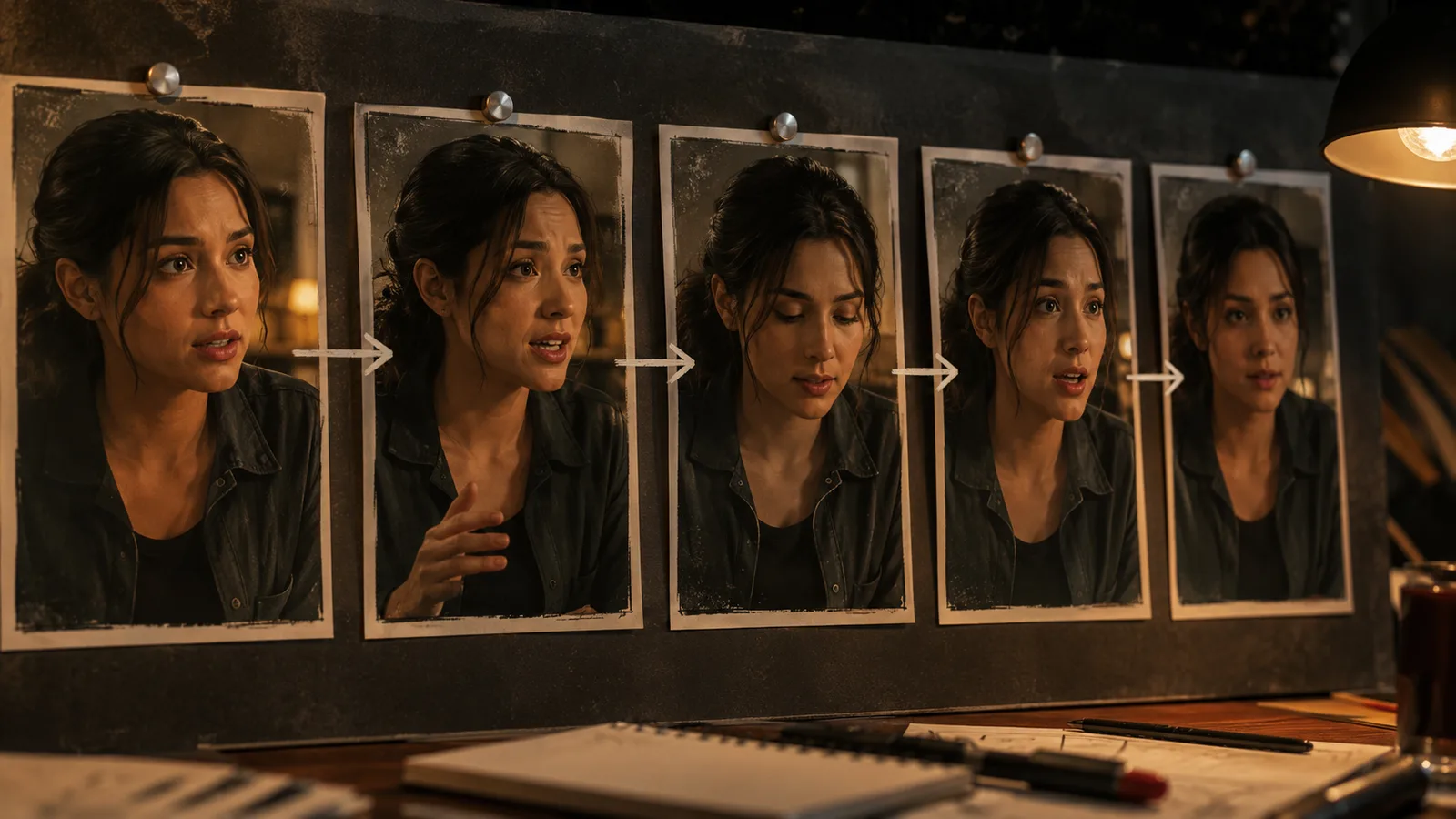
Plan shots for vertical framing before you generate clips.
Storyboards should mark subject position, eye line, and text-safe zones.
Industry commentary notes that AI can assist storyboards and suggest camera angles suited to vertical framing.
Generate in shot order when continuity matters.
Source-reported long-clip practices include chaining previous video generations so later shots inherit motion and environment continuity.
Image-to-video helps when a strong first frame anchors composition.
Keep camera moves simple when wardrobe and face must stay stable.
Assemble motion as one continuing beat, not a stack of isolated AI clips.
Voice, Lip-Sync, Music, Captions, and Final Cut
Cast voice after character identity is locked, not after every scene rewrite.
Match tone to the episode emotional peak so performance does not fight the face on screen.
Align lip-sync to dialogue timing before you polish the cut.
Use a recurring music bed to bind episodes without drowning speech.
Design captions for silent autoplay with short lines and high contrast.
Run final vertical checks for framing, audio levels, caption timing, and cliffhanger exit.
Only then export the publish-ready episode unit.
Consistent Character AI Video Methods That Survive Multiple Episodes
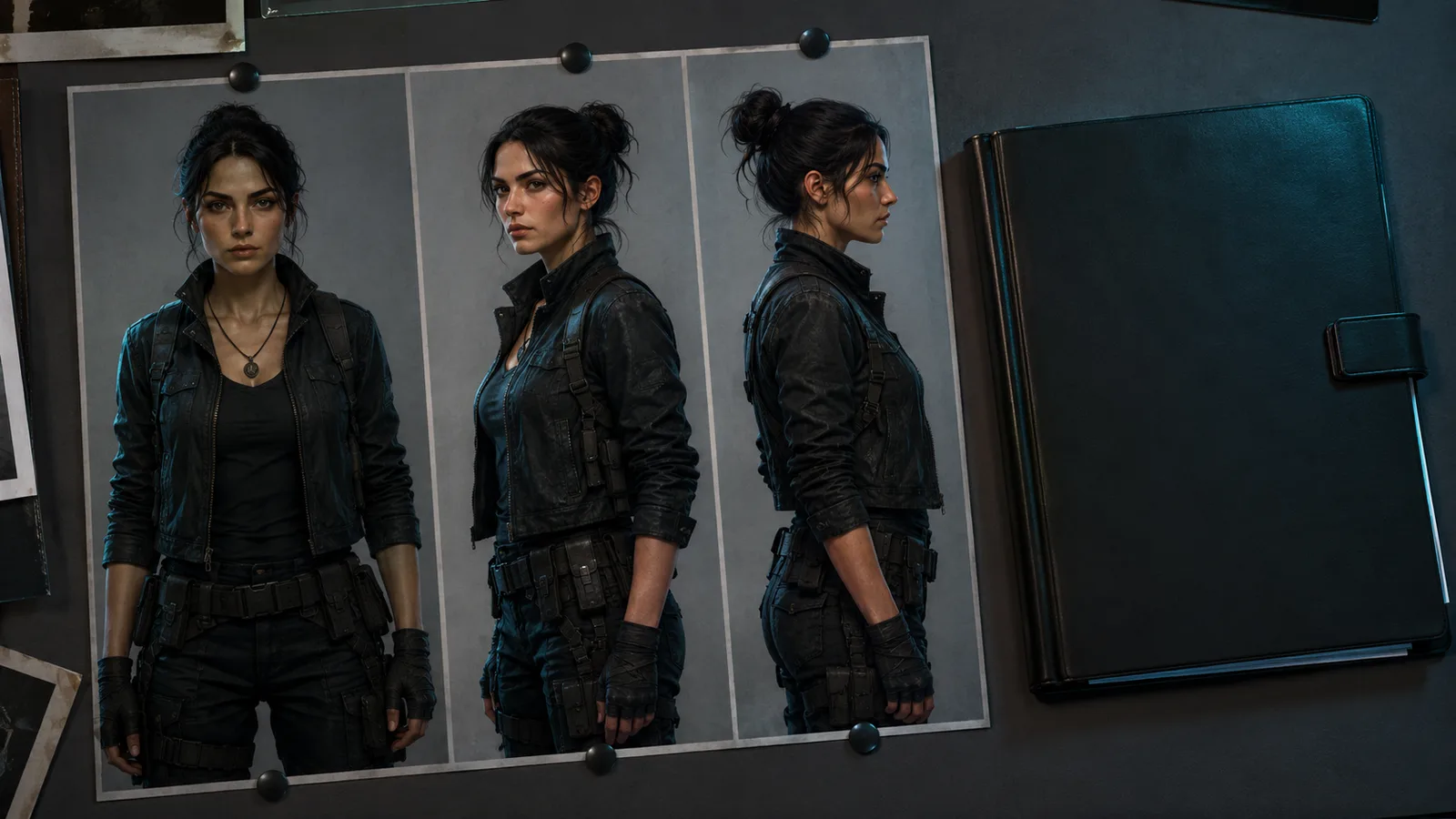
Multi-episode watchability depends on locked identity assets before scene generation, not after. Consistent character AI video methods freeze face, wardrobe, age cues, and style anchors first, then let scene action change. Character bibles, reference sheets, locked descriptors, reference chaining, and platform character IDs reduce visual drift across episodes.
In AI video generation, the same look and feel across scenes is not automatic.
Small shifts in jawline, hair color, or outfit can break immersion.
The practical result: identity assets must be locked before you generate episode shots.
For an AI microdrama, face, wardrobe rules, age cues, and style anchors stay frozen while action changes.
Build a Character Bible and Reference Sheet First
Build a character bible before any episode render.
Write fixed physical traits, wardrobe rules, age range, expression range, and style notes that stay constant across episodes.
Then create multi-angle reference sheets under similar lighting and art style.
Creator-reported workflows often use several high-quality angles so the model learns a stable identity.
Face shape, hair, and distinguishing marks
Wardrobe rules that only change by design
Age cues and body proportions
Allowed expression range
Style and lighting anchors
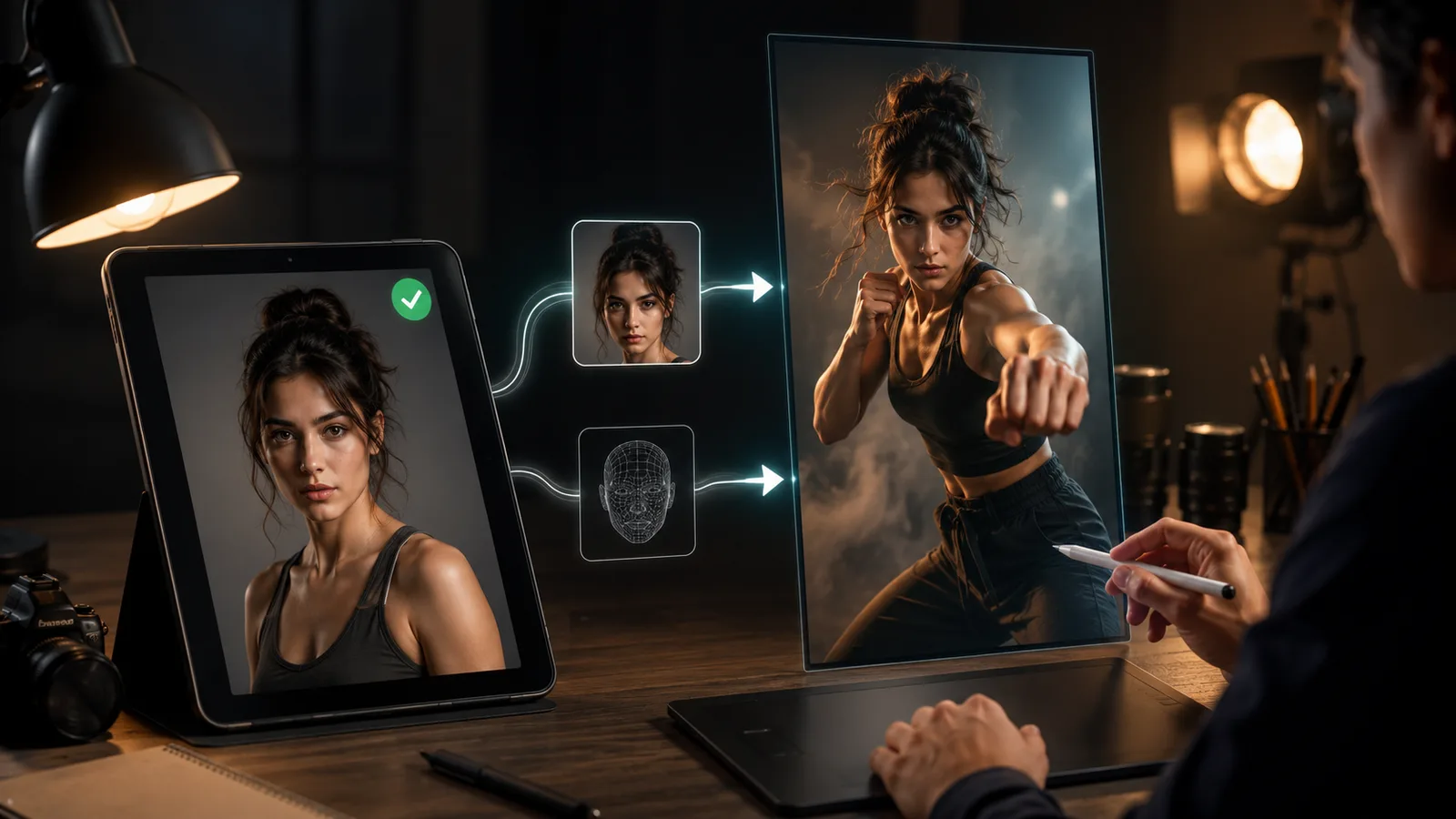
Lock Descriptors and Chain Approved References
Freeze one identity paragraph and reuse it every generation.
Change only the scene action lines when the plot advances.
Small wording edits are a documented failure mode that can rewrite face or wardrobe.
Prompt locking keeps the identity scaffold intact while emotion and camera move.
Reference chaining uses a prior approved image or clip as the anchor for the next shot.
That keeps environment and motion continuous instead of regenerating from a blank start.
Use Character IDs and Run Drift Checks
Some tools offer character IDs or multi-image character models as source-reported options.
Use them when available, but treat them as aids rather than perfect locks.
Run a simple drift check between episodes.
Compare face, hair, wardrobe, and lighting against the approved reference set before publish.
If drift appears, re-apply the reference sheet and regenerate only the broken shots.
Consistent character AI video stays watchable when identity QC is routine, not optional.

Vertical Video Storytelling Rules That Shape Every Scene
Vertical framing and mobile viewing rewrite drama rules: tighter shot sizes, earlier conflict, shorter scene turns, caption-first readability, and cliffhanger episode exits. Vertical video storytelling for Shorts, Reels, and TikTok-style drama favors close framing over wide cinematic staging so faces and emotion stay readable on a phone.
A horizontal scene plan fails on a phone when the subject sits too small in frame.
Shot size has to serve the face first on smartphone screens.
Put conflict early in each episode.
Viewers arrive mid-scroll, so the first beat should establish desire, threat, or decision without a long setup.
Each shot should advance emotion or plot, then hand off before attention cools.
Captions must stay readable during silent autoplay.
Keep lines short and high contrast so dialogue still lands without sound.
Storyboard density rises under these rules.
You need more close and medium shots, fewer wide frames, and dialogue that fits tight vertical cuts.
End each episode on an unresolved choice, reveal, or threat so the next AI microdrama open is clear.
Episode Planning and Continuity Across a Vertical Series
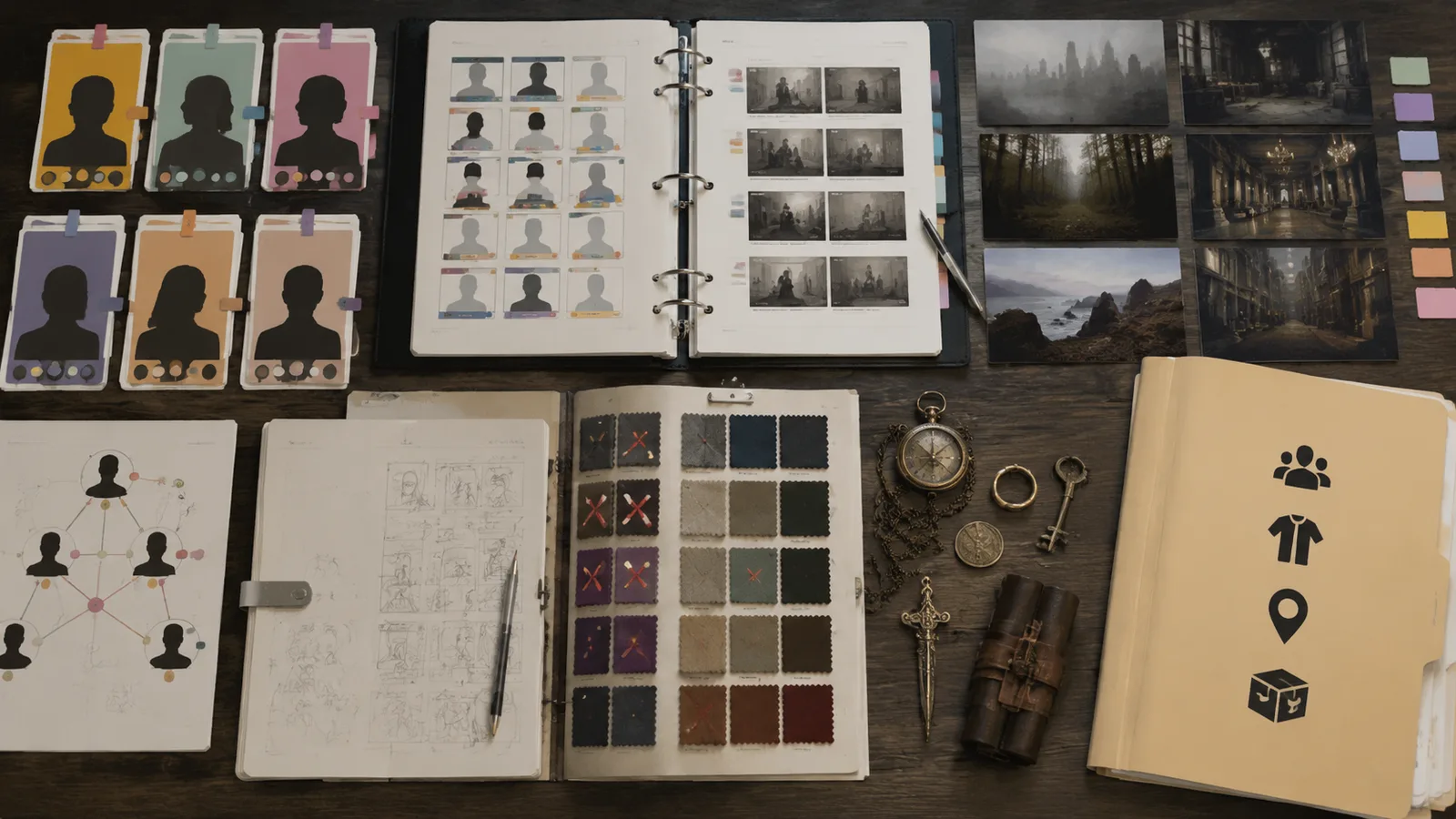
Multi-episode continuity requires an episode bible, an asset registry, and clear handoff rules between episodes. For AI episodic short drama, track character status, designed wardrobe changes, locations, props, and dialogue tone so each vertical episode inherits the last locked world.
A single episode can look coherent and still fail the series.
Vertical series AI production breaks when episode two forgets the end state of episode one.
Treat continuity as a planning system, not a repair pass after render.
Write one series logline and freeze it for the full run.
Then log character status per episode: goals, injuries, alliances, secrets, and emotional temperature.
Keep already locked identity assets fixed while plot status moves.
Change wardrobe only when story requires it, and record the change as intentional design.
Map recurring locations with layout, lighting, and time-of-day notes so sets do not reset by accident.
Track props that reappear so objects do not vanish between episodes.
Set a dialogue tone rule for each lead so speech style stays stable under new conflict.
Plan cliffhanger-to-open transitions so the next cold open answers the last unresolved beat.
| Continuity item | What to record | Pre-render check |
|---|---|---|
| Character status | Goals, wounds, relationships | Matches prior episode end |
| Wardrobe | Designed changes only | Matches last approved look |
| Location | Layout, light, time of day | Matches prior environment |
| Props | Recurring objects | Same design across cuts |
| Dialogue tone | Speech style per lead | Matches locked voice rules |
Source-reported multi-episode patterns treat drift as a primary failure mode.
The better move:
Audit prompt diffs, refresh approved references, then generate the next AI microdrama episode from the handoff file.
Where Multi-Episode AI Production Breaks
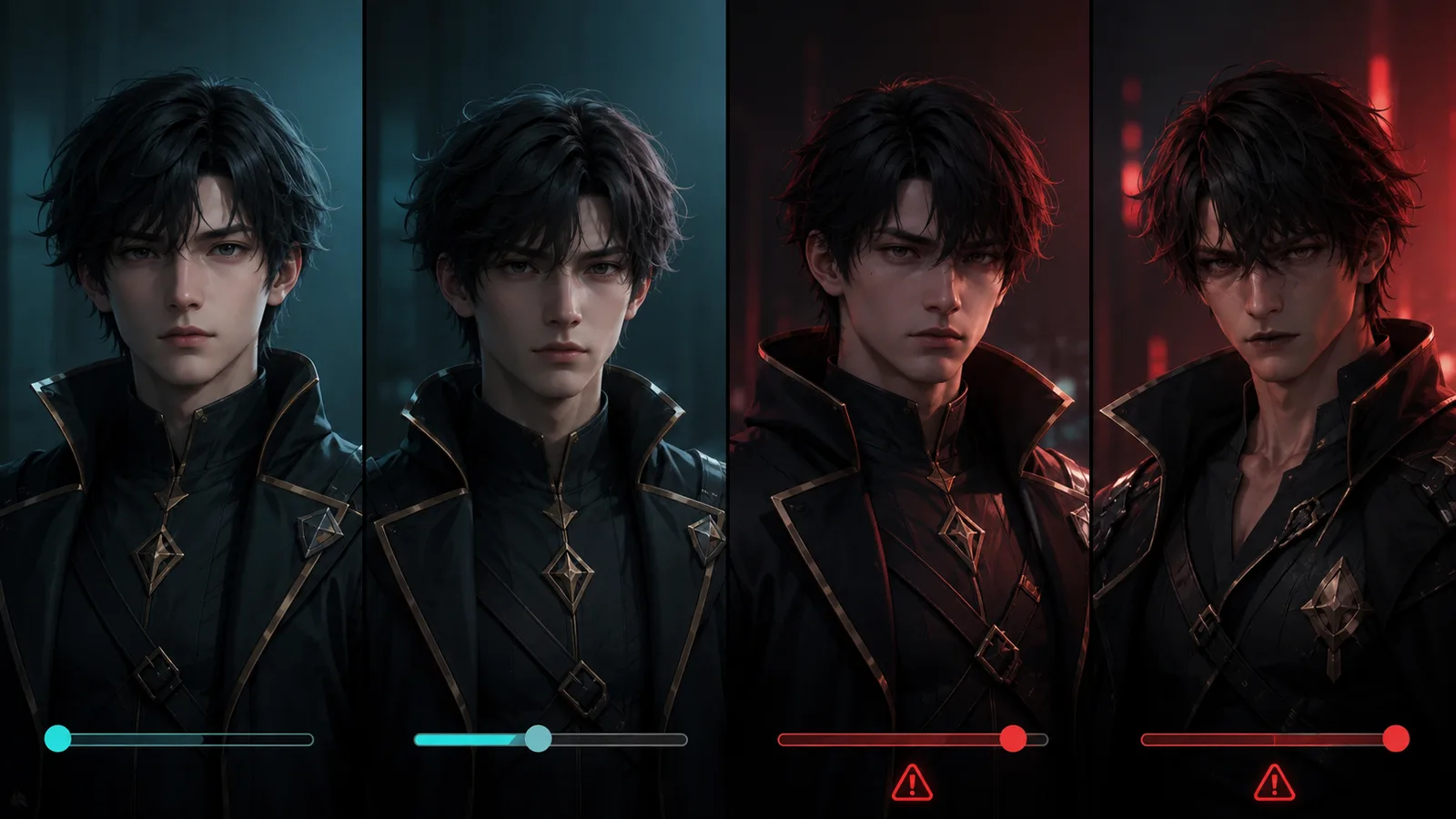
Multi-episode AI production breaks most often on visual drift, continuity gaps, voice mismatch, regeneration loops that burn time and credits, and likeness or platform-policy risk. Consistency is not automatic. Lock assets early, run QC gates, and stop when redesign beats endless retries.
A polished episode can still fail a series when later renders drift.
Source-reported guidance treats identity control as creator work, not automatic output.
The catch: retries without frozen assets raise cost and still miss the look.
Visual Drift, Continuity Breaks, and Regeneration Loops
Visual drift often appears after several episode renders, not on the first pass.
Faces, hair, wardrobe, and environments can slowly reset even when the plot is clear.
Continuity also breaks when props vanish, sets re-light, or episode two ignores the last cliffhanger.
Before publish, check face, hair, wardrobe, layout, and props against the locked plan.
If identity still matches, regenerate the shot.
If the look keeps mutating, redesign base assets instead of more blind retries.
Voice Mismatch, Credit Burn, and Likeness Policy Risk
Voice mismatch pulls viewers out as fast as a changing face.
Tone and lip-sync can drift when each episode recasts audio from scratch.
Uncontrolled retries create credit pressure without fixing the root cause.
Source-reported workflows note that locking details earlier helps save time and credits.
For real-person faces, voices, or likeness, require consent and follow platform policy.
Never use someone's likeness without permission, and label synthetic media when required.
If an AI microdrama still fails voice and picture after two controlled passes, redesign the cast package.
Frequently Asked Questions
Can you turn a novel or written story into an AI microdrama?
Yes, but treat the text as source material, not a finished series. Adapt a chapter or script into short episode goals, scene lists, and dialogue beats first. Lock characters before you generate vertical scenes so the arc stays continuous.
How is an AI microdrama different from a one-off AI short film?
An AI microdrama is serialized short-form vertical drama that must keep the same people, world rules, and continuing beats across episodes. A one-off AI short film can change face, wardrobe, or tone without breaking a larger arc. If episode two has no continuity obligation, it is not an AI microdrama.
Why do characters look different between AI microdrama episodes?
Identity is not automatic in AI video. Small prompt rewrites, missing references, and unlocked wardrobe or lighting notes often rewrite face and outfit over time. Freeze a character bible, multi-angle references, and one identity paragraph before scene generation, then change only the action lines.
Should you lock characters before writing every episode scene?
Lock identity assets before shot generation, not after failed renders. Episode dialogue and plot status can move, but face, wardrobe rules, age cues, and style anchors should stay frozen unless you log a designed change. Regenerating without a lock usually multiplies drift.
How do you keep voice and lip-sync consistent across an AI micro series?
Cast and freeze voice rules for each lead early, then reuse the same voice profile and timing standards on every episode. Recasting audio from scratch after picture lock is a common mismatch path. Check lip-sync and tone against the prior episode before you publish.
Can you use real people or celebrity likeness in AI vertical drama?
Only with clear consent and platform-policy compliance for face, voice, or identity transfer. Prefer original or fully licensed characters for serialized work. Handle permission and responsible labeling in pre-production, not after publish.
Do AI tools automatically maintain multi-episode continuity?
No. Continuity is a production system: episode bible, asset registry, locked references, and pre-publish QC. Tools may offer character IDs or reference chaining when supported, but you still audit face, wardrobe, locations, props, and end-state handoffs.
When should you stop regenerating a broken AI microdrama shot?
Regenerate only if base identity still matches approved references. Redesign base assets when face, wardrobe, or voice keep shifting under locked prompts. Stop when the same QC gate fails twice, because more retries often raise cost without fixing the root lock.