

Written by Oğuzhan Karahan
Last updated on Aug 28, 2026
●9 min read
Creatide.ai: The New All-in-One AI Creative Platform
The AIVid.video platform has officially rebranded to Creatide.ai, becoming a much more powerful and comprehensive all-in-one AI creative platform.
Explore the expanded capabilities and what’s coming next.

AI content creators often juggle multiple AI tools just to produce different asset types.
The problem is that most creators need one workspace for video, image, music, and campaign assets.
But many end up using separate tools and lose efficiency.
Switching between platforms wastes valuable time and disrupts creative flow.
This fragmentation breaks workflow momentum and forces extra switches.
The catch is that every tool has its own interface and limited capabilities.
This creates constant context switching that kills productivity.
Creatide.ai delivers a unified workspace that combines video, image, music, motion, effects, and upscale in one browser-based suite.
This setup lets creators move from idea to finished asset without switching tools.
Independent creators, agencies, and studios gain a strategic advantage by staying in one environment.
The practical result is faster project turnaround and better focus on creativity.
Ongoing enhancements continue to expand these capabilities, though exact timelines remain unverified.
This guide breaks down the key capabilities and workflows that make Creatide.ai the all-in-one solution for modern content teams.
Explore the enhanced capabilities and see how it fits your creative needs.
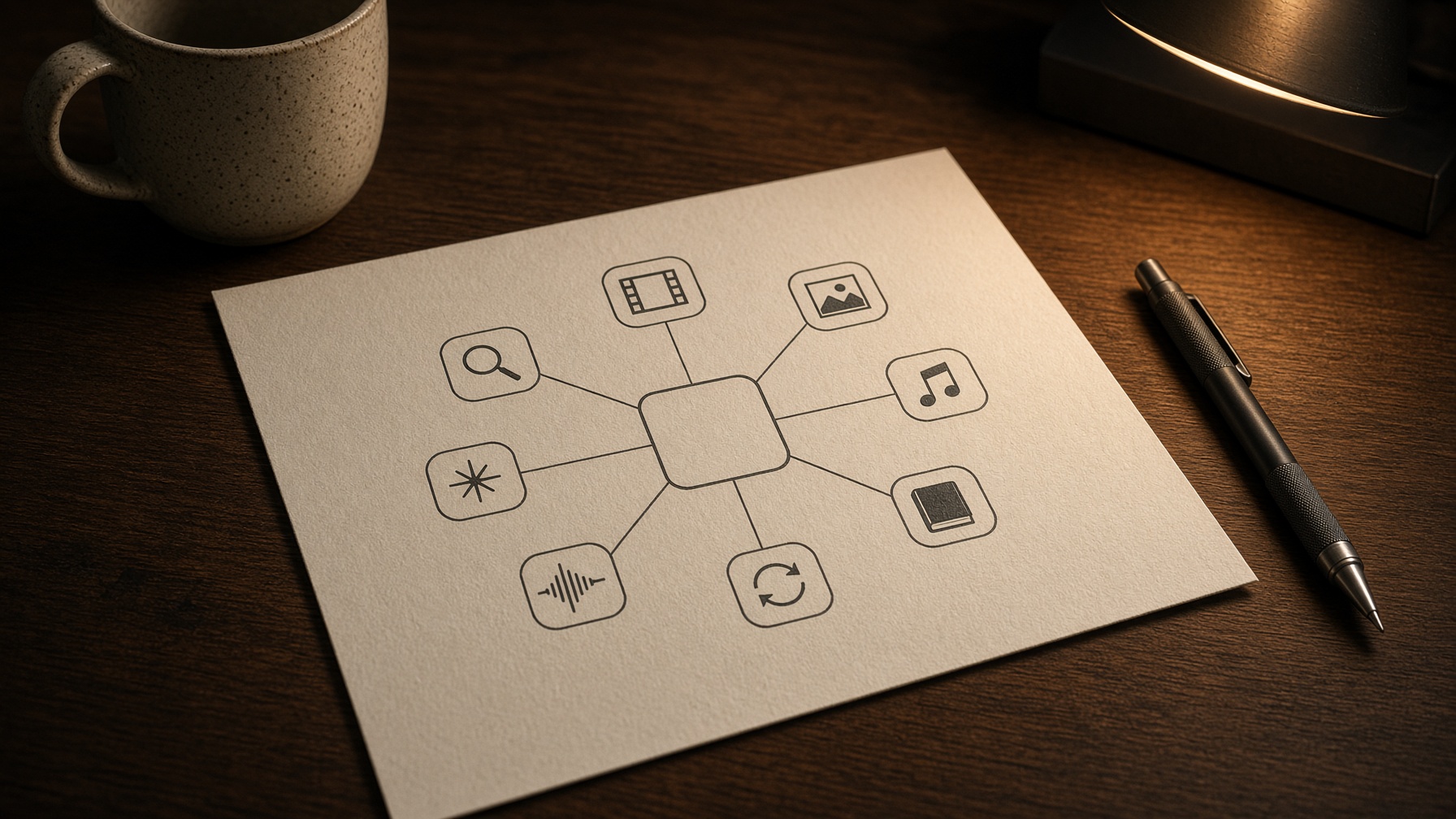
Creatide.ai: The Evolution into a Comprehensive All-in-One AI Creative Platform
Creatide.ai has evolved from specialized tools into a comprehensive all-in-one AI creative platform that unifies video, image, music, story, motion, lip sync, effects, and upscale in one browser-based hub, delivering clear integration benefits for creators.
This strategic shift allows independent creators and teams to move from idea to finished asset without switching platforms, boosting efficiency and reducing fragmentation.
Source-reported data from official pages confirms the expanded capabilities.
Asset Categories Now Handled in One Workspace
| Asset Type | Integrated Workflows |
|---|---|
| Video | AI generation, Seedance 2.5 stories, effects, motion |
| Image | Generation, editing, upscale |
| Music | AI music creation |
| Story | Narrative building |
| Motion | Subject movement control |
| Lip sync | Audio lip synchronization |
| Effects | Visual and 800+ viral effects |
| Upscale | Quality and resolution enhancement |
Independent creators can generate social content by starting with story ideas, producing images, adding music and effects, and applying motion all in the same workspace.
This keeps the creative process fluid and focused on ideas rather than technical hurdles.
Teams use it for product visuals by creating images, videos with lip sync, and effects seamlessly.
The all-in-one AI tools make it possible to maintain brand consistency across all media types without extra effort.
The platform now supports core capabilities including avatar generation, video creation, agent chat, upscale, story development, video effects, music, and image production as a unified set.
These features are designed to work together seamlessly.
Start with a story concept to guide asset creation.
Generate base visuals from the story.
Incorporate AI music and effects.
Add motion and lip sync for engagement.
Complete with upscale for final delivery.
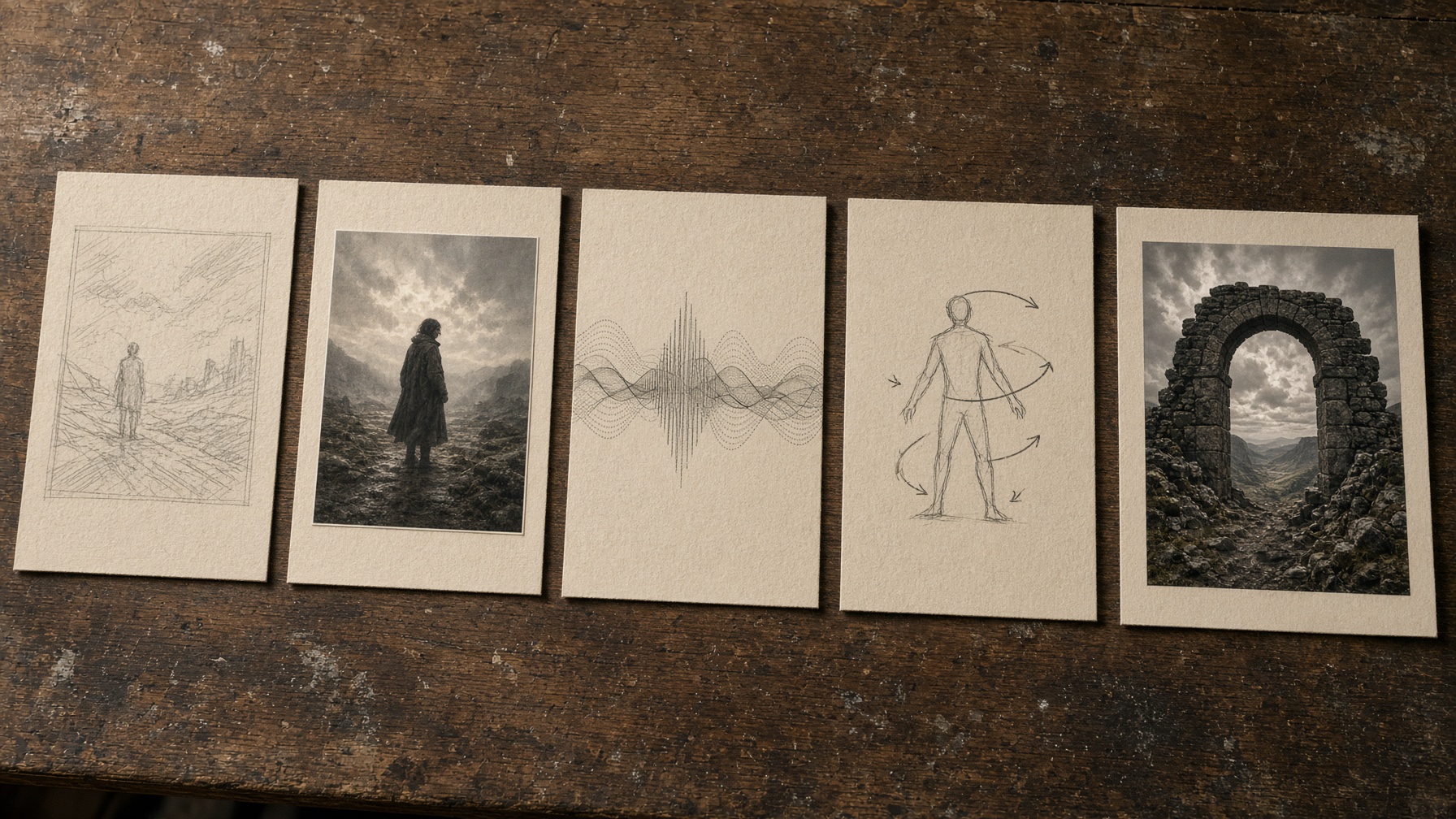
This order is critical because each step depends on the previous to create a coherent final product.
The practical result is a smoother workflow for creators who need to produce multiple asset types.
Watch this video to see Seedance 2.5 in action.
Pay attention to the 30-second clips and consistent scene changes.
Ongoing new features continue to enhance this all-in-one experience by improving how different formats interact with each other.
The evolution to this platform means that the focus is now on comprehensive creative solutions rather than single-purpose tools.
This change helps creators who previously had to use several different platforms for different tasks.
The integration benefits are clear when looking at real world use cases.
For example, a social media manager can plan stories, generate images for posts, create music tracks, add motion to clips, and upscale the final images all without leaving the platform.
The numbered list provides a clear roadmap for using the platform effectively.
The forward-looking analysis shows that the platform is committed to ongoing development to keep improving the user experience.
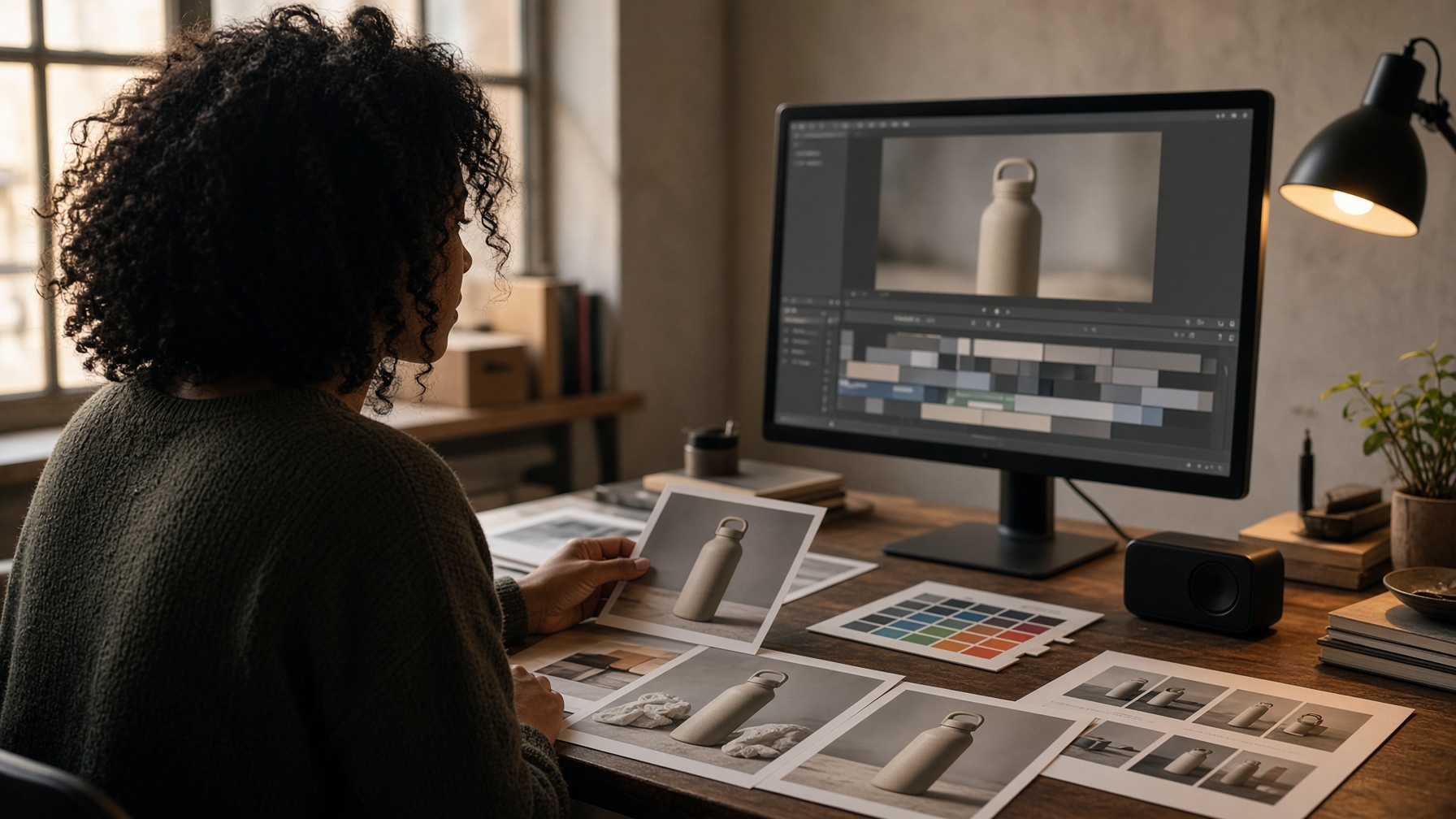
Core Capabilities of the AI Creative Platform: Video, Image, Music, and Beyond
The AI creative platform provides multi-format support for video, image, music, story, motion, lip sync, effects, and upscale generation within a single workspace.
This focus on multi-format support serves different creator needs by offering specialized yet integrated tools for each type.
Source-reported evidence from official pages details the supported generation capabilities.
Generation Capabilities Comparison
| Format | Key Features | Typical Use Cases |
|---|---|---|
| Video | Seedance 2.5, lip sync, effects | Long coherent stories, social clips |
| Image | Generation, effects, upscale | Product visuals, character design |
| Music | AI music generation | Soundtrack creation for assets |
| Story | Narrative and development tools | World building and scripting |
| Motion | Control mechanisms | Character animation and camera moves |
| Lip sync | Synchronization tools | Dialogue in videos |
| Effects | Application of 800+ viral effects | Visual enhancements |
| Upscale | Enhancement workflows | High-resolution output |
A practical example is how a social media team can create a full campaign:
Generate images for ads, add video with motion and lip sync, incorporate music and effects, all without leaving the platform.
Another example is for storytellers who build narratives across formats in one hub.
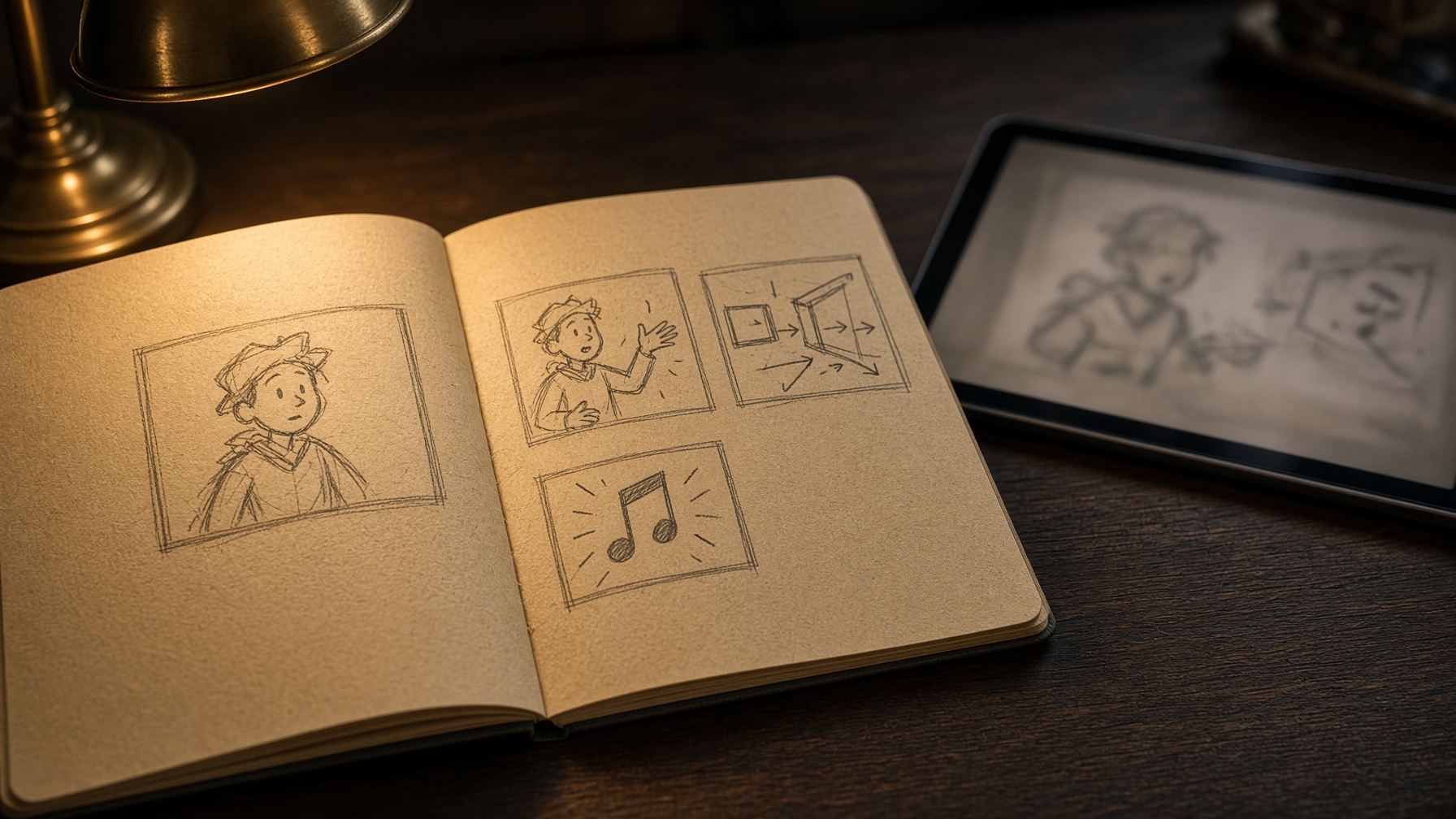
Generate synchronized story video
- Set the story foundation
Define the narrative prompt to establish the story sequence.
- Generate visual assets
Produce images or base clips from the story elements.
- Add audio synchronization
Apply lip sync and motion controls to characters.
- Layer in music and effects
Include AI music and apply viral effects for complete production.

Advanced Models and Tools: Integrating 20+ AI Models and Live Features
Creatide.ai integrates 20+ advanced AI models and live tools, including AI Agent Chat and Seedance 2.5, into one hub. This offers clear integration benefits and access to trending options for creators who need efficient, model-specific production.
This unified hub delivers seamless access across formats.
Source-reported evidence from official pages confirms the platform supports live features that enhance creative workflows without switching tools.
Here are key models available on the platform:
Seedance 2.5: delivers longer coherent stories with synchronized audio and reference control.
Kling 3.0: generates dynamic video scenes for social and marketing assets.
Google Veo 3.1: provides advanced capabilities for image and video in one workspace.
FLUX.2: excels at detailed image generation for product visuals.
Nano Banana Pro: offers trending quick generation options.
Watch this ElevenLabs video to see Seedance 2.5 in action.
Pay attention to the 30-second clips and consistent scene changes.
These models power content creation in one hub letting teams produce social media assets or product visuals seamlessly.
In the wake of the generative AI rebrand, ongoing new features continue to enhance model capabilities across the platform.
Practical examples show creators generating multiple assets in one place without extra tools.
This approach supports real workflows for independent creators and agencies alike.
Practical Workflows and Limitations: Resolutions, Times, and Real-World Applications
Creatide.ai supports practical workflows for content teams that include commercial use, variable generation times, and 2K to 4K resolution capabilities suited to real-world applications such as social content, product visuals, and story development across multiple formats.
This focus on practical applications helps teams move from concept to asset without inefficiencies.
Source-reported evidence from official pages indicates strong support for commercial purposes including social and marketing campaigns.
| Output Specification | Typical Use Case |
|---|---|
| 2K and 4K resolution | Product visuals and story development |
| Commercial use | Social content and advertisements |
| Generation times | Vary by model and asset type |
| Multi-format support | Image, music, motion, and effects |
Teams apply these workflows for social content product visuals and story development in one place.
Creators start with a clear plan then generate assets that fit commercial needs.
Generate content using the platform workflows
- Plan your asset type
Define the content need such as social or product before starting.
- Choose the right tool
Select from available models and workflows in the hub.
- Review and refine
Check the output then adjust for final use.
Ongoing new features continue to improve these practical applications.
This setup fits real-world needs for content teams working across multiple formats.
Frequently Asked Questions About Creatide.ai
How can an AI creative platform support video, image, and music creation in one workspace?
The platform combines multiple asset types into a single browser-based suite. This setup lets creators produce videos, images, music, and campaign materials without switching tools.
What AI models are integrated with the platform?
The platform supports 20+ advanced models including Kling, Sora 2, Veo 3.1, Seedance 2.5, FLUX.2, and GPT Image. Users access these through unified prompts for efficient multi-format generation.
Can generated content be used for commercial projects?
Yes, all content generated on the platform can be used for commercial purposes including social media, advertisements, and marketing campaigns. Always check the Terms of Service for specific details.
What resolutions are supported for generation on the platform?
The platform provides 2K and 4K output for all integrated models via its proprietary engine. This flexibility suits projects ranging from social posts to high-resolution marketing assets.
How long does generation take on the platform?
Generation times vary by model and output type, with credits consumed as the billing currency. The unified platform helps manage workflow efficiency across different assets.
How does the Agent+ feature work on the platform?
Agent+ enables chat-based creation and refinement of videos, images, music, and stories. This conversational approach simplifies complex tasks for solo creators and teams alike.
What upcoming AI features can users expect from the platform?
Ongoing enhancements continue to build on the platform's core capabilities. New features aim to expand creative options and improve usability.
![Wan 2.7 Release: The Multimodal AI Director [March 2026 Specs]](/_next/image?url=https%3A%2F%2Fcdn.creatide.ai%2Fassets%2Fuploads%2Fimages%2F2026%2F04%2FvkgRjFslqyfSqUbv9sEctKEy.jpeg&w=3840&q=75)
![Grok Imagine Quality Mode: The Complete 2026 Breakdown [Architecture Deep Dive]](/_next/image?url=https%3A%2F%2Fcdn.creatide.ai%2Fassets%2Fuploads%2Fimages%2F2026%2F04%2FJXf7eLJ9TRTb0IrursnGXNCU.jpeg&w=3840&q=75)

