Explore
  • VideoPopular
  • Image
  • Music
  • Story
  • Motion
  • Upscale
  • Lip Sync
  • SubtitlesNew
  • Video ExtendNew
  • Video ProducerNew
  • Agent+Popular
  • Ad HubNew
  • TakeShiftNew
  • Viral
  • Effects
  • Born Elsewhere
Pricing-65%-65% OFFUpgrade-65%-65% OFF
Log inSign upSign Up Free
  1. Creatide.ai
  2. /
  3. Viral
  4. /
  5. Turn Photo Into Pop Art

Turn Photo Into Pop Art

Turn photo into pop art with a bold split background. Upgrade your standard selfies into fun professional headshots that keep your exact shape. Apply this pop art filter to create your own unique cosplay portrait. Just upload your image for a fresh professional portrait with a creative studio look.

Upload an imageDrag and drop your image here or click to browse.
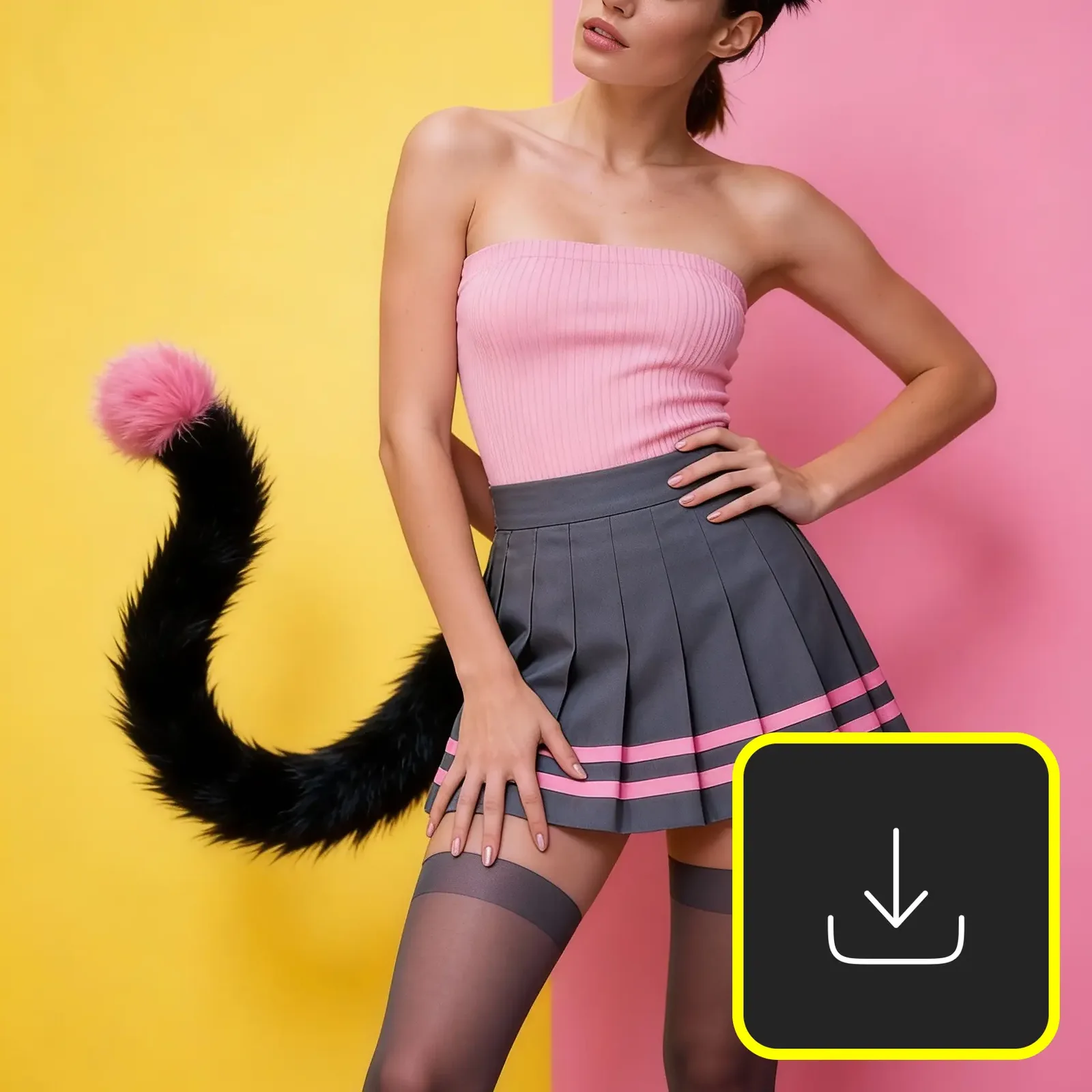
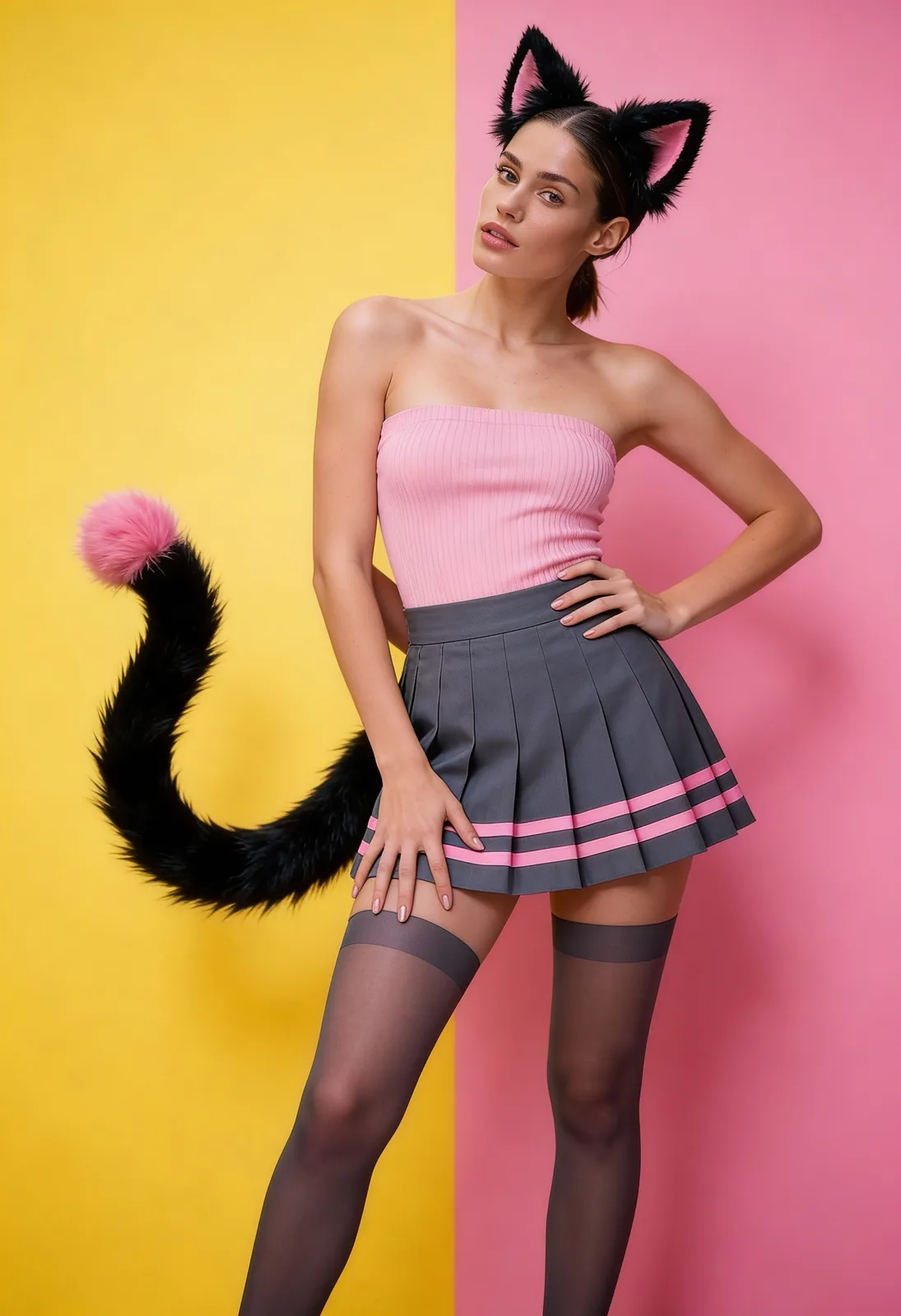
A woman in a catgirl costume with black ears and a tail poses in a pink top, grey pleated skirt, and thigh-high stockings against a split yellow and pink background.
Embracing a playful and vibrant aesthetic with a modern twist on classic catgirl cosplay.

Create Your Professional Portrait in Three Steps

1
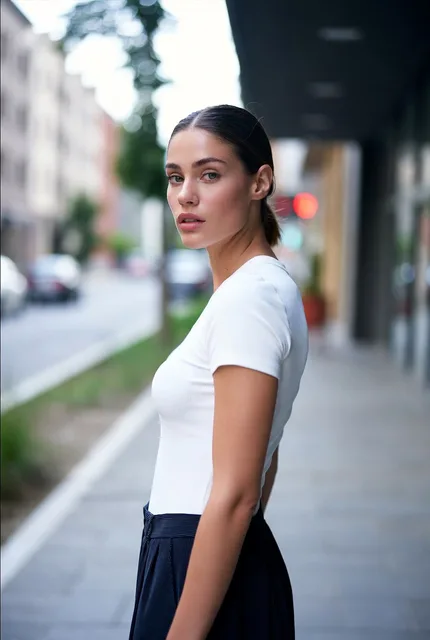
A young woman with dark hair in a ponytail, wearing a white t-shirt, looks back over her shoulder while standing on a city street with a blurred background.
A moment of poised elegance captured on a city street.

Upload Your Clear Selfie

Pick a clear photo of yourself. We use this to capture your exact shape and cosplay style.

2
A woman in a catgirl costume with black ears and a tail poses in a pink top, grey pleated skirt, and thigh-high stockings against a split yellow and pink background.
Embracing a playful and vibrant aesthetic with a modern twist on classic catgirl cosplay.

Apply the Pop Art Filter

Choose our effect to add a bold split background. Watch your image become a stunning artistic portrait.

One idea.
Every model.
One finished creation.

The AI-native creative suite for video, image, music and ads.

Live support on TelegramChat with our team in real time

Create

  • Video
  • Image
  • Music
  • Story
  • Motion
  • Upscale
  • Lip Sync
  • SubtitlesNew
  • Video ExtendNew
  • Video ProducerNew
  • Agent+
  • Ad HubNew
  • TakeShiftNew
  • Viral
  • Effects
  • Born Elsewhere

Features

  • AI Video Generator
  • AI Image Generator
  • AI Music Generator
  • 2× Duration
  • 8K Output
  • Director Mode
  • Photo Studio Mode
  • Composer Mode
  • Image to Video AI
  • Text to Video AI

Video models

  • Seedance 2.5
  • Wan 3.0
  • MiniMax H3 Max
  • Happy Horse 1.1
  • Flux 3
  • Kling 4.0
  • Kling O3
  • Gemini Omni Flash 1.2
  • All video models

Image models

  • Qwen Image 3
  • Seedream v5.5
  • Qwen Image 2.1
  • Nano Banana 2.1
  • Wan 2.7
  • GPT Image 2.6
  • FluX 3
  • FluX 3 Klein
  • All image models

Resources

  • Runway Unlimited Extension: What Creators Need to Know
  • Suno Download Limits: What Creators Need to Know
  • FLUX 3 Video Pricing: What Creators Actually Pay Per Clip
  • What is SeeDance 2.0? ByteDance's AI Video Generator
  • Browse all articles
  • Help Center
  • Prompt Guide
  • Video Prompts
  • Image Prompts
  • Music & Sound Prompts

Company

  • About
  • Pricing
  • Contact
  • Trust Center
  • Brand kit
  • Affiliate program
  • Creator Partner Program

Free tools

  • Video Compressor
  • Trim, Cut & Merge
  • Slow Motion & Speed Ramp
  • Extract Audio or Mute
  • Frame Grabber
  • Video to Text
  • Text to Speech
  • Slowed + Reverb
  • Remove Image Background
  • Image Upscaler
  • Magic Eraser
  • Image to Prompt
  • Video to Prompt
  • AI Clip Stitcher
  • Seamless Loop Maker
  • Video Background Remover
  • Color Match
  • Voice Cleaner
  • Start Frame Prep
  • All free tools

Compare

  • vs Higgsfield
  • vs Runway
  • vs Pika
  • vs Krea
  • vs Freepik AI
  • vs Leonardo AI
  • vs OpenArt
  • vs Kling AI
  • vs Artlist
  • vs BytePlus
  • vs Canva
  • vs ElevenLabs
  • vs Grok Imagine
  • vs InVideo
  • vs Picsart
  • X / Twitter
  • YouTube
  • Instagram
  • TikTok
  • Telegram
  • Facebook

All systems normal

  • Terms
  • Privacy
  • Cookie policy
  • Content policy
  • Refund policy
  • DMCA

© 2026 AIVid, LLC. All rights reserved.

3
A person wearing a pink tube top, pleated grey skirt, and a fluffy black animal tail with a pink tip, posing against a yellow and pink background.
Vibrant anime-inspired outfit featuring a playful faux fur tail accessory.

Download Your Viral Photo

Save your new cosplay portrait. Share this fun photo to pop art creation with all your friends.

See the Photo to Pop Art Magic

Upload a standard selfie and watch it become a stunning cosplay portrait. Our pop art filter adds a bold split background while keeping your exact shape and natural features intact.

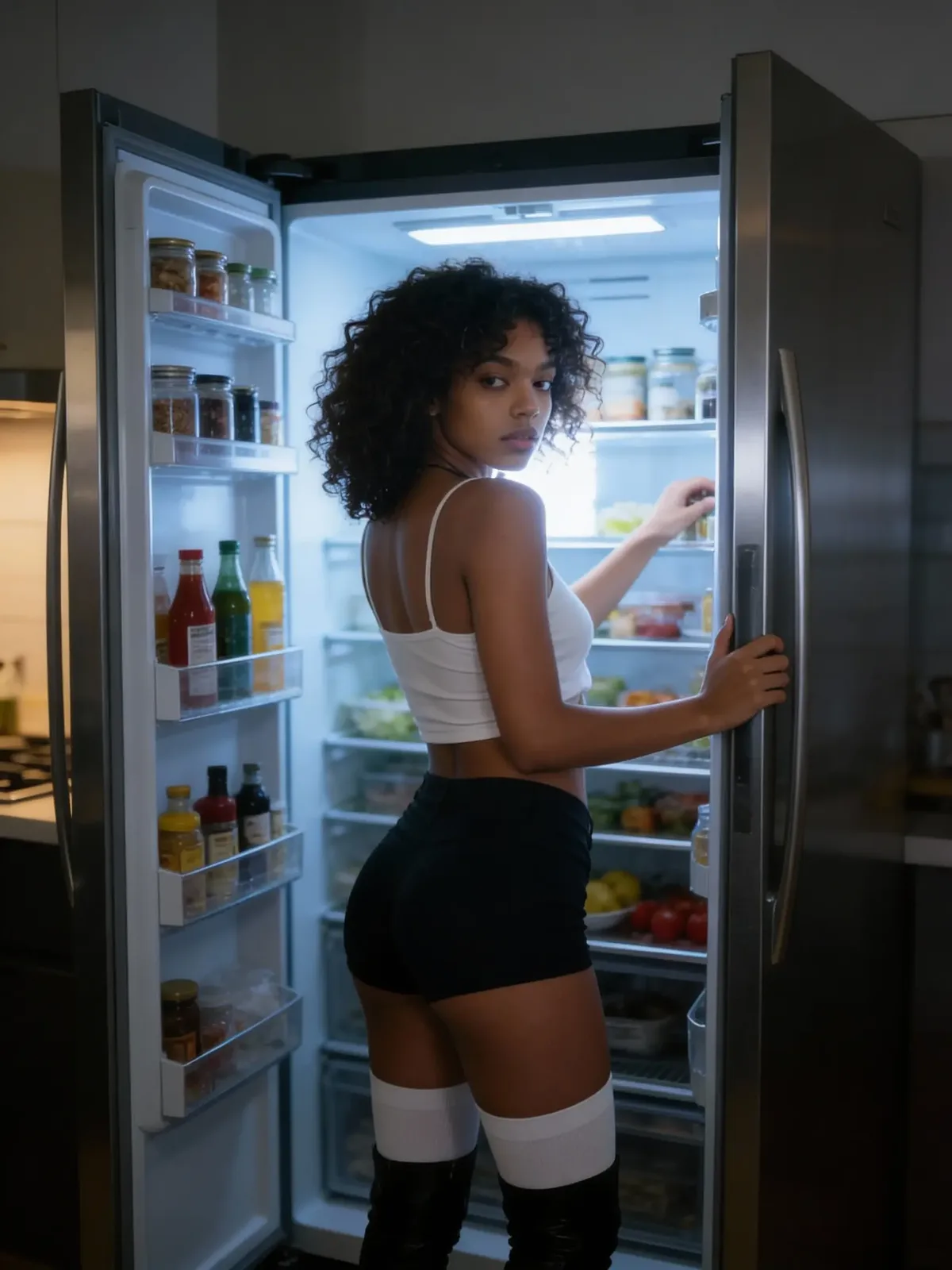
A young woman with curly hair wearing a white crop top and black shorts looks over her shoulder while standing in front of an open, lit refrigerator in a dark room.
A candid late-night moment captured as a woman browses the contents of a well-stocked refrigerator.
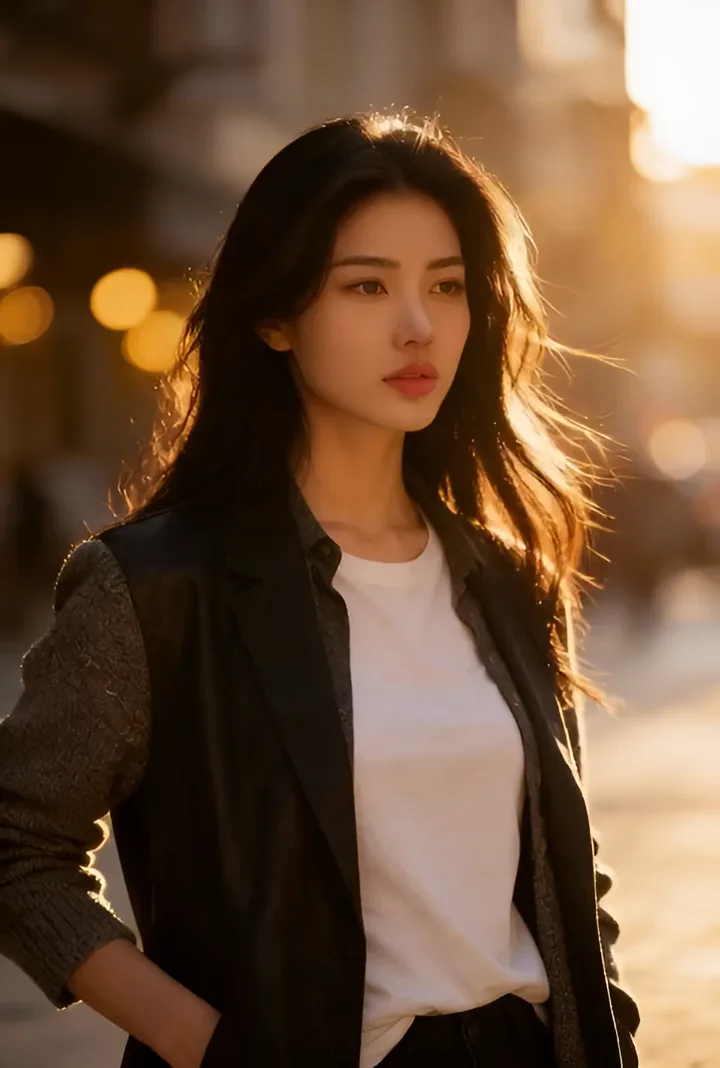
A short video of a stylish East Asian woman with long dark hair, posing on a city street at sunset. The golden light highlights her hair and face.
Street Style Pro: A captivating portrait captured during the urban golden hour.
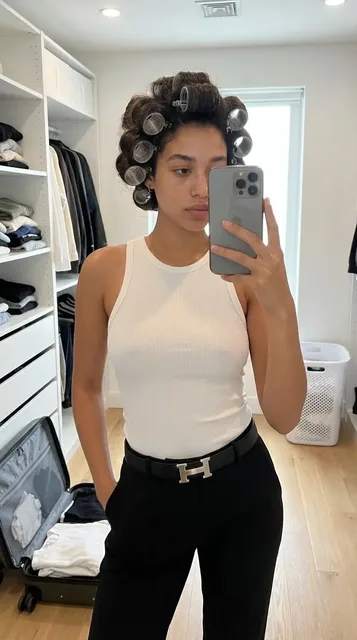
A young woman with dark hair in large rollers taking a mirror selfie in a bright walk-in closet, wearing a white tank top and black pants.
A candid look at a morning styling routine featuring classic hair rollers and minimalist wardrobe choices.
A young woman with dark hair in a ponytail, wearing a white t-shirt, looks back over her shoulder while standing on a city street with a blurred background.
A moment of poised elegance captured on a city street.
A woman in a catgirl costume with black ears and a tail poses in a pink top, grey pleated skirt, and thigh-high stockings against a split yellow and pink background.
Embracing a playful and vibrant aesthetic with a modern twist on classic catgirl cosplay.

Turn any quick snap into an artistic portrait that looks like a true viral photo.

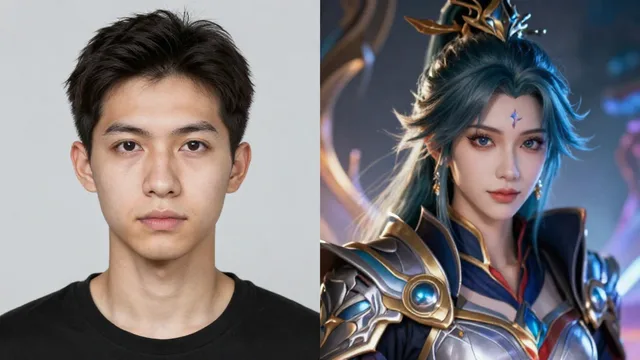
A side-by-side comparison showing a young man on the left and a detailed fantasy character with teal hair and armor on the right.
A creative transformation showcasing a person's portrait reimagined as a fantasy hero.

Real Proportions For Every Cosplay Portrait

Most filters change your face or body completely. We keep your exact facial identity and natural shape intact. Turn any selfie into a stunning artistic portrait that actually looks like you. The bold split background adds that perfect cosplay style without messing up your unique proportions. Create a viral photo that feels authentic and highly professional. Get ready to share a fun look where you remain the true star of the image.

Keep Your Look
Pop Art Showcase

Explore Our Artistic Portrait Gallery

See real people rocking a bold split background. Find your favorite cosplay style and use the pop art filter for a stunning viral photo.

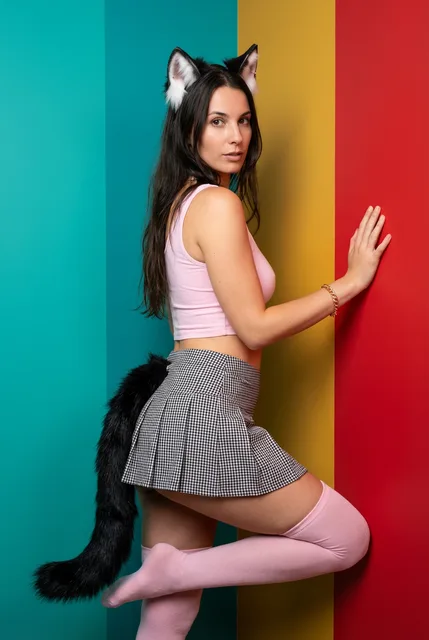
A woman in a catgirl cosplay outfit with ears and a tail poses against a background with vertical stripes of teal, yellow, and red.
A striking portrait of a model in a complete catgirl ensemble, set against a bold, tricolor studio backdrop.
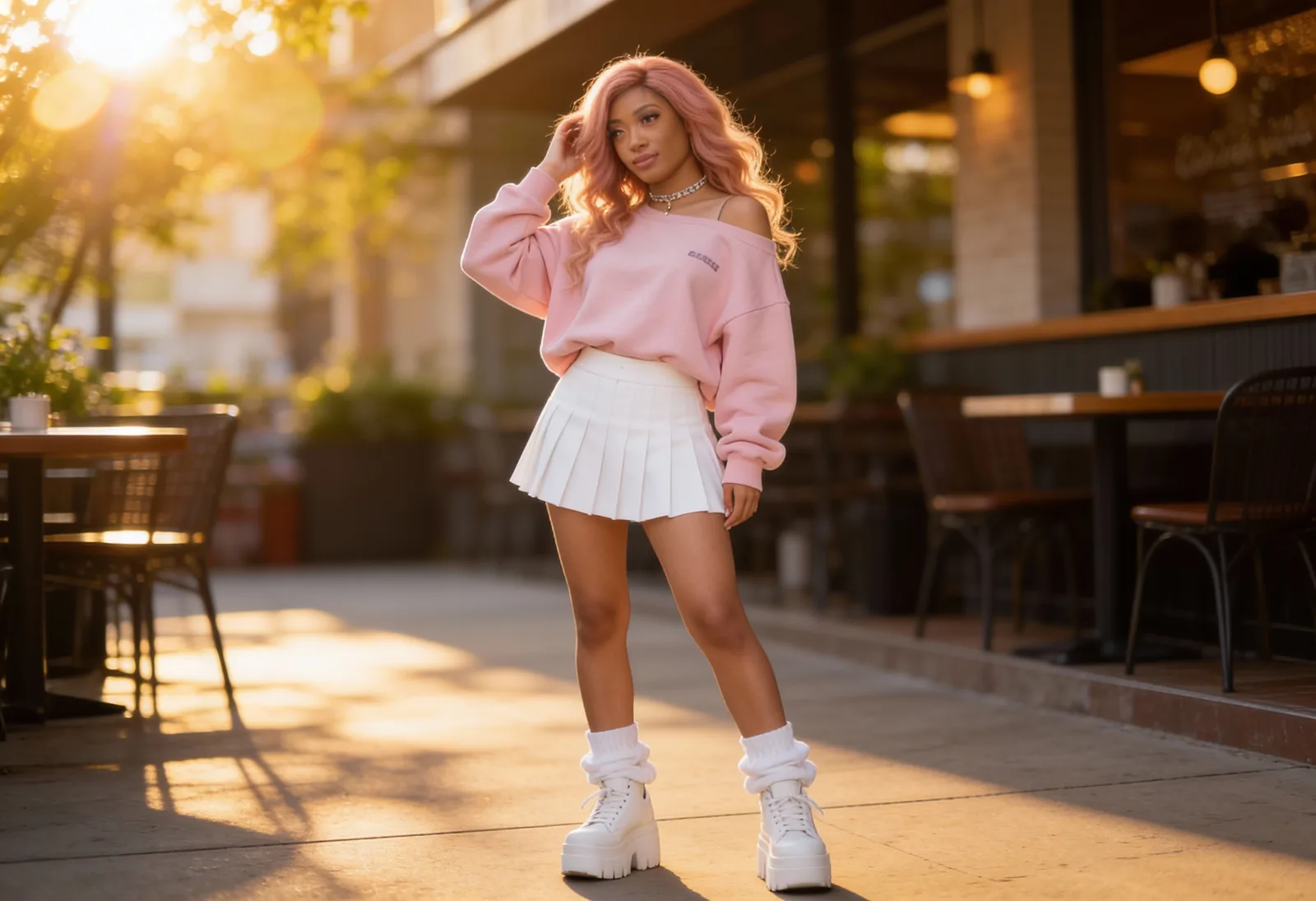
A fashionable woman with long rosy blonde hair wearing a pink sweatshirt and white pleated skirt standing outdoors during sunset golden hour.
Radiant golden hour portrait of a fashion-forward woman in a pink and white aesthetic outfit.
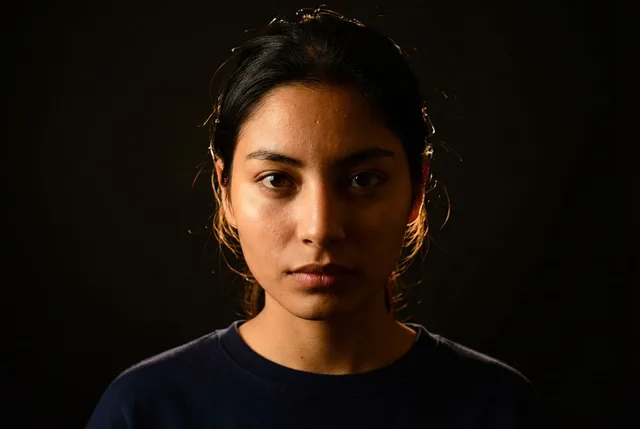
A close-up moody portrait of a woman with dark hair, her face partially illuminated by a dramatic side light against a black background, looking intensely at the camera.
A powerful portrait capturing intensity and emotion through the art of cinematic split lighting.
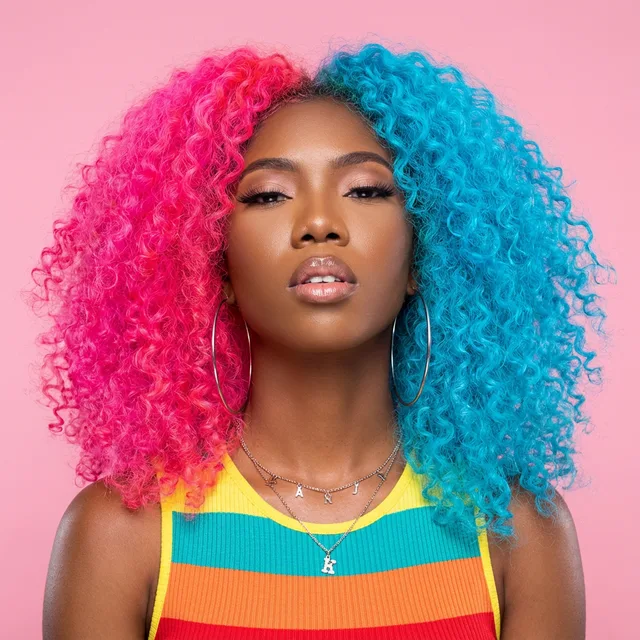
Studio portrait of a Black woman with vibrant, curly, split-dye hair—half hot pink and half cyan blue—wearing a colorful striped top and looking confidently at the camera.
Express your unique style with bold, vibrant colors. This split-dye hairstyle combines hot pink and cool blue for a stunning, high-contrast look.
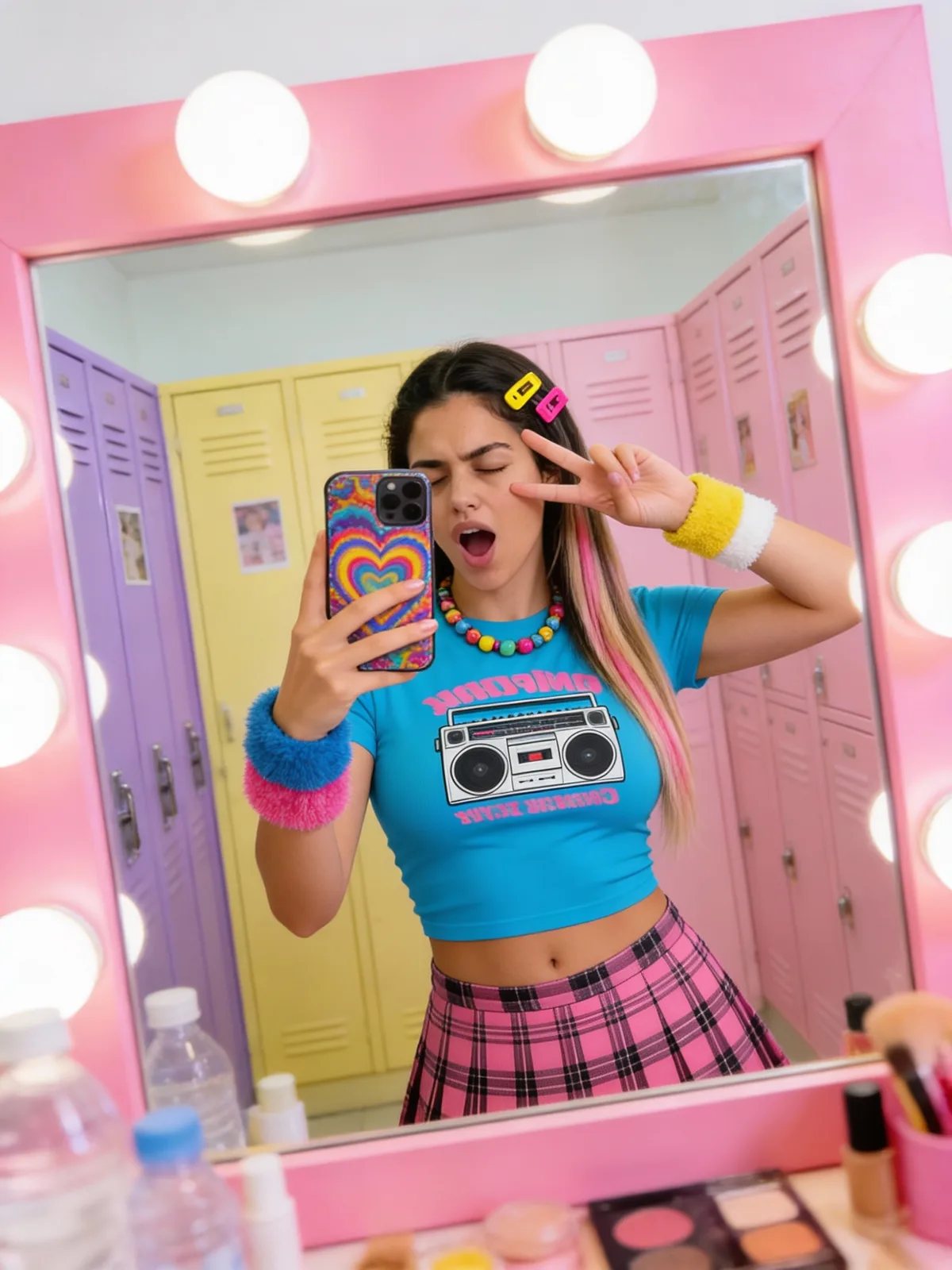
A young woman in a blue graphic crop top and pink plaid skirt taking a mirror selfie in a pink-framed mirror with bright bulbs, set against a backdrop of purple and yellow lockers.
Embodying the bold and colorful spirit of Y2K fashion through a modern K-Pop lens.
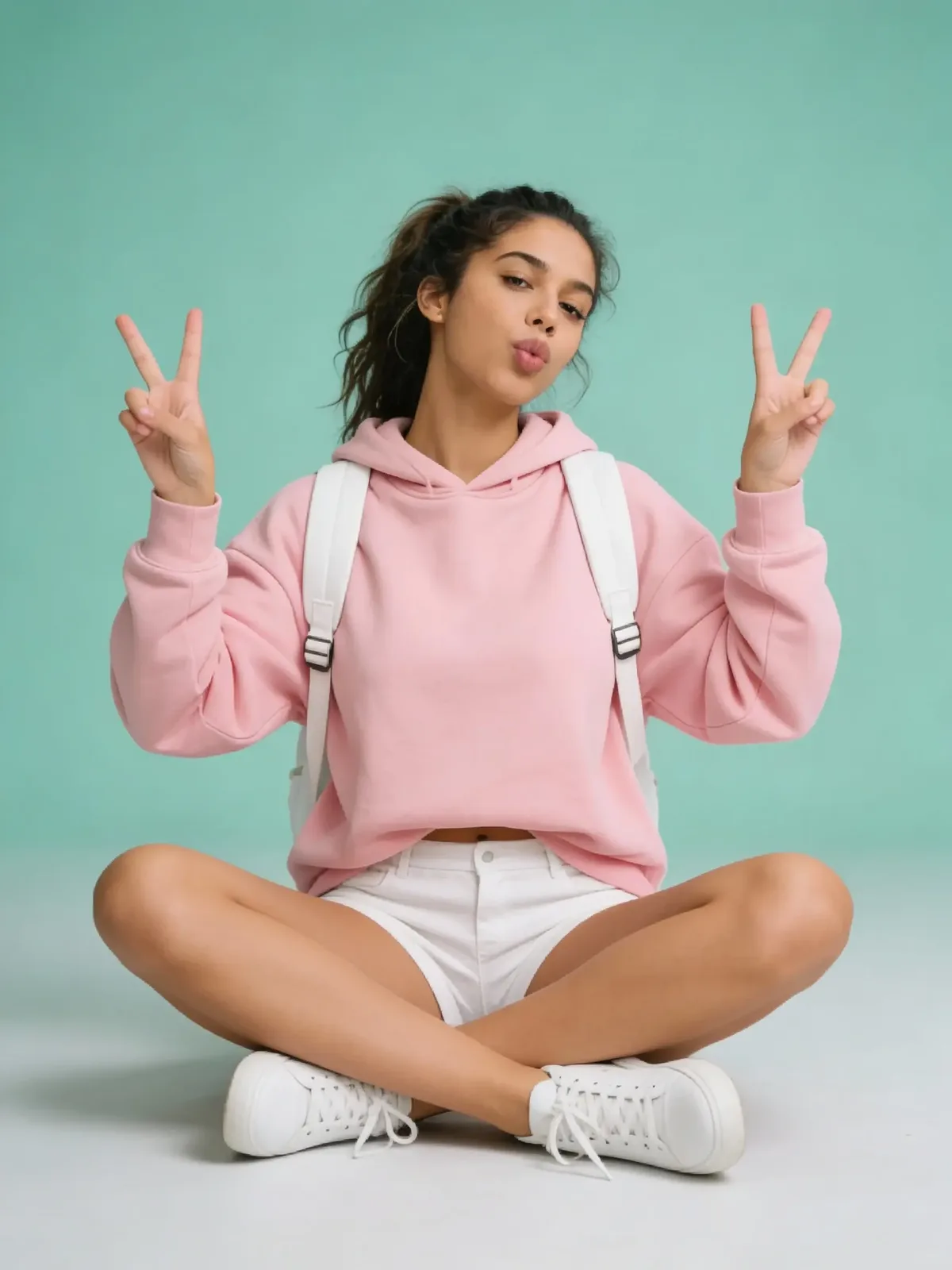
A young woman with dark hair in a ponytail sitting cross-legged on a teal background, wearing a pink hoodie and white shorts while making peace signs.
Capturing a playful moment: a young woman in a pink hoodie and white backpack showcases a trendy casual look.
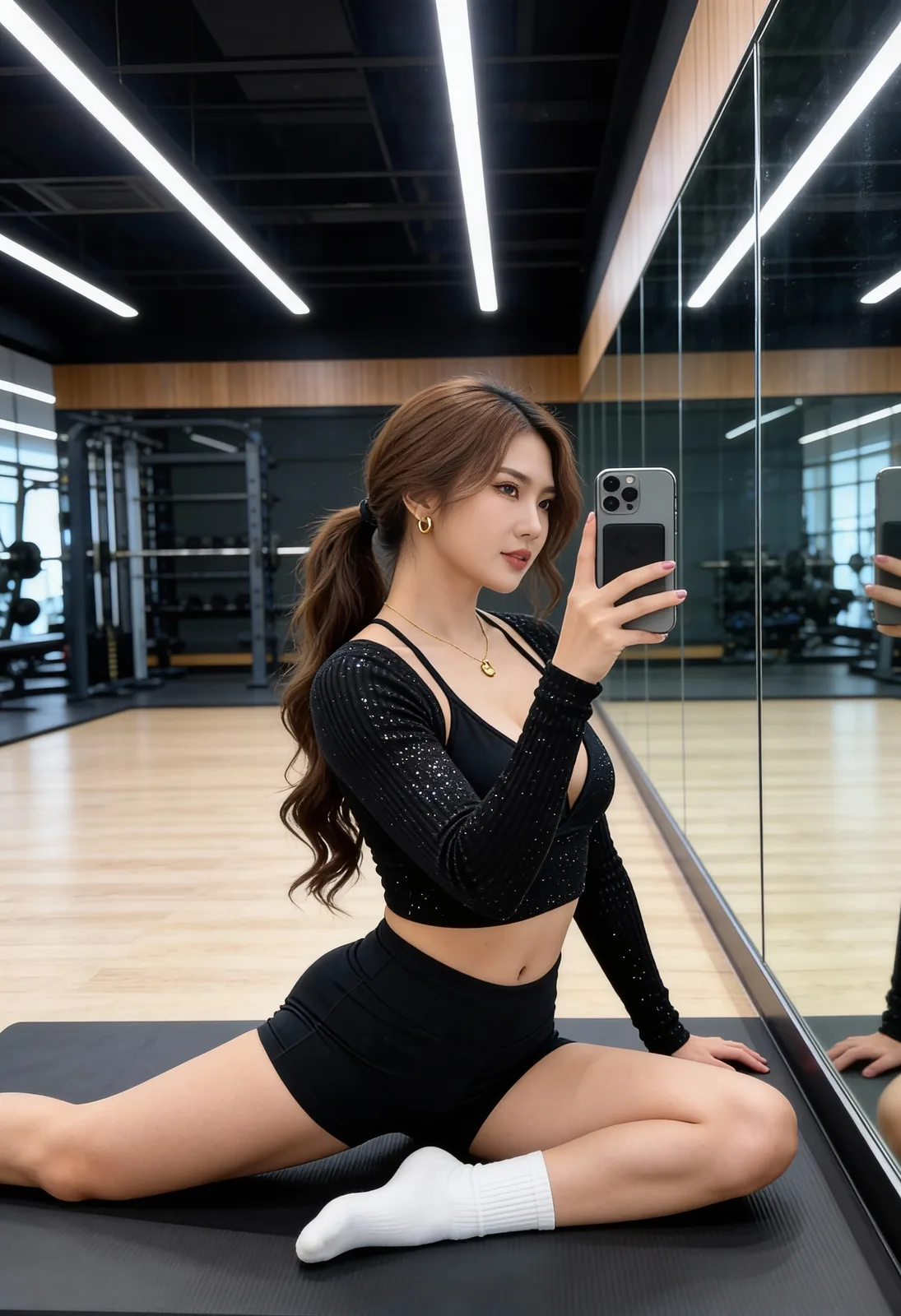
A fit woman in a black sparkly long-sleeve top and shorts takes a mirror selfie while stretching on a black mat in a modern gym with bright ceiling lights.
Capturing a focused post-workout moment in a stylish sparkly crop top.
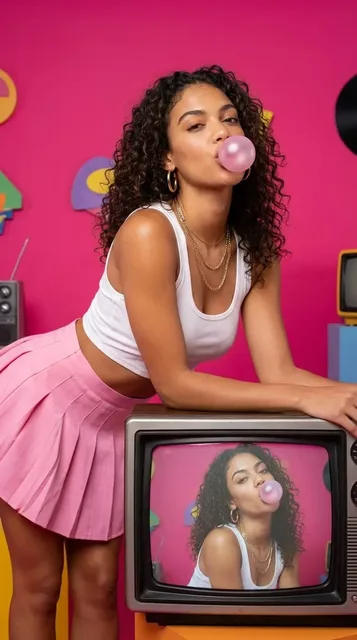
A young woman with curly dark hair blowing a pink bubblegum bubble and leaning on a retro silver television with a bright pink backdrop.
Capturing the essence of retro-chic style with bubblegum pink aesthetics and vintage television sets.
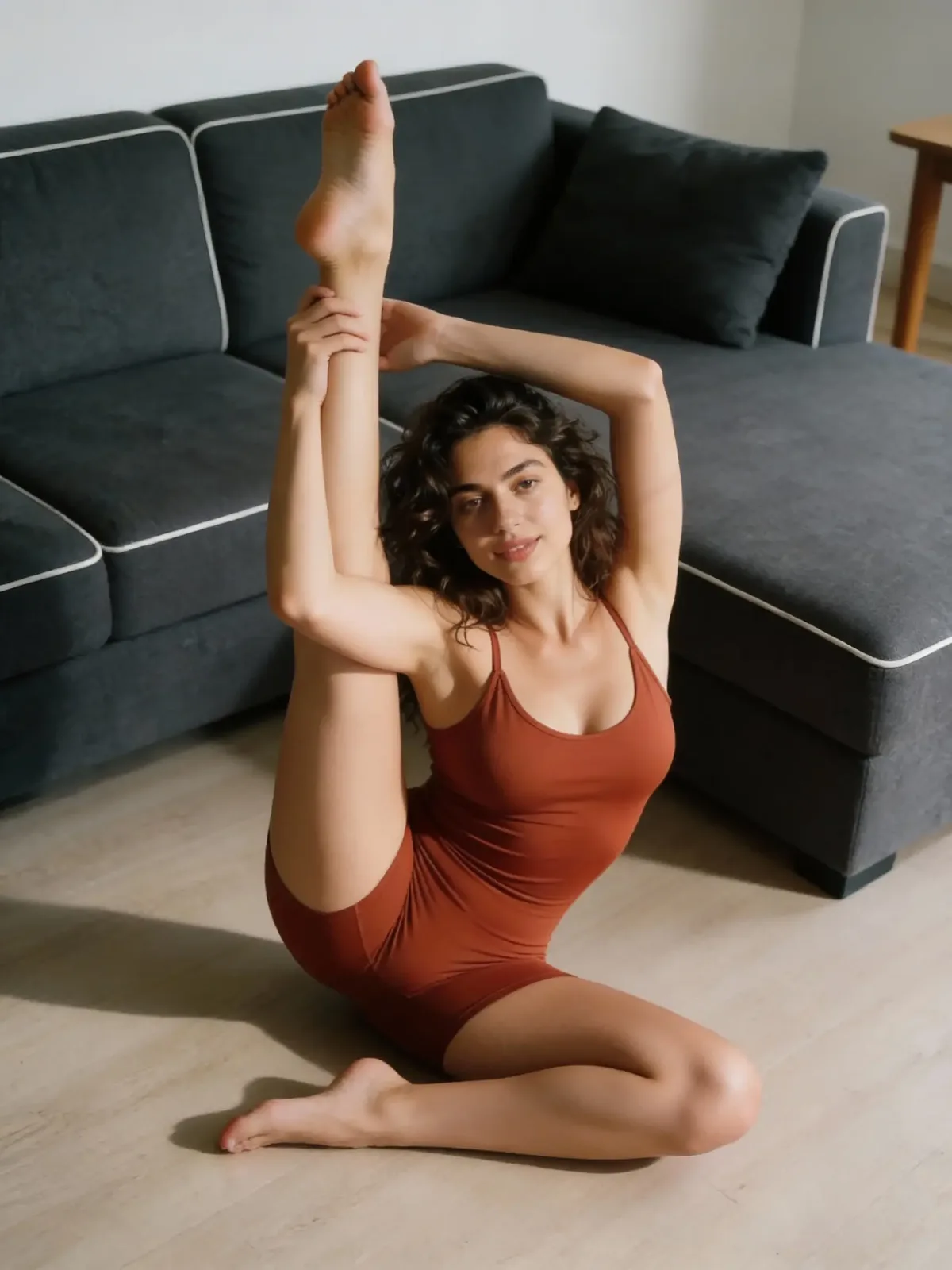
A flexible woman in a brown bodysuit performing a high vertical leg stretch on a wooden floor next to a grey sofa.
Achieving peak flexibility with an indoor vertical split routine.
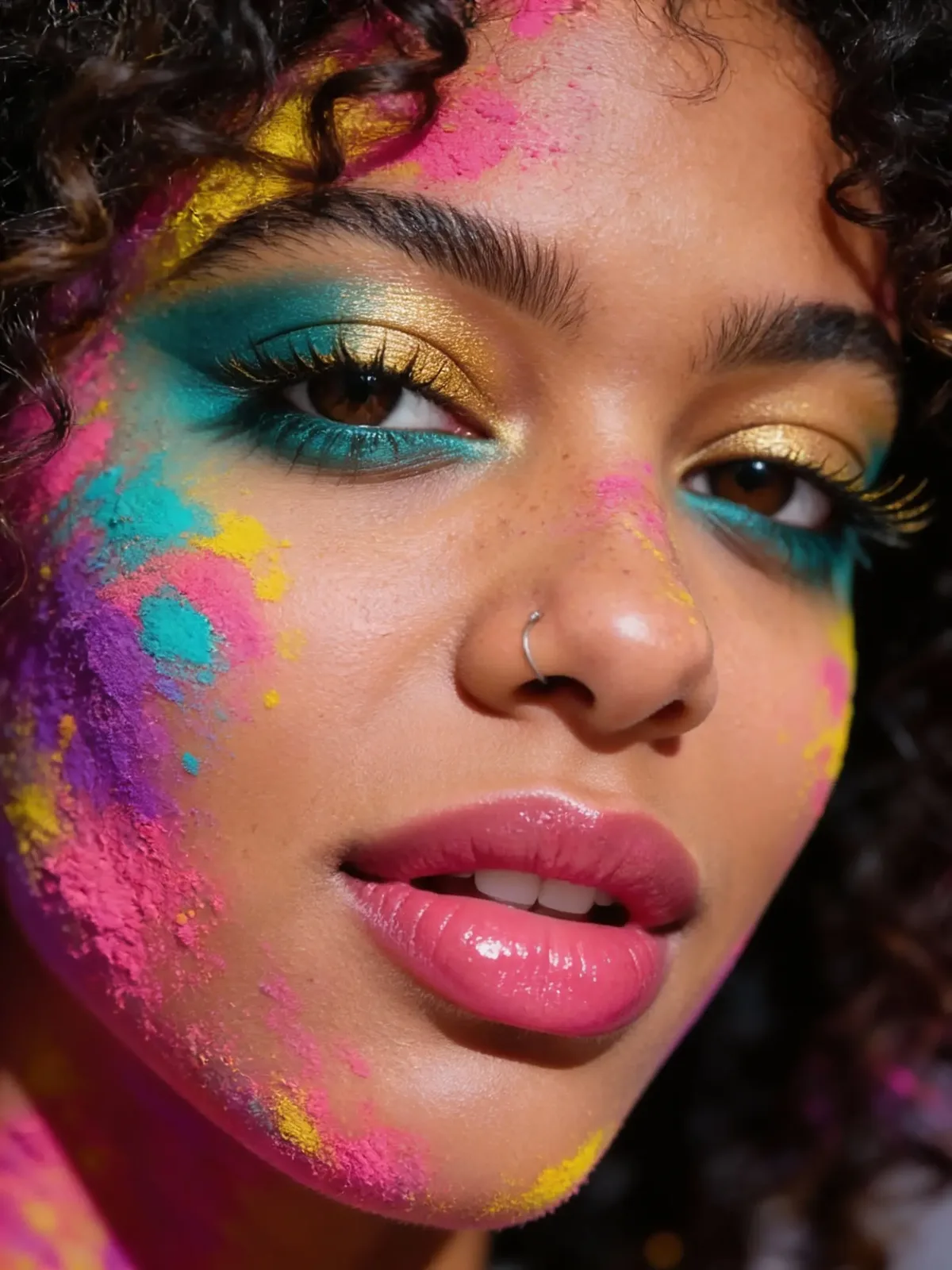
Close-up of a woman with curly hair featuring vibrant pink, yellow, and teal powder makeup and a nose ring.
Exploring the intersection of art and beauty with bold color splashes and shimmering gold details.
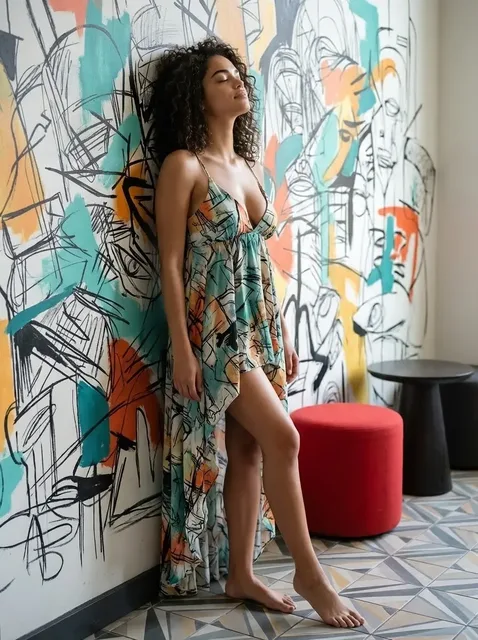
A young woman with curly hair leans against a wall covered in colorful abstract sketches, wearing a sleeveless patterned dress.
Finding inspiration at the intersection of fashion and abstract art.
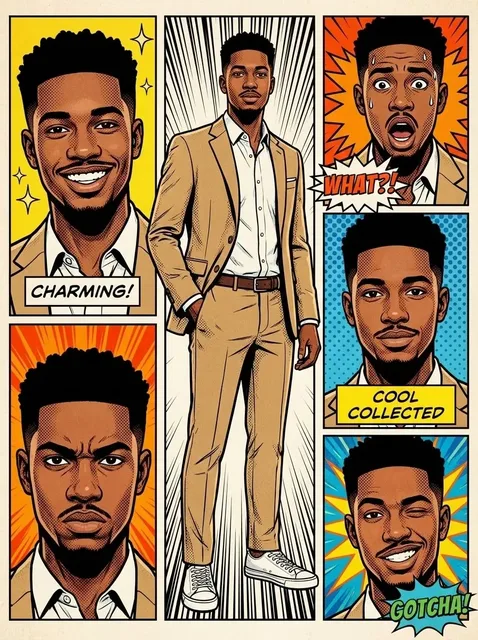
A multi-panel comic book illustration of a young Black man in a tan suit exhibiting various facial expressions including charming, shocked, serious, and winking.
A dynamic character expression board in a pop-art comic style featuring a man in a tan suit.

Questions About Your Professional Portrait

Find answers about using our pop art filter to make a bold artistic portrait from your photos.

How does the photo to pop art tool work?

You just upload your image. Our system maps your face and body onto a bold split background. You get a fresh cosplay style portrait in seconds without any complex settings.

Will the pop art filter change my body shape?

Not at all. We preserve your exact weight and natural silhouette. This ensures your new artistic portrait looks exactly like you in a fun comic book setting.

What makes this look like a professional portrait?

We apply settings that mimic an 85mm camera lens. This creates a flattering look that makes your cosplay portrait feel like a real high quality studio photoshoot.

What kind of photo should I upload?

For the best photo to pop art results use a clear and well lit selfie. Avoid blurry images or pictures with heavy shadows across your face and body.

How long does the cosplay style transformation take?

The process is incredibly fast. Once you upload your media your viral photo will be ready to download and share in just a few moments.

Can I change the colors of the split background?

The pop art filter uses a preset split background to ensure proper lighting and shadows. This specific setup gives you that perfect professional portrait vibe every single time.

Will my final cosplay portrait have any watermarks?

It depends on your current plan. Free users might see a small mark. You can easily remove it by upgrading to download a clean and bold artistic portrait.

Is my uploaded photo safe and kept private?

Yes we take your privacy seriously. Your original photo is only used to create your pop art filter result and is deleted from our servers shortly after processing.

Explore More Professional Portrait Styles

Love the split background from our pop art filter? Turn your next viral photo into a fresh cosplay style or beautiful artistic portrait. Explore more options below.

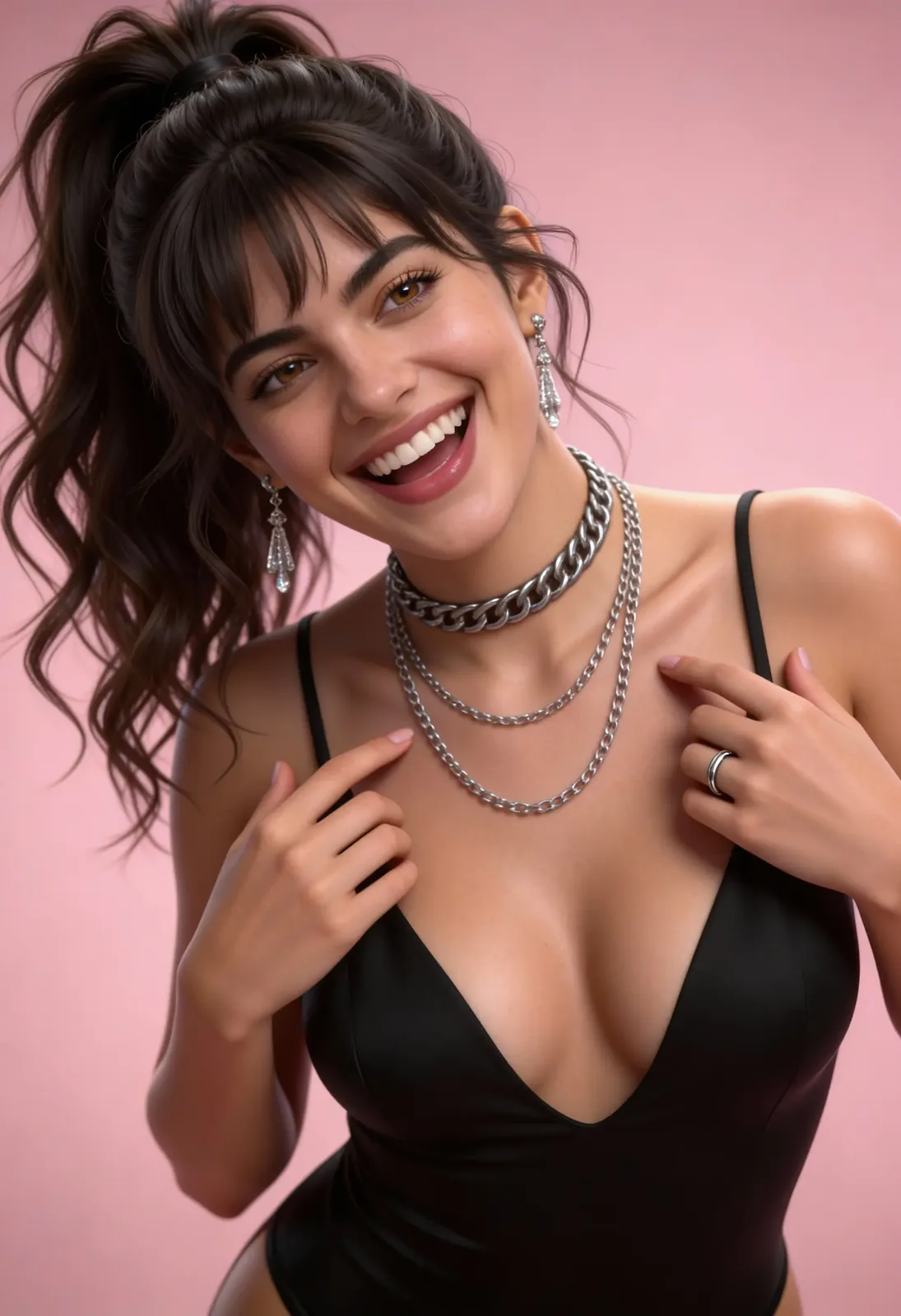
Korean Skincare Beauty Studio Portrait
Elegance meets joy: a stylish portrait featuring layered silver jewelry and a classic high ponytail.

Korean Skincare Beauty Studio Portrait

Get the flawless glow of korean skincare and beauty. This k pop style studio portrait uses a pink aesthetic and fashion photography lighting. Look your best with a silver chain, silver necklace, and sleek silver jewelry for a sharp idol profile.

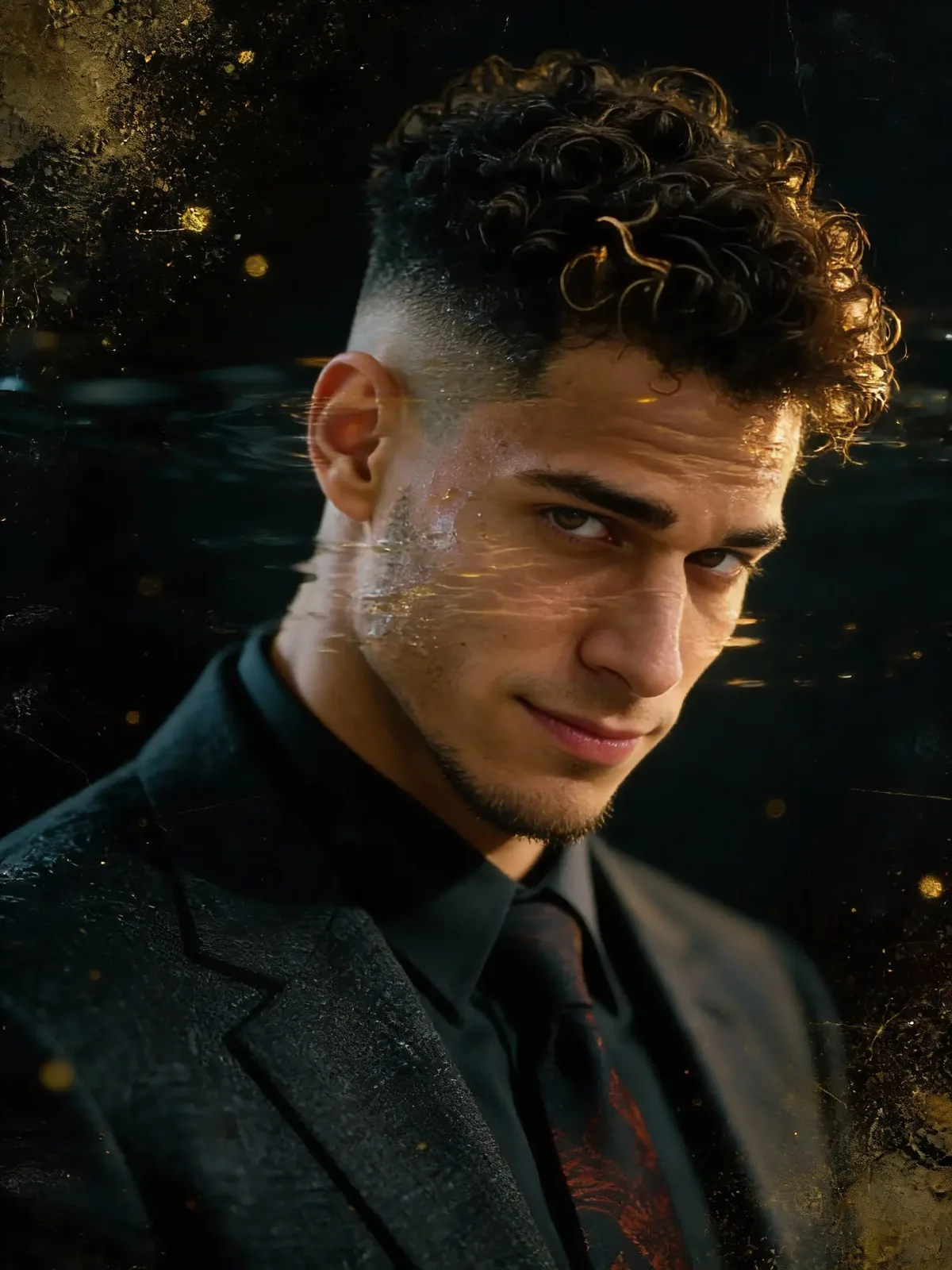
Chiaroscuro Dark Aesthetic Portrait
A blend of modern grooming and classic formal fashion for a sharp, professional look.

Chiaroscuro Dark Aesthetic Portrait

Get a sharp dark aesthetic look with chiaroscuro lighting and a luxury suit. Add glitch art textures and golden particles for a bold digital noir style.

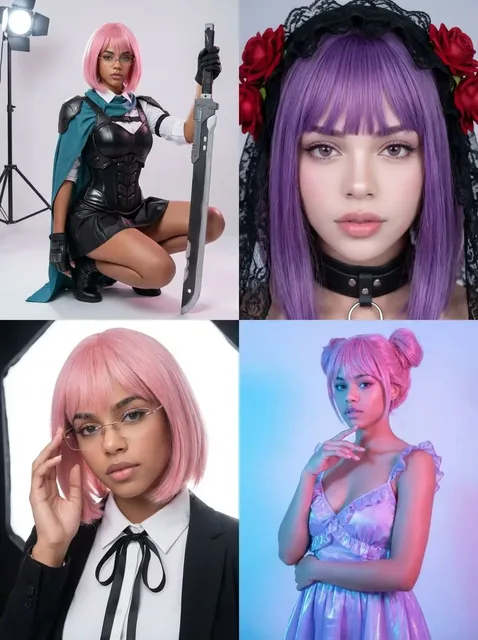
Face Swap Cosplay Photo Grid
A showcase of versatile character designs ranging from fantasy action to gothic elegance and modern neon aesthetics.

Face Swap Cosplay Photo Grid

Change your look into four different characters with a 2x2 photo grid. Switch between tactical armor, gothic lace, and idol outfits instantly.

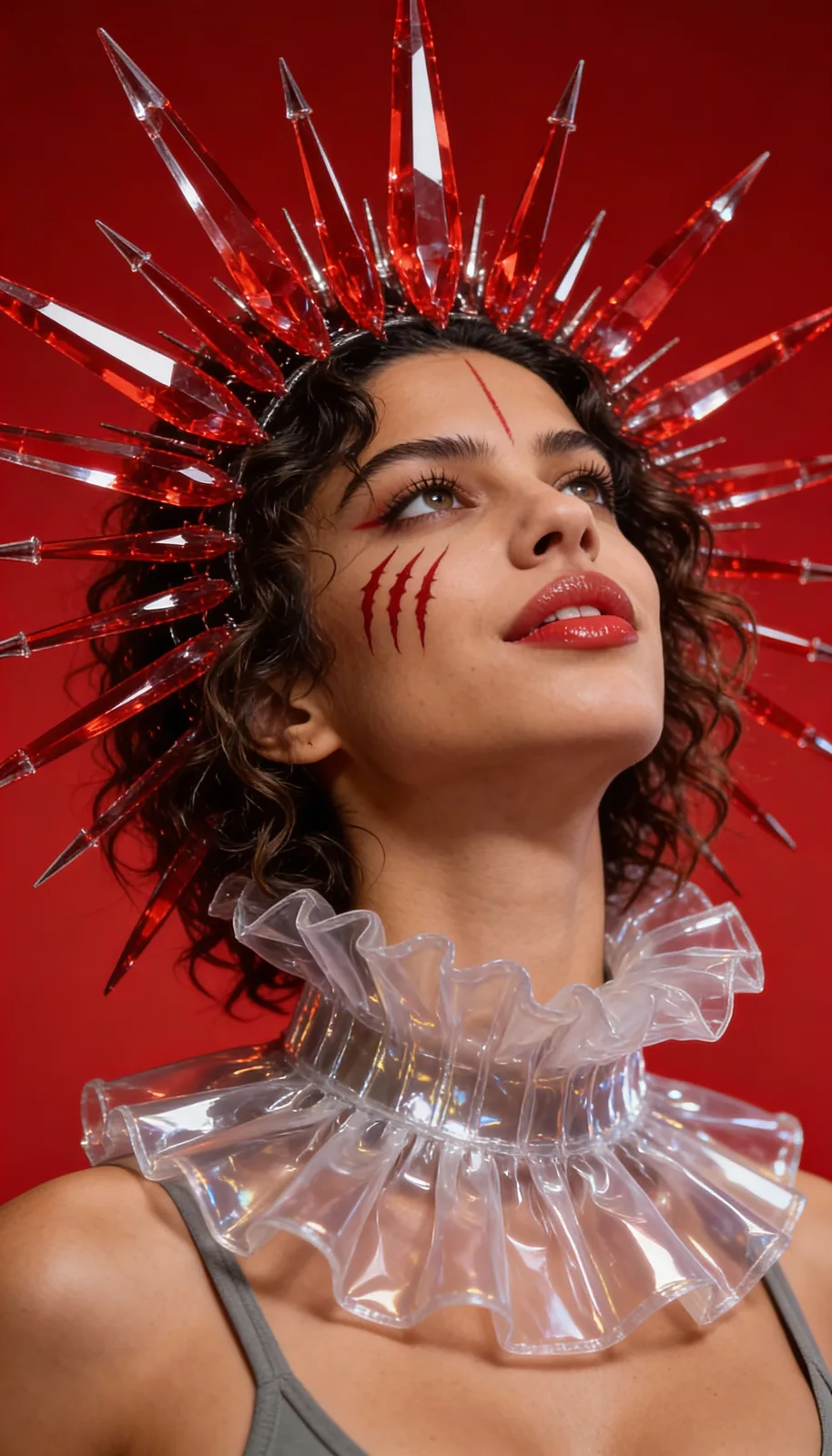
Avant Garde High Fashion Portrait
Exploring the intersection of high fashion and fantasy with the Bold Crimson Crystal Couture aesthetic.

Avant Garde High Fashion Portrait

Get a bold red aesthetic with an avant garde crystal crown. This studio portrait adds high fashion style and artistic face paint for an intense look.

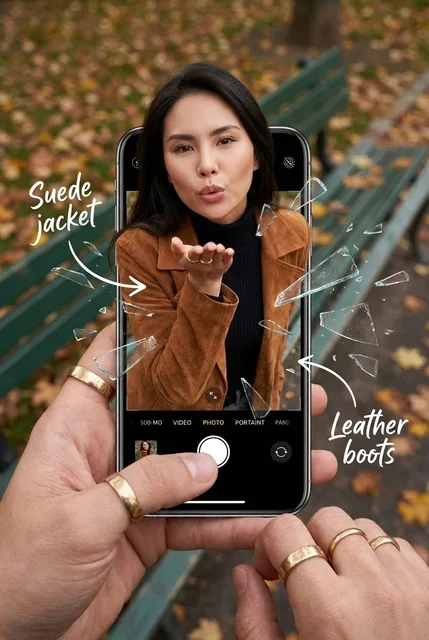
Broken Screen Effect 3D Photo
Experience the depth of creative photography with this 3D pop-out effect featuring autumn fashion and shattered glass aesthetics.

Broken Screen Effect 3D Photo

Make your picture jump out of a phone with the broken screen effect. Get a cool out of bounds photo look using this realistic shattered glass filter. Try the 3d pop out effect and create your next viral photo.

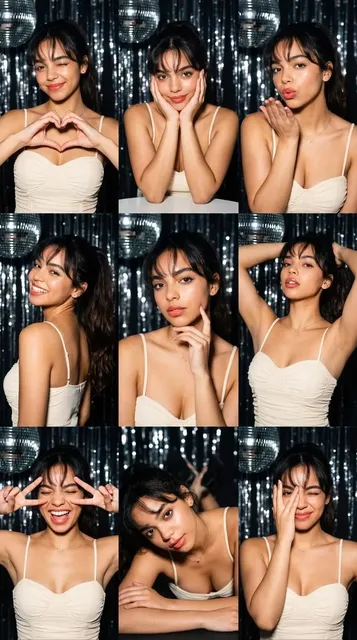
Flash Lighting K Pop Idol Grid
A cheerful montage of party poses captured in a festive photo booth setting.

Flash Lighting K Pop Idol Grid

Create a stunning 3x3 photo grid with flash lighting. Get that signature k pop idol look in a dark party scene with this photo card creator.

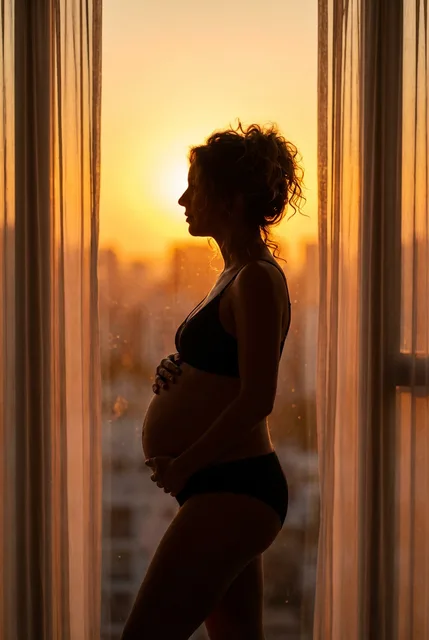
Golden Hour Maternity Silhouette
A quiet moment of anticipation, bathed in the warm light of a city sunset.

Golden Hour Maternity Silhouette

Create a classic maternity silhouette with a warm sunset background. Turn your picture into sweet pregnancy art using real golden hour photography lighting. Upload your photo to see your backlit silhouette glow.

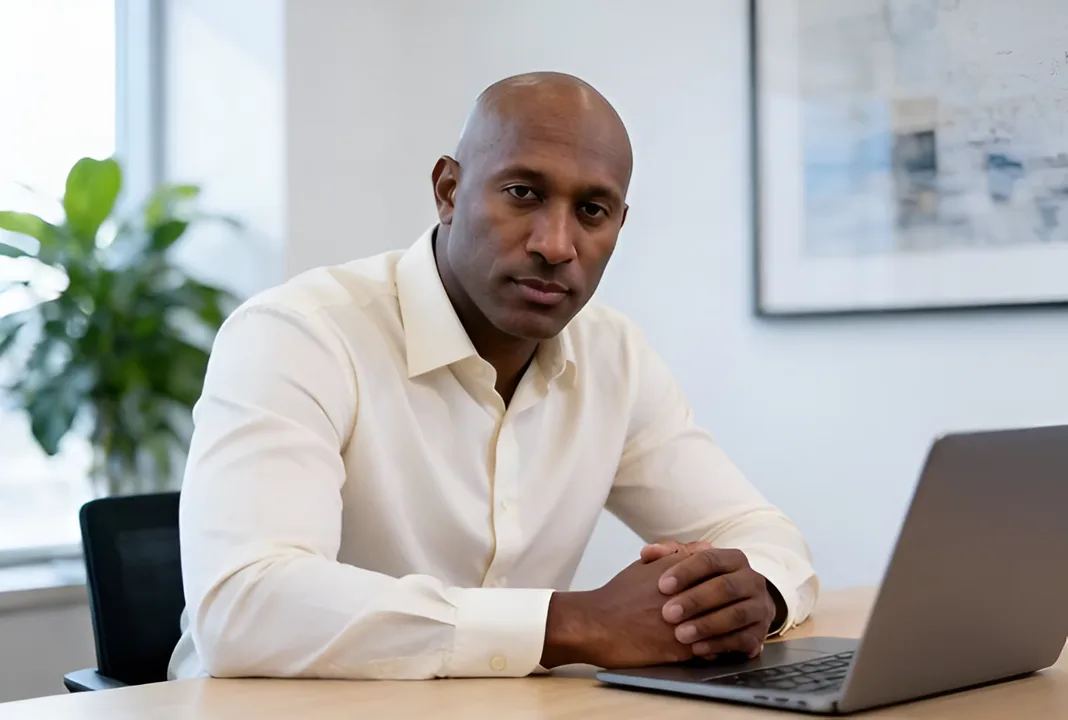
A professional man in a white shirt sitting at an office desk, laughing while looking at the camera.
Finding joy and success in a professional office setting.

Business Casual Professional Headshot

Get the perfect business casual photo with soft office lighting. Upload your selfie and create a professional headshot for your linkedin profile picture. Look sharp with a clean cream shirt and a polished corporate photo style.

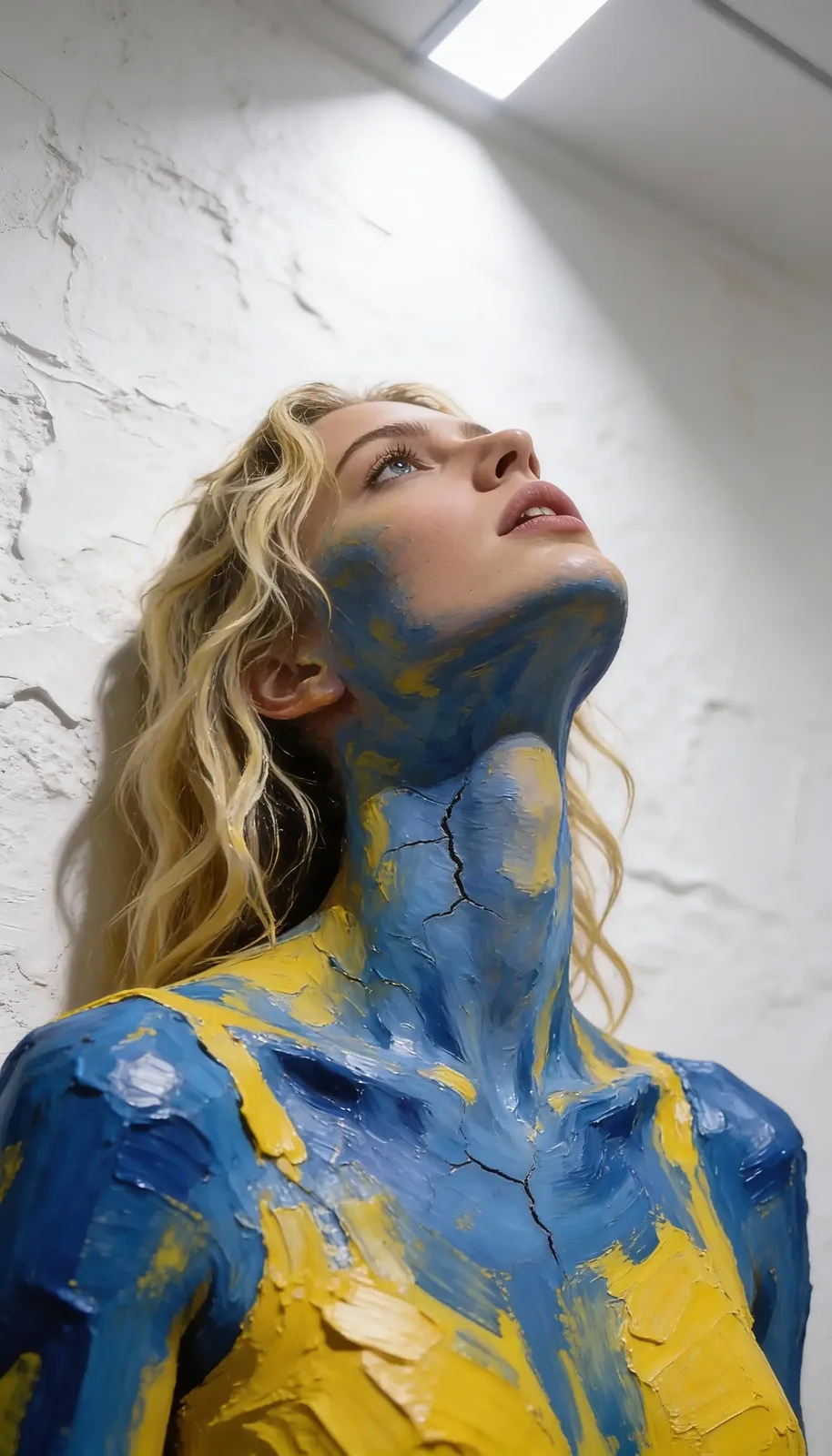
Photos JCPenney Style Impasto Painting
Exploring the textures of impasto painting through expressive body art.

Photos JCPenney Style Impasto Painting

Get a professional studio portrait with bold textures. Turn your favorite photos JCPenney style into a vivid oil paint portrait using thick palette knife strokes. This impasto painting effect adds deep blue and yellow ridges to any image. Skip the jc penney portrait studio and create a textured masterpiece.

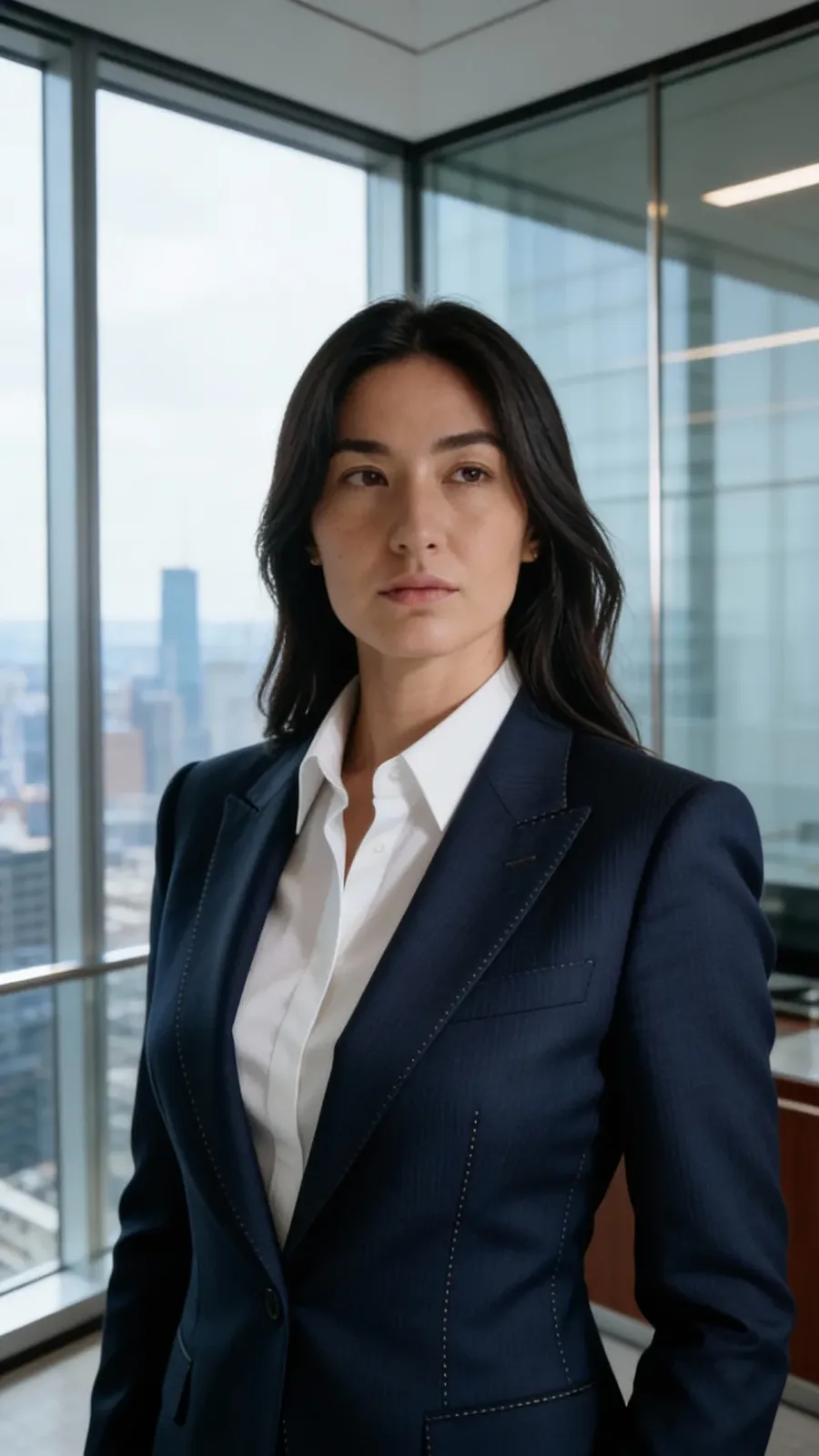
Professional Headshot CEO Filter
A powerful corporate portrait reflecting the confidence and vision of a modern executive.

Professional Headshot CEO Filter

Get the Fortune 500 CEO look in a sleek professional suit and sharp office lighting. Upgrade your professional headshot and stand out at work. This virtual photoshoot is an easy linkedin profile picture generator. Upload your photo to get a flawless business picture.

Vaporwave Aesthetic Cyberpunk Portrait
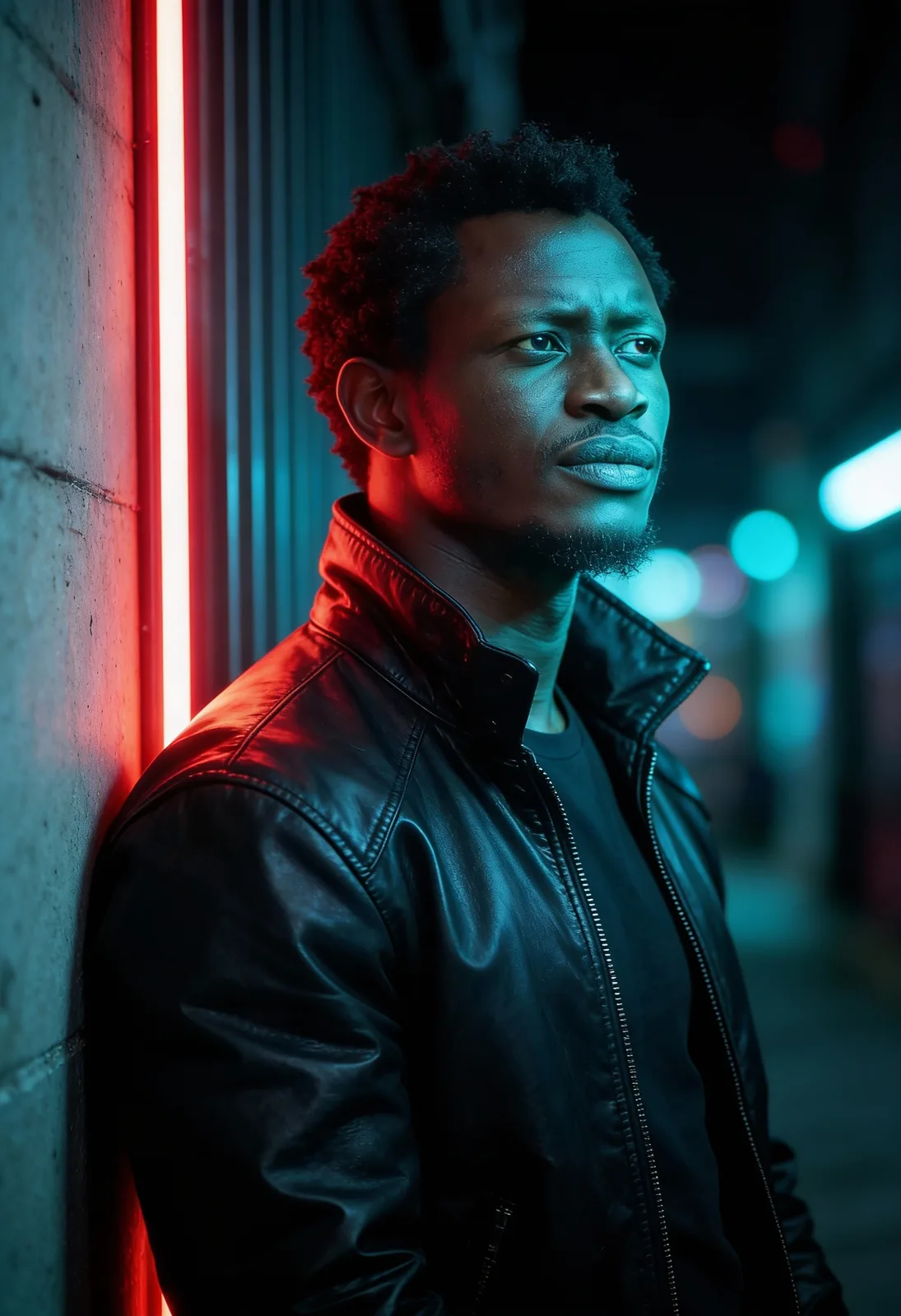
A contemplative portrait captured under the glow of urban neon lights.

Vaporwave Aesthetic Cyberpunk Portrait

Get the perfect vaporwave aesthetic with stunning red and cyan lighting. Upload your image and turn it into a moody portrait. Transform any shot into beautiful cinematic photography fast. Enjoy a striking movie poster style with heavy leather details and rich colors. Just upload your picture and see your cool new look.

Doctor Filter Medical Headshot
A portrait of a confident medical professional in a modern hospital setting.

Doctor Filter Medical Headshot

Get the trusted expert look with sharp medical scrubs and bright lighting. Just upload your photo to try this doctor filter. It creates a clean medical headshot with a realistic hospital background. This is the fastest way to update your professional profile picture or get a fresh linkedin photo.

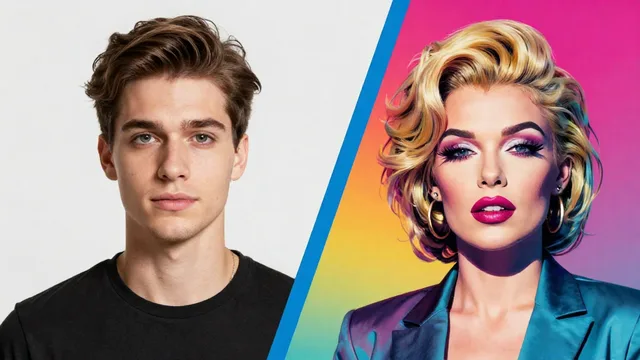
Split-screen image showing a young man with brown hair on the left and his transformed appearance as a woman with blonde hair, bold makeup, and a teal blazer on the right.
Visual demonstration of portrait style transformation and facial feature editing.

Get Your Custom Professional Portrait Now

Stop waiting and turn your picture into a fun cosplay portrait. Use our pop art filter to get a bold split background while keeping your real shape. Upload your image today to create a viral photo with your unique cosplay style.

Try Pop Art Filter Now