Woman Changes Outfits Under Ceiling Fan
Prompt
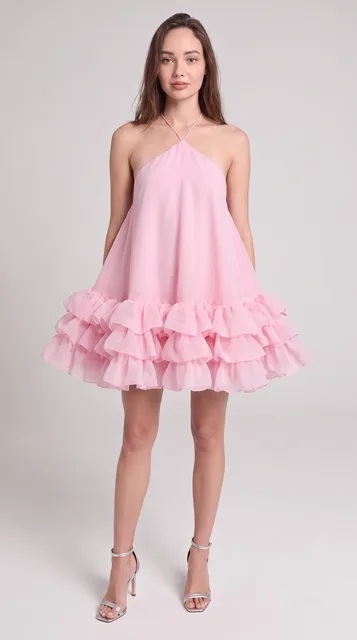
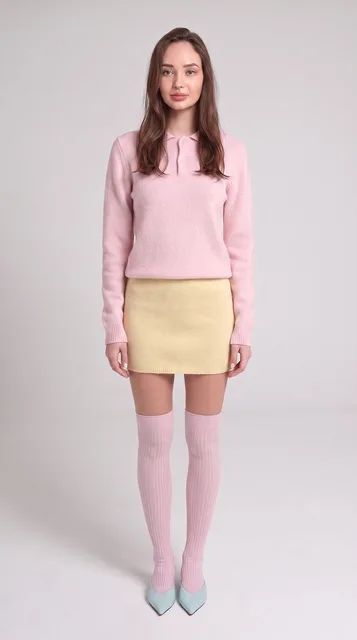
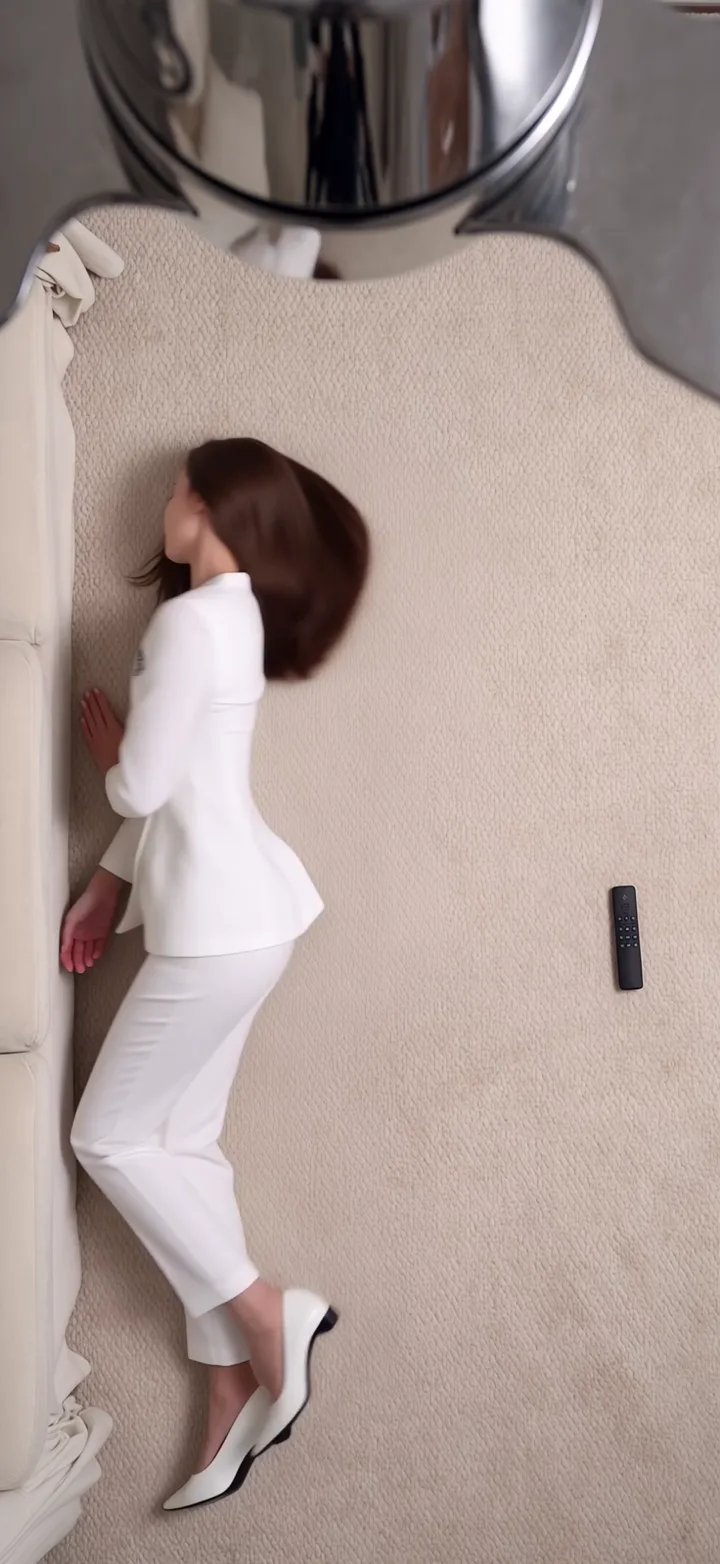
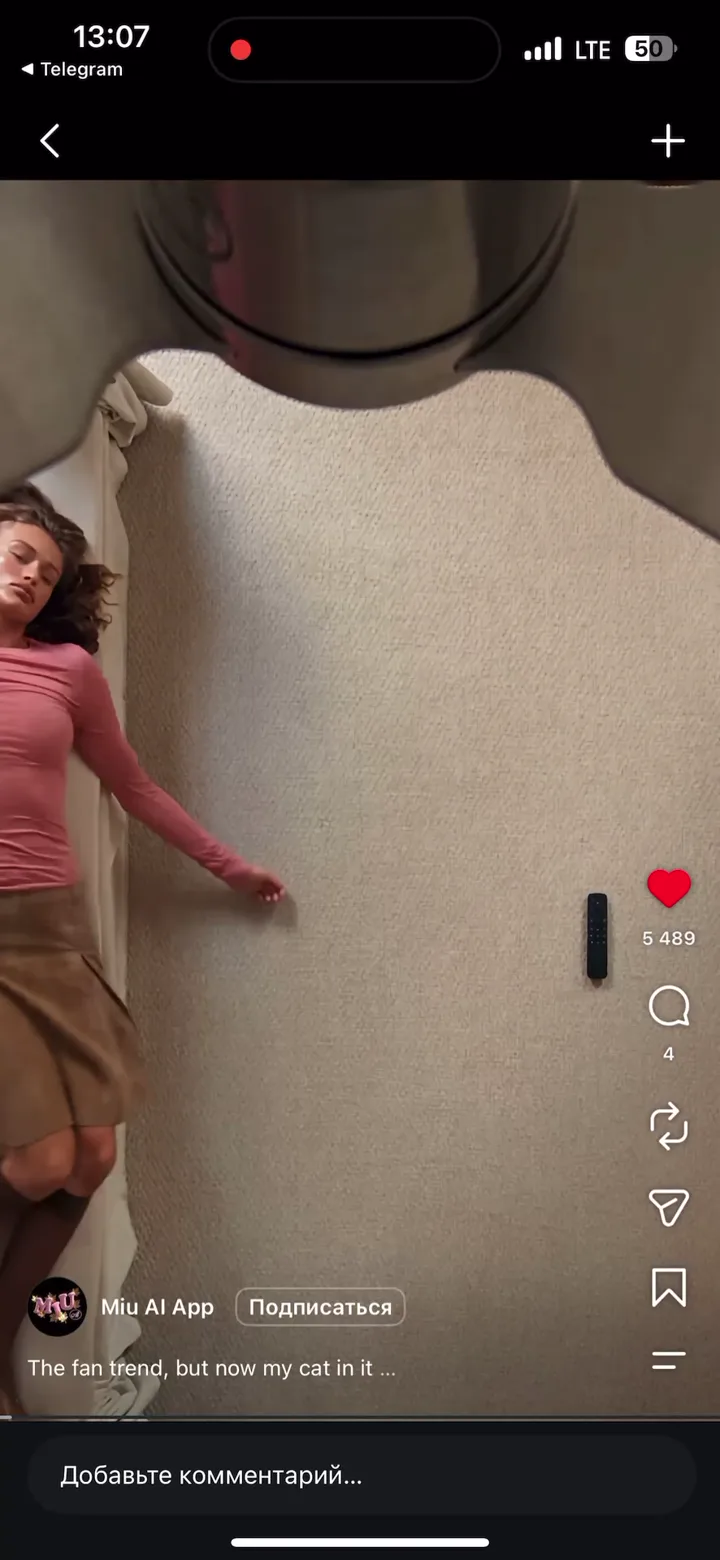
Create a photorealistic, vertical (9:16) fashion video, 14 seconds in length, featuring a single female subject showcasing four distinct looks. Maintain the composition, camera angle, timing, motion, lighting, and background—including the specific objects (a rug, a sofa, and a ceiling fan) and their placement within the frame—from the original video. Replicate the transition effect triggered by the rotation of the ceiling fan blades: as each blade passes in front of the subject, her outfit seamlessly shifts to a new, stylish look—occurring with every full rotation. The subject displays natural, lifelike facial expressions, including blinking and a subtle smile, while maintaining direct eye contact with the camera and the viewer. SCENE CONTEXT Top-down view: A woman is positioned on an off-white rug next to an off-white sofa. Directly above her is a large, chrome-finished ceiling fan. Each time a fan blade passes over the subject, she appears in a new outfit and a new pose. The subject displays natural, lifelike facial expressions, including blinking and a subtle smile, while maintaining direct eye contact with the camera and the viewer. SOURCE MATERIALS The same woman appears in all the provided images. Her facial features, skin tone, physique, and hairstyle must remain consistent throughout the entire video. These images serve as the basis for creating looks 1, 2, 3, and 4, respectively. Each source image acts as a precise visual reference for its corresponding look. Every element of the clothing must be reproduced precisely: the design, silhouette, cut, proportions, prints (including their placement), color palette, fabric texture and appearance, trim, seams, details, footwear, and any visible accessories. Do not alter, reinterpret, simplify, add to, or omit any elements of the clothing, nor should any new details be introduced. Do not change the length, shape, neckline, sleeves, waistline, proportions, prints, fabric type, or the construction of the garments. Do not create variations or looks "inspired by" the source material—the clothing in the video must match the provided examples exactly. Use these images solely as a guide for the character’s appearance and wardrobe; the setting and actions must be recreated in accordance with the description provided above. CAMERA AND COMPOSITION A single, continuous shot captured by a stationary camera positioned directly above the subject, pointing straight down (at a 90-degree angle). The camera films a woman lying on the floor, viewed through a ceiling fan. The composition remains constant from the beginning to the end of the video. The floor is covered with a muted white carpet. On the left side of the frame, a portion of a soft white (milky-toned) sofa is visible. The woman lies on the carpet, with her head toward the top of the frame and her feet toward the bottom. Throughout the video, her entire body must remain fully and harmoniously positioned within the frame. The woman displays lively facial expressions: she blinks and smiles slightly. Her gaze is directed straight into the camera, toward the viewer. CHROME CEILING FAN In the foreground—positioned directly between the camera and the woman—is a large ceiling fan with a polished chrome finish. Its round, mirror-like housing is partially cropped at the top center of the frame. The wide metal blades pass very close to the lens; they appear so large that they seem as though they might touch the woman’s body. The visualization should feature realistic silvery highlights, detailed blade mounts, and the rounded edges of the blades. Initially, the fan is stationary, but after the woman presses a button on a remote control, it begins to rotate clockwise. The blades remain clearly visible, with a moderate, natural motion blur. It is this rotation of the blades that acts as the mechanism through which the woman’s outfit changes.
Swap target
Object swap
Resolution
1080p
Video:
Images: