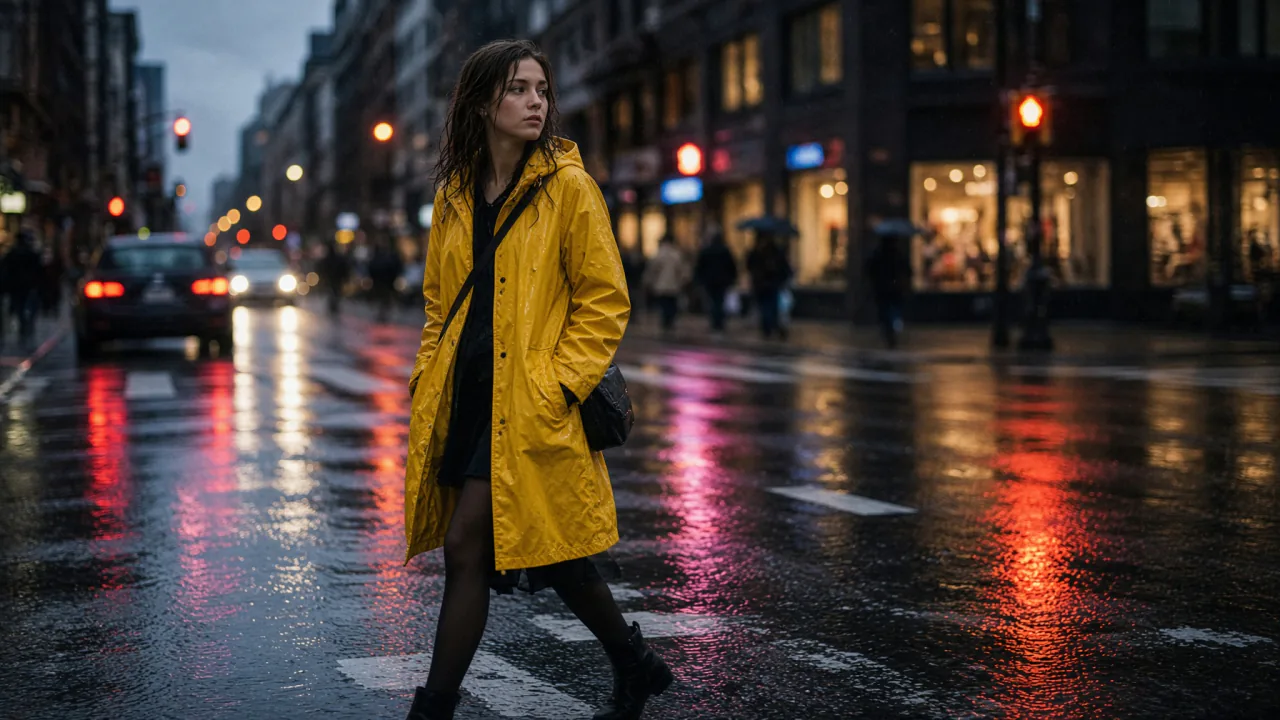
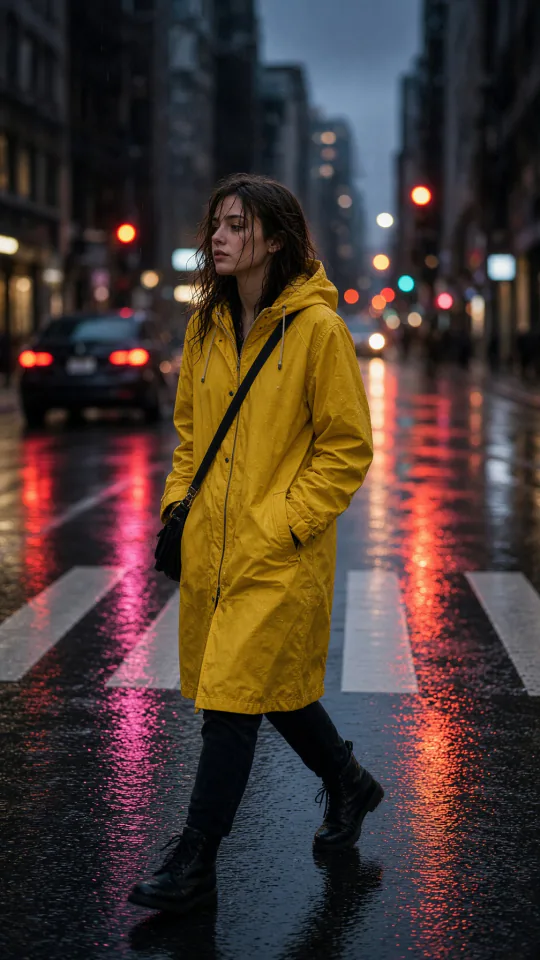
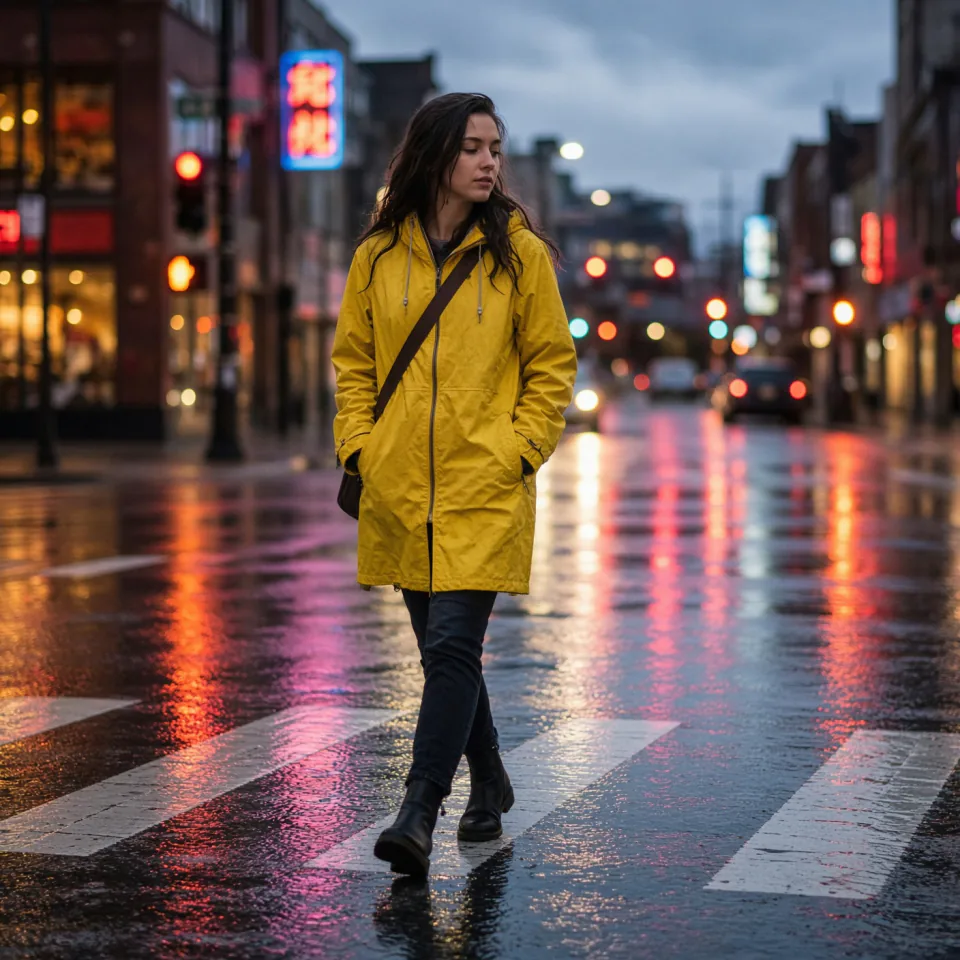
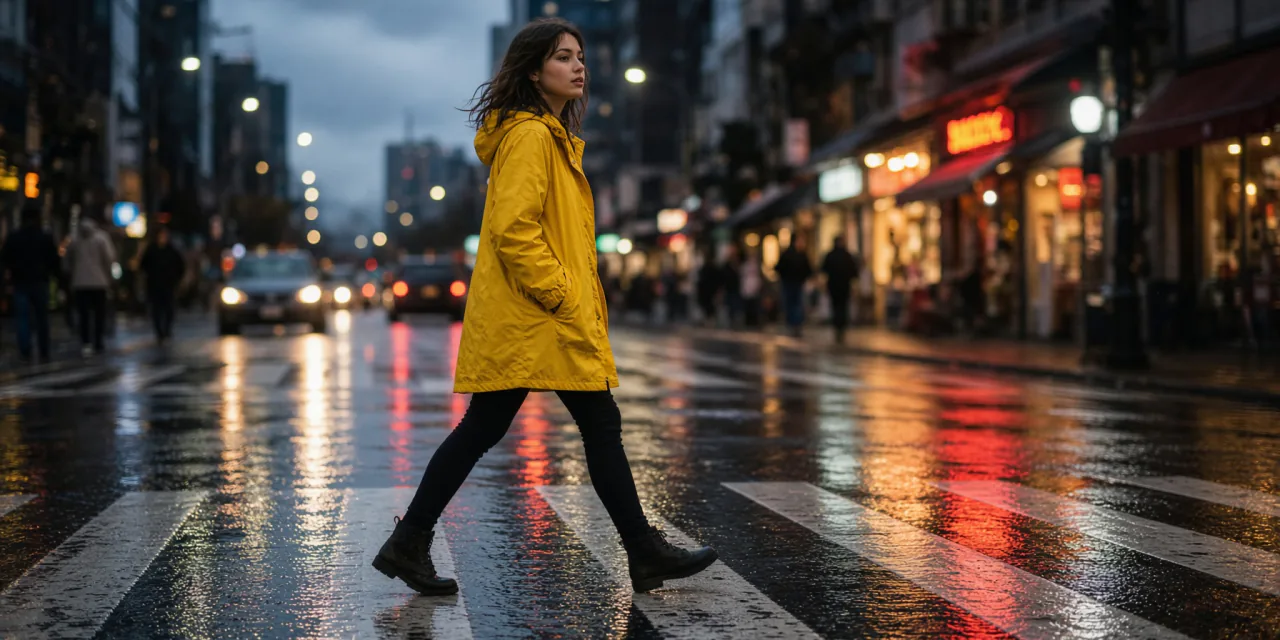
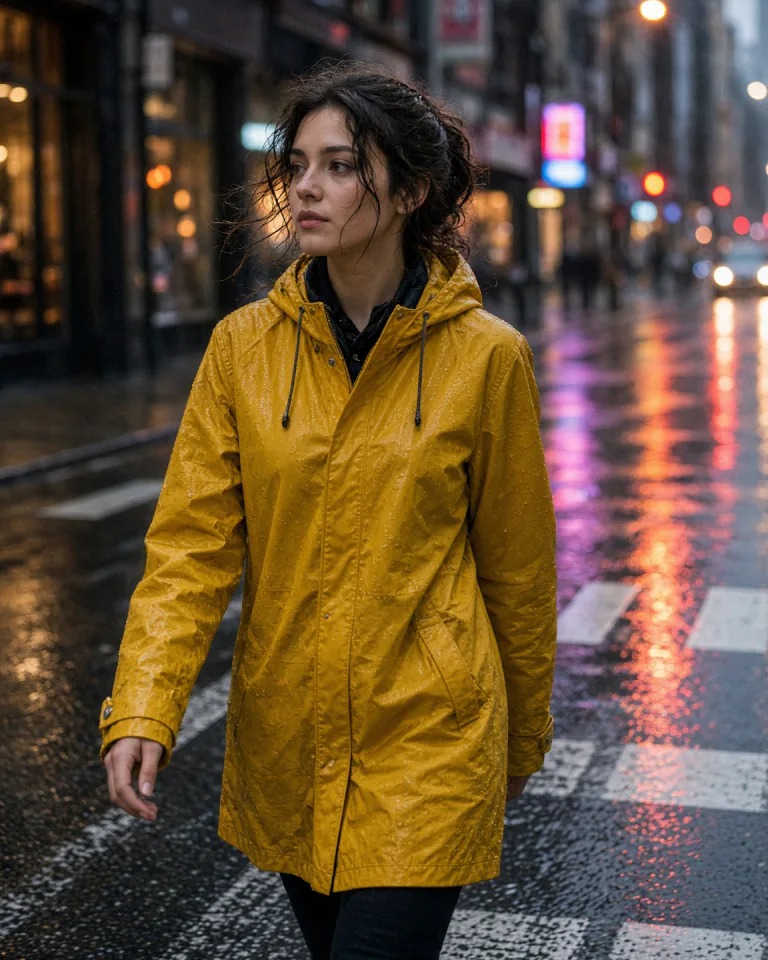
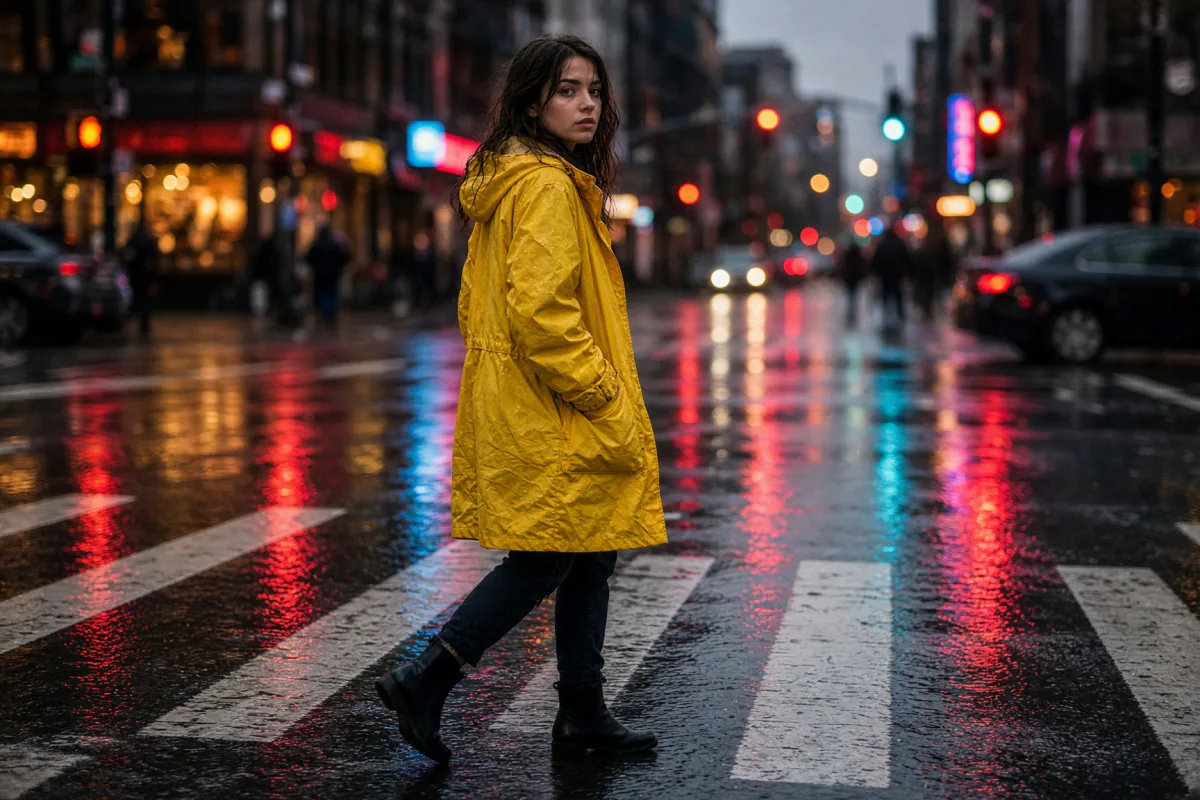
Arena, text to image
Human votes between two unnamed models. At launch, xAI reported the model second overall in both text to image and image editing.
#2≈ 1,320 points, preliminary
Aug 7, 2026 · later #3 at 1,316
Aug 7, 2026 · later #3 at 1,316
XAI · IMAGINE IMAGE 2.0 · AUG 2026
One photo, any shape. xAI’s image model: second on the Arena at launch, photoreal, and about $0.04 an image.
Definition
Grok Image 2.0, also known as Grok Imagine 2.0 Image, is xAI’s image model for making and editing pictures. Its official API name is Imagine Image 2.0. You describe a photo and it renders one, or you hand it an image and point at the part to change. xAI released it on August 7, 2026 as the new Quality Mode in Grok Imagine, then opened it on its API.
Its strengths are the ones a photographer cares about: realistic light, faces that stay the same person and quick, local fixes. It reshapes a finished image into nine aspect ratios and takes up to five reference photos per edit.
On Creatide AI, Grok Image 2.0 sits in the same prompt bar as every other image model, exports up to 8K and edits by chat in Agent+.
SOURCES: XAI DOCS AND LAUNCH NOTES (AUG 2026) · ARTIFICIAL ANALYSIS
Where it ranks
Two independent boards, two blind votes. Neither score comes from xAI.
Human votes between two unnamed models. At launch, xAI reported the model second overall in both text to image and image editing.
Ranked fourth, behind three GPT Image entries. The same board shows how far it moved past xAI’s older image models.
Sources: Arena leaderboards via xAI’s launch notes (Aug 7 and Aug 10, 2026); Artificial Analysis Text to Image leaderboard, August 2026 (1,153.66 Elo, 95% interval 1,141.66 to 1,165.66). Boards move as votes come in.
Region editing
Grok Image 2.0 edits by selection. Click a part of the picture, choose what happens to it, and the rest of the frame stays put. Try it: tap the car, the house or the sky.
Same idea in the real model: select, describe, keep the rest.
Multi-image editing
Give Grok Image 2.0 up to five reference images in one edit: a face, an outfit, a pet, a place and the light you want. It keeps the person recognisable and builds one new photo around them.
Tap a print to take it out of the brief. The frame on the right rebuilds from what is left. xAI’s API capped this at three images at launch; the Grok apps take five.
Typography
Move over the poster to read it at three times the size.
Templates
xAI launched Grok Image 2.0 with ready-made starting points. Tap one to load a starting prompt; on Creatide AI, paste it into the prompt bar and edit from there.
Price
xAI list price and Artificial Analysis per-image costs (Artificial Analysis lists $60 per 1,000 of these images and $211 for GPT Image 2 at high), November 2026. Paid Creatide AI plans include commercial rights.
Quality settings
On xAI’s API, a quality setting trades speed and cost for detail. On Creatide AI, choose it in the model menu next to the size.
The fast, cheap setting. Good for drafts and big batches.
More detail and steadier edits. The pick for the image you ship.
Low for new images, medium for edits, chosen for you.
Only on Creatide AI
Grok Image 2.0 tops out at 2K. Creatide AI exports every image at 2K, 4K, 6K or 8K. Picture it as screens: one 8K image fills sixty-four 1K screens, with no tile left blank.
Prompt guide
“PEONY & CO.”
How to
Pick Grok Image 2.0 in the model menu.
Write the photo, or add up to five reference images.
Pick one of nine shapes, then low, medium or auto.
Select an area to change, or ask Agent+, then export up to 8K.
Which model
All of them run from one Creatide AI prompt bar. Here is which job goes to which.
Showcase
Images made on Creatide AI with Grok Image 2.0, reshaped for each spot and exported up to 8K.
The Creatide AI difference
It is the same Grok Image 2.0 that xAI ships. Creatide AI gives it more room: bigger exports, edits by chat and a straight path to video.
Flip the switch to compare. Official limits from xAI, November 2026.
Plans
Every image exports up to 8K, past xAI’s native 2K. Bigger plans add 4K, 8K, more clips and cheaper credits.
Best value for casual creators.
Billed for 12 months. Cancel anytime.
Save $59 compared to monthly
Maximum savings for professionals.
Billed for 12 months. Cancel anytime.
Save $373 compared to monthly
The ultimate suite for elite experts.
Billed for 12 months. Cancel anytime.
Save $673 compared to monthly
Not into subscriptions? Start with a one-time credit pack
FAQ
xAI’s image generation and editing model, officially called Imagine Image 2.0. It makes images from text and edits them by selection, with up to five reference images.
Yes, it is the same model. xAI ships it inside the Grok Imagine app, so many people call it Grok Imagine 2.0. On Creatide AI it is listed as Grok Image, to keep it apart from Grok Video 1.5, xAI’s video model. Its official API name is Imagine Image 2.0.
xAI released it on August 7, 2026 as the Quality Mode in Grok Imagine on the web and in the Grok apps, then made it available on its API.
On xAI’s API it starts at $0.04 an image at low quality and 1K, and $0.08 at medium quality and 2K. Each input image in an edit adds about $0.01. On Creatide AI it runs on plan credits.
It placed second on the Arena text-to-image and image editing boards at launch and fourth on Artificial Analysis, where it costs far less than the three models ahead of it.
1K by default and 2K on request. On Creatide AI, every image exports up to 8K.
Smart Resize reshapes an image into nine ratios from 1:2 to 2:1, generating the new area. The API adds 21:9 and 5:2.
Yes. Select an area with the Magic Wand or segmentation and describe the change, remove a background, or combine up to five images in one edit.
No. It makes still images. xAI’s video model is Grok Video 1.5 (a.k.a. Grok Imagine 1.5 Video), which can animate its stills.
An independent test found it trailing on edit reliability, non-Latin text and true style transfer, while leading on photorealism and keeping identity.
Paid Creatide AI plans include commercial rights for images you make on the platform.