 Preview
The classic pitch shot
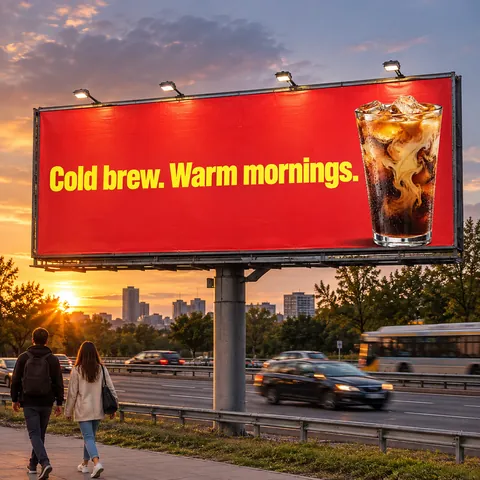
HighwayDuskPassers-by on
Warm sky, long shadows, cars in motion. The shot agencies put on slide one.
Drop in your ad. Billboard places it on a highway sign, a plaza screen or a subway wall, with real perspective, glare and weather.
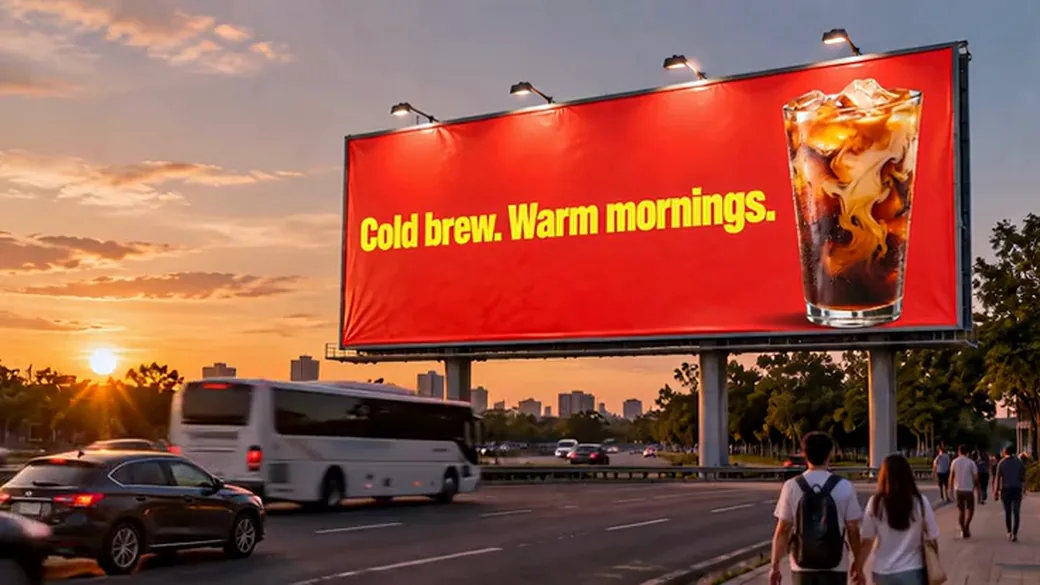 Example result
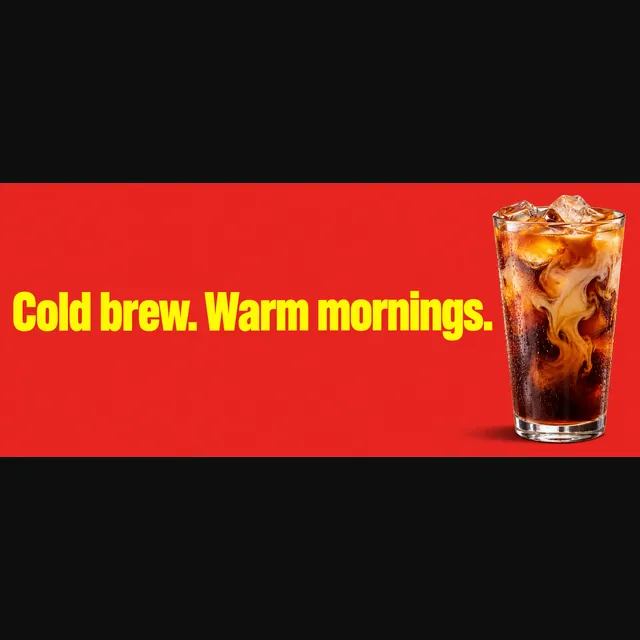 Before
In short
A billboard mockup generator shows your ad on a billboard in a realistic scene. Billboard builds the structure, the street and the light around your artwork, wraps it with correct perspective and adds glare, seams and passers-by.
The drive-by test
A billboard mockup generator is only useful if it shows the ad the way people actually meet it: small, far away, and gone in a few seconds. Type a headline, pick colours, set the speed and drive past it.
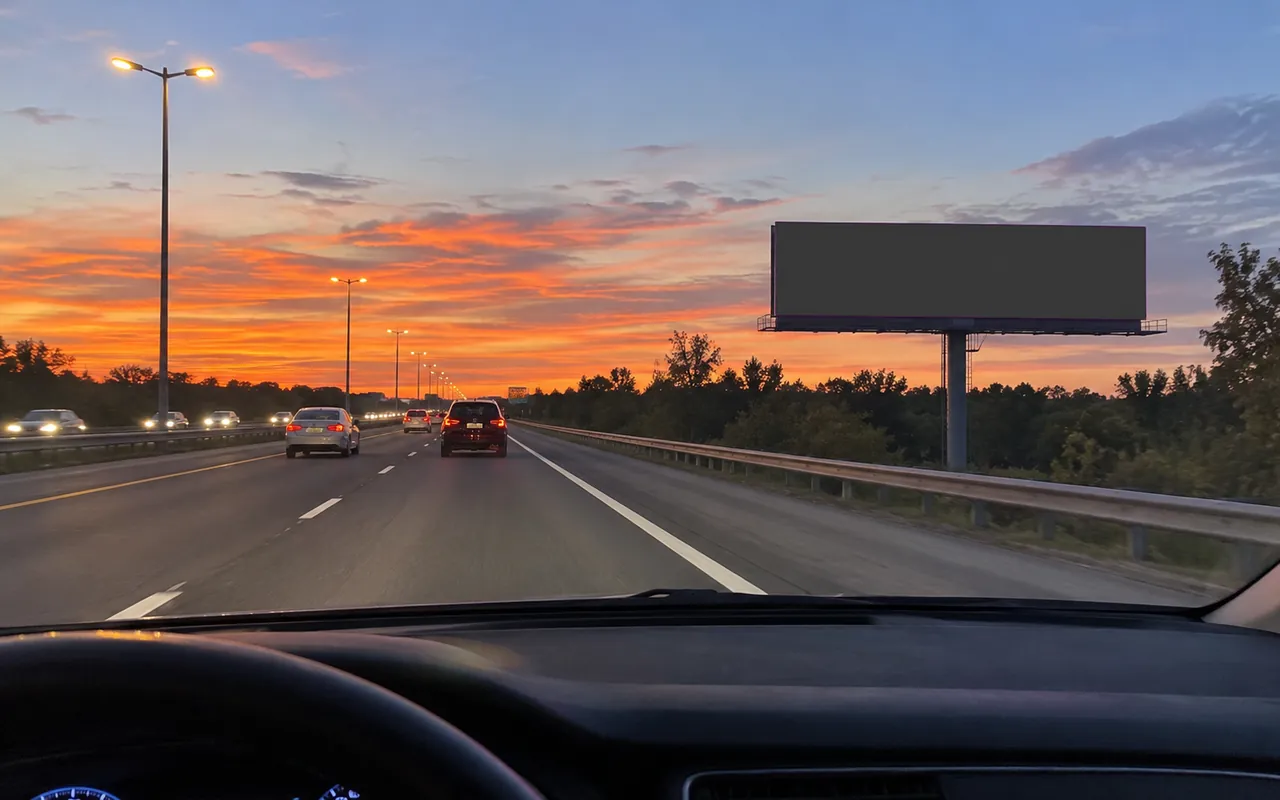
Reads. About 3.5 s to read with 5.7 s in view, and enough contrast for dusk.
How it works
Formats it knows
Switch formats to see the same ad reflow, with a person for scale. The headline is the one you typed above.
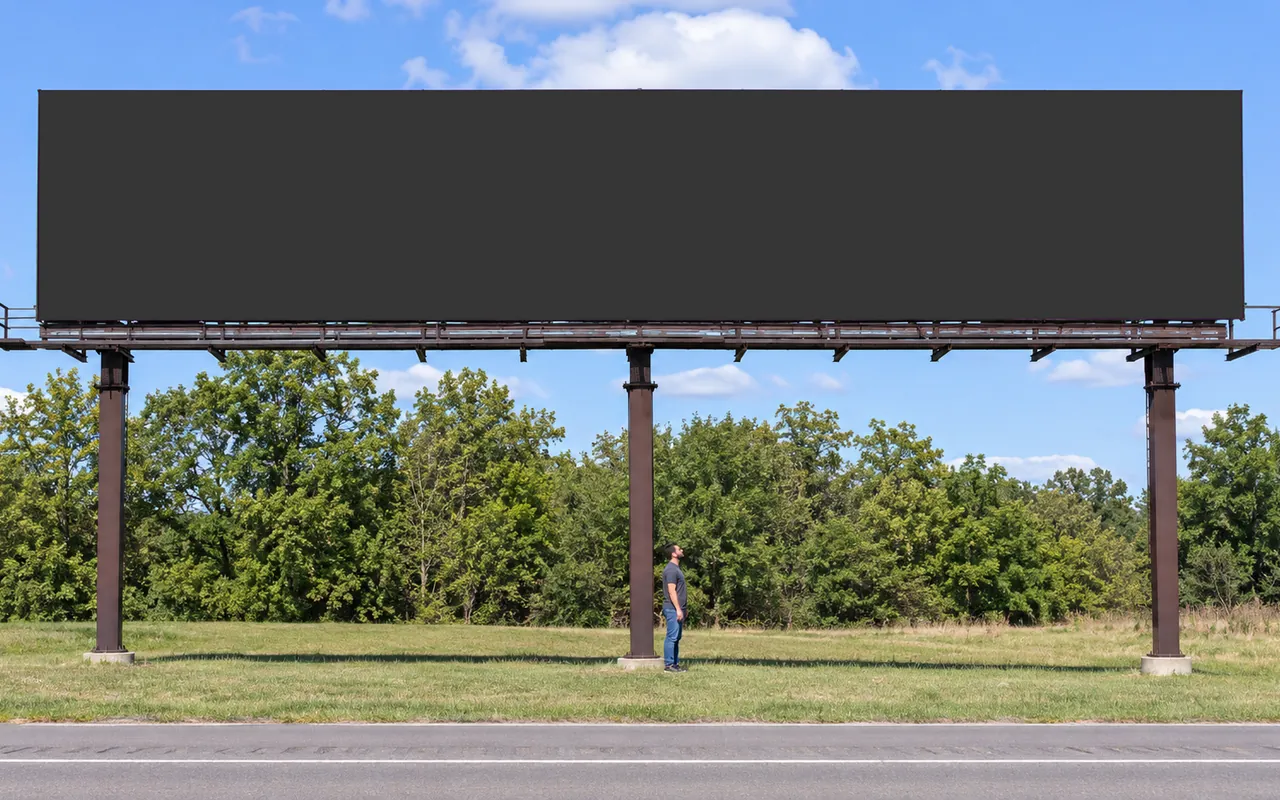
About 5 seconds at speed. One line, one image, one logo.
Deep dive
A pasted ad looks fake because its edges do not follow the structure. Billboard sets your artwork on the face of the board so its lines converge at the right vanishing point, with the seams, frame shadows and slight curve of vinyl a real board has.
Day shows true colour. Dusk adds warm light on one side and a darker sky, which makes bright ads pop and dark ones vanish. Night switches to front lights or a backlit screen with glow. Running the same ad at three times of day is the fastest way to find colour problems.
Passers-by and traffic give the eye a sense of size. A board without people looks like a desktop mockup; a board with a bus passing underneath looks like a photo. Turn passers-by off only when you need a clean shot for a case study.
Ideas
Recipes
Three billboard mockup generator recipes for the pitches we see most. Tap one to load its location, time of day and passers-by into Billboard at the top of the page.
PreviewWarm sky, long shadows, cars in motion. The shot agencies put on slide one.
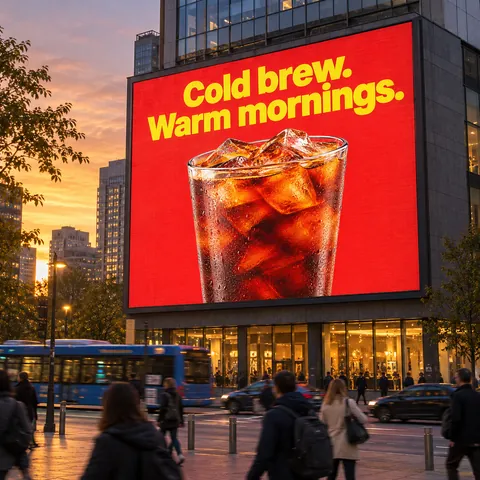 Preview
A glowing screen above a busy square. Perfect for countdown posts.
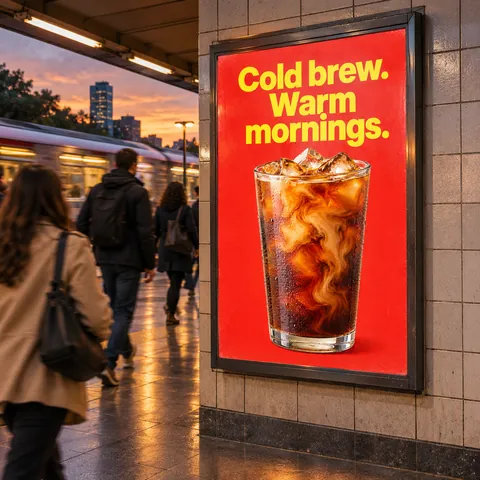 Preview
See if your portrait poster reads from a few steps away, with commuters for scale.
The honest comparison
A good mockup by hand means finding a stock photo, warping your ad onto it in Photoshop and faking the light. The billboard mockup generator builds the whole scene around your artwork in about 20 seconds.
By-hand time is a typical estimate of 45 min per mockup.
Better results
Plans
FAQ
It shows your ad on a real-looking billboard so you can judge it in context. Billboard builds the whole scene around your artwork: the structure, the street, the sky and the light, with correct perspective.
No. Upload the artwork in any ratio as a JPG, PNG or WEBP image. The result is one 16:9 scene; pick the location whose board suits your artwork.
Use it for pitches and previews. If you post it publicly before buying media, say it is a concept so nobody is misled.
The credits for a run are shown on the button before you start. If a run fails, nothing is charged and the credits go back to your balance.
Yes. Send the mockup to Image to Video for a short drive-by or push-in shot.
Yes, a little. Real billboards have glare, seams and wear. That is why these mockups look photographed, not pasted.
Wide artwork around 48:14 fits classic highway bulletins. Square works for plaza screens, and portrait for subway and bus stop posters.
Yes. On paid plans the images you make are yours to use in ads, client work and products. Only upload material you own or have permission to use.
Only you. Uploads and results live in your private History, are never posted anywhere for you, and can be deleted at any time.
The location decides it. A highway gets a wide bulletin, a city plaza a big screen, a subway or bus stop a backlit poster. Pick the location that matches the shape of your artwork.
Run it in Billboard at dusk and at night. If it still reads small, far away and in low light, it is a good sign. Keep the headline to seven words or fewer.
More Minnies