 Preview
Late-night ramen
Ramen nightClose-upsBig
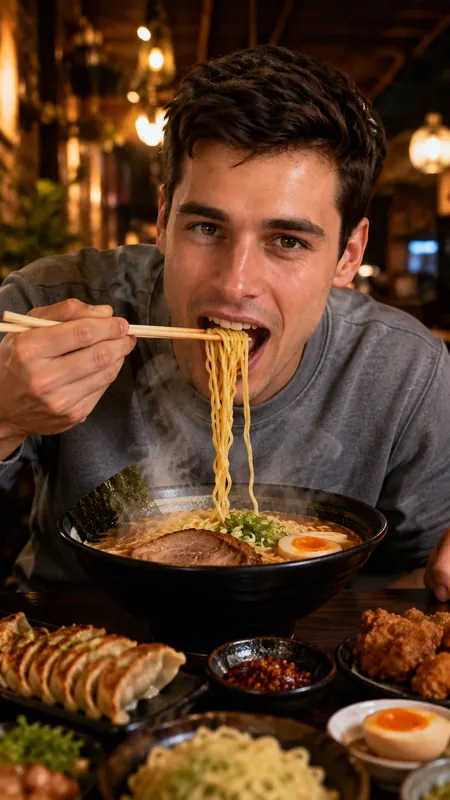
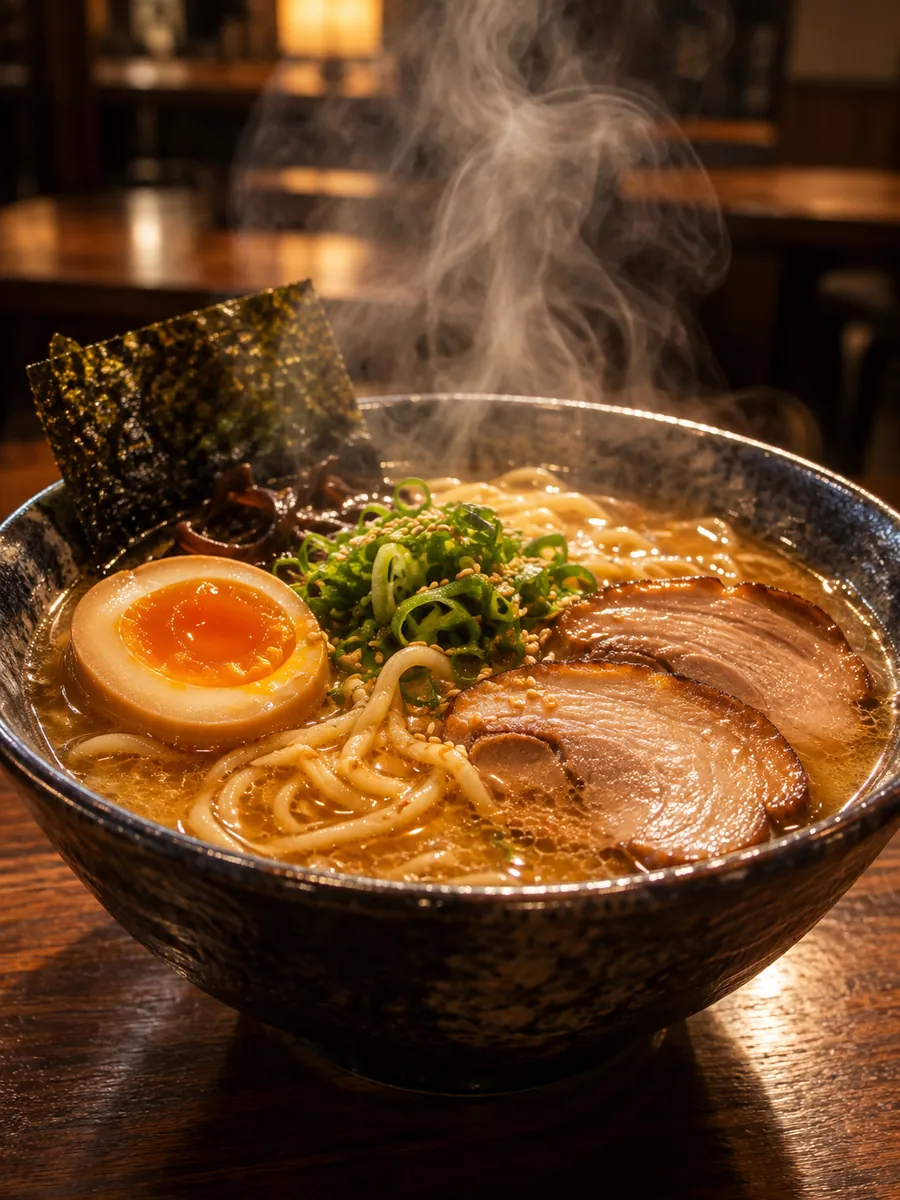
Steam, noodle lift, the first slurp. The most appetising Feast Mode setup.
Sit down to an enormous feast without cooking or washing up. Pick the menu and the camera; Feast Mode brings the steam, sizzle and close-ups.
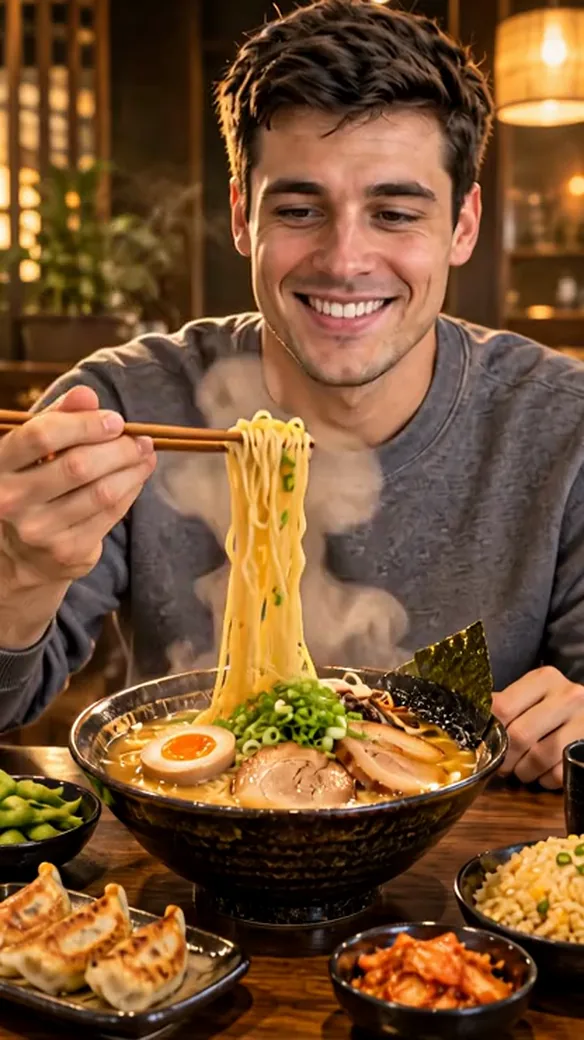 Example result
 Before
In short
An AI mukbang video generator creates eating-show style clips. Feast Mode seats you at a table with the menu you choose, lights the food like a food shoot and films steam, sizzle and your reaction from the camera angle you pick.
Tonight’s menu
An AI mukbang video generator is built around the motion that makes people hungry: steam, sizzle, the slow pull. Pick a menu to see its signature move, then change the camera and the portion size.
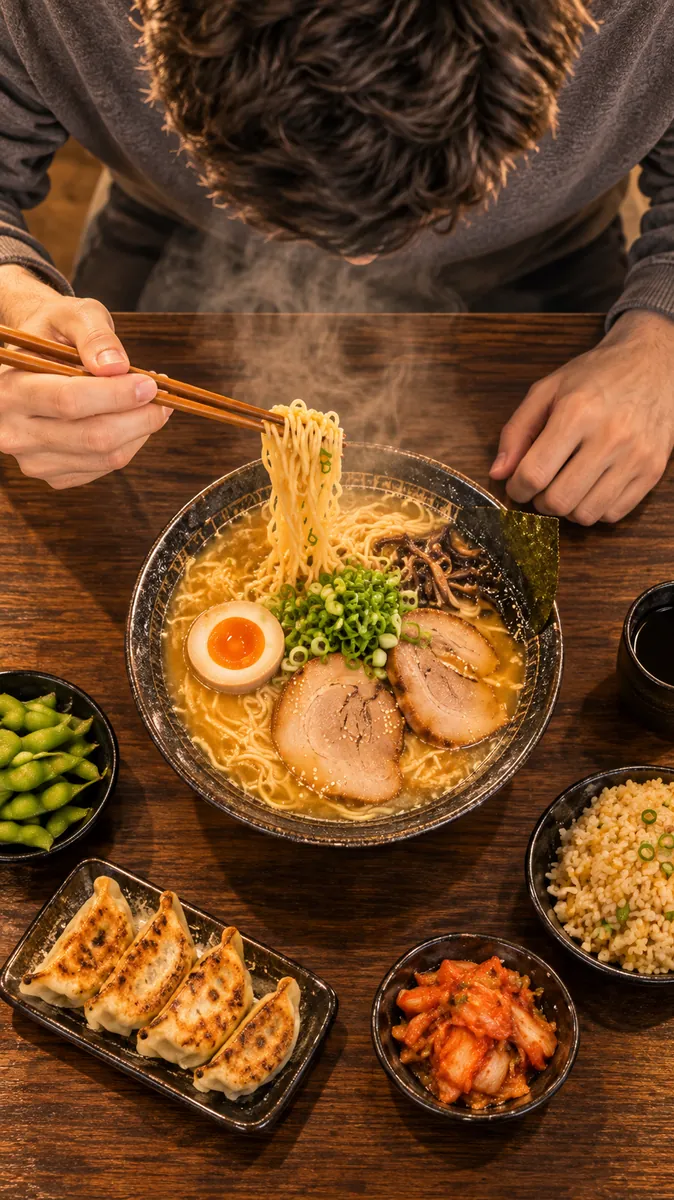 Broth ripple, noodle lift
How it works
Food-shoot lighting
Food photographers know this trick: steam and gloss only show when the light comes from the side or the back. Move the light around the dish and switch the extras on.
Deep dive
Food looks delicious when it shines. Feast Mode lights every dish with a soft key from the side and a small backlight, so steam glows, sauces glisten and crispy edges catch highlights. That is the same lighting food photographers use, and it does more for appetite than any recipe.
Steam rising, cheese stretching, broth rippling, chopsticks lifting noodles. Each menu has signature movements that the clip is built around. Your part is short and natural: a reach, a bite, a satisfied nod. The food carries the video.
Front framing shows your face and the table, like a classic eating show. Top-down shows the whole spread and works for ingredient-heavy menus. Close-ups cut between the food and your reaction for the most appetising, ad-ready result.
Ideas
Recipes
Three AI mukbang video generator recipes for the clips we see most. Tap one to load its menu, camera and portion into Feast Mode at the top of the page, with a sample photo ready.
PreviewSteam, noodle lift, the first slurp. The most appetising Feast Mode setup.
 Preview
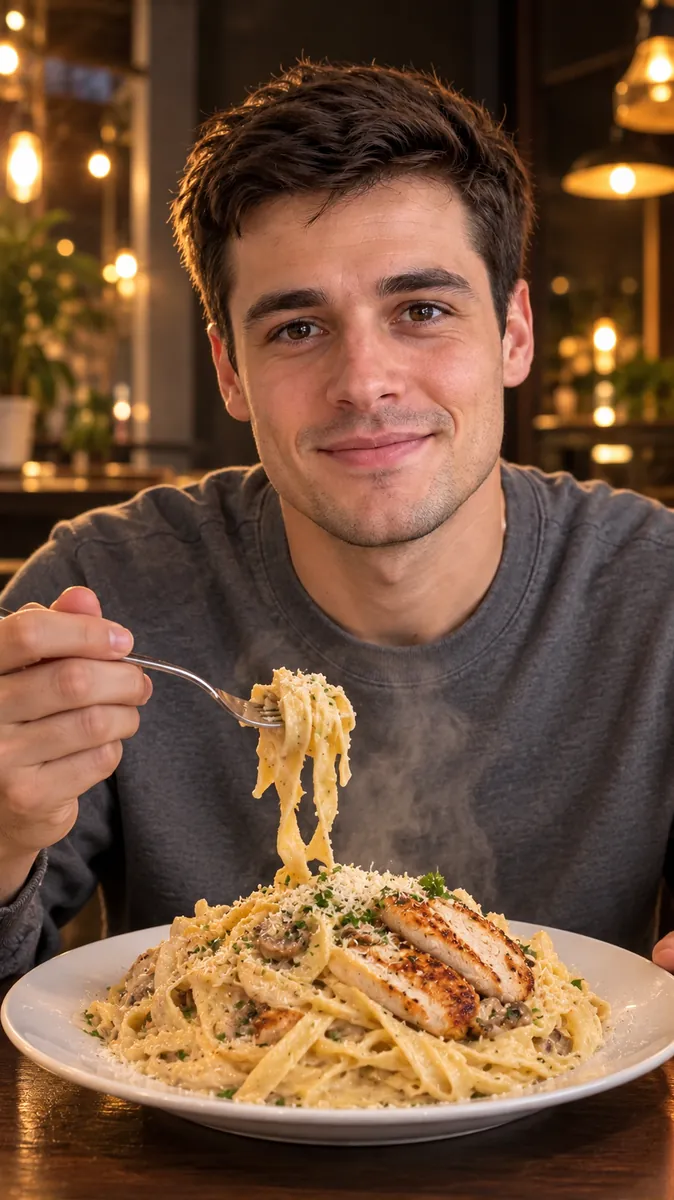
Your real dish, served to a happy diner. Honest and appetising.
 Preview
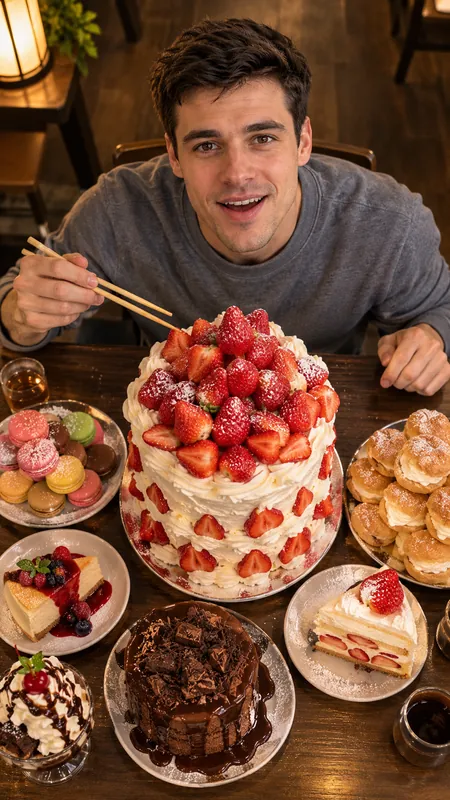
A ridiculous spread for a joke post. The size is the punchline.
The honest comparison
A real eating-show clip means buying and styling the food, lighting it like a food shoot and filming it before it goes cold. The AI mukbang video generator does it from one photo in about 75 seconds.
By-hand time is a typical estimate of 8 h per clip.
Better results
Plans
FAQ
A short clip of you sitting at a table with a large feast: steam rising, sauce glistening, a few bites and reactions, filmed from the camera angle you choose.
You appear to take a few bites and react. Eating is kept brief and natural; the food is the star.
Yes, for dishes they actually serve. Upload a photo of the real dish as the menu reference for accuracy.
The credits for a clip are shown on the button before you start. If a run fails, nothing is charged and the credits go back to your balance.
Yes. Sizzle and table sound come with the clip.
Upload a photo of your dish as a second reference and Feast Mode plates that instead of a preset menu.
Pick Dessert table or describe a vegetarian menu in your own dish photo. More menus are coming.
Close-ups for appetite, Front for reactions and personality, Top-down for showing the size of the spread.
Normal looks like dinner, Big looks like a feast, Absurd looks like a cartoon. The bigger it gets, the more it reads as a joke.
Yes. On paid plans the clips you make are yours to use in ads, client work and products. Only upload material you own or have permission to use.
Only you. Uploads and results live in your private History, are never posted anywhere for you, and can be deleted at any time.
Yes. Upload a photo of your real dish and keep the portion on Normal for an honest, appetising promo. Absurd portions are for jokes, not menus.
More Minnies
Minnies · included in every plan
Feast content without the cooking. Feast Mode comes with every Creatide AI plan.