Biomechanical Statue Filter Effect
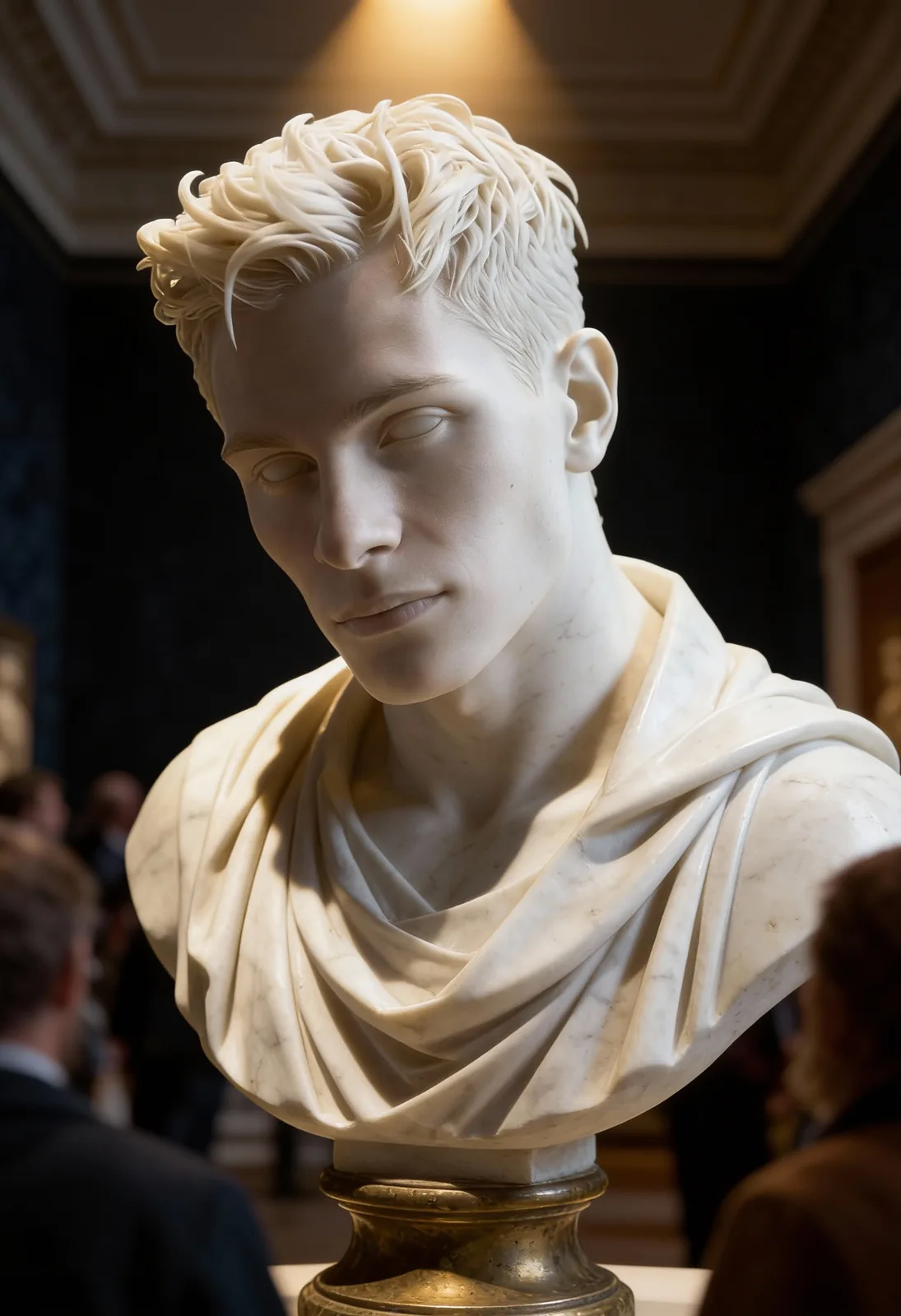
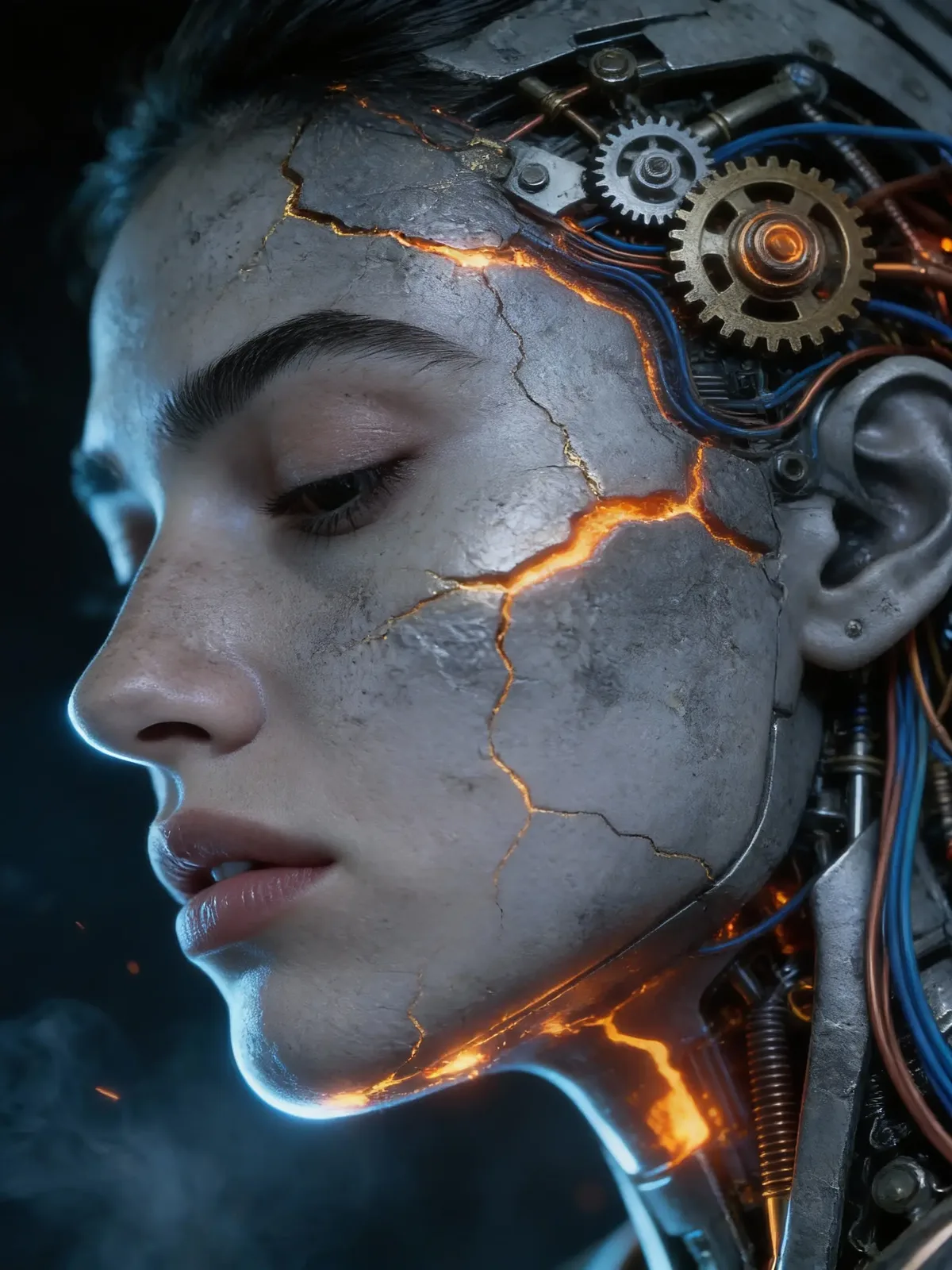
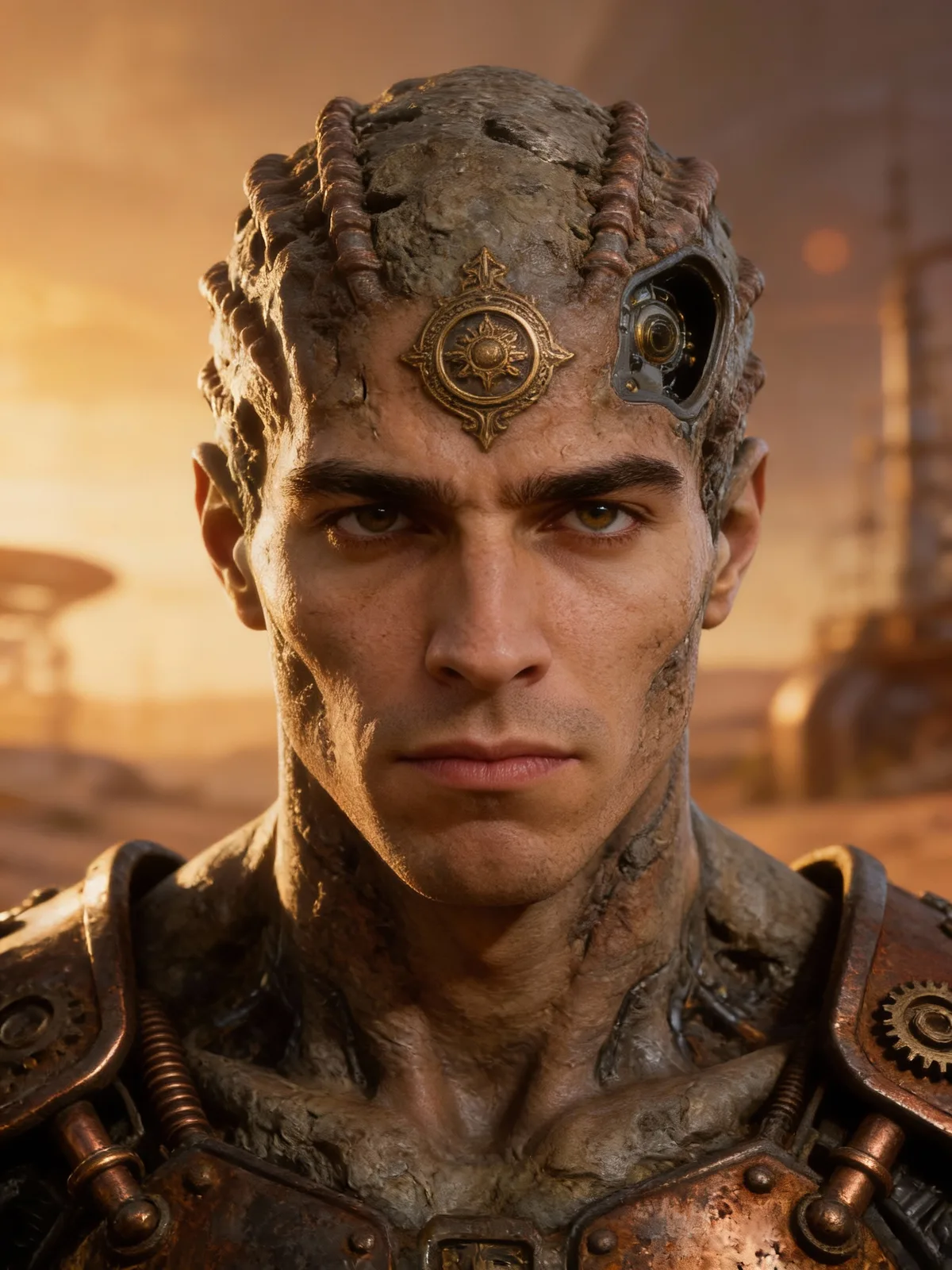
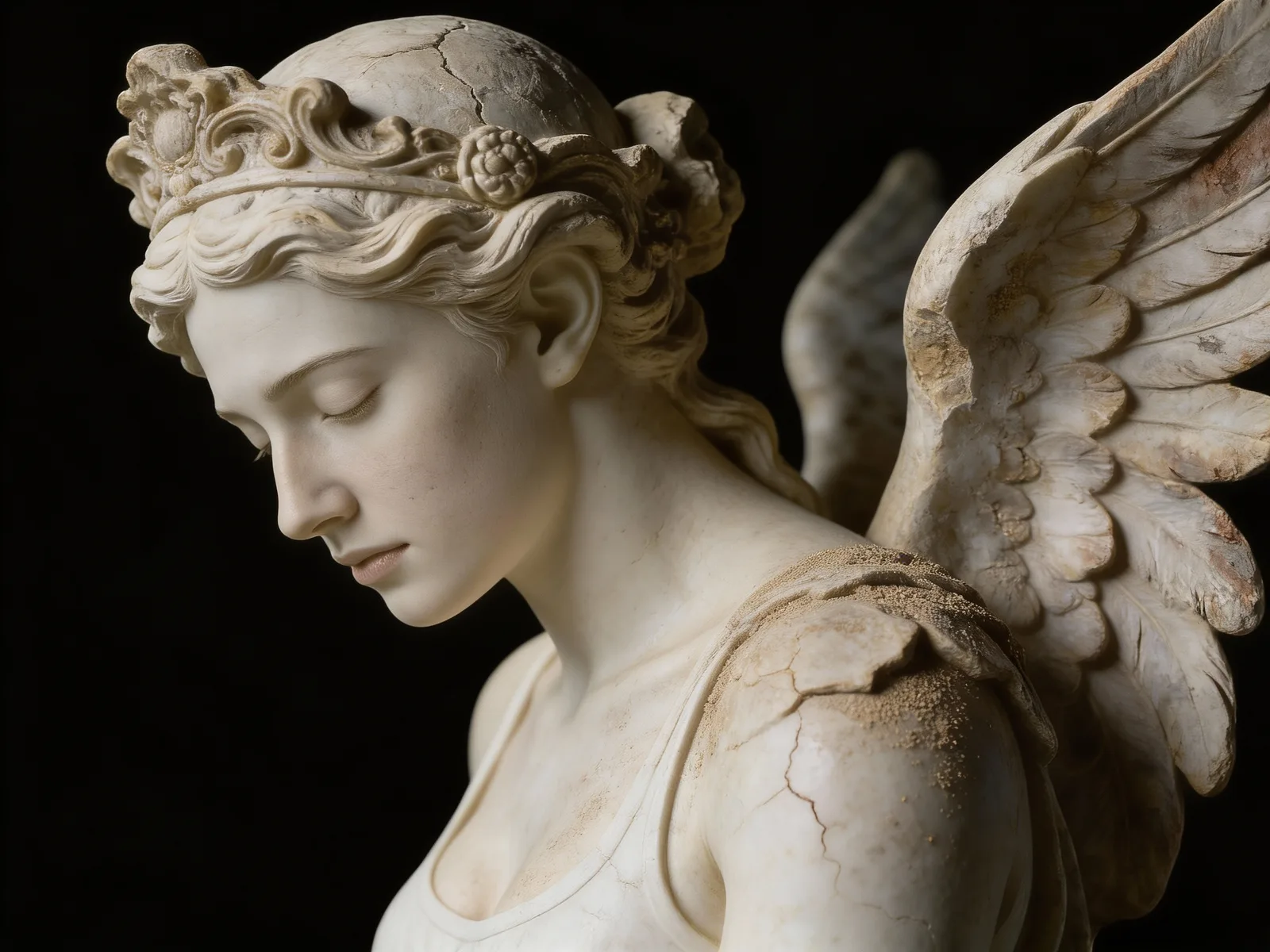
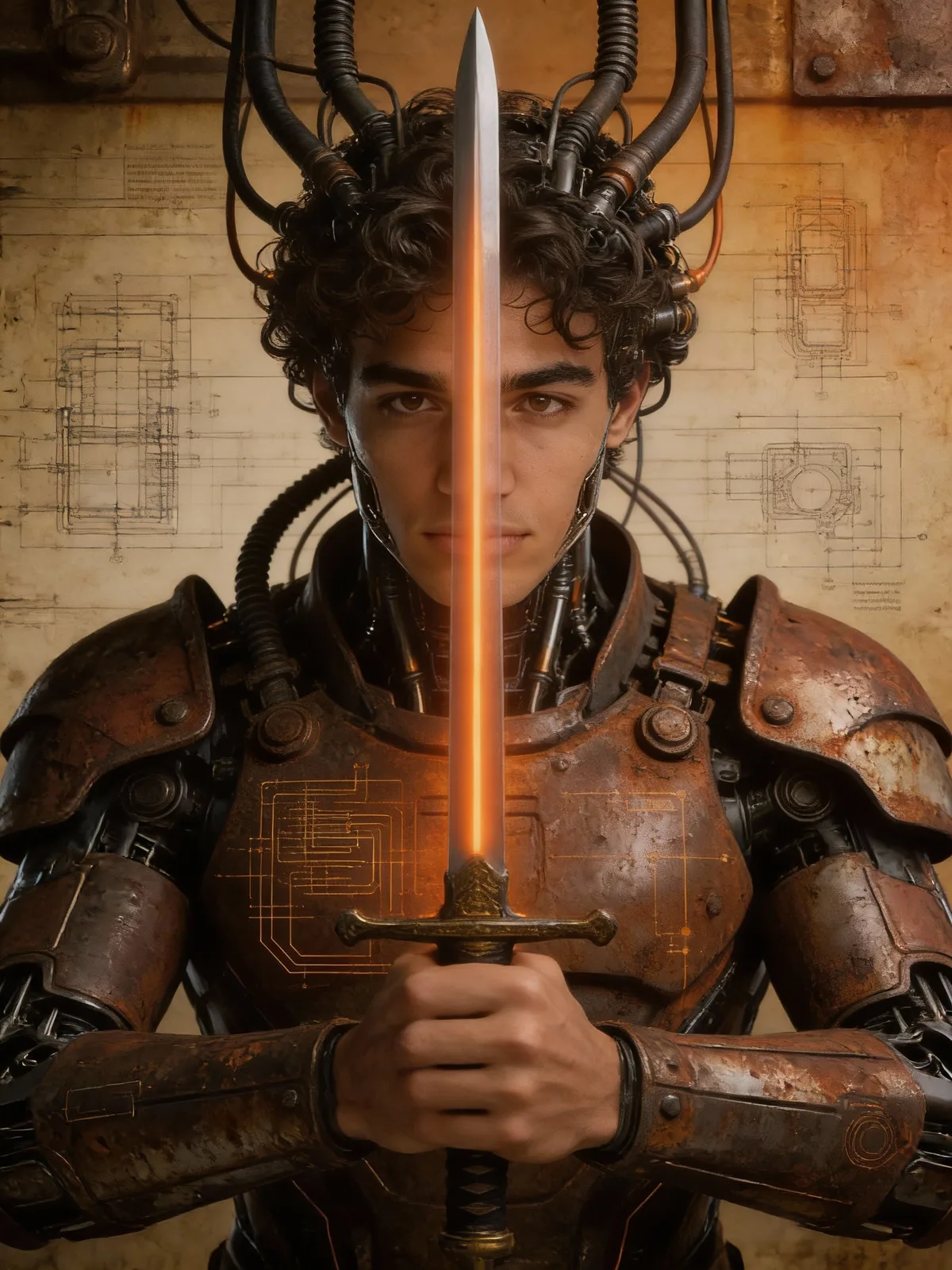
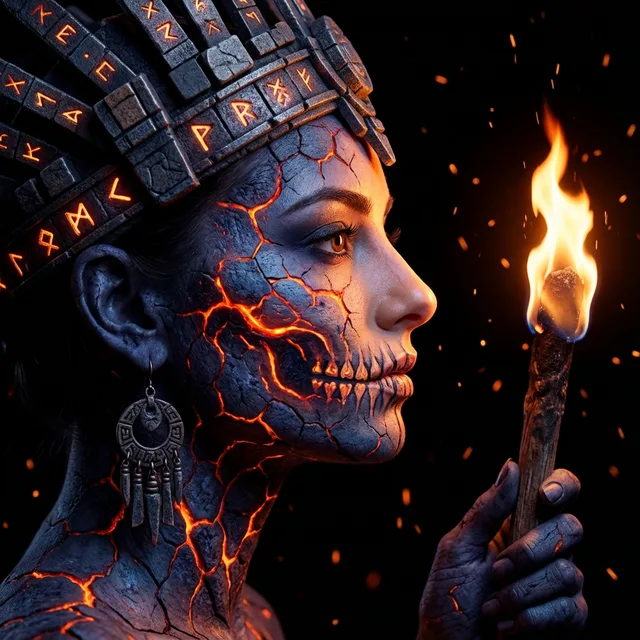
Get the Biomechanical Statue Filter look with cracked stone and glowing gears. Experience a mechanical face transformation highlighting a molten gold effect. Perfect your dark digital art style using cyberpunk stone art textures.
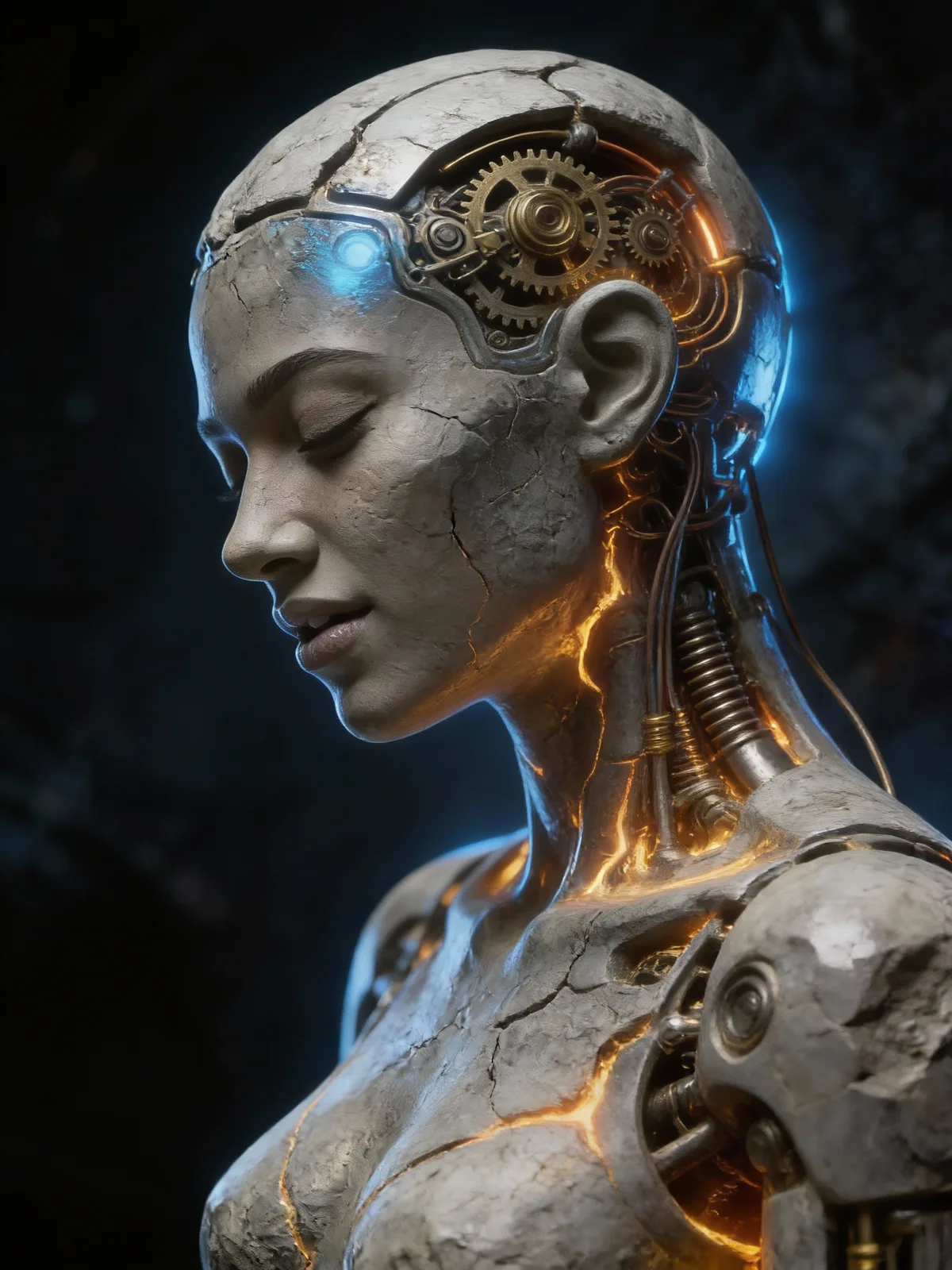
Generate Mechanical Gears Art in Seconds

Upload Your Side Photo
Pick a clear profile picture from your gallery to start the detailed sci fi transformation process.
Get the Cyber Stone Look
We turn skin into cracked metal and add unreal engine 5 art details to the face.
Download Your Digital Statue
Save your new image with glowing fissures and share it with your friends right away.
Reveal Inner Mechanical Gears And Stone
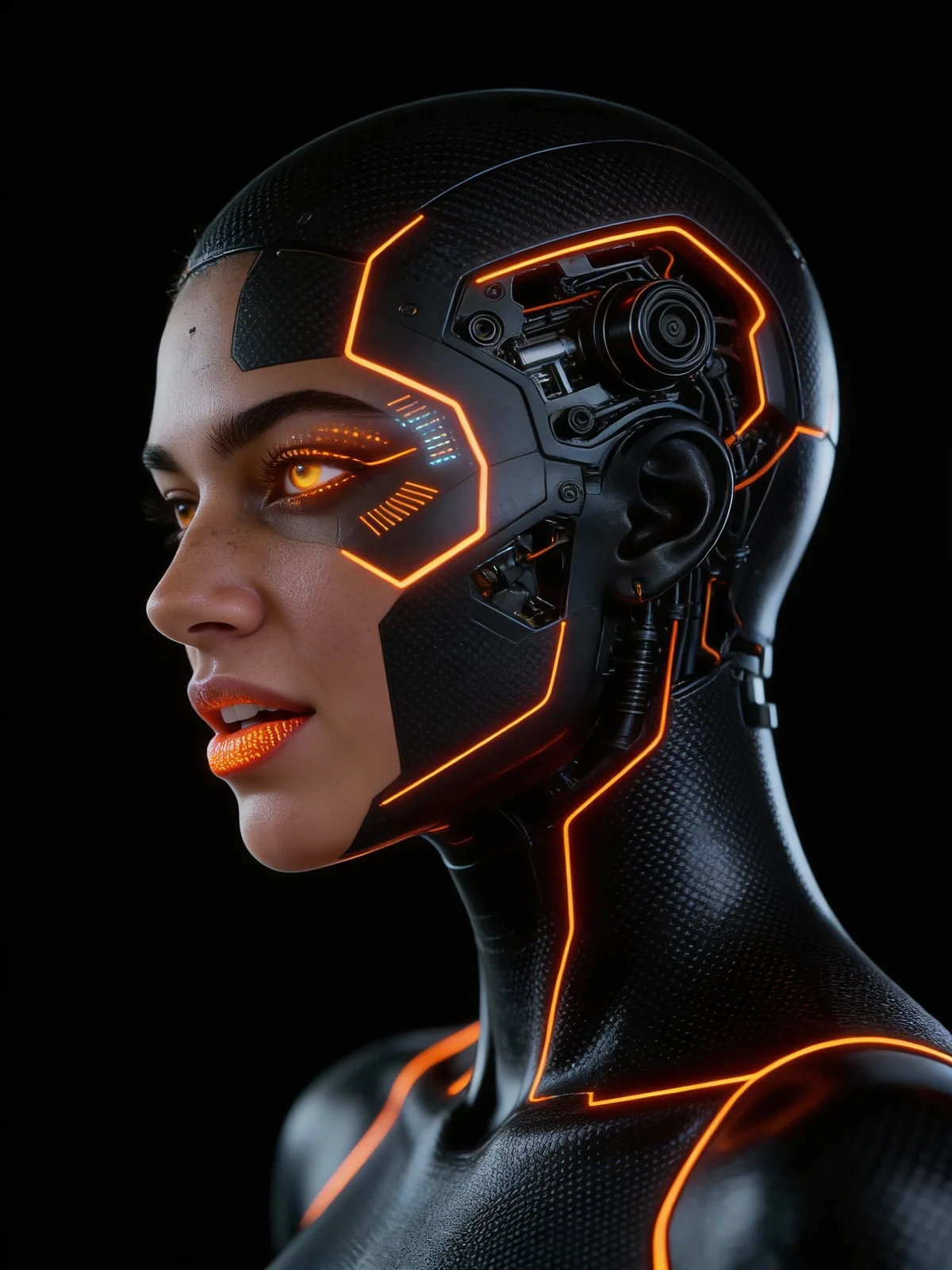
Turn ordinary portraits into a rugged cyber stone masterpiece. Watch skin crack open to show the complex machinery hiding underneath.
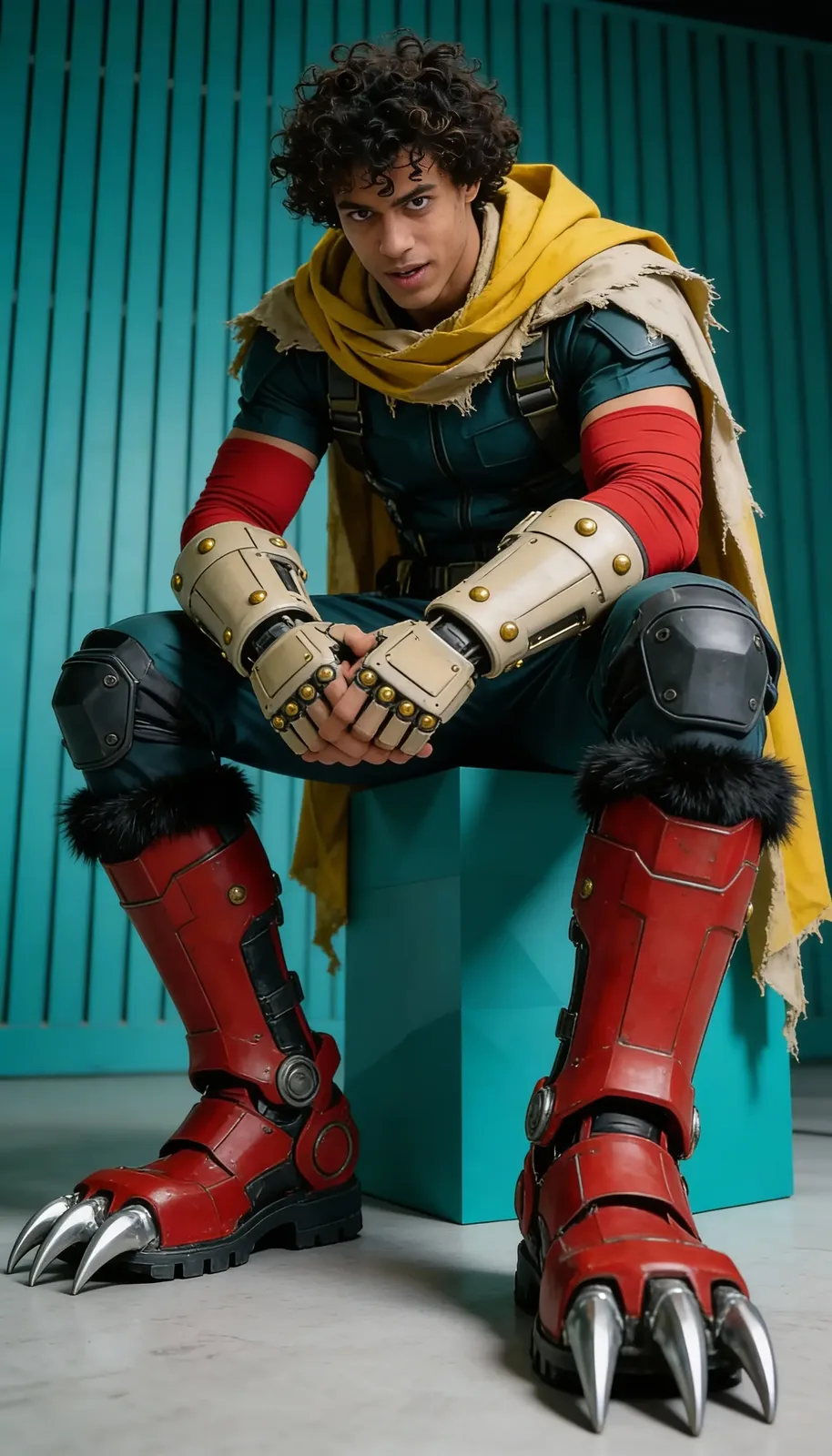


Achieve high-quality unreal engine 5 art looks with dramatic lighting and detailed textures.
Expose Intricate Mechanical Gears Beneath Stone
Your skin fractures into weathered cyber stone to reveal complex wiring and glowing molten energy pulsating within.
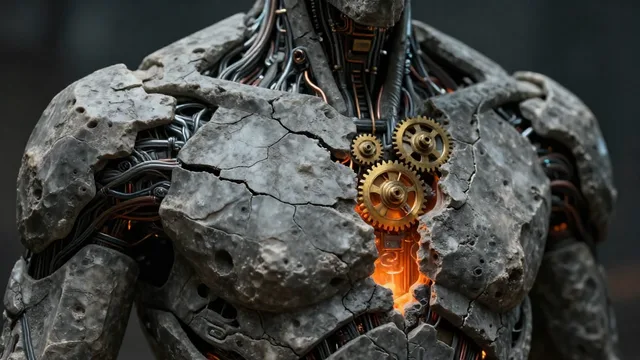
Achieve a cinematic sci fi transformation with unreal engine 5 art quality lighting and deep shadows.
Detailed Mechanical Gears And Textures
See how weathered stone skin cracks open to reveal a glowing molten core inside. Intricate mechanical circuitry blends with the surface for a rugged and futuristic style.

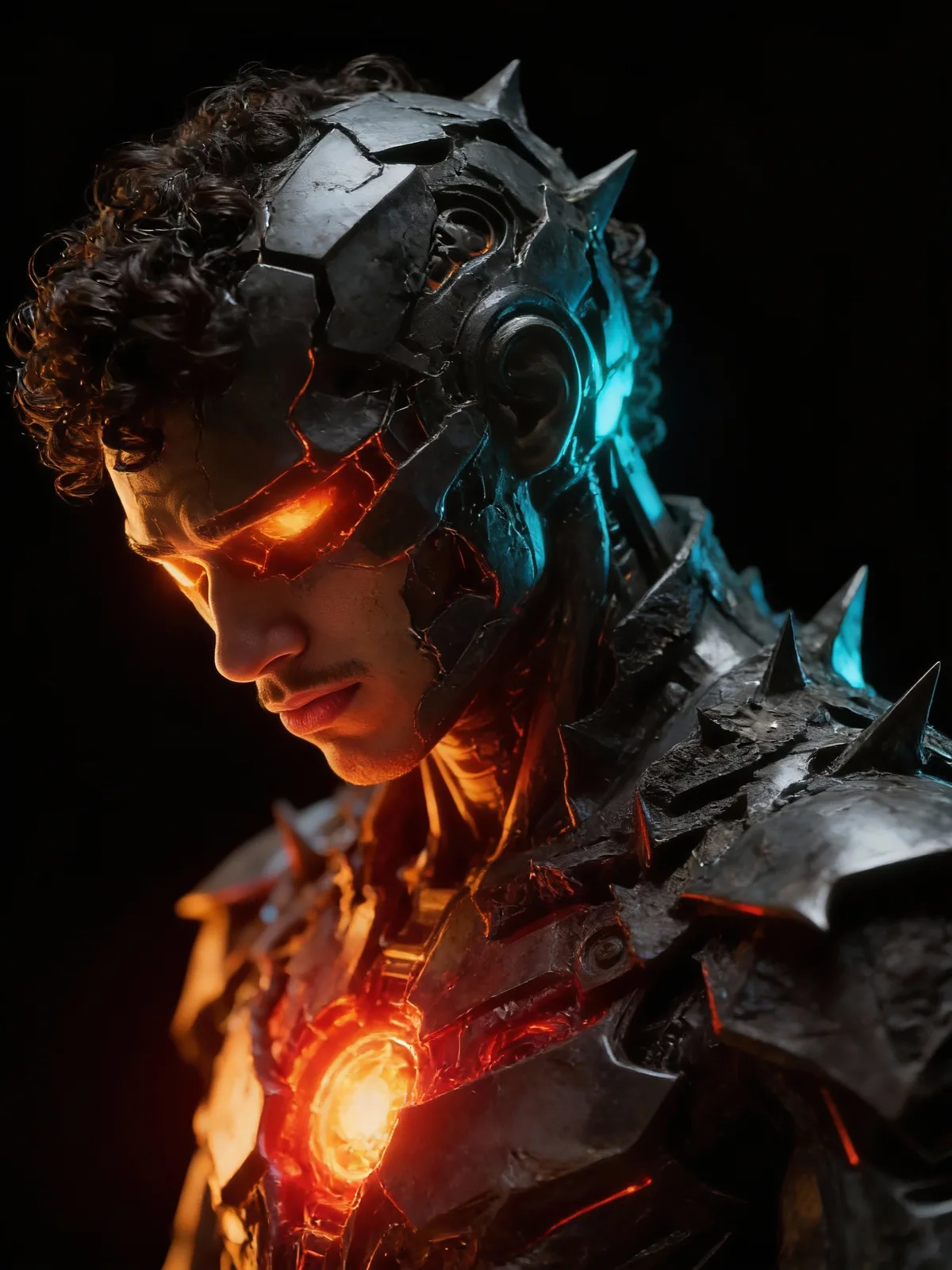
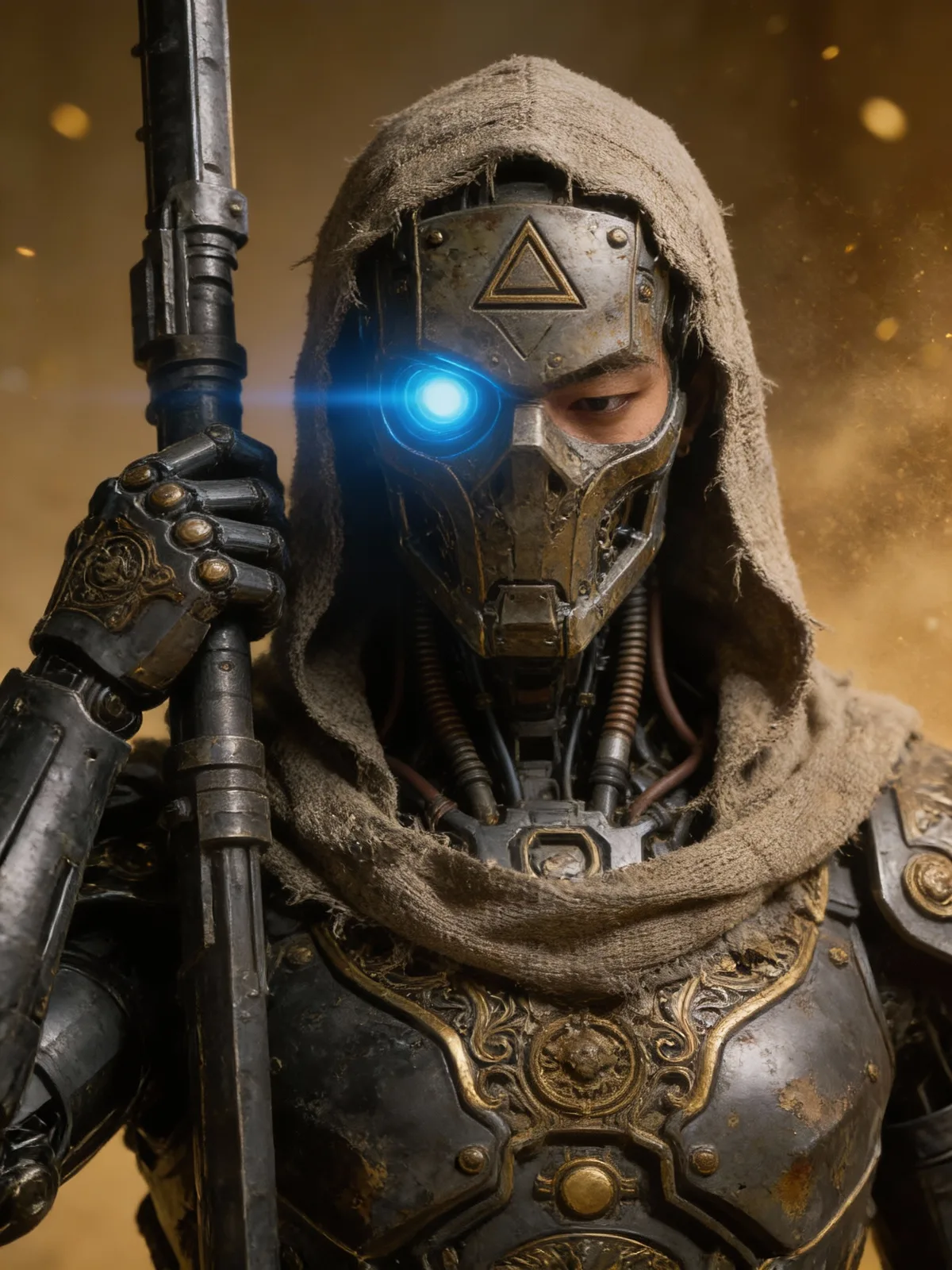
Create professional unreal engine 5 art visuals that stand out on any platform or feed.
Explore Unique Mechanical Gears Concepts
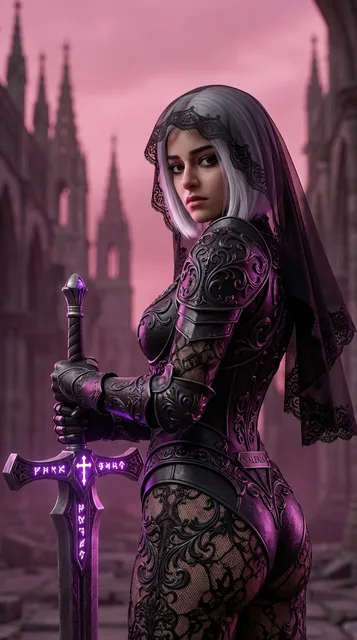
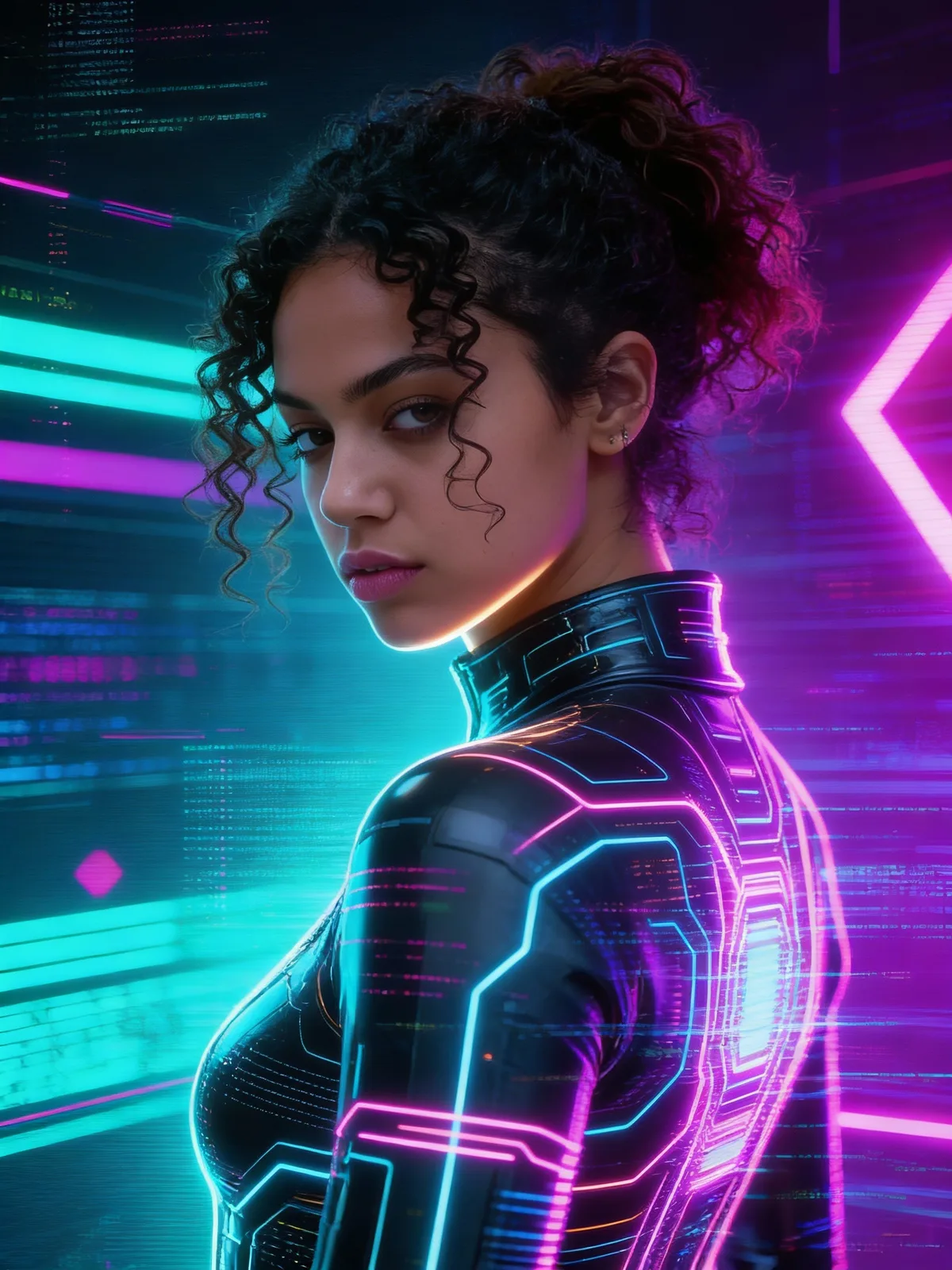
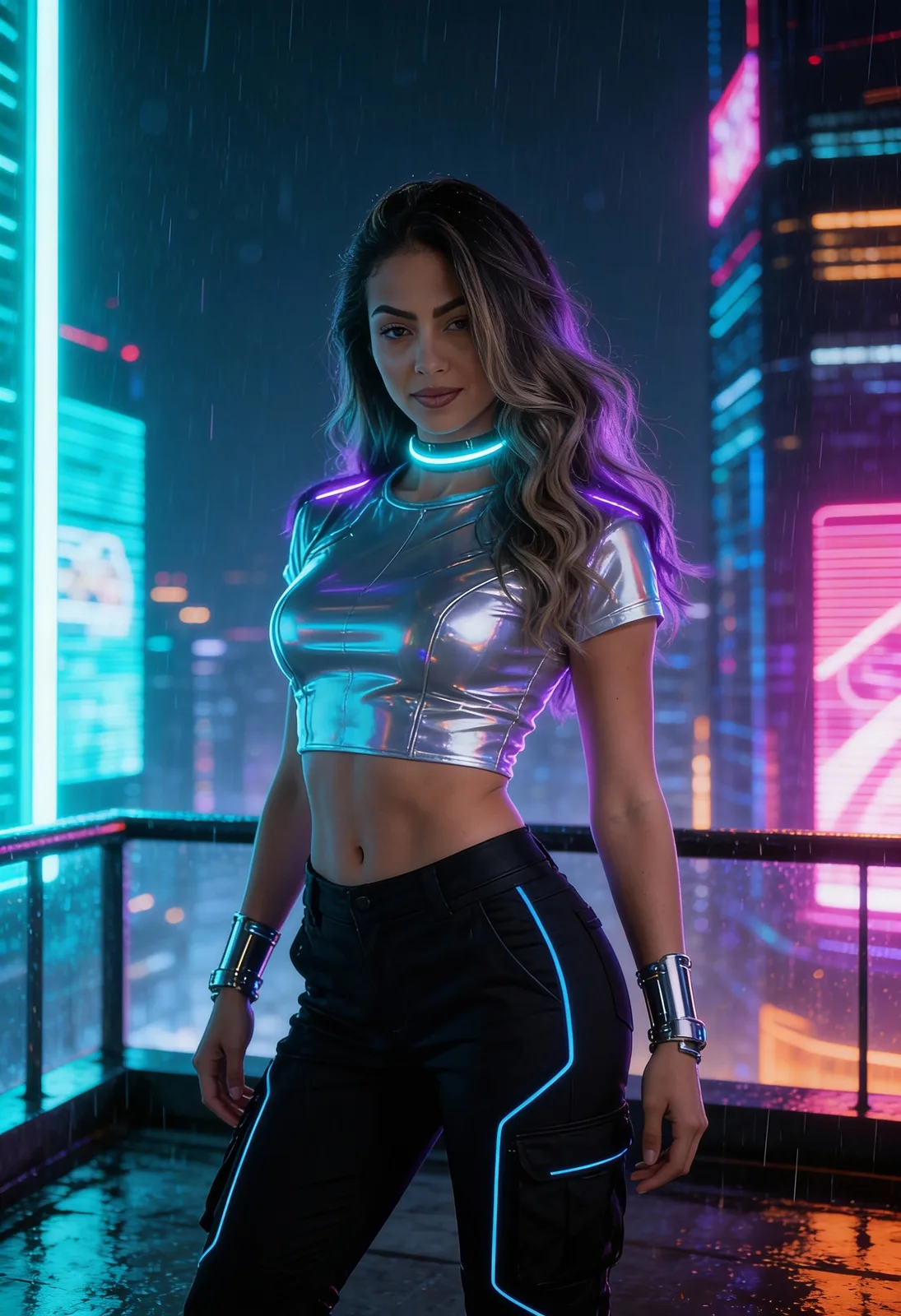
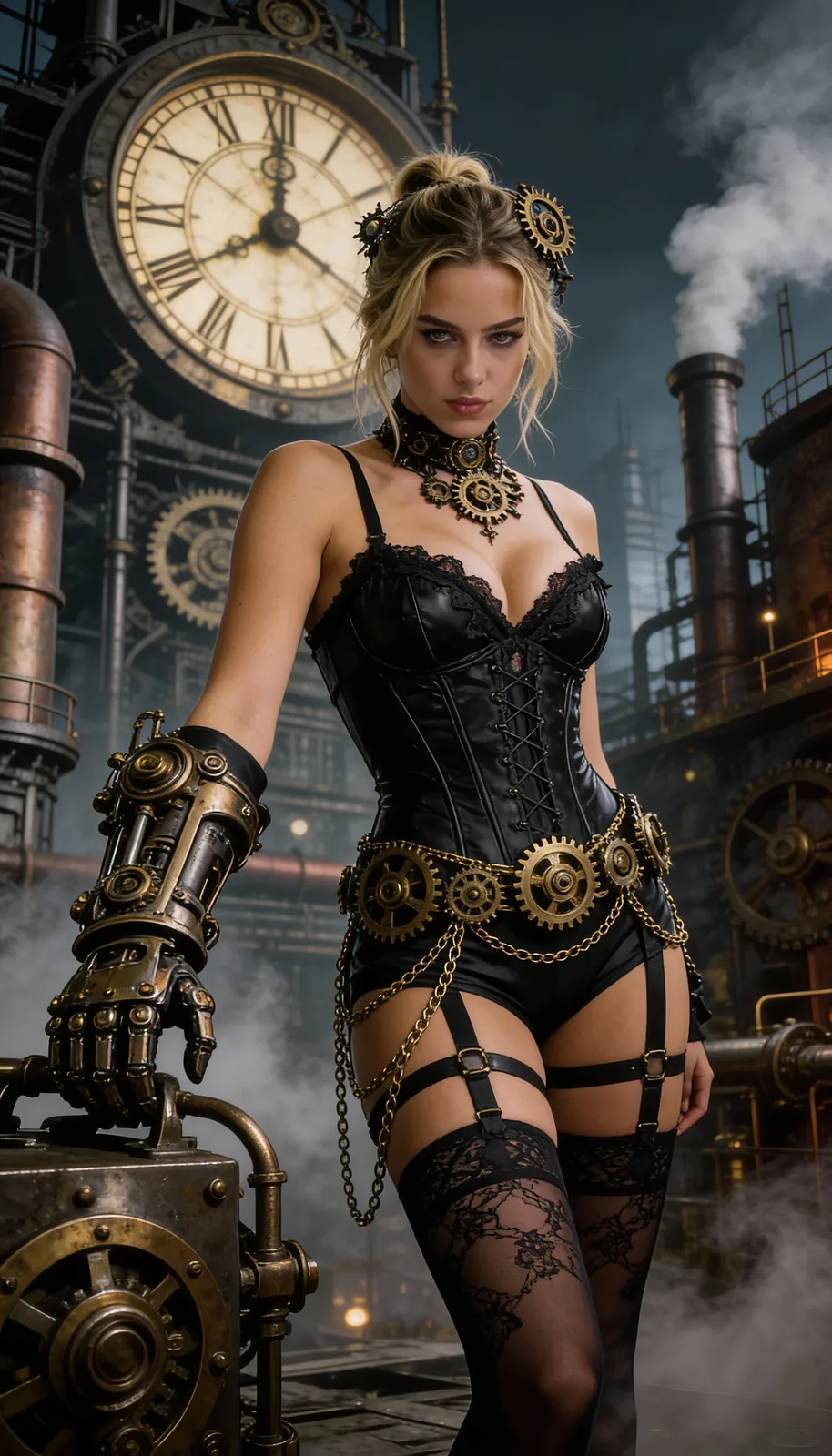
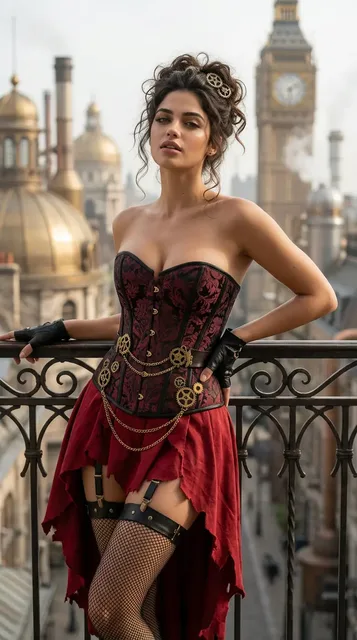
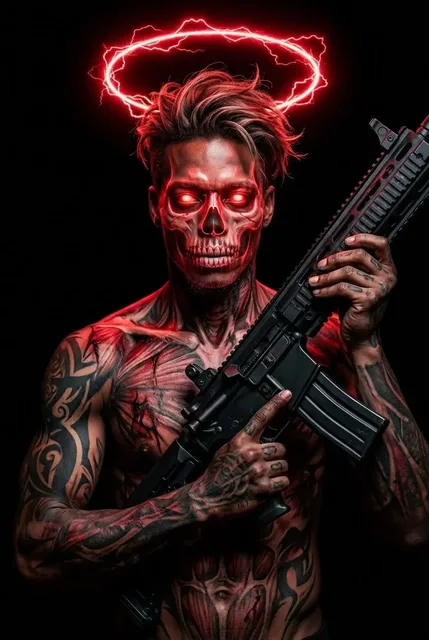
See how this sci fi transformation turns faces into cyber stone. Each piece features dramatic lighting inspired by unreal engine 5 art.



Common Questions About Mechanical Gears
Find answers about creating cyber stone masterpieces and understanding our sci fi transformation process.
Do I need a side profile for the mechanical gears effect?
Yes, a side view works best. It allows the tool to expose cranial sections with intricate circuitry. Front views work but show fewer internal details.
What resolution is best for high quality unreal engine 5 art?
Upload high-resolution photos for sharp results. Clear inputs ensure the cracked stone textures and glowing fissures look crisp and professional in the final render.
Can I use my cyber stone images for commercial work?
You own the output. Feel free to use your generated biomechanical statues for book covers, game assets, or marketing materials without any restrictions.
How fast is the sci fi transformation process?
Most images process in under a minute. The system analyzes your photo quickly to apply the weathered metal skin and molten energy effects seamlessly.
Will the filter change who I look like?
No, your key facial features stay the same. The effect only changes the surface to look like cracked stone, preserving your identity while adding a robotic twist.
Does this effect work on group photos?
It works best on single subjects. The AI focuses on detailed facial mapping to place mechanical gears and lighting correctly, which is harder with multiple faces.
Why is the background dark in the final image?
The aesthetic relies on a dark void to make the glowing gold energy pop. This contrast gives your image that dramatic, high-end digital art look.
Can I adjust the color of the molten energy?
The colors are fixed to a specific molten gold and orange palette. This ensures consistency with the cool blue rim lighting for a cohesive style.
Is it hard to get the right cyber stone look?
Not at all. You just upload your photo and our system handles the rest. No complex prompting or editing skills are needed to get great results.
What if my upload is blurry?
Blurry photos might result in less detailed mechanical gears. For the best unreal engine 5 art style finish, start with a sharp, well-lit photograph.
Explore Effects Like Mechanical Gears
Discover other sci fi transformation styles and unreal engine 5 art. Give your feed a dark fantasy vibe.