●18 min read
AI Image Pose Control: Fix Stiff and Broken Character Poses
Stiff limbs. Ignored directions. Broken anatomy.
Text prompts alone often fail when a character needs a specific stance.
This guide shows how to separate pose, identity, and style so pose control stays reliable.
Stiff poses kill the shot.
You rewrite the stance again, and the figure still freezes, ignores the action, or twists a joint the wrong way.
Broken hands and character drift show up the moment the body language has to change.
This 7-minute tutorial shows how to set up ControlNet with OpenPose in Automatic1111 and use different pose maps to control character stances.
The real cost is not the first failed image.
It is the reroll loop that still misses the body language in the brief.
The catch:
Text keeps competing with style, clothing, and identity in one line.
Reliable pose control starts when you separate pose, identity, and style instead of overloading one prompt or one full reference.
By the end, the choice should feel less like prompt luck and more like a workflow decision.
Clean pose maps lead when text is weak.
Identity and style stay freer while the stance locks across shots.
The first fix is knowing when language alone loses the pose.
Why Text Prompts Keep Breaking Character Poses
Text prompts often fail at precise pose control because pose words compete with style, clothing, camera, and identity tokens in one mixed instruction. Stance becomes stiff, ignored, or anatomically broken when body geometry stays spatially ambiguous and the model defaults to a safer posture.
You ask for a raised arm, a twisted torso, or a mid-step lean.
The figure freezes into a mannequin stance instead.
Or the limb collapses, mirrors the wrong joint, or never moves at all.
That is prompt competition at work.
One line packs body language with outfit words, lighting, camera angle, and face identity.
Precise joint layout is spatial geometry.
Natural language is not.
"Arm raised high" can mean many elbow angles, shoulder heights, and torso tilts.
The model picks a common default when those options collide with stronger style or clothing tokens.
The practical result: ignored pose instructions look random, but they follow priority pressure inside the prompt.
Broken hands and twisted elbows show up for the same reason.
The pose intent never got a clean geometry channel.
Character drift appears when you change stance across generations and still rely on text to hold the face and body type.
The figure starts to look like someone else even when wardrobe language stays similar.
Unwanted trait transfer is a related trap when a full photo is used as a pose stand-in.
Outfit, hair, and background can leak into the new shot with the stance.
Text can still work for simple, loose actions.
Exact body language is where language alone keeps losing.
Pose, Identity, and Style Belong on Separate Controls
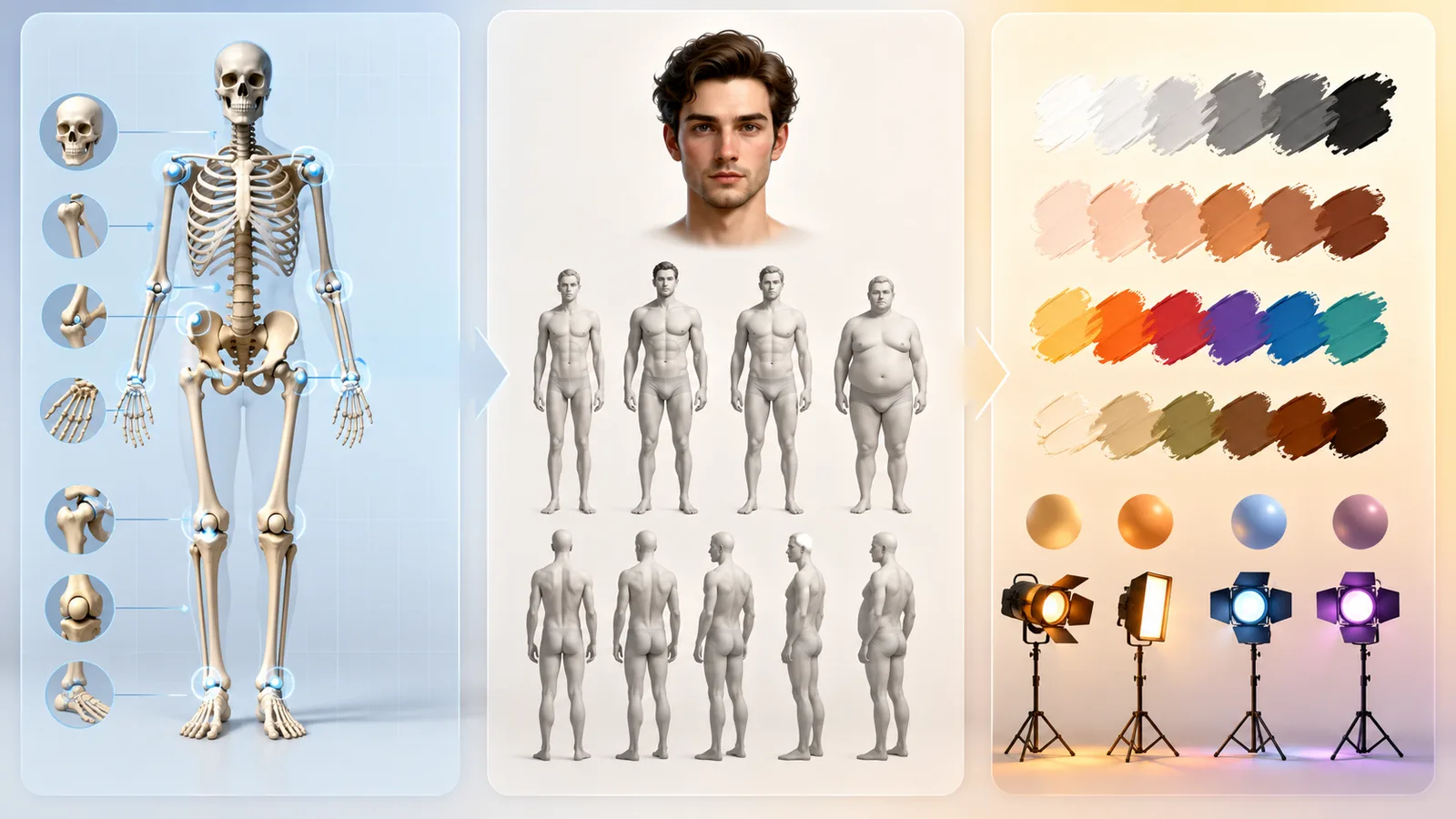
Reliable pose control treats pose, identity, and style as separate channels. Pose owns joint layout and body action. Identity owns face, body type, and recognizability. Style owns medium, lighting look, and aesthetic finish. One mixed prompt or full photo cannot lock all three without trade-offs.
The workflow decision is simple once you stop forcing one input to do three jobs.
Pose should only decide where the joints sit and what the body is doing.
Identity should only protect face, body type, and character recognizability.
Style should only set medium, lighting look, and aesthetic finish.
When those jobs share one channel, priorities collide.
A single prompt has to negotiate stance, likeness, clothing, camera, and finish at once.
A single full photo is worse when it is asked to copy posture and still carry face, outfit, and scene traits.
That creates reference bleed: clothing, hair, or facial structure rides along with the stance you wanted.
Production workflows treat multi-condition generation as the cleaner pattern for this reason.
Pose maps can guide body geometry while identity and style stay on separate instructions or references.
Staged refinement follows the same logic.
Lock structure first, then refine finish later, so one mixed pass does not overrule everything.
No single prompt or single reference image can perfectly lock pose, identity, and style without trade-offs.
The better move: assign each control its own job before you generate.
That framing decides which reference to clean, which text to keep, and which condition should lead the next section.
ControlNet Pose Control and OpenPose, Explained for Creators
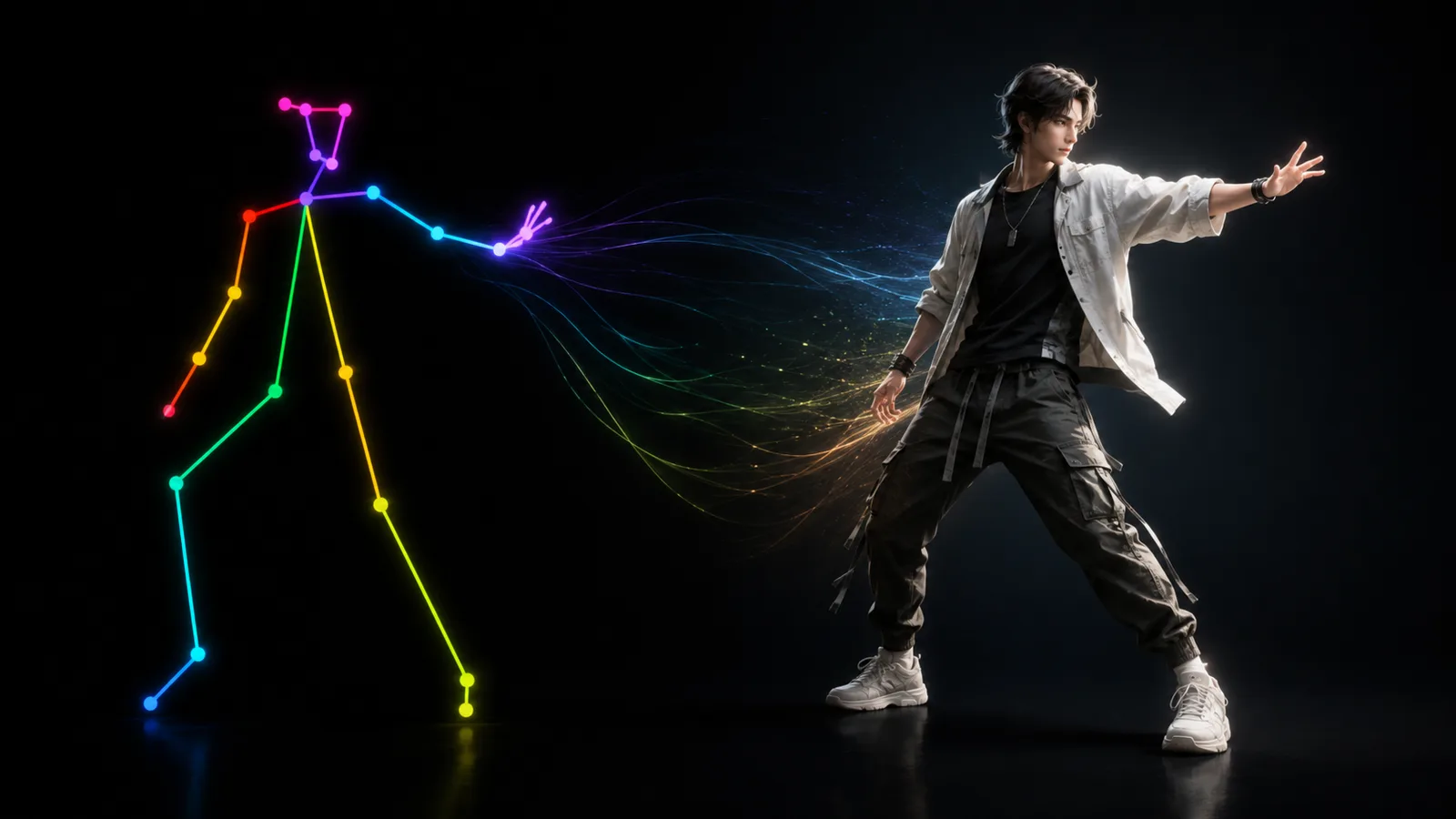
ControlNet pose control feeds skeleton-like OpenPose keypoint maps into diffusion so joint layout guides the image. The map steers body action without forcing clothing, hair, or background copy, which leaves identity and style freer when text alone is spatially ambiguous.
Text can name a stance, but it rarely pins exact joint geometry.
ControlNet adds pose conditioning as an extra channel beside the prompt.
That channel is usually an OpenPose AI image map built from detected body keypoints.
The practical result: stance gets a clear geometry signal while outfit, hair, and background stay freer for identity and style.
Control weight and optional start or end control steps change how hard the map steers.
They do not transfer identically across every UI or model family.
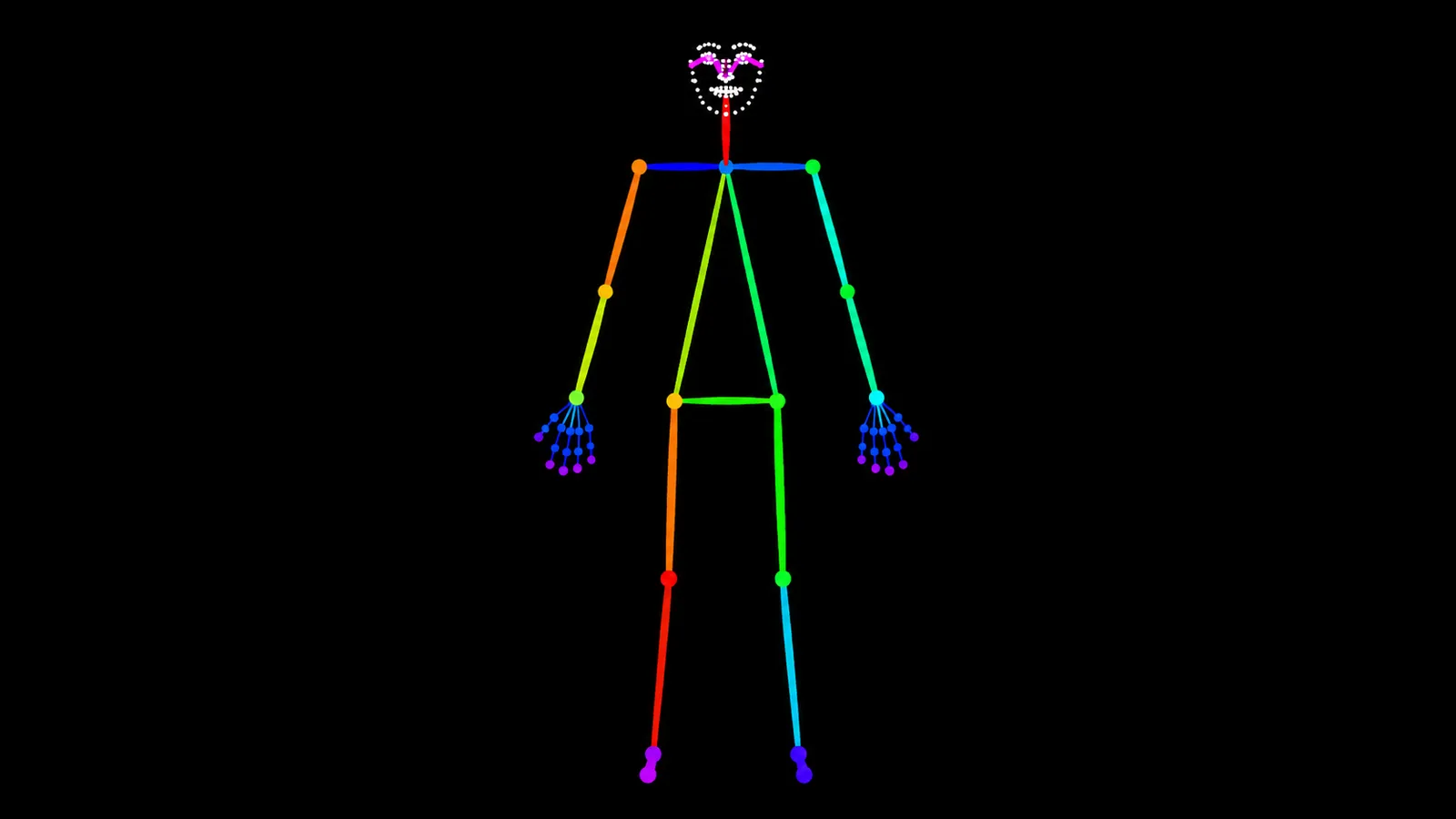
What an OpenPose Map Actually Communicates
An OpenPose map is a skeleton-like control image made from major body keypoints.
It marks the joint positions that define stance.
Head and neck landmarks
Shoulders, elbows, and wrists
Hips, knees, and ankles
Optional face or hand keypoints
That geometry copies stance without requiring the reference outfit, hairstyle, or background.
Body, Hands, Face, or Full Pose Detail
Detail level is a decision, not a universal best setting.
Body-only conditioning locks core stance while leaving fingers and facial structure freer.
Fuller options add hand or face keypoints for full pose conditioning.
More detail can clarify finger articulation and head turn.
The catch: tighter maps can overconstrain the figure or pull unwanted facial structure into the result.
Use body-only when face transfer is a risk.
Prompt-Only vs Pose Reference: Which Workflow to Choose
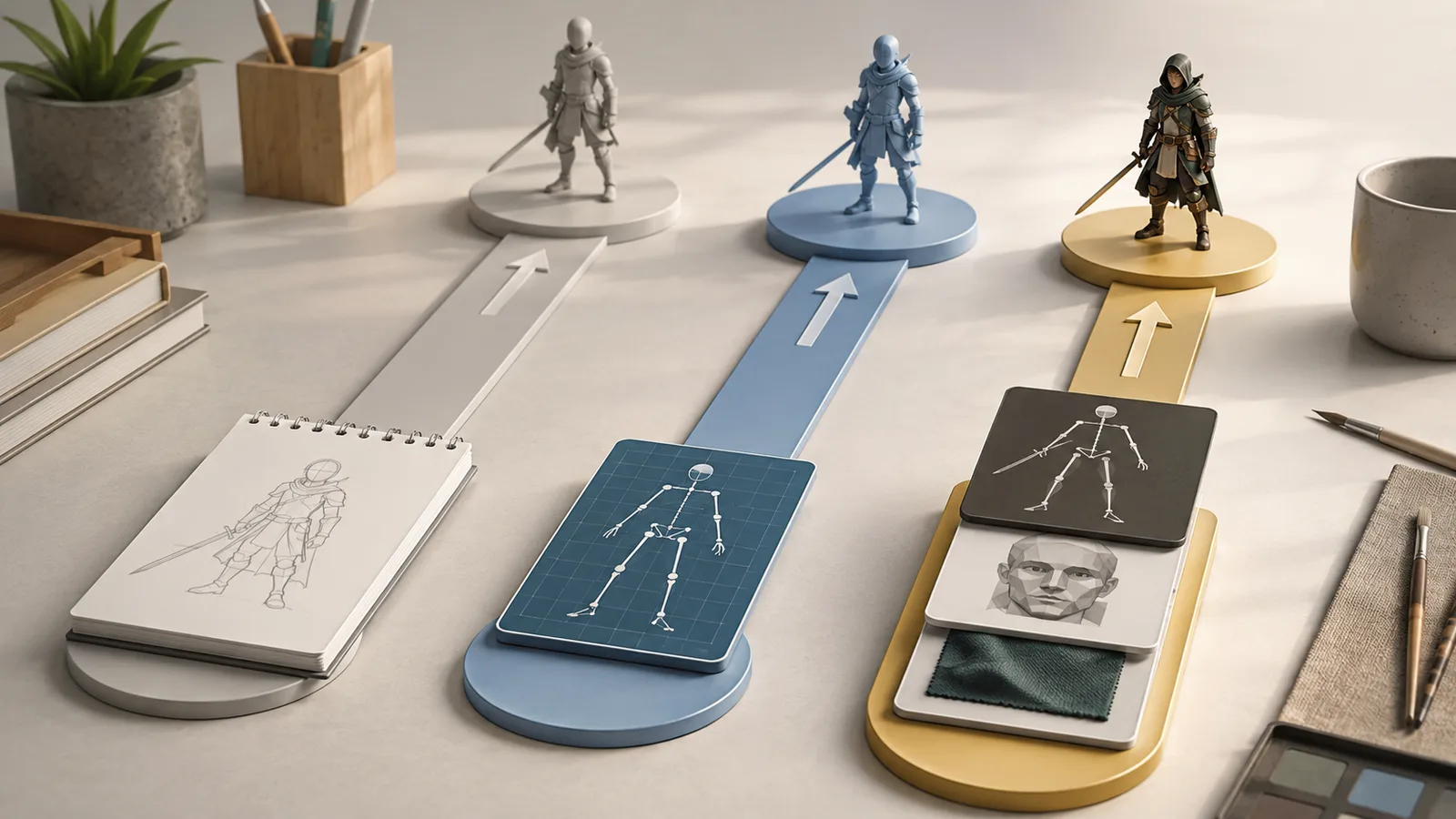
Choose prompt-only for simple exploratory stances, a pose reference map when joint layout must match, and multi-control when you need stance plus protected identity or style. Setup cost rises with reliability, but overconstraint rises too if every channel is pushed too hard.
You already know text can fail on body geometry.
The next decision is which pipeline to build before another generation pass.
Use this rule: pick the cheapest workflow that still protects the shot requirement.
If approximate body language is enough, stay prompt-only.
If the brief needs exact joints or a reusable stance, move to a cleaned pose reference map.
If the same character must keep likeness and finish while the stance changes, use multi-control so pose does not share a channel with identity or style.
| Workflow type | Best for | Weak when | Identity risk | Setup complexity |
|---|---|---|---|---|
| Prompt-only | Simple, common, or exploratory stances | Exact joints, complex body language, multi-shot stance reuse | Lower setup effort, but drift rises when pose changes across generations | Low |
| Pose reference map | Precise stance guidance without full-photo copy | Dirty maps, heavy occlusion, or weak conditioning | Medium with a cleaned skeleton; higher if a full photo steers pose | Medium |
| Multi-control | Production work that separates pose from identity or style | Overstacked conditions, mismatched framing, or excessive control weight | Lower when channels stay separate; still rises if identity rides the pose map | High |
That means: do not jump to multi-control for a casual one-off.
And do not stay on text when the brief demands a locked stance.
Pose control gets stronger once geometry has its own channel.
It gets stronger still when identity and style stay isolated after the stance is set.
The catch: each extra control can freeze the figure if weight is too high.
How to Choose and Clean an AI Character Pose Reference
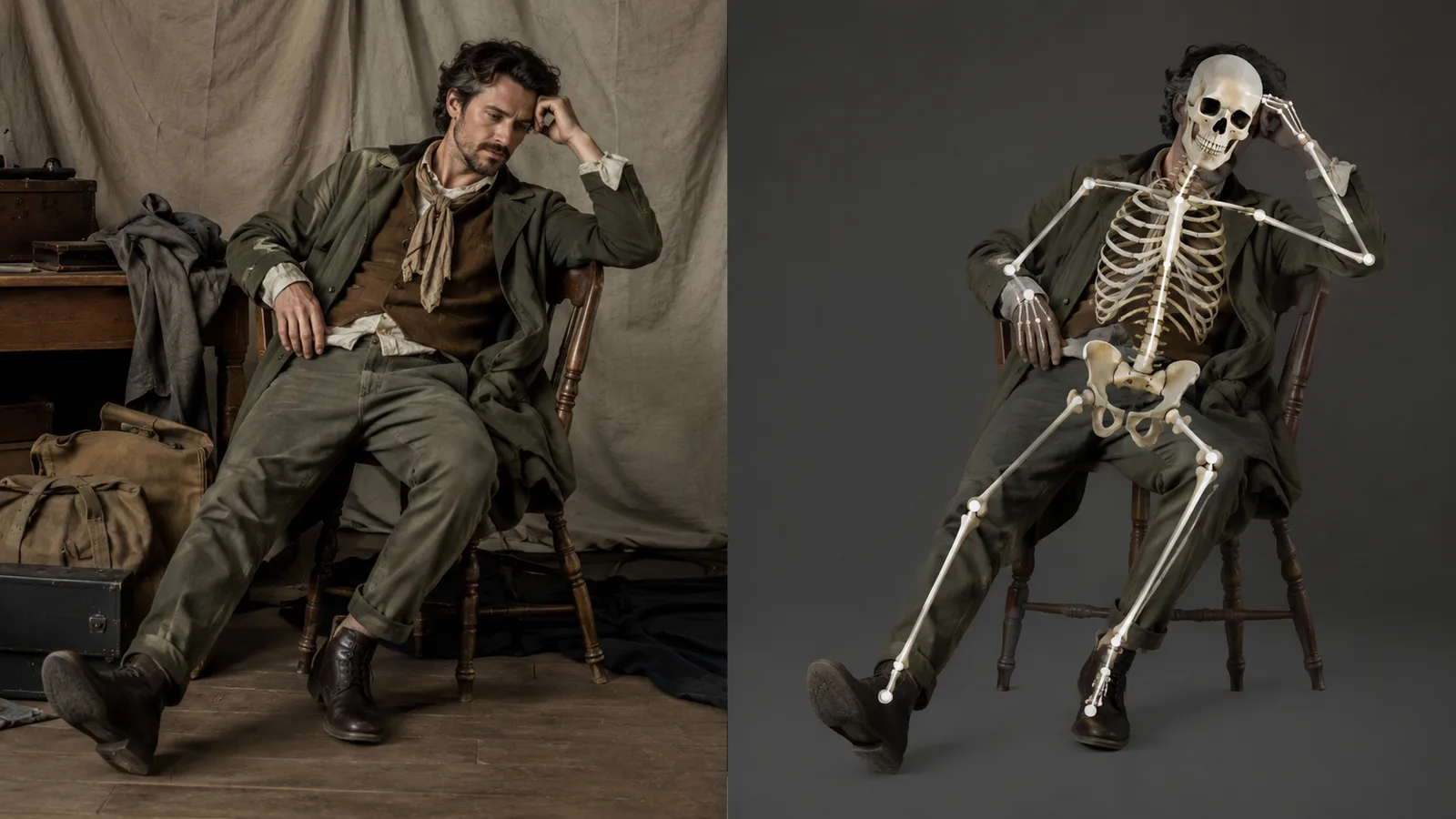
A clean AI character pose reference starts with a clear silhouette, visible limbs, minimal occlusion, and a camera angle that matches the shot. Extract or load a skeleton map instead of feeding a full photo into the pose channel. That reduces unwanted trait transfer while keeping stance guidance readable.
Pose quality is decided before the first generation pass.
If the reference is messy, the control map will be messy too.
Select for a clean silhouette first.
Every major limb should stay visible without guesswork.
Minimize occlusion from props, crossed bodies, or heavy clothing folds that hide joints.
Match camera height and framing so the map does not fight the shot you want.
Cluttered clothing, busy props, and multi-person scenes often create broken or weak maps.
The catch: using a full photo as the pose source can transfer clothing, hair, face structure, or scene traits with the stance.
That is unwanted trait transfer from the pose channel.
Source-reported production patterns favor a cleaned skeleton or isolated pose map for stance only.
Pose collections can offer multi-angle OpenPose-ready variants as useful options, not universal defaults.
Before you generate, clean the input:
Crop tightly to the subject
Drop extra people and prop clutter when possible
Prefer joint readability over decorative detail
Extract or load the skeleton map
Confirm the intended joints still read correctly
Then stop treating a dirty full photo as finished pose control guidance.
Reference-Led Workflow for Reliable Pose Control
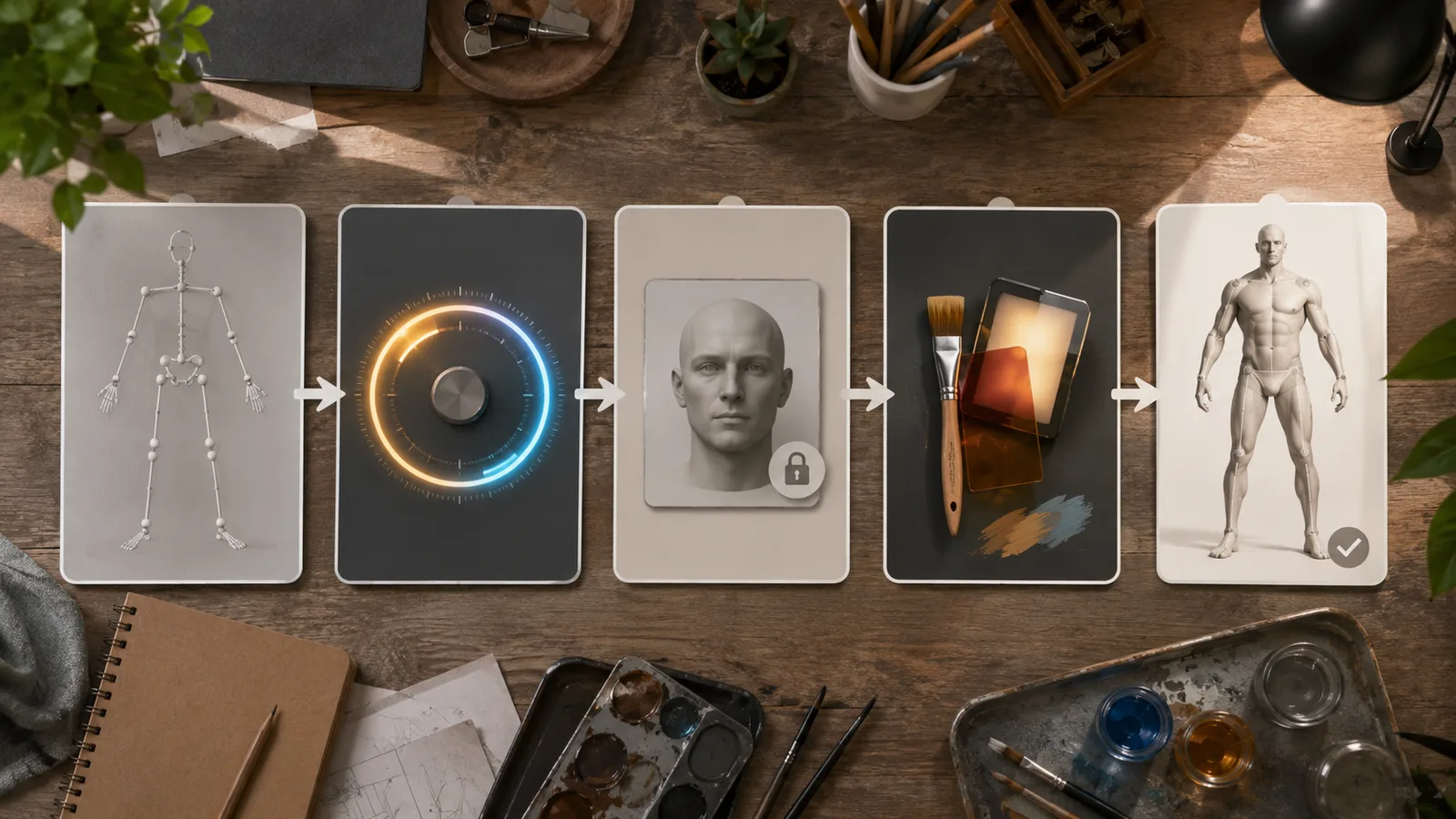
A reference-led workflow for reliable pose control starts with a cleaned pose map, then applies moderate ControlNet pose conditioning, and keeps identity and style on separate paths. Generate, inspect joints and hands, and iterate. Staged two-pass refinement can lock structure first, then refine detail later.
You already chose a clean reference and a map-based path.
Now the real work is execution order, not more theory.
Run each control as a gate so stance locks without dragging clothing, face structure, or finish into the same channel.
Prepare the pose source and extract or load a skeleton map.
Enable pose ControlNet conditioning with careful control weight.
Lock identity with the separate method your stack supports.
Keep style in the prompt or a dedicated style path.
Generate, then inspect joints and hands before iterating.
The better move: stop at any failed gate instead of hoping the sampler repairs it.
A weak map, overstrong weight, or shared identity channel shows up as stiff limbs, ignored stance, or character drift.
Source-reported production patterns also support staged refinement.
Lock body structure first, then refine style and detail after pose is stable.
That two-pass idea is useful when available, not identical in every UI.
Prepare the Pose Map Before You Generate
Preparation is a verification step, not busywork.
Build a readable map before any generation pass.
Pick or create a single-subject pose source with a clear silhouette
Crop so limbs stay large enough for keypoint detection
Remove clutter, props, and extra people
Extract or load the OpenPose skeleton for stance only
Confirm every intended joint is visible and correctly placed
Do not generate until the map matches the action you want.
Apply Pose Conditioning Without Overconstraining
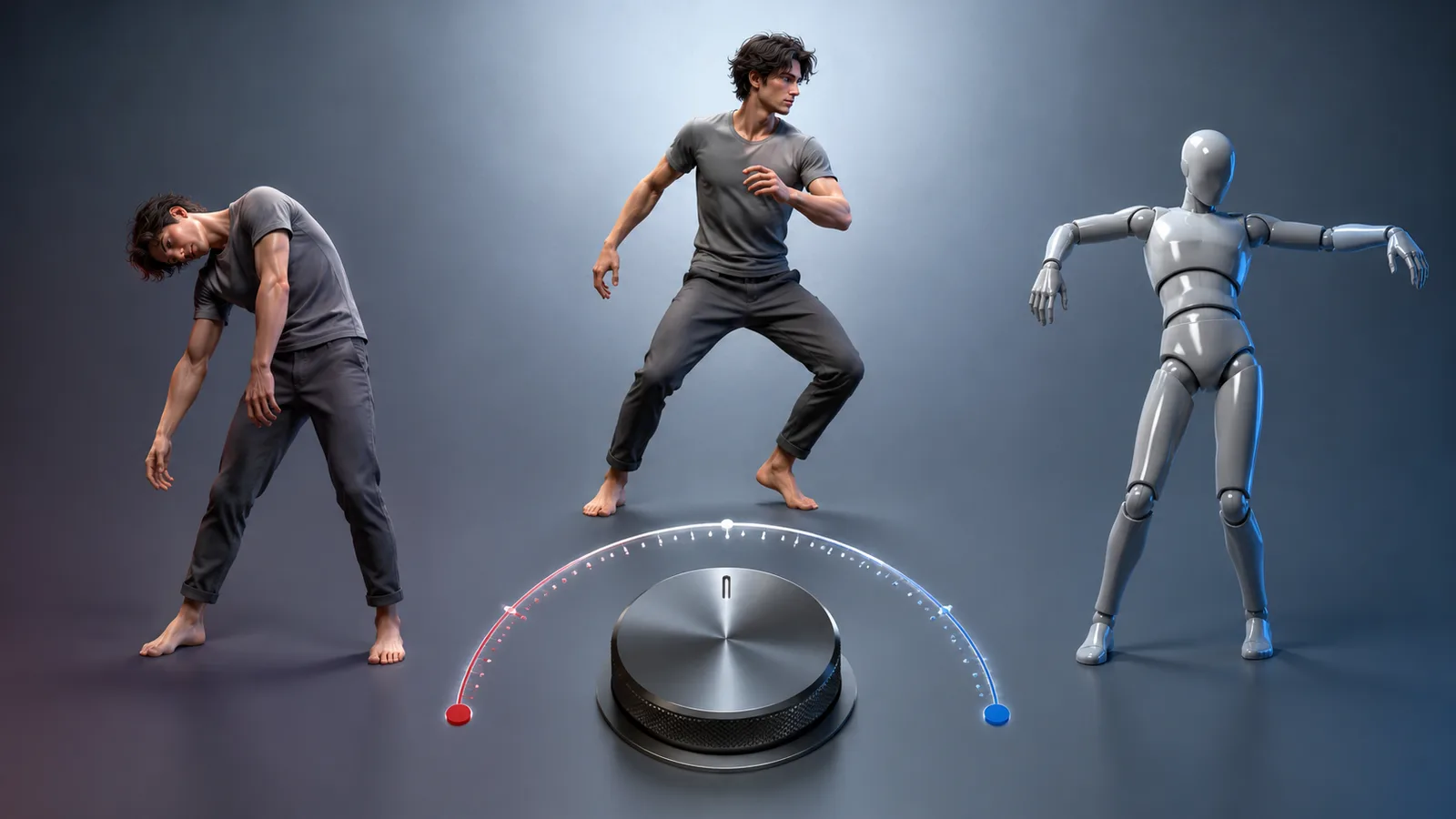
Control strength is a trade-off dial, not a maximize setting.
Too little guidance returns ignored poses.
Too much freezes the figure or pulls unwanted reference traits into the result.
Many ControlNet interfaces expose Control Weight plus starting and ending control steps.
Those timing levers can apply pose pressure while structure forms, then ease off later when supported.
There is no universal default weight across model families.
Tune until joints read cleanly without mannequin stiffness.
Protect Identity and Style After the Pose Is Locked
Keep identity and style off the pose channel once stance is set.
Use character descriptors and face or identity references as separate controls from the skeleton map.
Put medium, lighting look, and finish language in the prompt or a dedicated style path.
Reported two-pass workflows establish basic pose structure first.
The second phase then refines style and detail without rebuilding overall layout.
That is separation in practice.
It improves consistency odds, but it does not guarantee permanent likeness.
Fix AI Image Anatomy Errors Caused by Bad Pose Guidance
AI image anatomy errors usually come from bad pose guidance: occluded maps, overconstrained control weight, weak hand detail, or mismatched camera angles. Clean the map, lower pose weight, add hand detail only when needed, and re-extract or locally repair broken joints instead of endless full rerolls.
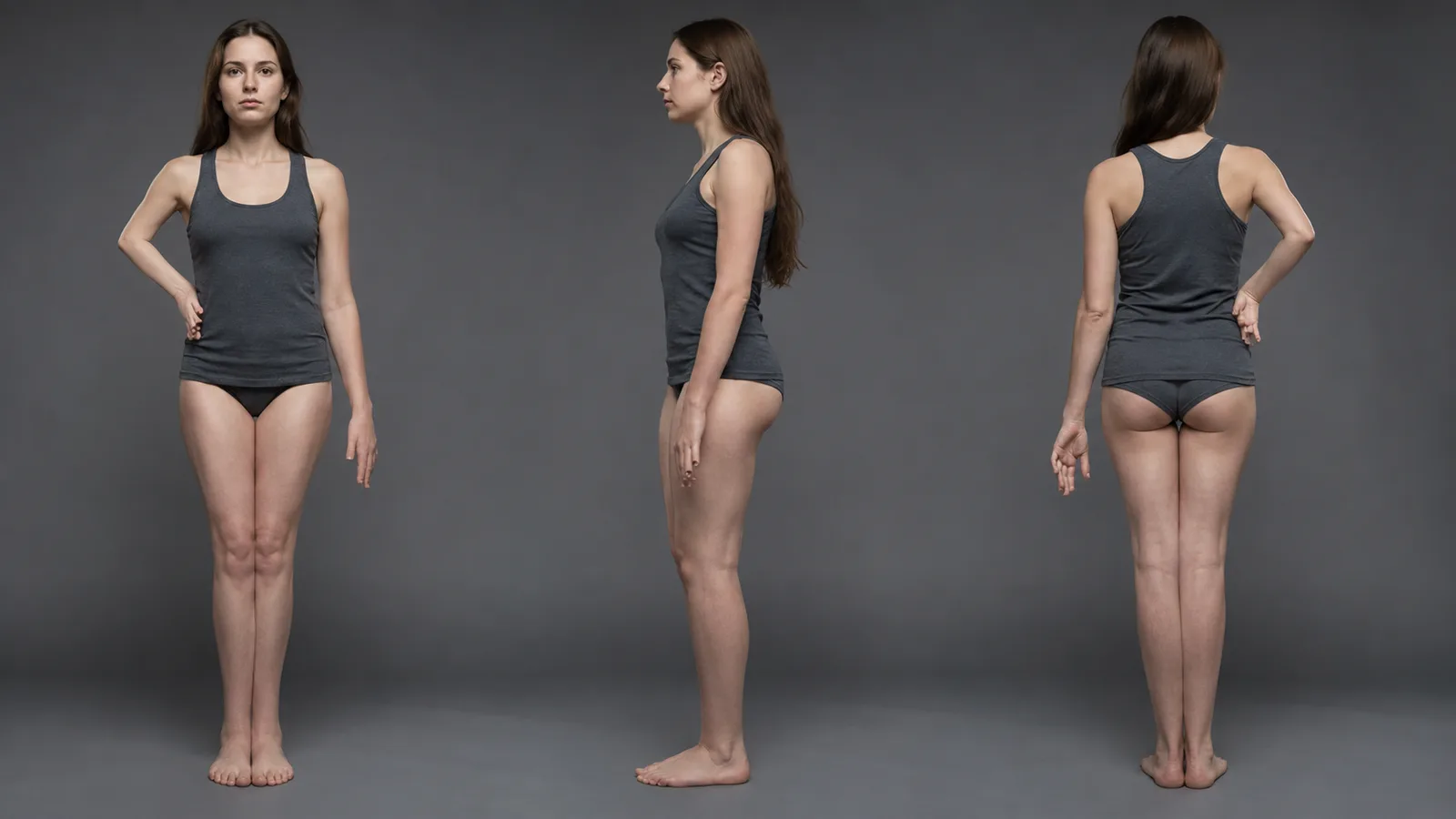
Broken anatomy is often a guidance problem.
Collapsed elbows, fused legs, missing fingers, twisted torsos, and stiff mannequin posture usually signal weak or overconstrained pose maps.
Diagnose first so you fix the cause instead of rerolling the same bad guidance.
Spot the Failure Mode Before You Reroll Forever
Anatomy breaks follow the quality of the pose guidance you feed the model.
Hidden limbs, multi-person clutter, and extreme foreshortening create stiff or collapsed joints.
Excessive control weight can force stiff mannequin posture even from a clean skeleton.
Community-reported OpenPose patterns also note weak hand fidelity when hand keypoints are poorly honored.
That link between guidance quality and anatomy failure is why endless seed hunting fails.
Occluded or low-contrast limbs
Stickman too small or distant in frame
Control weight high enough to freeze joints
Repair Moves That Improve Joints and Hands
Repair the guidance before you burn more seeds on the same broken map.
Clean or redraw the pose map so every intended joint is readable.
Add hand or face detail only when those regions matter and the map supports them.
Lower control weight or end pose conditioning earlier when the figure looks overconstrained.
Do not expect perfect fingers from every stack.
Re-extract or redraw a cleaner pose map from a clearer source.
Switch body-only versus hand or face detail intentionally.
Reduce control weight or shorten the control-step span.
Locally repair broken hands or joints when the rest is usable.
Keep Consistent Character Poses Across Multiple Shots
Reuse a cleaned pose map for the same stance, keep identity controls stable when you swap maps, and match camera height so scale does not drift. A small pose library of recurring actions helps series work. Without isolated identity, changing pose increases character drift.
One generation is rarely enough for a campaign, comic set, or product sequence.
You need the same character to hit different stances without becoming a new person each time.
The practical result: multi-shot reliability comes from reuse, not from rewriting pose language every frame.
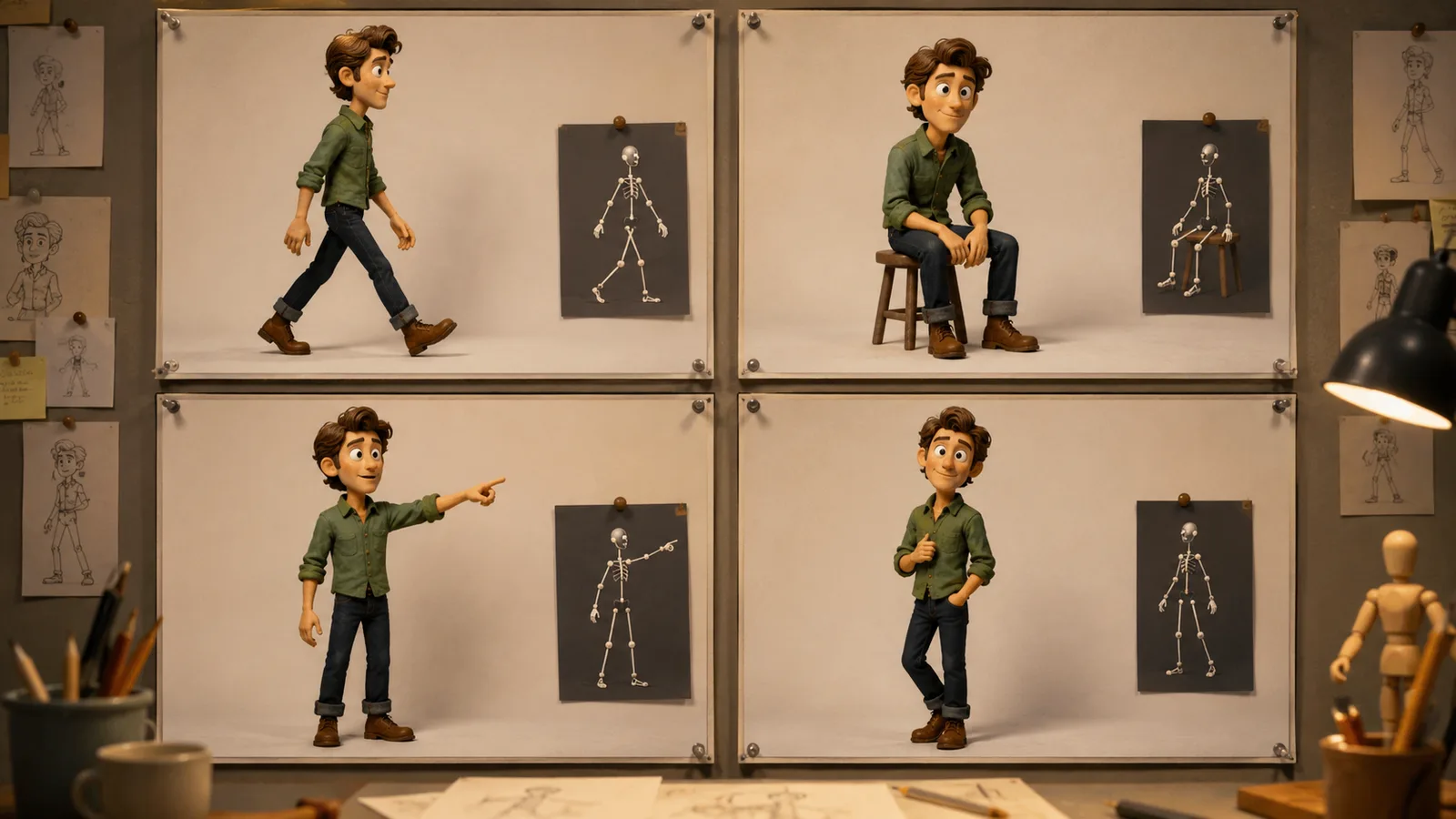
Treat each cleaned skeleton as a reusable asset.
Save the same map when the stance must match across shots.
Swap only the pose map when the action changes.
Keep face, body type, and style controls fixed so identity does not re-solve from scratch.
That creates a trade-off: a new joint layout without a locked identity path often causes character drift.
Build a small pose library for recurring actions such as walk, sit, point, and three-quarter stand.
Source-reported pose collections can supply multi-angle OpenPose-ready variants as production aids, not universal defaults.
Match camera height and framing to the map.
Otherwise the same skeleton can create scale drift or awkward crop when reused.
Reuse one cleaned map for identical stance shots
Keep identity locked while swapping action maps
Store a short library of recurring poses
Match camera height and framing across the series
This is how pose control stays usable across multiple generations without forcing one prompt to reinvent stance every time.
Pose Conditioning Limits You Should Plan Around
Even after clean maps and a solid workflow, pose conditioning still hits hard limits. Distant or tiny stick figures can weaken guidance. Hands stay difficult. Full face keypoints can overconstrain identity. High control weight can fight style, and settings do not transfer identically across UIs or model families.
A clean reference-led pipeline reduces many pose failures.
It does not erase every edge case.
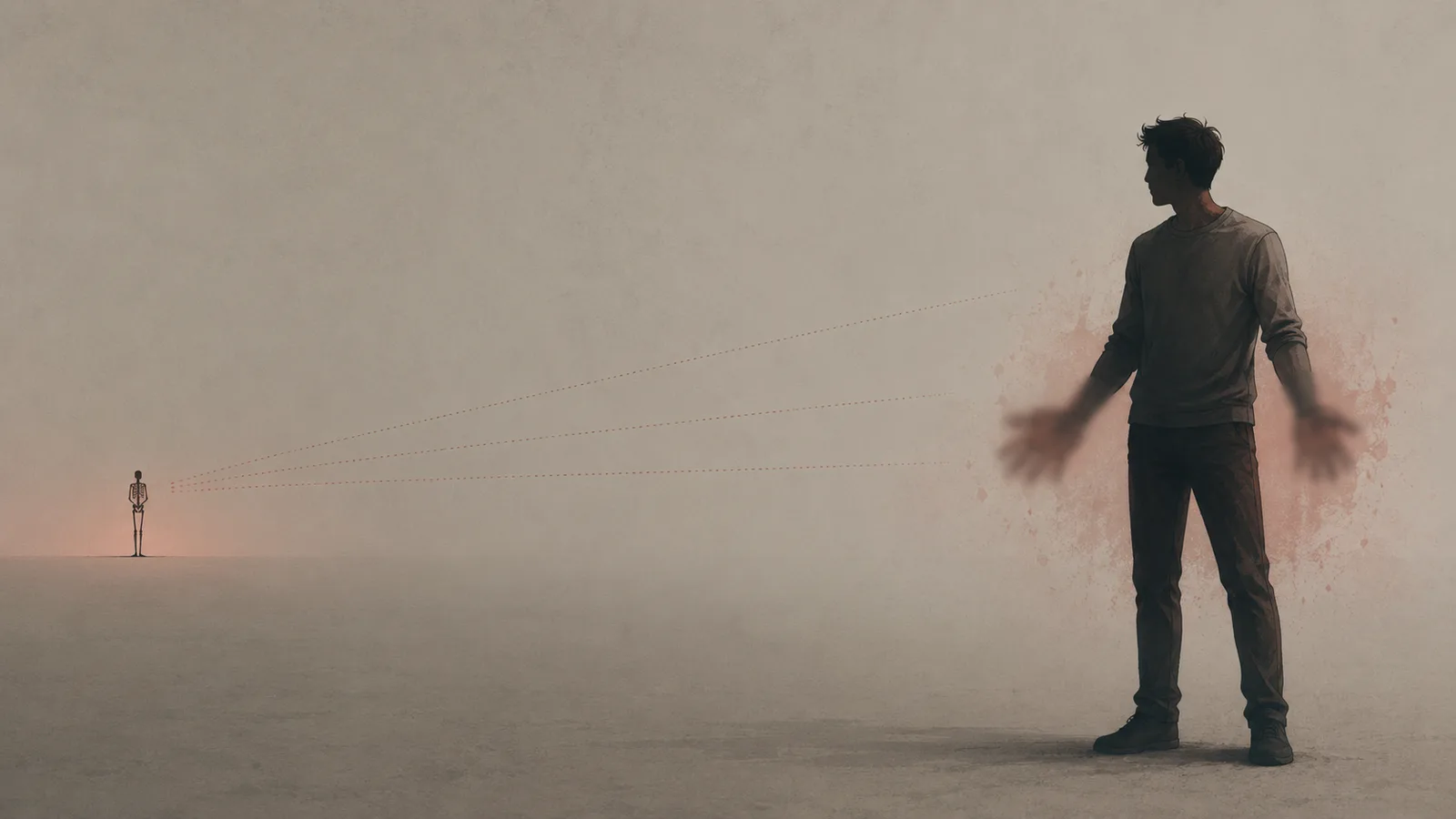
Community-reported OpenPose patterns show weak follow-through when the stick figure is tiny or far in frame.
Without a highly suggestive prompt, the sampler can ignore that distant guidance.
Hands remain a recurring weak point, even when later training notes cite better hand detection.
Full body-plus-face maps can help head turn, yet face keypoints on the pose channel can overconstrain identity.
Crowded multi-person maps can blur joint assignment and drop stance fidelity.
High control weight creates style conflict because tight pose lock leaves less room for clothing, lighting, and finish.
That is why source-reported two-pass patterns lock structure first, then refine style later.
Plan around these limits before you chase perfect pose control on every shot.
Frequently Asked Questions
Do I still need pose words in the prompt when using ControlNet OpenPose?
Yes, keep a short supportive pose phrase. The map owns joint geometry, but light wording still helps the sampler follow rare or distant stances. Do not rewrite every elbow angle in text, or the prompt will fight identity and style again.
Can I build an OpenPose skeleton if I do not have a clean reference photo?
Yes. Many stacks support pose editors or ready-made OpenPose skeleton libraries so you can place joints or load a cleaned map without feeding a full photo. That path reduces trait bleed and occlusion failures from messy source images.
Should I use body-only OpenPose or OpenPose Full for character work?
Use body-only when you need stance without locking face structure or fingers. Switch to fuller hand and face conditioning only when those regions must match and identity is protected on another channel. More keypoints can improve articulation, but they can also overconstrain likeness.
What do control weight and start or end control steps actually change?
Control weight sets how hard the pose map steers the pass. Higher weight locks stance but can freeze the figure or fight style. Start and end steps time when pose guidance is active, so you can lock structure early and free later steps for clothing and finish. Exact values are stack-specific, so retune per UI and model family.
Why are hands still broken even with OpenPose Full enabled?
Hands stay hard because finger geometry is dense and not always well honored, even when hand keypoints are present. Cleaner hand maps, lower overconstraint, and local repair usually beat full rerolls. Do not expect every stack to fix fingers just because Full is on.
Can OpenPose reliably control multiple people in one image?
Often not. Crowded multi-person maps blur joint assignment and drop stance fidelity when figures overlap. Prefer single-subject maps, crop per character, or run separate passes when possible.
How do I stop clothing, hair, or face traits from copying from a pose photo?
Do not feed the full photo as the pose condition. Extract a cleaned skeleton or isolated OpenPose map, crop to one subject, and keep identity and style on separate controls. Full-photo pose sources are the main bleed path in pose control workflows.