 Preview
Outfit swap reel
Morph
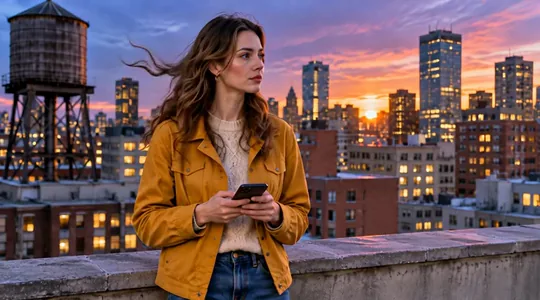
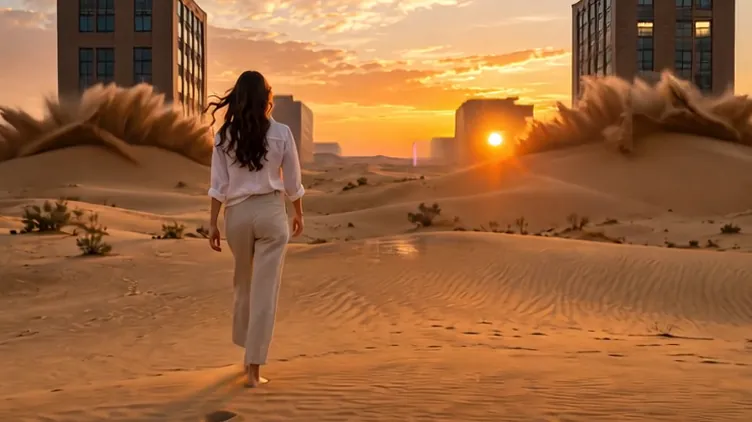
Same pose in two outfits. The morph makes the change feel like magic instead of a jump cut.
Give it two shots. Bridge invents the motion in between: a morph, a whip pan, a zoom straight through the lens.
In short
An AI transition generator creates the frames between two shots instead of using a stock wipe. Bridge starts on shot A, lands on shot B and renders three seconds of motion between them in the style you pick.
Frame by frame
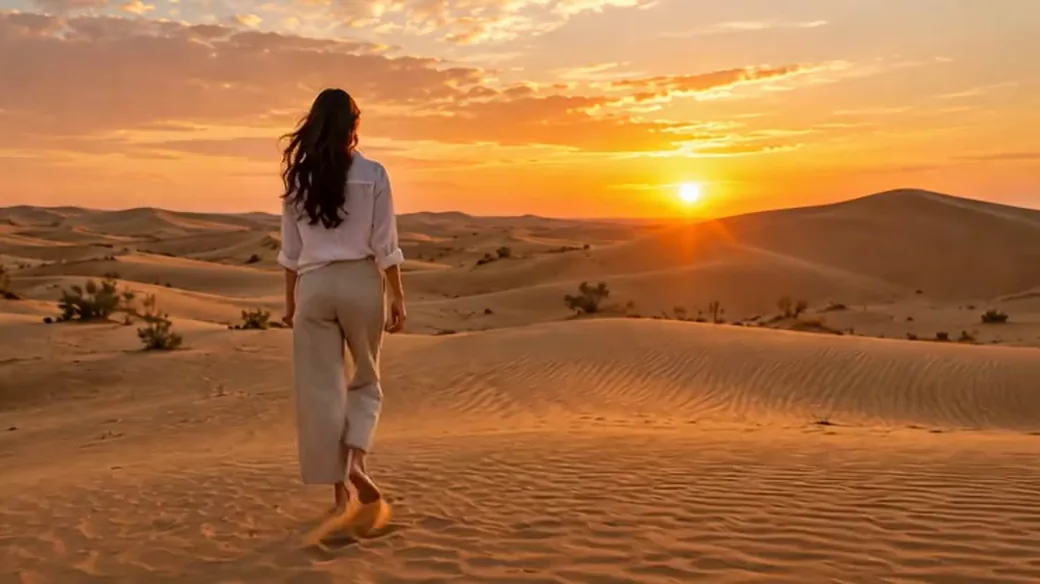
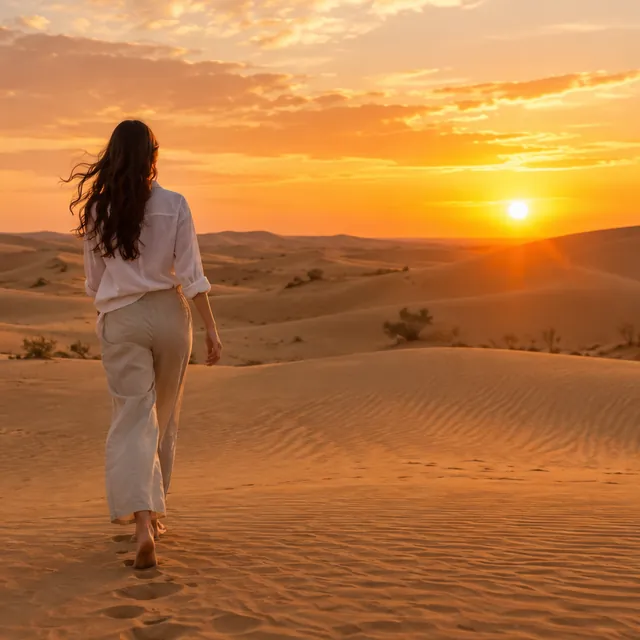
Shot A ends in the desert, shot B opens on a city at night. An AI transition generator renders every frame between them. Pick a style and drag the playhead to see the in-between, or press play. The AI transition generator in Bridge works the same way on your own shots.
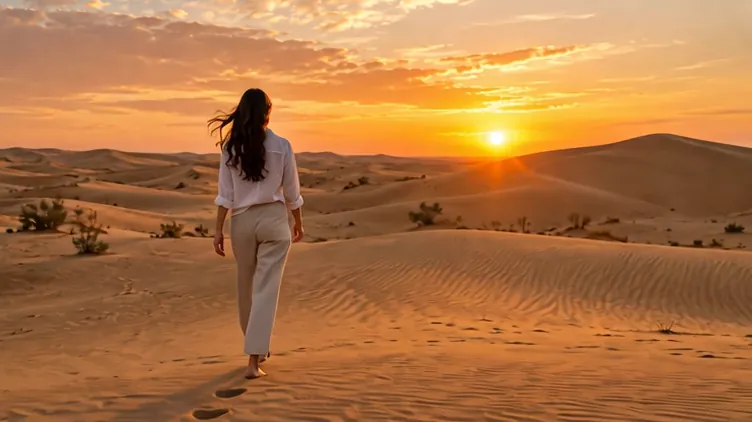 Shot AShot B00:00:11:10
How it works
Build an edit
This is where an AI transition generator earns its keep: between the shots of a real edit. Tap a gap on the timeline to choose its transition, then watch the whole sequence run. Same clips, completely different feel.
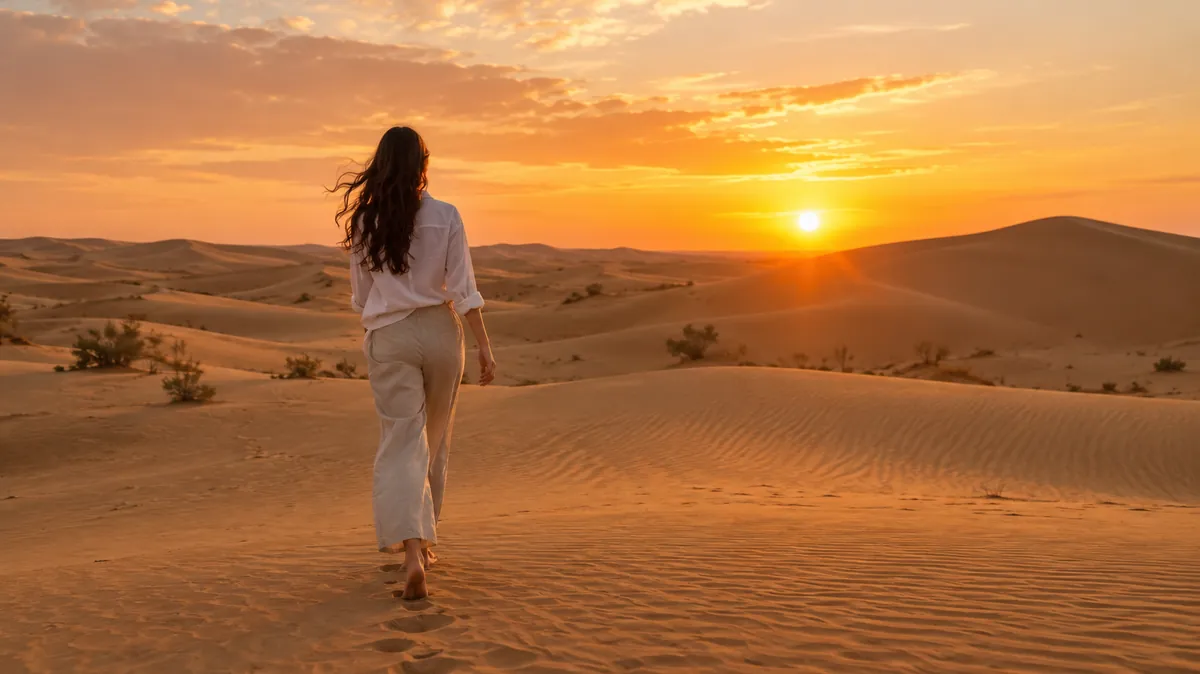 Desert
Clips are 1.6 s each. In Bridge every transition is 3 s.
Deep dive
Bridge looks at shot A and shot B and works out a path between them: where shapes can morph, where the camera can travel, where light can carry the eye. Then it renders new frames along that path, so the bridge drops straight into the timeline.
Every bridge runs three seconds, long enough for the transition to become a moment of its own, which suits dreamy travel edits, reveals and title sequences, and to give complex morphs room to look smooth. For a fast, beat-driven edit, trim it in your editor.
The best transitions connect things that already have something in common: a round shape, a colour, a direction of movement. Before you run Bridge, look for that rhyme. A spinning wheel into a vinyl record, a closing door into a black frame. Bridge will find a path anyway, but rhymes look intentional.
Ideas
Recipes
Three AI transition generator recipes for the edits people make most. Tap one to load its style into Bridge at the top of the page, with two sample shots ready.
PreviewSame pose in two outfits. The morph makes the change feel like magic instead of a jump cut.
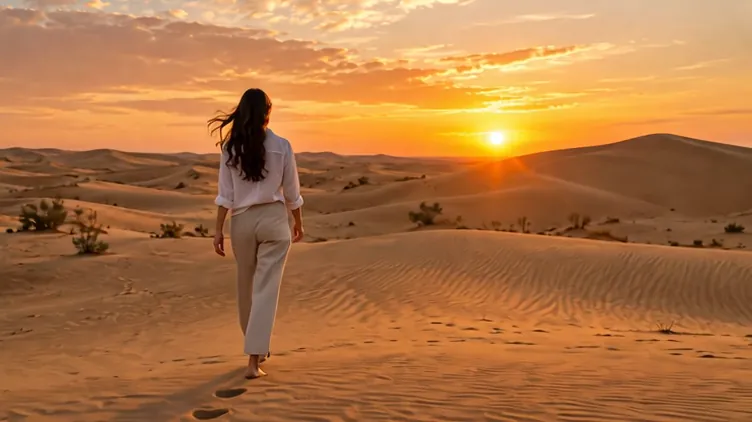 Preview
Start on the logo or the box, end on the product in use. The zoom pulls the viewer straight into the reveal.
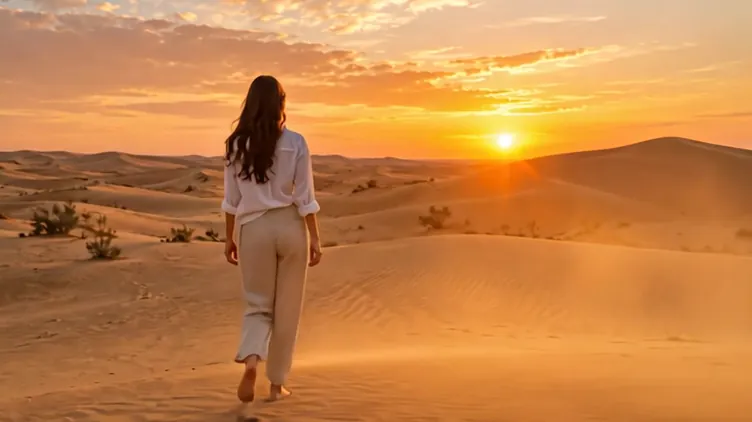 Preview
Warm, slow, nostalgic. Connects scenes from different days into one dreamy edit.
The honest comparison
A custom transition by hand means keyframes, masks, motion blur and a lot of previewing. The AI transition generator renders it from two shots in under a minute.
By-hand time is a typical estimate of 1.5 h per transition.
Better results
Plans
FAQ
Instead of a stock wipe, it creates new frames that carry shot A into shot B. Bridge studies both images and invents the motion between them in the style you pick.
Images for now. For two clips, take the last frame of A and the first frame of B with Frame Grabber and give Bridge those two stills, so the transition drops straight into your timeline.
Morph and match cut for continuity, whip pan and spin for energy, zoom-through and portal for reveals. The guide above maps styles to moments.
The credits for a transition are shown on the button before you start. Failed renders are refunded.
Bridge renders picture only. Lay your music or sound effect over the transition in your editor.
Run Bridge once for each cut. A three-shot sequence needs two bridges.
Yes. On paid plans the clips you make are yours to use in ads, client work and products. Only upload material you own or have permission to use.
Only you. Uploads and results live in your private History, are never posted anywhere for you, and can be deleted at any time.
A preset wipe or dissolve treats both shots as flat pictures. An AI transition generator looks at what is in them and renders new frames, so a person can turn into another person or a camera can fly from one place into the next.
More Minnies
Minnies · included in every plan
Transitions that feel shot, not added. Bridge comes with every Creatide AI plan.