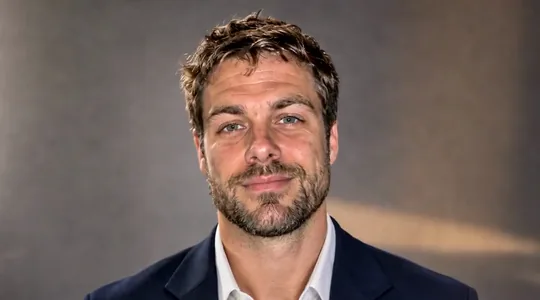
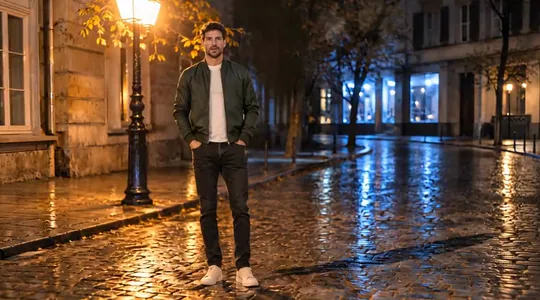
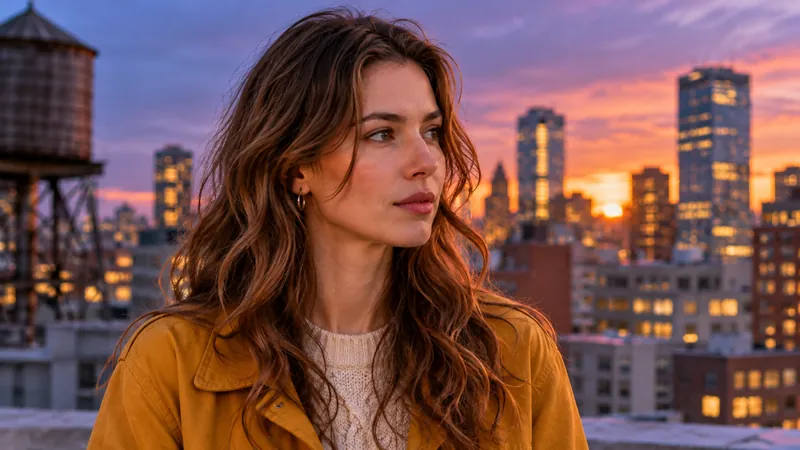
 Preview
The social spot
Classic9:16Lock on
Six vertical panels you can animate one by one and cut into a 20-second reel with a beginning, a middle and a close-up ending.
One frame in, a full shot list out. Wide, medium, close-up and insert, with the same character, outfit and light in every panel.
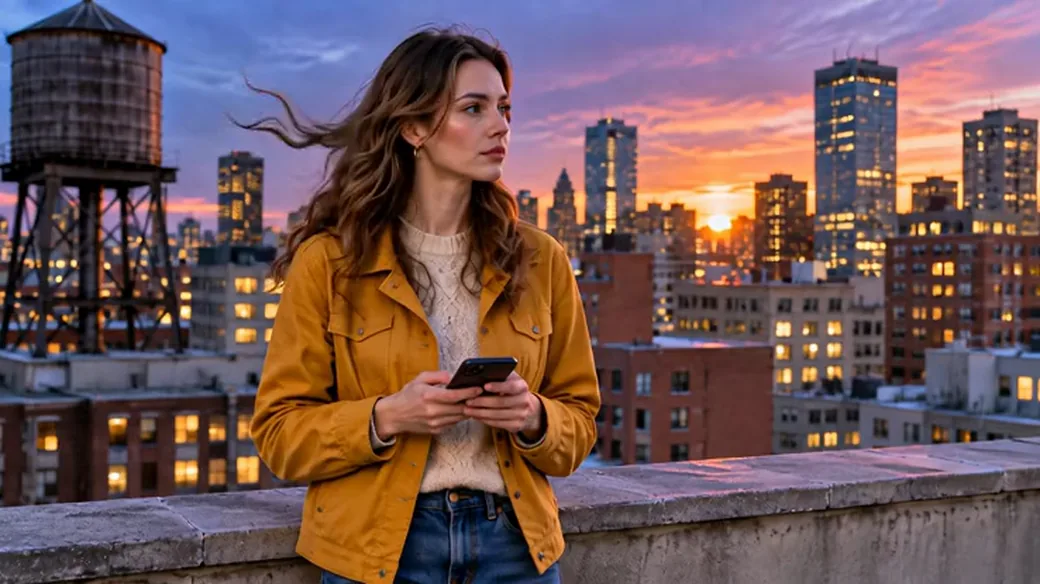 Example result
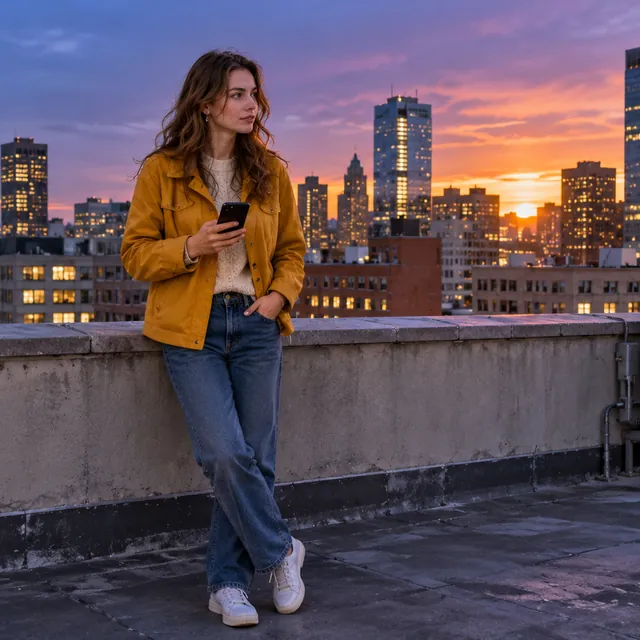 Before
In short
An AI storyboard generator turns a scene into a sequence of planned shots. Coverage starts from one key frame and returns six panels, from an extreme wide to a close-up insert, with the same character and lighting in each.
The call sheet
An AI storyboard generator plans the shots a director would ask for. Pick one of the six shots and watch where the camera goes inside your key frame, from the extreme wide down to the phone in her hand. Change the pack or the frame and the whole list re-plans.
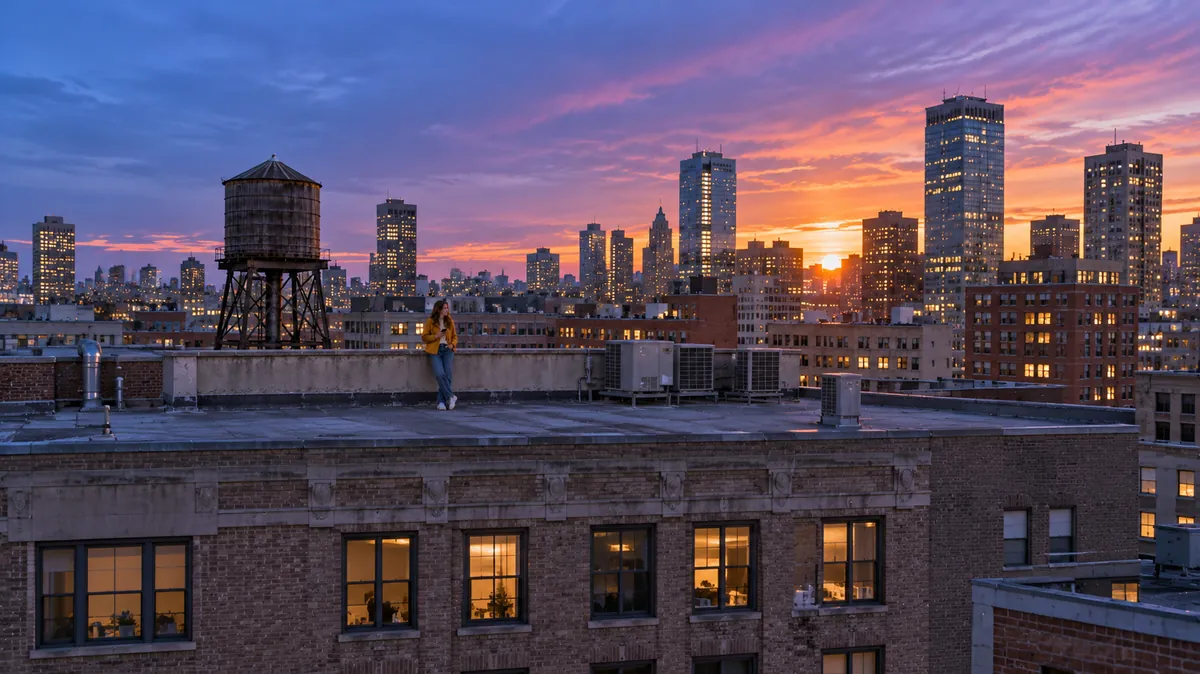 EWS · 14 mm
How it works
Cut it together
An AI storyboard generator gives the editor options, and Coverage gives you six of them. Rearrange the six panels on the timeline and press play. The checks on the right tell you if the scene will read, the same notes a script supervisor would give.
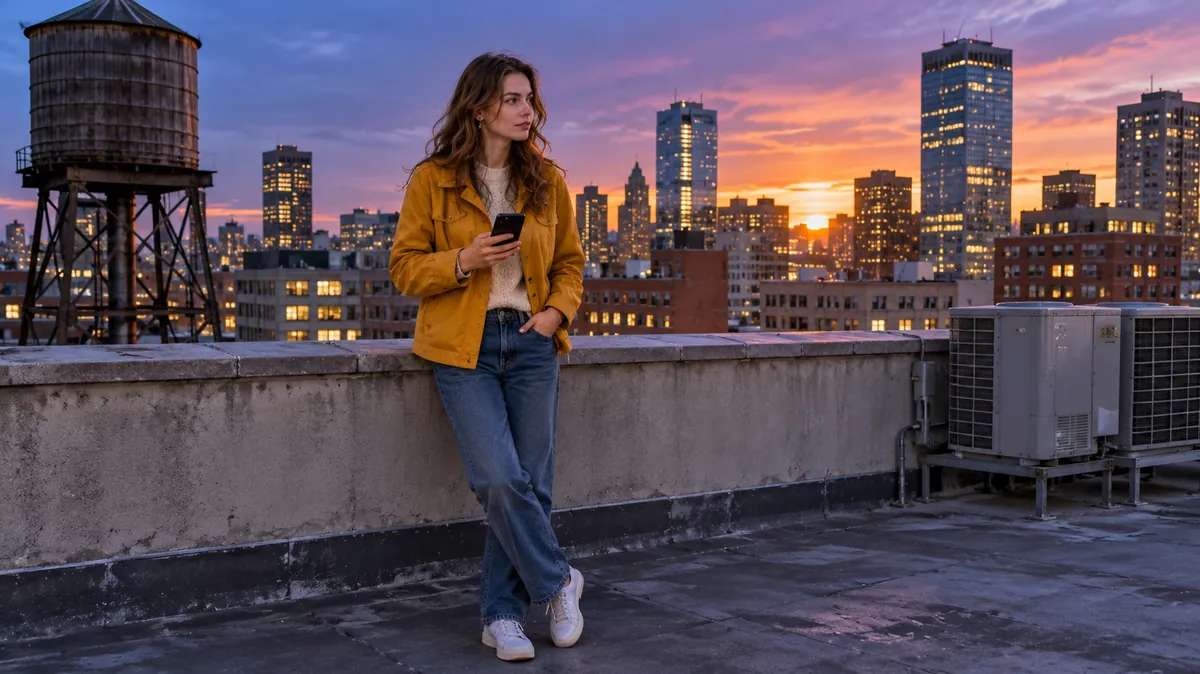 00:00:04WS · WideWS1EWS2
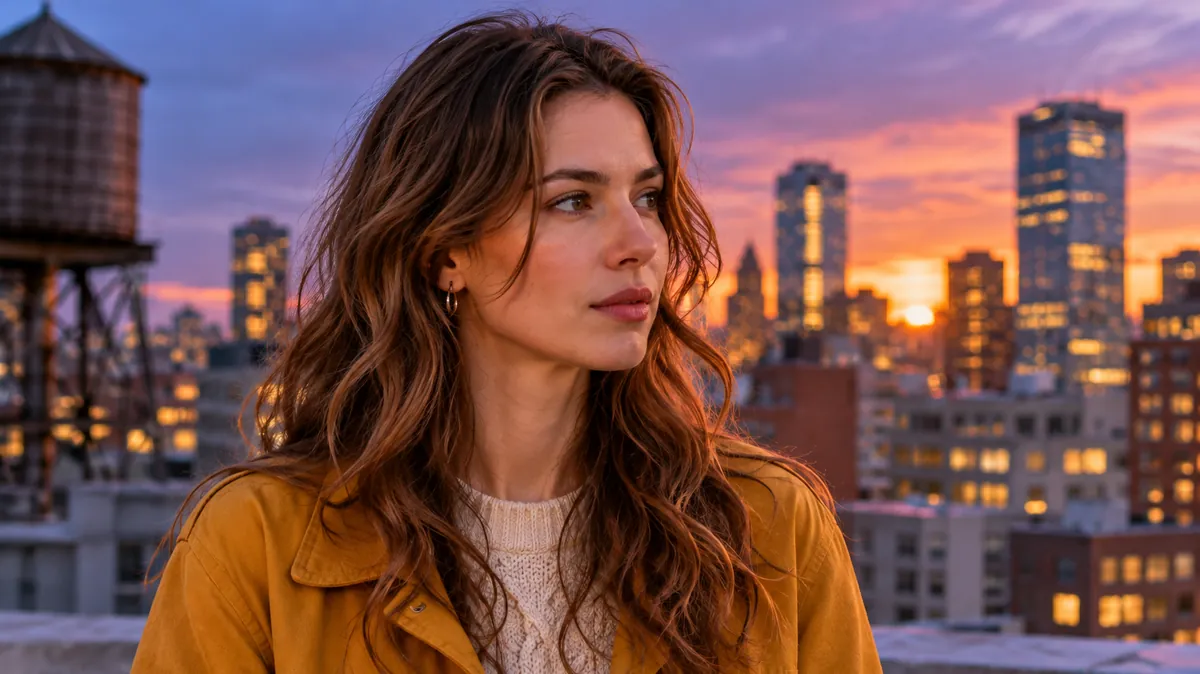 CU3
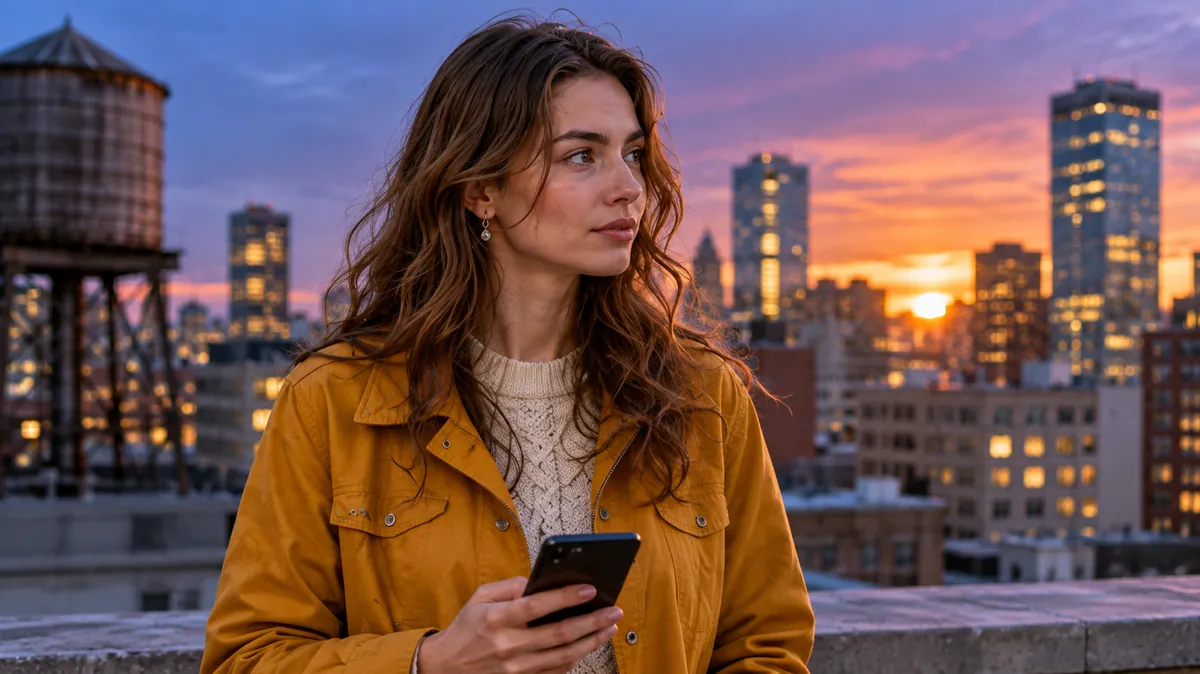 MCU4
 INS5
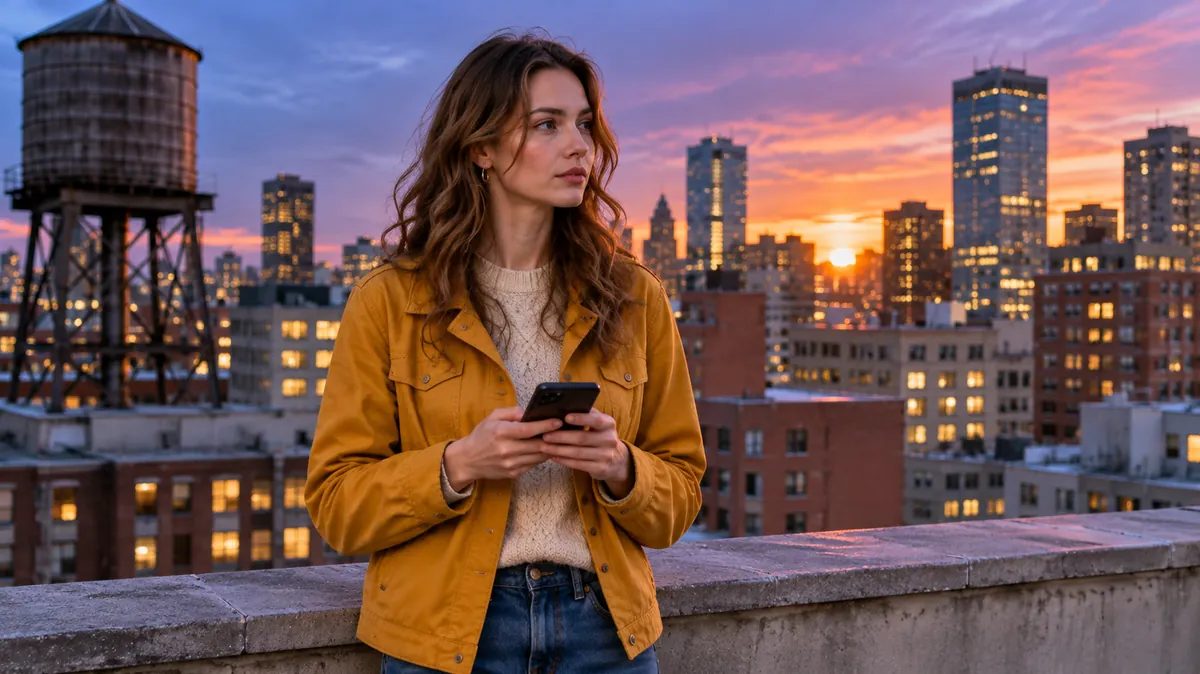 MS6
Deep dive
Editors need options. A scene cut from one angle feels flat; a scene with a wide, a medium and close-ups lets the editor control rhythm and emotion. The six shots Coverage returns follow the order most directors plan in, from where are we to what matters most, so the panels cut together in sequence.
Classic balances establishing and emotional shots. Action leans on wides, low angles and inserts of hands and feet so movement reads clearly. Dialogue builds establishing, over-the-shoulder and reaction framings around faces. The character, set and light stay locked across all of them.
Every panel is a clean still at the frame size you picked, so it can go straight into Image to Video. Animate the wide first for the establishing move, then the close-up for the beat that matters. Six short clips from one key frame are enough for a complete social spot.
Ideas
Recipes
Three AI storyboard generator recipes for the jobs we see most. Tap one to load its shot pack and frame into Coverage at the top of the page, with a sample key frame ready.
PreviewSix vertical panels you can animate one by one and cut into a 20-second reel with a beginning, a middle and a close-up ending.
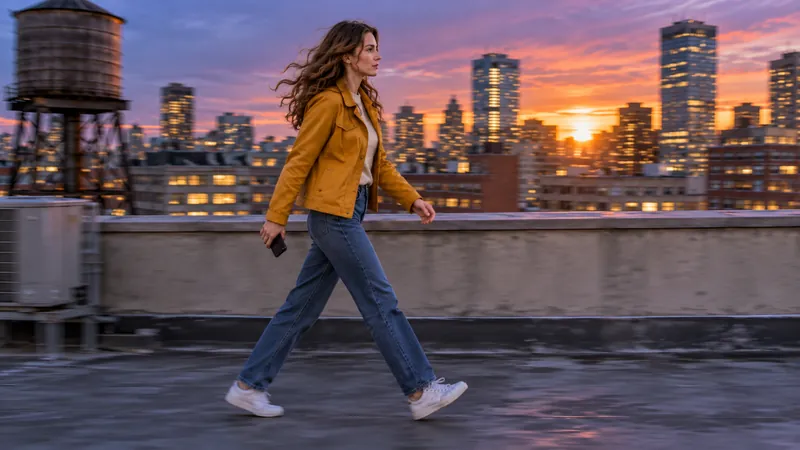 Preview
Wides and low angles for movement, inserts of feet and hands for tension. Feels like a film trailer before you shoot anything.
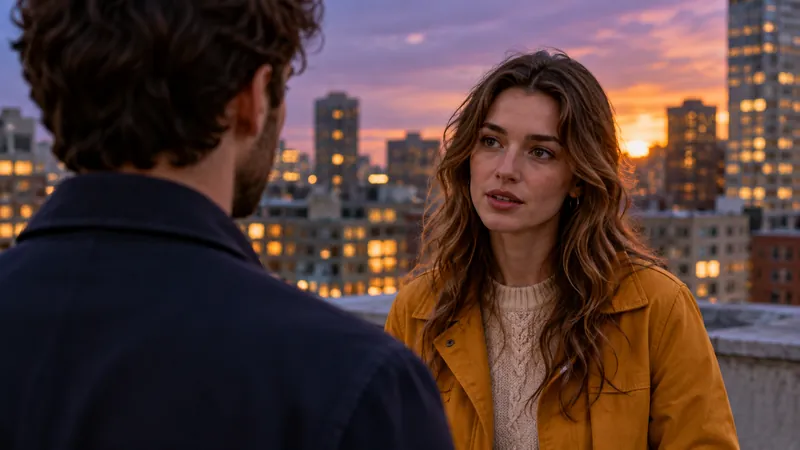 Preview
Medium shots and close-ups framed for faces. Useful for podcasts, explainers and two-person scenes.
The honest comparison
Drawing six storyboard panels by hand, or shooting test frames on location, takes hours per scene. The AI storyboard generator returns a full shot list from one frame.
By-hand time is a typical estimate of 2 h per scene.
Better results
Plans
Every run of the AI storyboard generator costs 60 credits and returns six panels. Slide to how many scenes you plan in a month and we will point to the plan that covers it.
FAQ
Coverage takes one frame and builds the shots a director would plan around it: extreme wide, wide, medium, medium close-up, close-up and an insert. Same scene, same cast, six camera setups.
With Lock the character on, face, hair and outfit carry across all six panels. That is what makes them usable for animation.
Yes. Download the six panels or one labelled board.
The credits for six panels are shown on the button before you start. If anything fails, everything is refunded.
Yes. Re-run Coverage with the same key frame and keep the panels you like. Each run is a fresh set of six.
16:9 for YouTube and pitches, 21:9 for a cinema look, 9:16 for Reels and TikTok.
Yes. On paid plans the images you make are yours to use in ads, client work and products. Only upload material you own or have permission to use.
Only you. Uploads and results live in your private History, are never posted anywhere for you, and can be deleted at any time.
For planning and pitching, it gets you a usable shot list in under a minute. For stylised boards with arrows, notes and a specific look, an artist still adds a lot. Many teams use Coverage first and hand the panels to an artist to refine.
More Minnies
Minnies · included in every plan
Shot lists from a single frame. Coverage comes with every Creatide AI plan.