 Preview
Pet plush
MinkyHuggableLabel on
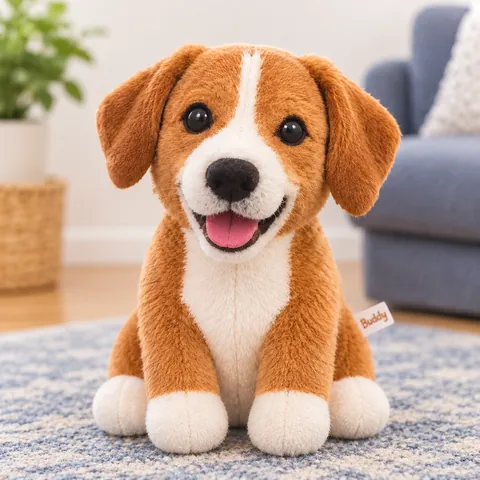
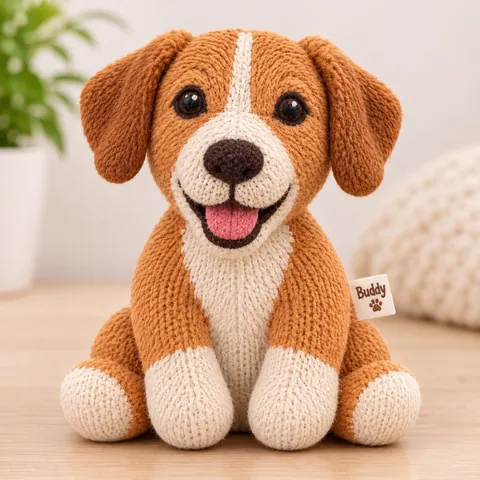
Your pet as a soft, glossy toy with a sewn-on name tag. The most shared result.
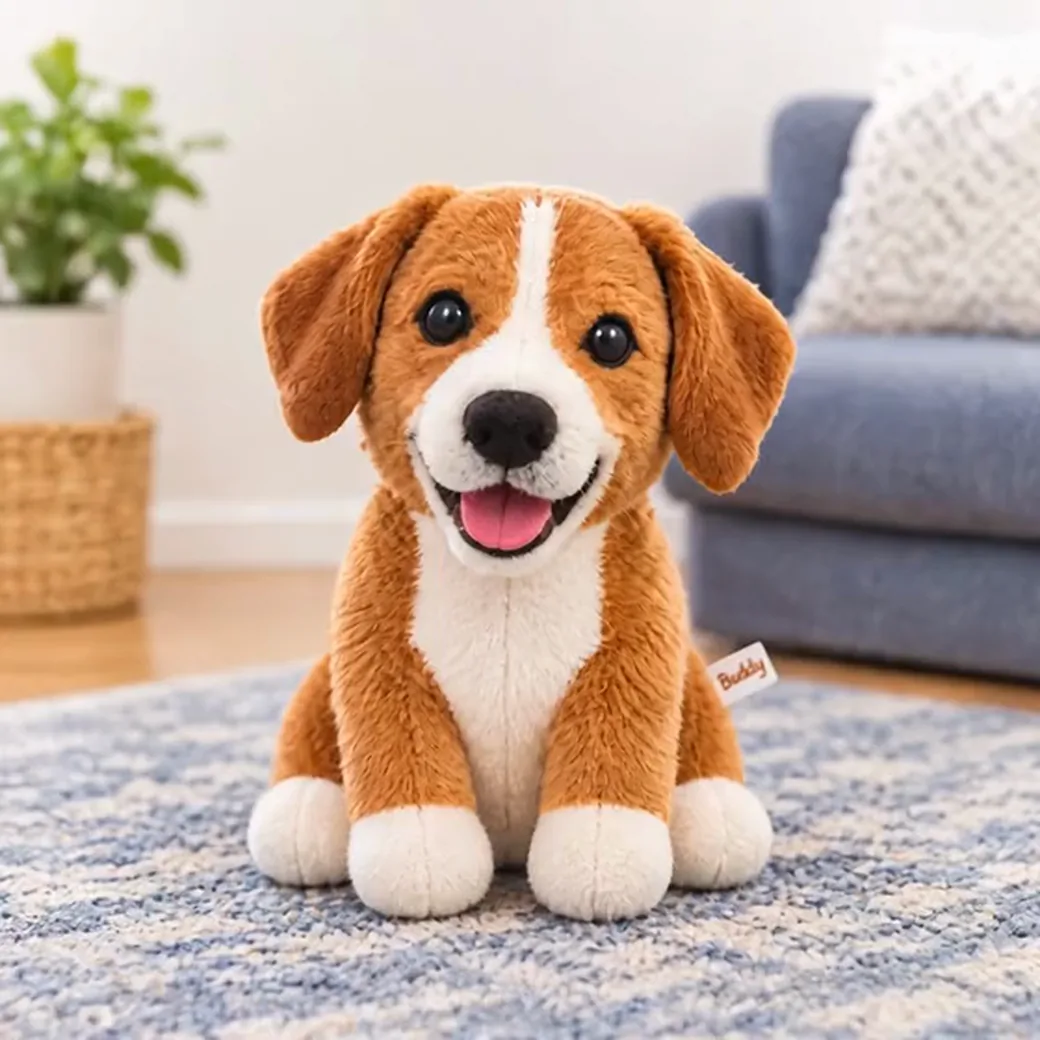
You, your dog, your mascot, your product. Plush Me turns it into a soft toy with real seams, fabric texture and a sewn-on label.
 Example result
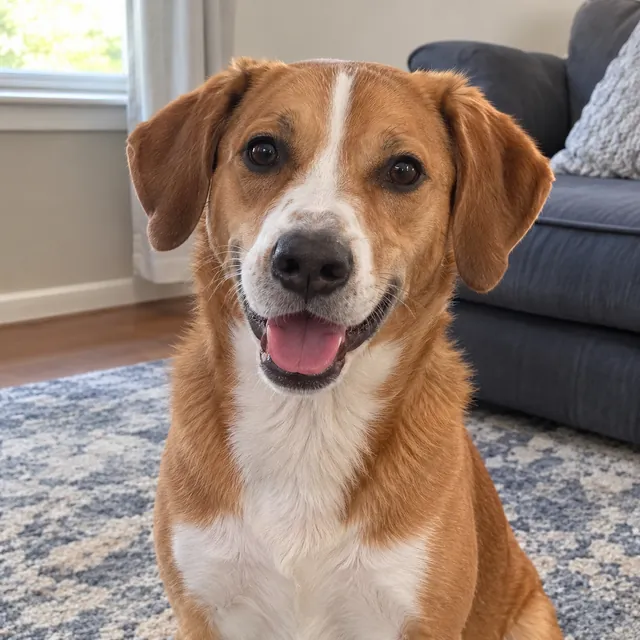 Before
In short
An AI plushie generator turns a photo into a picture of a soft toy. Plush Me simplifies your subject into soft shapes, adds seams, fabric texture and a sewn-on label, and photographs it like a real product.
The fabric swatch
An AI plushie generator turns a photo into soft shapes, seams and fabric. The fabric changes the personality more than anything else. Swap it here and press on the toy to feel how soft it is.
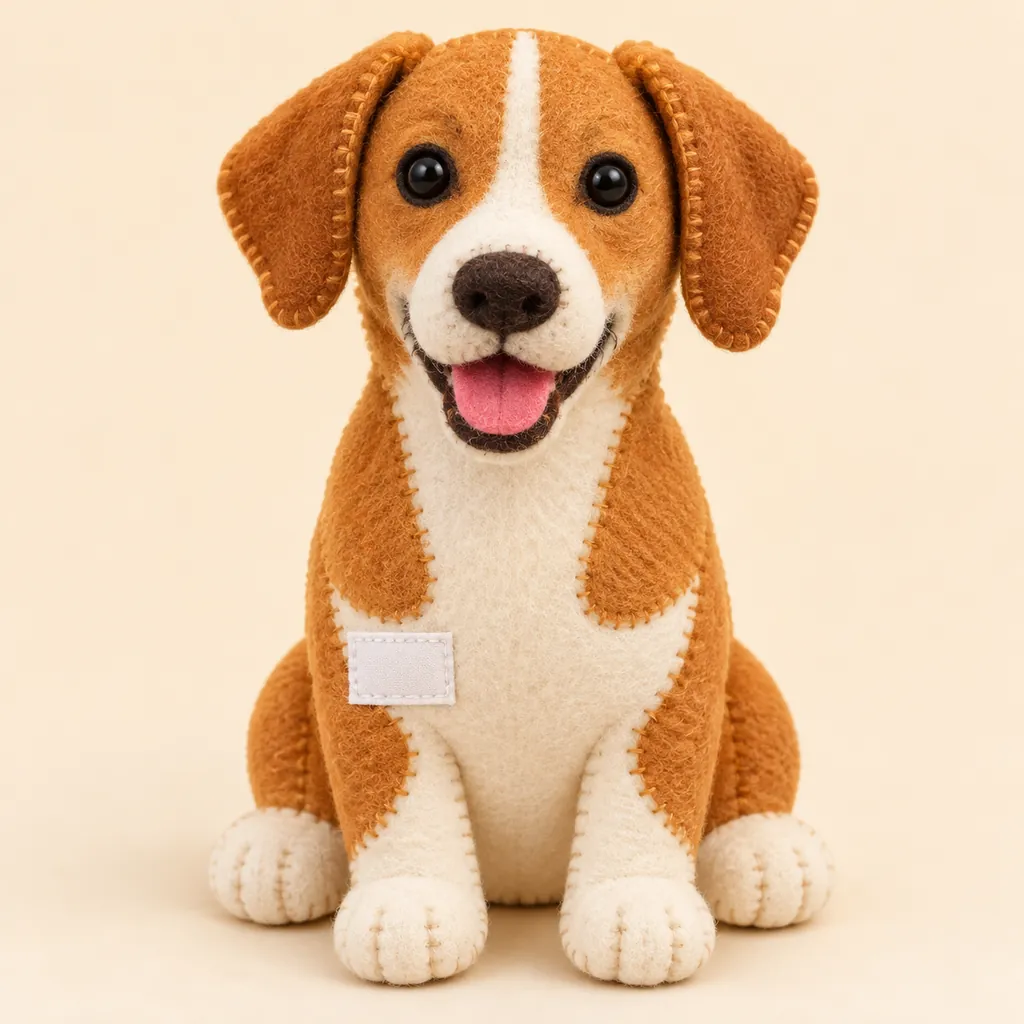 BrunoPress to squish
How it works
Size check
Every result is photographed like a real product, so the size reads at a glance. Pick a size to see where your plush would live.
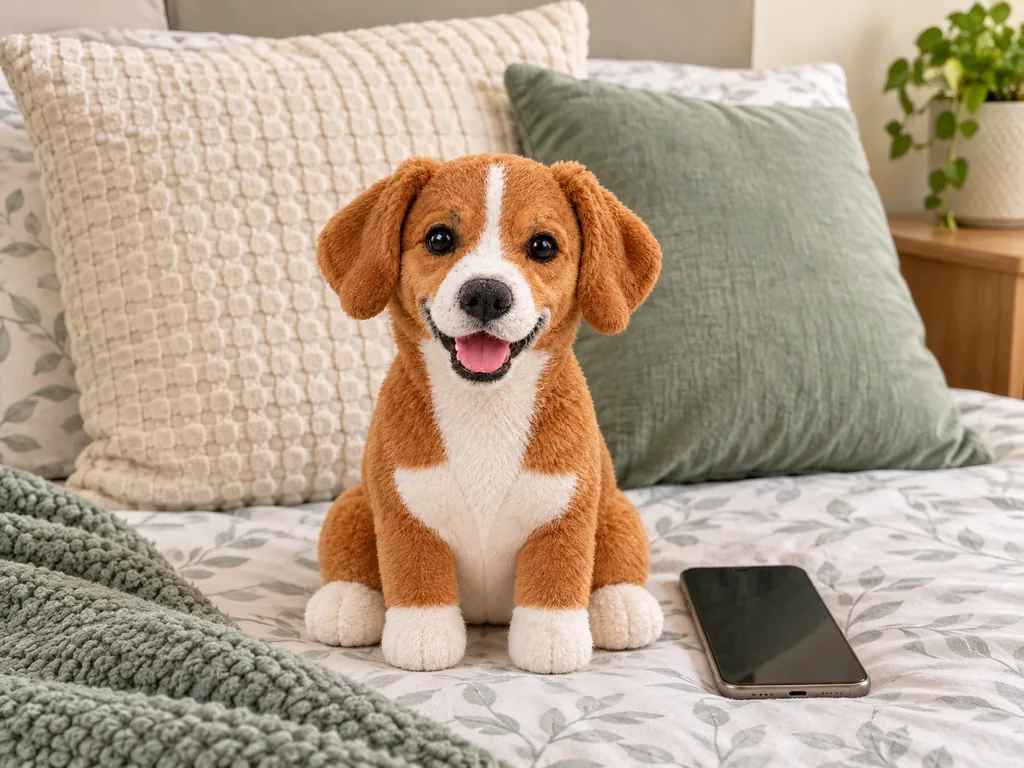
About 30 cm, the classic armful. This is the size people picture when they hear “plushie”.
Deep dive
A plush is a few big, soft shapes. Plush Me reduces your subject to its most recognisable features, like a hairstyle, ears, a colour block or a logo, and drops the small details that fabric could not hold. Heads get bigger, limbs get shorter, everything gets rounder.
Real plush toys have seams where fabric panels meet: down the middle of the face, around the ears, along the arms. Plush Me places seams where a toymaker would, adds slight puckering and stitch texture, and that is what makes the image read as a physical object.
Felt is flat, handmade and charming. Minky is glossy, soft and premium. Knit looks cosy and homemade, with visible loops. Corduroy adds ribbed texture and a retro feel. The same subject feels like a different toy in each.
Ideas
Recipes
Three AI plushie generator recipes for the toys we see most. Tap one to load its fabric, size and label into Plush Me at the top of the page.
PreviewYour pet as a soft, glossy toy with a sewn-on name tag. The most shared result.
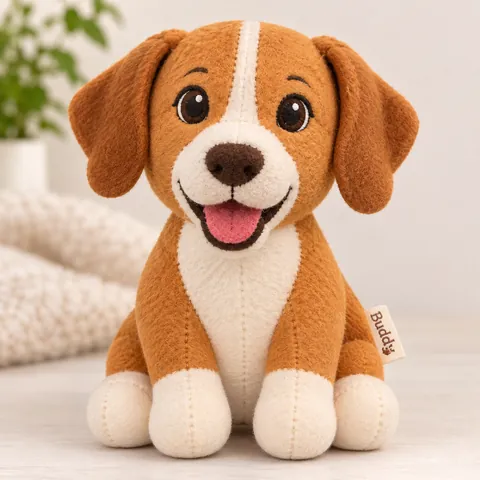 Preview
See the keychain version before ordering samples. Felt keeps colours flat and on-brand.
 Preview
A giant knitted you, photographed on a sofa. Perfect profile picture.
The honest comparison
A plush mock-up by hand means a pattern designer, a sewn sample or a 3D render artist, and days of back and forth. The AI plushie generator photographs one from your picture in about 15 seconds.
By-hand time is a typical estimate of 6 h per plush.
Better results
Plans
FAQ
Plush Me simplifies your subject into soft shapes, picks seam lines a toymaker would use, applies the fabric you chose and photographs the result like a product shot.
The image is a design preview. Many plush makers accept images like this as a starting brief.
Yes. Products become squishy versions of themselves. For merch, use logos and characters you own.
The credits for a run are shown on the button before you start. If a run fails, nothing is charged and the credits go back to your balance.
Plush Me uses embroidered eyes for felt and knit, and safety-style eyes for minky. It picks what fits the fabric.
Run Plush Me on each family member or each product and combine them in a group shot.
Keychain makes everything round and tiny with a metal ring. Huggable is the classic toy size. Giant adds a person or a sofa for scale.
Plush Me works best with one subject. For a family set, run each person or pet separately and arrange them in a group shot afterwards.
The results look like product photos. If you sell or advertise based on them, make sure the real toy matches what you show.
Yes. Send the result to Image to Video for a short clip where the plush wobbles, tilts its head or gets a gentle squeeze.
Yes. On paid plans the images you make are yours to use in ads, client work and products. Only upload material you own or have permission to use.
Only you. Uploads and results live in your private History, are never posted anywhere for you, and can be deleted at any time.