Explore
  • VideoPopular
  • Image
  • Music
  • Story
  • Motion
  • Upscale
  • Lip Sync
  • MinniesNew
  • SubtitlesNew
  • Video ExtendNew
  • Video ProducerNew
  • Agent+Popular
  • Ad HubNew
  • TakeShiftNew
  • 3D HubNew
  • Viral
  • Effects
  • Born Elsewhere
Pricing-65%-65% OFFUpgrade-65%-65% OFF
Log inSign upSign Up Free

One idea.
Every model.
One finished creation.

The AI-native creative suite for video, image, music and ads.

Live support on TelegramChat with our team in real time

Create

  • Video
  • Image
  • Music
  • Story
  • Motion
  • Upscale
  • Lip Sync
  • MinniesNew
  • SubtitlesNew
  • Video ExtendNew
  • Video ProducerNew
  • Agent+
  • Ad HubNew
  • TakeShiftNew
  • 3D HubNew
  • Viral
  • Effects
  • Born Elsewhere

Features

  • AI Video Generator
  • AI Image Generator
  • AI Music Generator
  • 2× Duration
  • 8K Output
  • Director Mode
  • Photo Studio Mode
  • Composer Mode
  • Image to Video AI
  • Text to Video AI
  • Agent+

Video models

  • Seedance 2.5
  • Kling 4.0
  • Gemini Omni 1.2 Flash
  • Vidu Q4
  • MiniMax H3
  • PixVerse C1
  • Wan 3.0
  • Grok Video 1.5
  • FLUX.3 Video
  • MAGI-2
  • All video models

Image models

  • Seedream 5.5
  • Muse Image
  • GPT Image 2.6
  • Qwen Image 3.0
  • Kling Image 4.0
  • FLUX 3 Image
  • Nano Banana 2.1
  • Grok Image 2.0
  • Ideogram 4.5
  • Z-Image
  • MiniMax H3 Image
  • All image models

Resources

  • Runway Unlimited Extension: What Creators Need to Know
  • Suno Download Limits: What Creators Need to Know
  • FLUX 3 Video Pricing: What Creators Actually Pay Per Clip
  • What is SeeDance 2.0? ByteDance's AI Video Generator
  • Browse all articles
  • Help Center
  • Prompt Guide
  • Video Prompts
  • Image Prompts
  • Music & Sound Prompts

Company

  • About
  • Pricing
  • Contact
  • Trust Center
  • Brand kit
  • Affiliate program
  • Creator Partner Program

Free tools

  • Video Compressor
  • Trim, Cut & Merge
  • Slow Motion & Speed Ramp
  • Extract Audio or Mute
  • Frame Grabber
  • Video to Text
  • Text to Speech
  • Slowed + Reverb
  • Remove Image Background
  • Image Upscaler
  • Magic Eraser
  • Image to Prompt
  • Video to Prompt
  • AI Clip Stitcher
  • Seamless Loop Maker
  • Video Background Remover
  • Color Match
  • Voice Cleaner
  • Start Frame Prep
  • All free tools

Compare

  • vs Higgsfield
  • vs Runway
  • vs Pika
  • vs Krea
  • vs Freepik AI
  • vs Leonardo AI
  • vs OpenArt
  • vs Kling AI
  • vs Artlist
  • vs BytePlus
  • vs Canva
  • vs ElevenLabs
  • vs Grok Imagine
  • vs InVideo
  • vs Picsart
  • X / Twitter
  • YouTube
  • Instagram
  • TikTok
  • Telegram
  • Facebook

All systems normal

  • Terms
  • Privacy
  • Cookie policy
  • Content policy
  • Refund policy
  • DMCA

© 2026 AIVid, LLC. All rights reserved.

  1. Creatide.ai
  2. /
  3. Minnies
  4. /
  5. Spotlight

SpotlightAI concert video generator · you, on the main stage

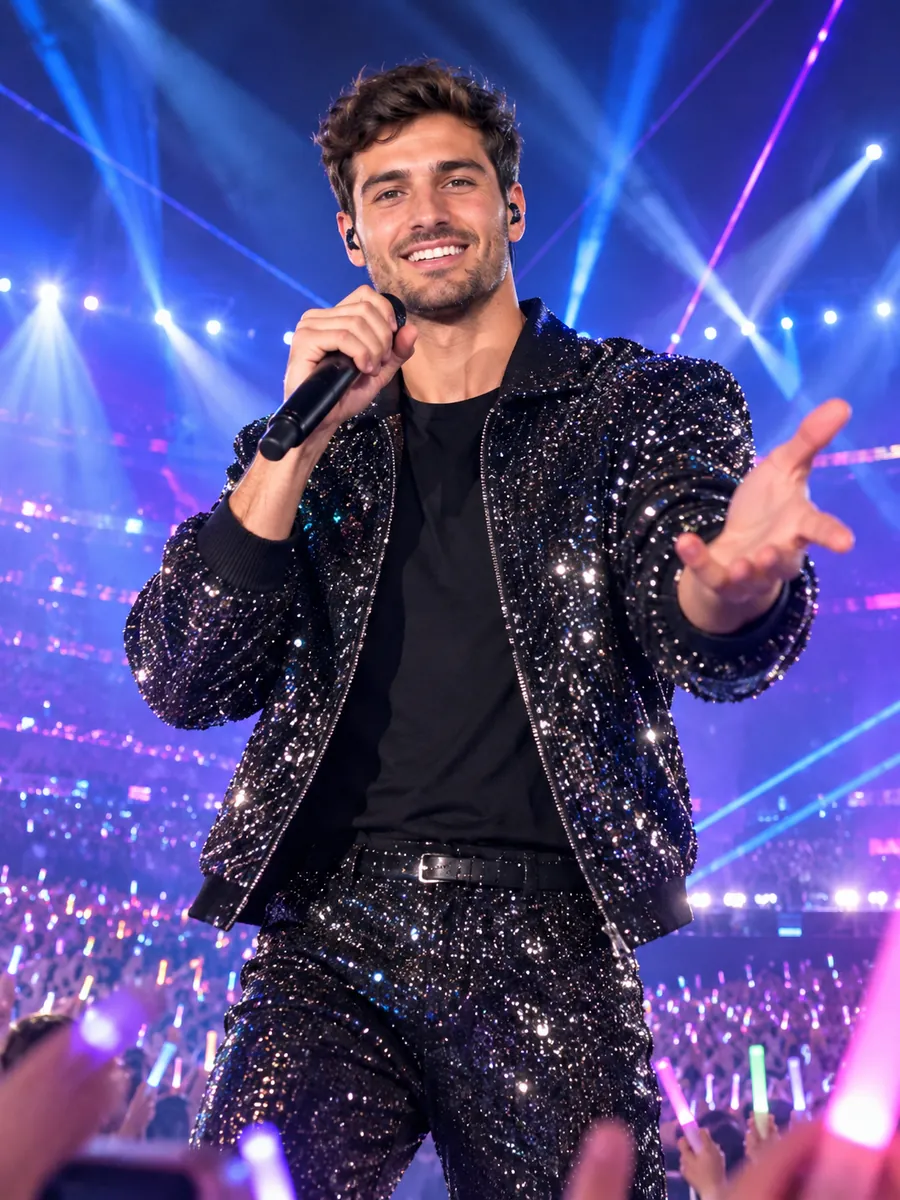
Headline a stadium tonight. Lasers, a sea of glow sticks, a fancam close-up. You, performing, from one photo.
MinniePhoto → Video≈ 85 s– credits
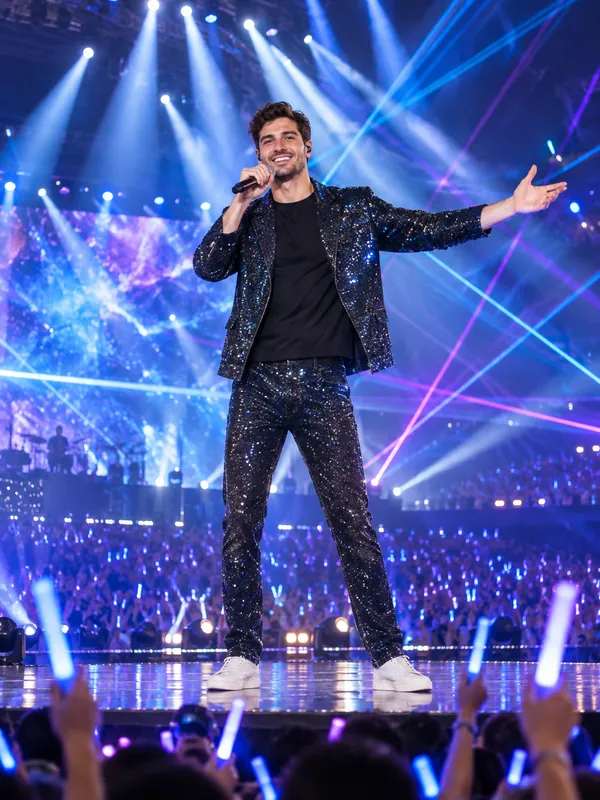
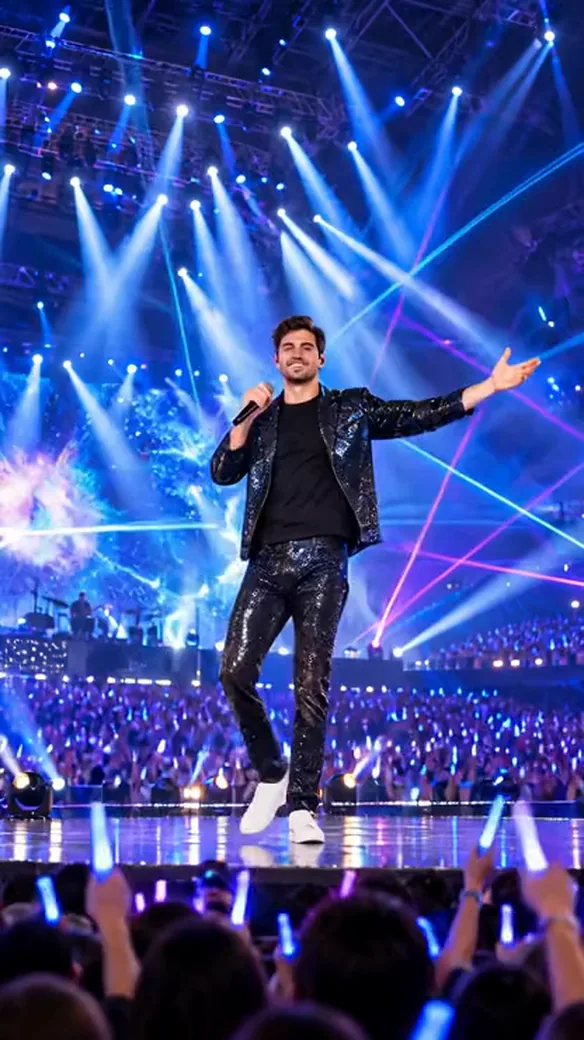
A man in a glitter stage outfit headlining a stadium stage, lasers and beams overhead and a sea of glow sticks in the crowd
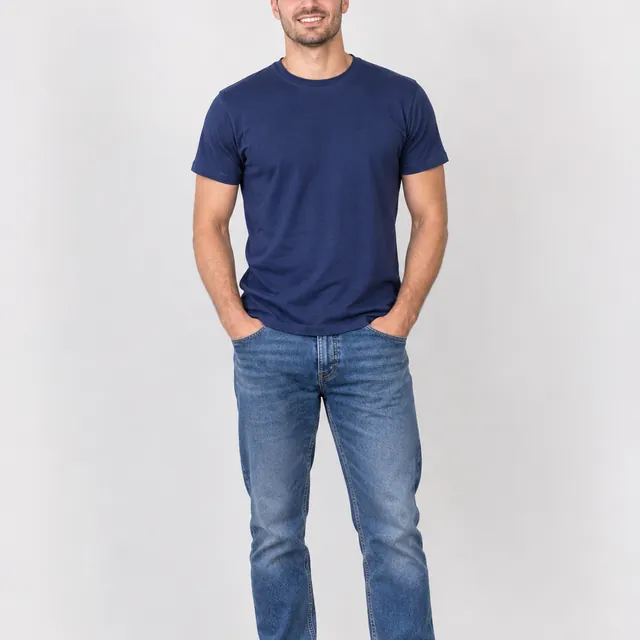
Example resultThe sample photo: a man with short dark hair in jeans and a plain tee, full body, on a plain light backgroundBefore
Drop your photoFull body, a confident pose. Mirror selfies work.
Your file
Your photo Full body, confident pose
Song OPTIONALOptional · a short clip of your track
Stage
Stage outfit
Shots
Cost – credits · ≈ 85 s

In short

What is an AI concert video generator?

An AI concert video generator creates live-performance clips from your photos. Spotlight puts you on a stadium, club or festival stage with a designed light show, a crowd of glow sticks and camera cuts between wide shots and fancam close-ups.

Input
Photo
Output
Video
Time
about 85 s
Cost
– credits

Stage plot

Two cameras. One headliner.

An AI concert video generator should cut like a live broadcast, not hold one shot. Spotlight films your show with a wide camera and a fancam, and Mix cuts from one to the other. Pick the stage, the outfit and the shot style, then set the tempo.
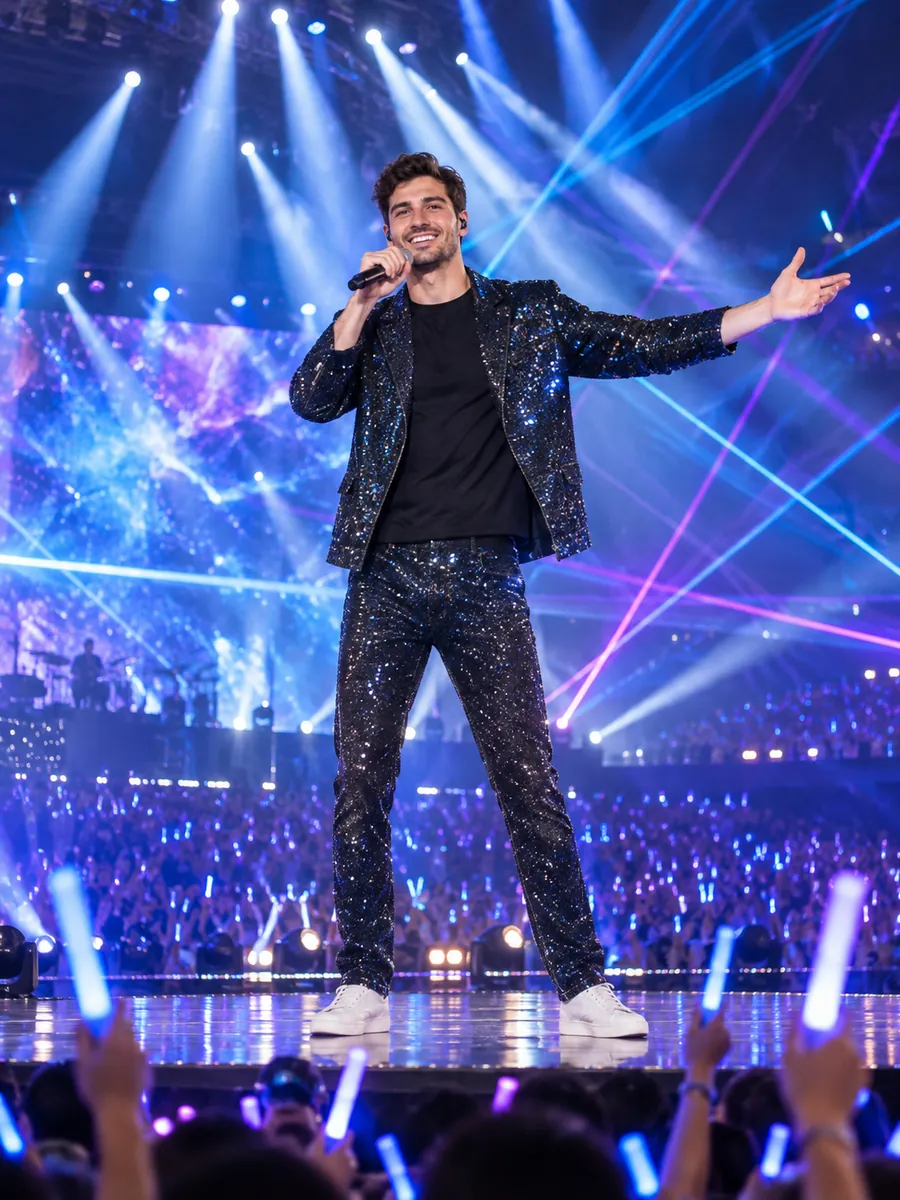
A headliner in glitter on a stadium stage under a light show, filmed wide from the crowd
● LIVE · CAM A · WIDESTAGEAB
Stage
Outfit
Shots
Tempo 120 BPM

How it works

From your bedroom to the main stage

me-mirror.jpg · 1536 × 2048✓ added
Stage
StadiumClubFestival
Stage outfit
GlitterStreetwearAll blackKeep mine
✓ Done

Light cues

The light show is half the song.

Spotlight designs the lighting first and lets the cameras follow it. Program an eight-step cue sheet, or load a preset, and the stage shows the closest of four looks: build, drop, ballad or clear.
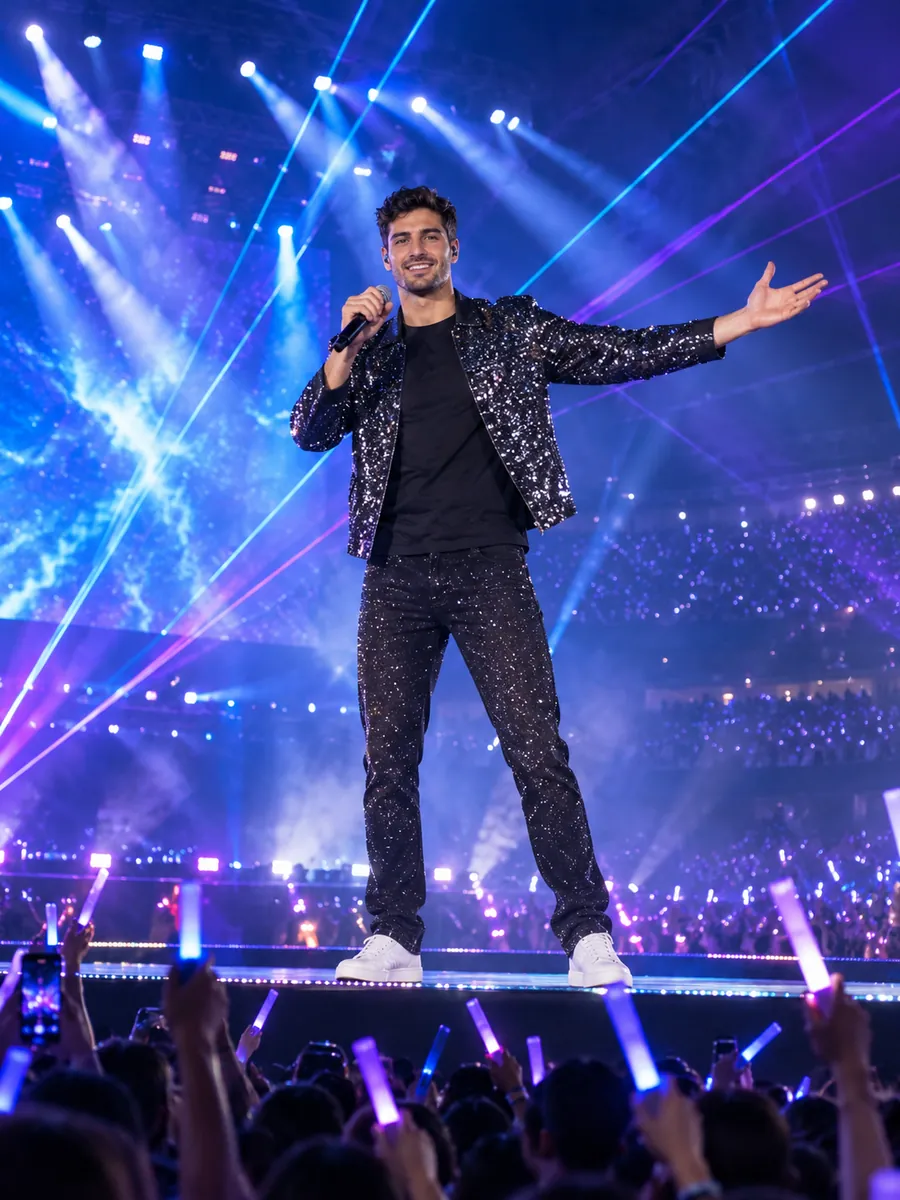
A headliner on a stadium stage, the lights playing the drop cues
Lasers
Strobe
Spotlight
Fog

Deep dive

How the AI concert video generator stages your show

01

Light design first

Arena shows are built on light: moving beams, lasers and big washes of colour. Spotlight designs a light show for your clip, with a colour palette per stage type.

02

The crowd is half the show

A stage without an audience looks like a rehearsal. Spotlight fills the arena with a sea of glow sticks and phone lights, waving in the dark, with heads in silhouette at the front. Seen from the stage on wide shots, it sells the scale.

03

Cuts like a live broadcast

Wide stage shows you small against the production. Fancam follows you closely with a handheld feel. Mix cuts from one to the other, like the concert films fans rewatch. A short, tight cut list is what makes ten seconds feel like a full performance.

Ideas

Main-character energy

Recipes

Settings that just work

Three AI concert video generator recipes for the clips we see most. Tap one to load its stage, outfit and shot style into Spotlight at the top of the page, with a sample photo ready.

Preview

Single teaser

StadiumGlitterMixYour song

A ten-second hype clip for release day. Add your song and it plays under the show.
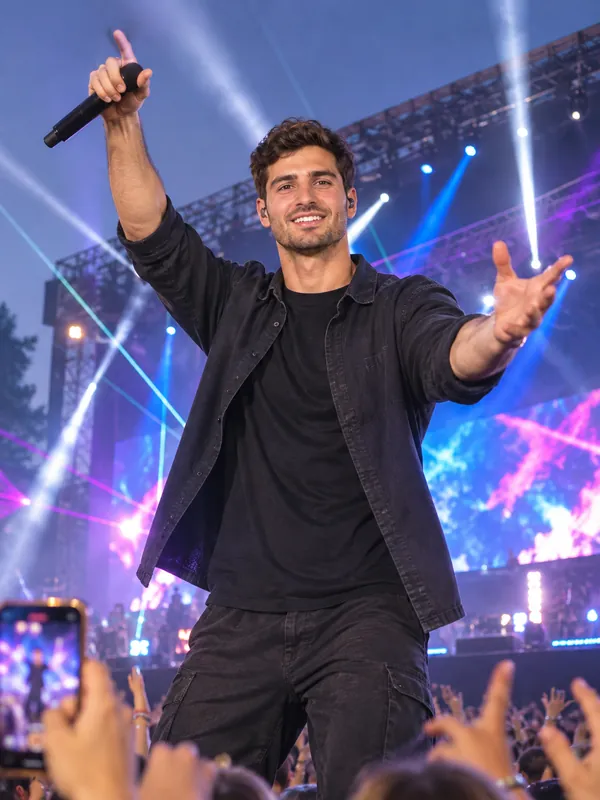
Preview

Dance cover

FestivalStreetwearFancam

Close, energetic, follows your moves. Built for Reels.
Preview

Intimate set

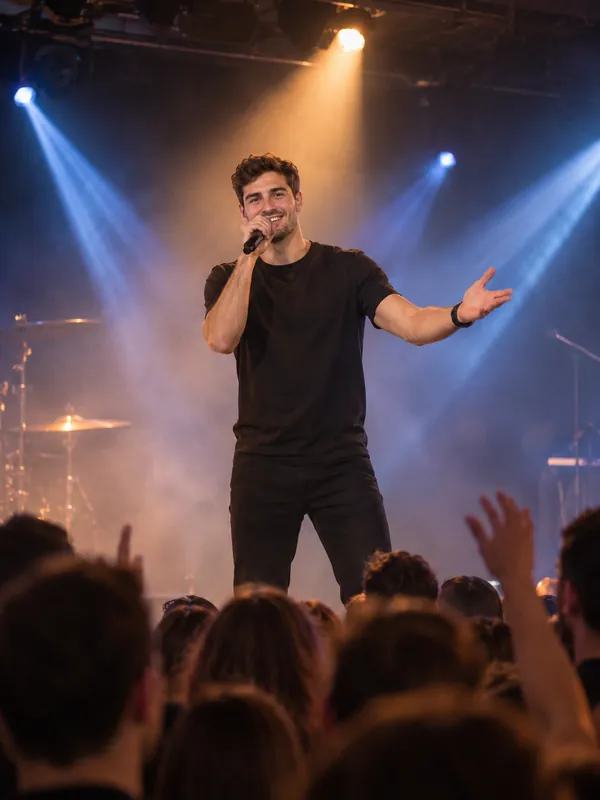
ClubAll blackWide stage

Smaller room, moody light, a crowd close to the stage.

The honest comparison

By hand vs Spotlight

A real stage clip means booking a venue, a lighting designer, a crowd and three camera operators. The AI concert video generator does it from one photo, and your song if you have one, in about 85 seconds.

How many clips this month?10clips
130

By-hand time is a typical estimate of 16 h per clip.

By hand≈ 160 h
Spotlight≈ 14 min
Time saved 160 hCredits –
What it takesBy handSpotlight
VenueBook a stage, a crew, a crowdOne photo
TimeA production dayAbout 85 seconds
LightsRented rigDesigned per clip
CostProduction budget– credits
VariationsAnother showChange stage, run again

Better results

Perform like a headliner

Before you run · tick them off0 / 3
Ready. Good input in, good result out.
Skip
  • ✕Use real artists’ names, logos or tour branding.
  • ✕Use songs you do not have rights to for ads.
  • ✕Put other people on stage without asking.
Inputs Photo + optional songStages 3Shots Wide · fancam · mixOutput 9:16 · 10 s

Plans

Spotlight is in every plan.

Starter

Fits you
–Spotlight clips / mo
1,000 credits / mo · – credits per clip
$19.90$14.99/ month, billed yearly
Get Starter

Studio

MOST POPULARFits you
–Spotlight clips / mo
2,600 credits / mo · – credits per clip
$61.90$30.83/ month, billed yearly
Get Studio

Omni Creator

BEST VALUEFits you
–Spotlight clips / mo
4,200 credits / mo · – credits per clip
$101.90$45.83/ month, billed yearly
Get Omni Creator
Failed run? Credits back automaticallyCommercial use on paid plansCancel anytime

FAQ

Questions about Spotlight

What does this AI concert video generator make?

A 10-second performance clip of you on a big stage: lights, lasers, a crowd with glow sticks and camera cuts between wide shots and close-ups.

Do I sing in the clip?

You perform: moves, gestures, mic work. Send the result to Lip Sync to match your mouth to your own song.

Is it styled after a specific artist?

No. It follows the arena-concert genre in general, with original stage designs and no real artist names or logos.

How much does it cost?

The credits for a clip are shown on the button before you start. If a run fails, nothing is charged and the credits go back to your balance.

Does it use my song?

If you add one, it plays under the performance in place of the arena sound. Without a song, the clip keeps its own arena sound.

Can I add backup dancers?

Pick Stadium and Mix; Spotlight adds silhouetted dancers behind you on the wide shots.

What is a fancam shot?

A close, handheld-style shot that follows one performer, the way fans film their favourite member at a concert.

Can I use it for a music release?

Yes, on paid plans, with music you own. It is a fast way to make visualisers and teasers for a single.

Which outfit should I choose?

Glitter for pop energy, Streetwear for hip-hop, All black for rock and drama, Keep mine if your photo outfit already works.

Can I use Spotlight results commercially?

Yes. On paid plans the clips you make are yours to use in ads, client work and products. Only upload material you own or have permission to use.

Who can see what I upload?

Only you. Uploads and results live in your private History, are never posted anywhere for you, and can be deleted at any time.

More Minnies

Keep the run going

All Minnies
UnbotheredStay calm while chaos explodes around you.
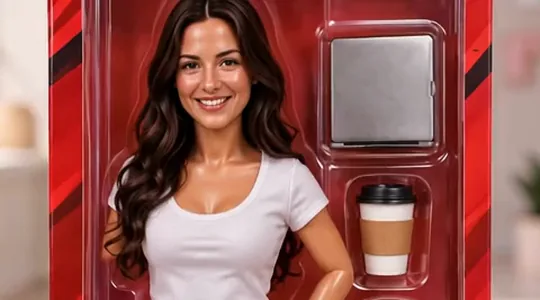
Boxed FigureYou as a collectible figure in a blister pack.
Feast ModeSit down to a giant feast, no cooking.
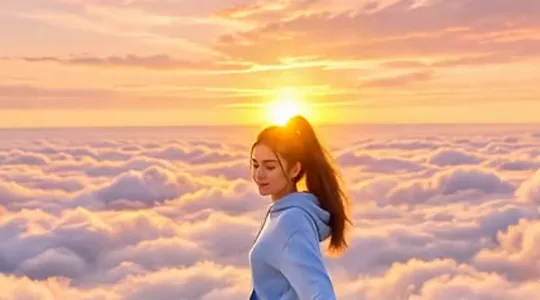
Sky SurfSurf a sea of clouds at sunrise.

Minnies · included in every plan

The stage is yours.

Headline a stadium from one photo. Spotlight comes with every Creatide AI plan.
Take the stage See plans