 Preview
Feed post to Story
9:16Centered
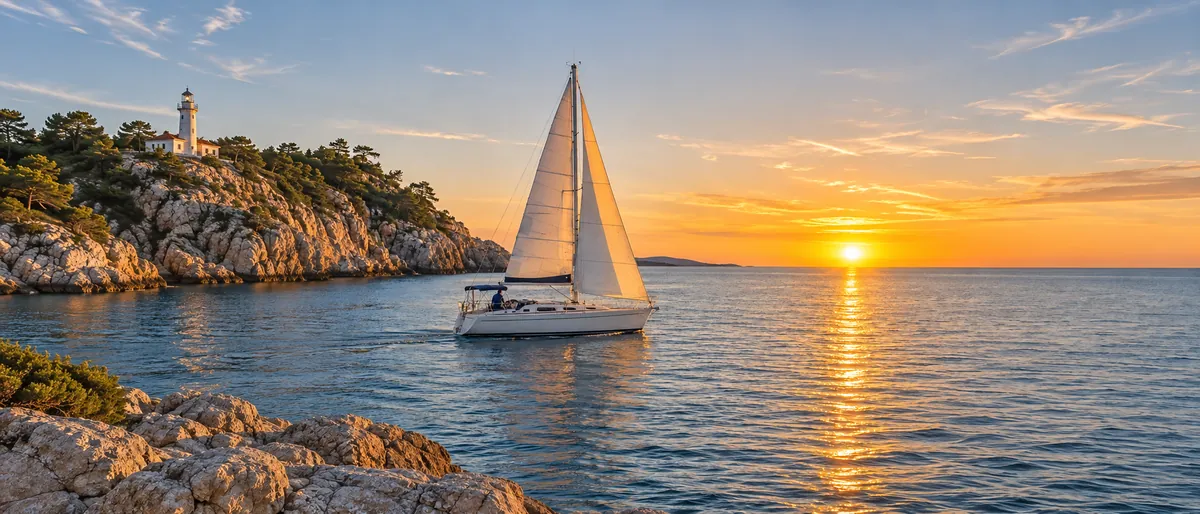
Grows sky and ground around a square photo so it fills the phone screen. Add a hint like "more ocean" when the bottom edge needs direction.
Pick a new size. Expand paints the missing edges with matching light, texture and perspective. No stretching. Nothing cut off.

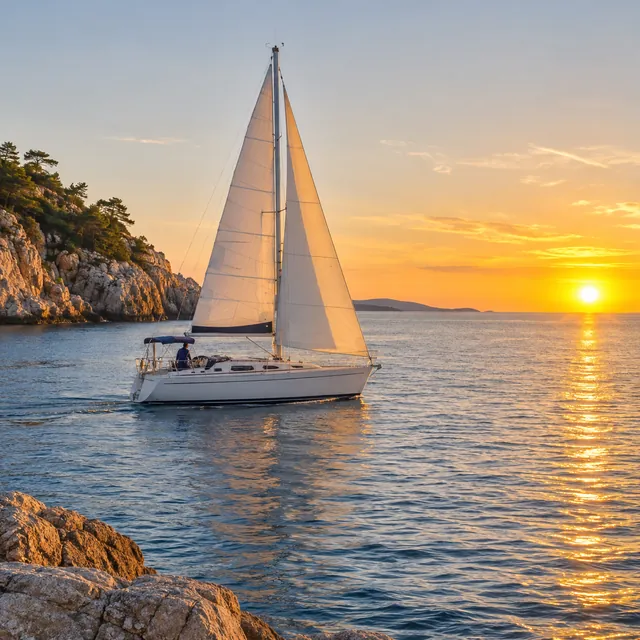
In short
An AI image expander adds new picture around a photo instead of cropping or stretching it. Expand reads the light, perspective and textures at the edges and paints the extra space, so a square shot fits a Story, a banner or a thumbnail.
Try the idea
The bright square is the photo you uploaded. Choose a new size and the AI image expander paints everything outside it: more sky, more sea, the lighthouse that was just out of frame. Nothing is cropped and nothing is stretched.
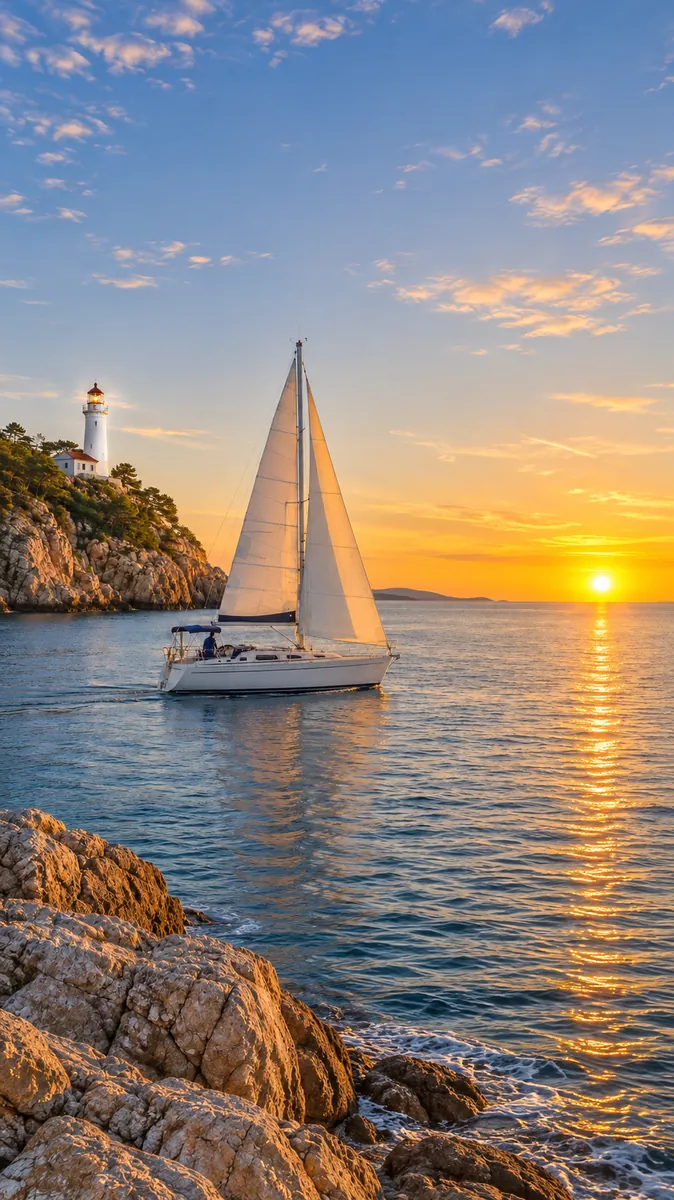
9:16 · Story · TikTok · Shorts
How it works
Crop or expand
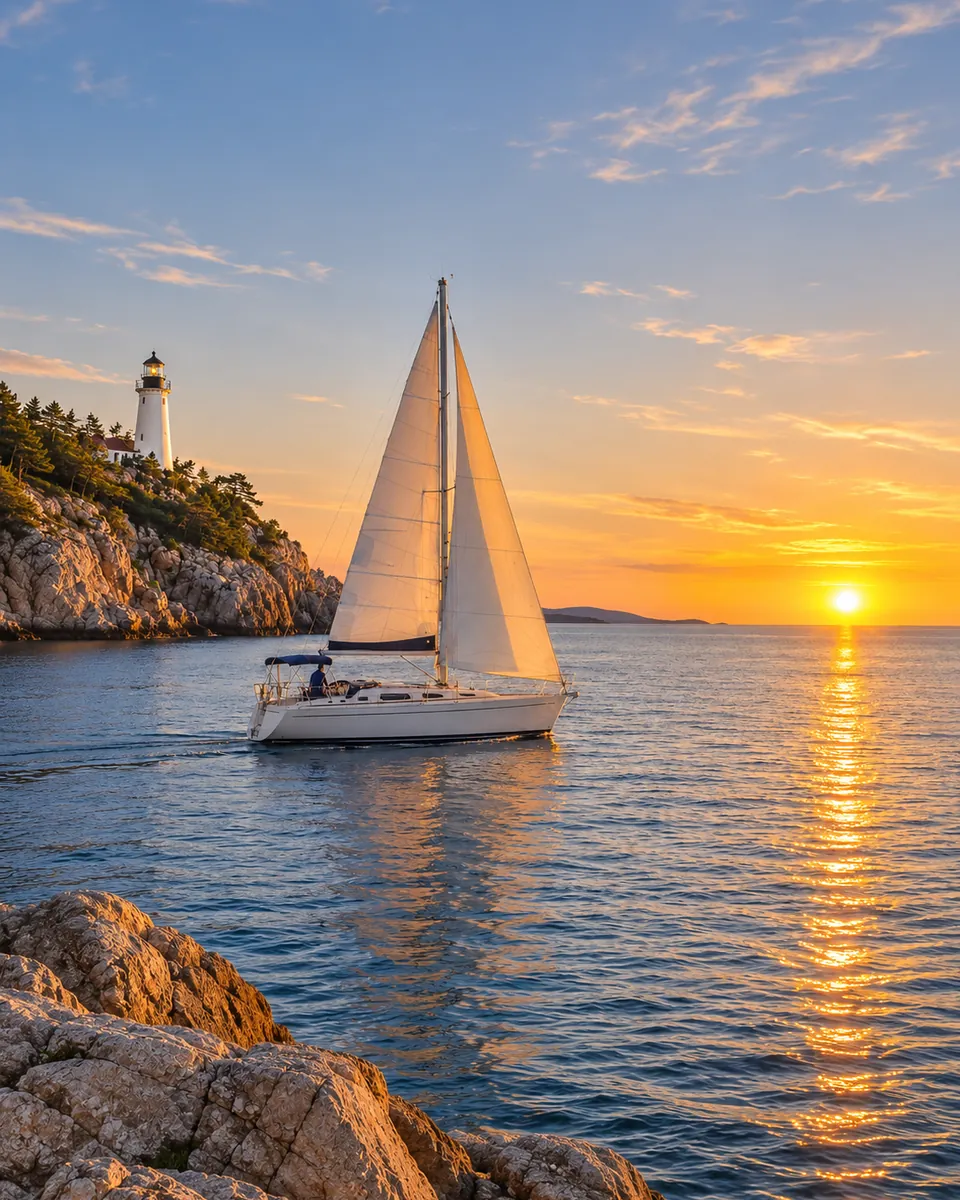
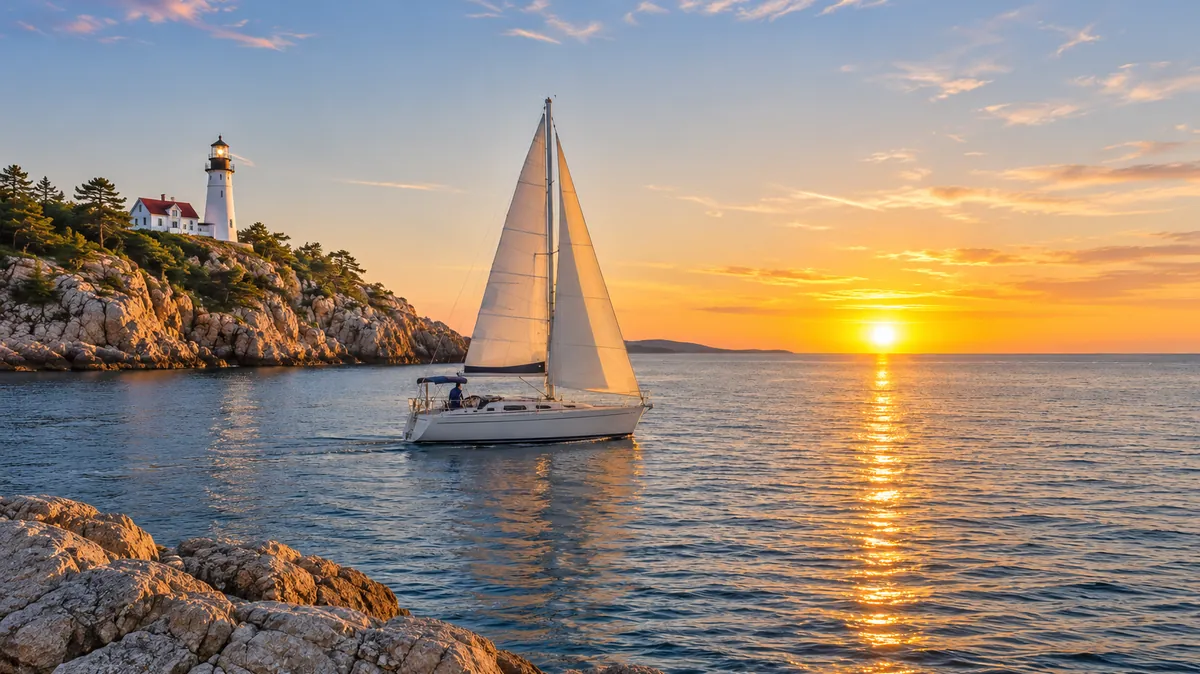
Every platform wants a different shape. Flip between the two ways to get there. Cropping cuts the sun, the boat and half of your subject. The AI image expander keeps all of it and adds what the frame was missing.
Deep dive
Expand first studies what is already there: where the light comes from, where the horizon sits, how sharp the background is and what textures run off the edge. The new pixels continue those lines, so sand stays sand, the sky keeps its gradient and the grain matches the original photo.
Centered is right for most shots. Pick At top when the interesting part is high in the frame and you need floor or table space below, which is handy for product shots and text overlays. Pick At bottom when you need sky above a subject for a headline or a logo.
Leave the text box empty and Expand continues the scene on its own. Write a hint when the new space should hold something specific: a second chair, a busier street, more mountains. Keep it short and concrete. Long poetic prompts confuse the edges more than they help.
Ideas
Recipes
Three AI image expander recipes for the sizes people ask for most. Tap one to load its size and position into Expand at the top of the page, with a sample photo ready.
PreviewGrows sky and ground around a square photo so it fills the phone screen. Add a hint like "more ocean" when the bottom edge needs direction.
 Preview
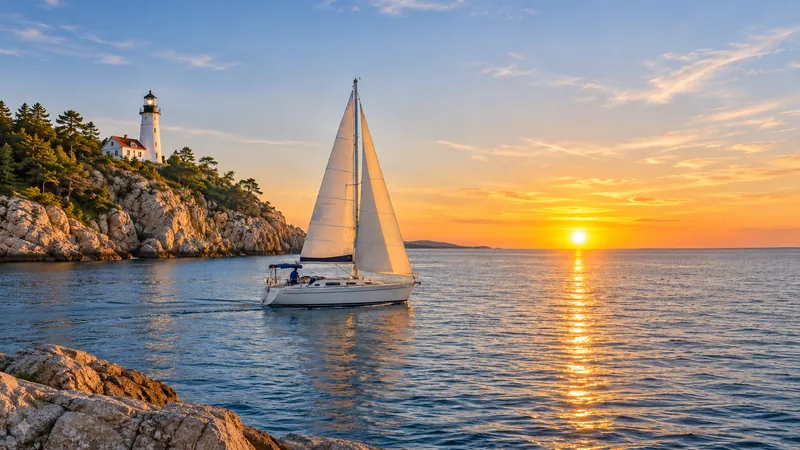
Pushes the subject down and paints open sky above it. Your ad copy gets a clean, matching background instead of a blurry box.
 Preview
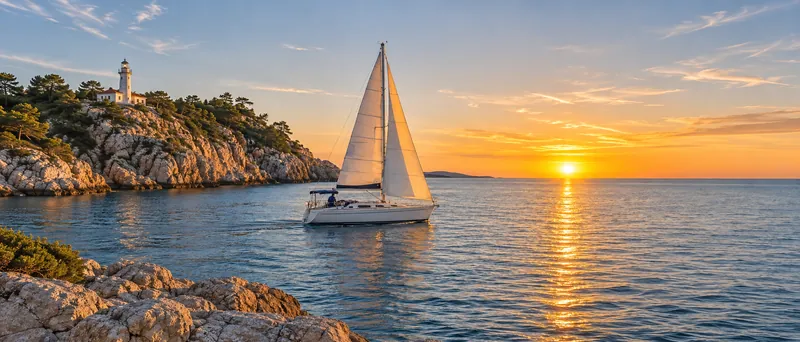
Turns a product photo into a wide hero image. Works best when the original has a simple, even background.
The honest comparison
Growing a photo by hand means cloning, patching and repainting the edges until the seams disappear. The AI image expander does it in about 15 seconds.
By-hand time is a typical estimate of 30 min per image.
Better results
Plans
FAQ
It adds new picture around your photo instead of cropping or stretching it. Expand studies the light, perspective and textures at the edges, then paints a wider scene that matches.
No. The original pixels stay where you placed them. Only the new space is generated.
Yes. The optional text box steers the new area: more sky, a second chair, a city behind. Leave it empty and Expand continues the scene on its own.
The credits for a run are shown on the button before you start. If a run fails, nothing is charged and the credits go back to your balance.
Yes. It follows the style of the image, so flat illustrations get flat colour and 3D renders get matching shading.
Up to 4K on the long edge. The original part keeps its full sharpness; the new area is generated to match it.
Yes. On paid plans the images you make are yours to use in ads, client work and products. Only upload material you own or have permission to use.
Only you. Uploads and results live in your private History, are never posted anywhere for you, and can be deleted at any time.
Yes. Outpainting is the technical name for painting new picture outside the original frame. Expand is an AI image expander built around it: pick a size, choose where the original sits and it paints the rest to match.
Minnies · included in every plan
Stop cropping good pictures to fit a box. Expand comes with every Creatide AI plan.