Explore
  • VideoPopular
  • Image
  • Music
  • Story
  • Motion
  • Upscale
  • Lip Sync
  • MinniesNew
  • SubtitlesNew
  • Video ExtendNew
  • Video ProducerNew
  • Agent+Popular
  • Ad HubNew
  • TakeShiftNew
  • 3D HubNew
  • Viral
  • Effects
  • Born Elsewhere
Pricing-65%-65% OFFUpgrade-65%-65% OFF
Log inSign upSign Up Free

One idea.
Every model.
One finished creation.

The AI-native creative suite for video, image, music and ads.

Live support on TelegramChat with our team in real time

Create

  • Video
  • Image
  • Music
  • Story
  • Motion
  • Upscale
  • Lip Sync
  • MinniesNew
  • SubtitlesNew
  • Video ExtendNew
  • Video ProducerNew
  • Agent+
  • Ad HubNew
  • TakeShiftNew
  • 3D HubNew
  • Viral
  • Effects
  • Born Elsewhere

Features

  • AI Video Generator
  • AI Image Generator
  • AI Music Generator
  • 2× Duration
  • 8K Output
  • Director Mode
  • Photo Studio Mode
  • Composer Mode
  • Image to Video AI
  • Text to Video AI
  • Agent+

Video models

  • Seedance 2.5
  • Kling 4.0
  • Gemini Omni 1.2 Flash
  • Vidu Q4
  • MiniMax H3
  • PixVerse C1
  • Wan 3.0
  • Grok Video 1.5
  • FLUX.3 Video
  • MAGI-2
  • All video models

Image models

  • Seedream 5.5
  • Muse Image
  • GPT Image 2.6
  • Qwen Image 3.0
  • Kling Image 4.0
  • FLUX 3 Image
  • Nano Banana 2.1
  • Grok Image 2.0
  • Ideogram 4.5
  • Z-Image
  • MiniMax H3 Image
  • All image models

Resources

  • Runway Unlimited Extension: What Creators Need to Know
  • Suno Download Limits: What Creators Need to Know
  • FLUX 3 Video Pricing: What Creators Actually Pay Per Clip
  • What is SeeDance 2.0? ByteDance's AI Video Generator
  • Browse all articles
  • Help Center
  • Prompt Guide
  • Video Prompts
  • Image Prompts
  • Music & Sound Prompts

Company

  • About
  • Pricing
  • Contact
  • Trust Center
  • Brand kit
  • Affiliate program
  • Creator Partner Program

Free tools

  • Video Compressor
  • Trim, Cut & Merge
  • Slow Motion & Speed Ramp
  • Extract Audio or Mute
  • Frame Grabber
  • Video to Text
  • Text to Speech
  • Slowed + Reverb
  • Remove Image Background
  • Image Upscaler
  • Magic Eraser
  • Image to Prompt
  • Video to Prompt
  • AI Clip Stitcher
  • Seamless Loop Maker
  • Video Background Remover
  • Color Match
  • Voice Cleaner
  • Start Frame Prep
  • All free tools

Compare

  • vs Higgsfield
  • vs Runway
  • vs Pika
  • vs Krea
  • vs Freepik AI
  • vs Leonardo AI
  • vs OpenArt
  • vs Kling AI
  • vs Artlist
  • vs BytePlus
  • vs Canva
  • vs ElevenLabs
  • vs Grok Imagine
  • vs InVideo
  • vs Picsart
  • X / Twitter
  • YouTube
  • Instagram
  • TikTok
  • Telegram
  • Facebook

All systems normal

  • Terms
  • Privacy
  • Cookie policy
  • Content policy
  • Refund policy
  • DMCA

© 2026 AIVid, LLC. All rights reserved.

  1. Creatide.ai
  2. /
  3. Minnies
  4. /
  5. Moving Billboard

Moving BillboardAnimated truck ad mockup · a billboard that drives

Your ad on the side of a truck, rolling through downtown, down a highway or past a neon strip at night. Motion, reflections and traffic included.


MinnieAd creative → Video≈ 80 s– credits
Example resultBefore
Drop your adWide artwork fits truck panels. Bold, simple layouts read best in motion.
Your file
Your ad Wide artwork works best
Route
Vehicle
Camera
Cost – credits · ≈ 80 s
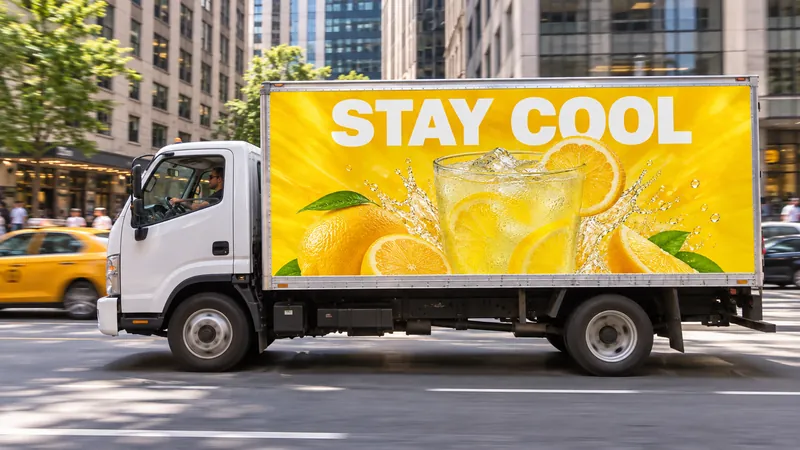
A white box truck wrapped in a yellow lemonade ad driving down a highway
The sample ad: a wide yellow lemonade poster with an iced glass and lemon slices

In short

What is a truck ad mockup?

A truck ad mockup shows how an advertisement looks wrapped on a truck. Moving Billboard animates it: your artwork is mapped onto the panel and the truck drives through a real-looking street with motion blur, reflections and traffic.

Input
Ad creative
Output
Video
Time
about 80 s
Cost
– credits

Panel anatomy

Traffic eats the bottom third. Move your headline.

A truck ad is read in seconds and it is almost never fully in view. Cars in the near lane cover the lower part of the panel most of the time. Drag the headline up and down this truck ad mockup and watch how often people can actually see it.
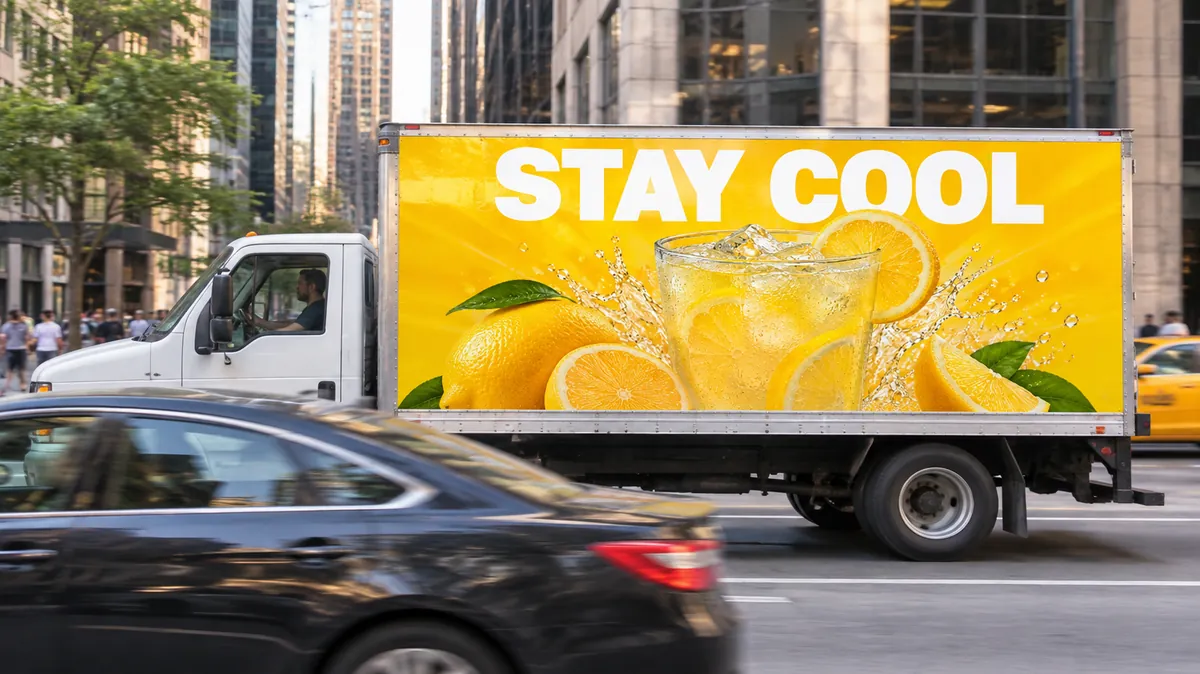
Truck with an ad panel driving in traffic
Headline in view
Vehicle
Headline position Top
Headline seen98%
Logo seen100%

Clear above the traffic. This is where the offer belongs.

How it works

Wrap it. Drive it.

launch-wrap.png · 5000 × 2000✓ added
Route
DowntownHighwayNight stripBeach road
Vehicle
Box truckTrailerVan
✓ Done

Route × camera

Four streets, three moves. Pick your shot.

Every truck ad mockup from Moving Billboard is a route and a camera move. The same wrap reads very differently panned alongside in daylight, rolling past a static camera on a neon strip, or seen from a drone over the coast road.
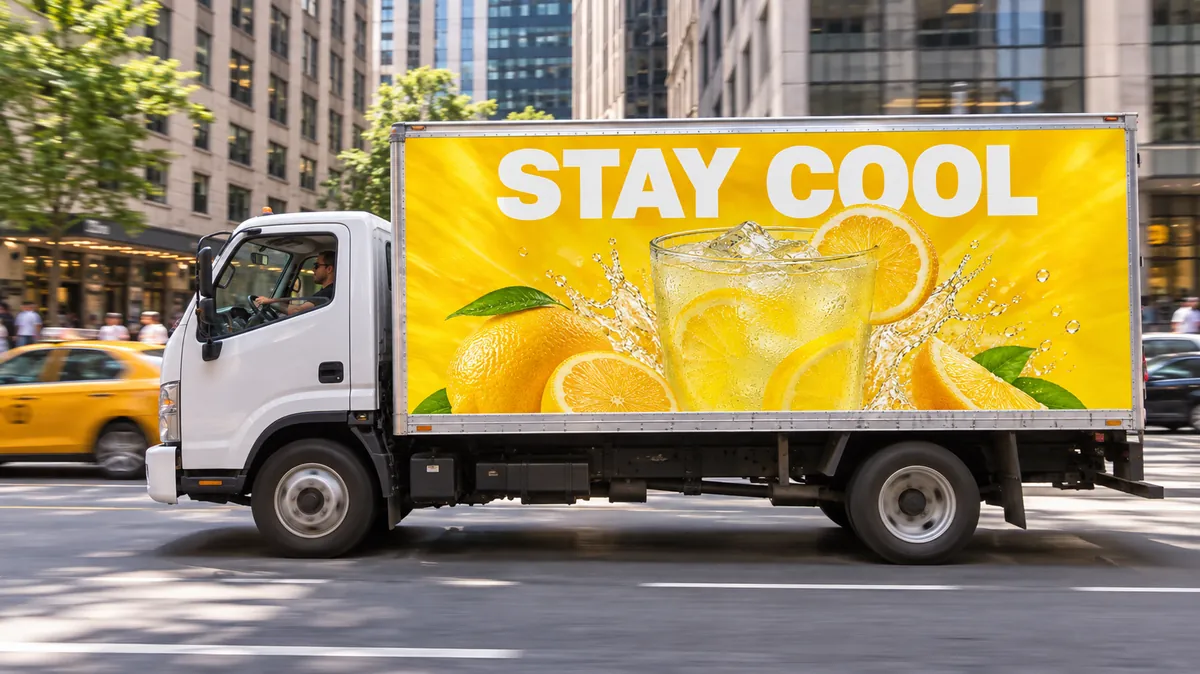
Truck ad preview for the chosen route and camera move
Downtown · Pan along
Route
Camera

The camera tracks the truck from the next lane. The panel stays flat and readable for the whole clip, so it is the one to send a client.

Deep dive

How the animated truck ad mockup is made

01

Wrapping, not pasting

Truck panels have ribs, rivets, a roller door and corners. Moving Billboard maps your artwork onto that surface so it bends at the corners, catches shadows in the ribs and keeps the right proportions. A flat paste is the giveaway in cheap mockups; the wrap is what makes this one convincing.

02

Motion that reads

Each camera move is chosen so the ad stays readable. Pan along tracks the truck at matching speed so the panel stays sharp while the background blurs. Static street lets the truck roll past a fixed camera. Drone looks down at a lane change for a cinematic overview.

03

Light from the route

Downtown adds building shadows that sweep across the panel. Highway gives open sky reflections. Night strip lights the panel with neon and headlights. Beach road adds warm low sun. Each route changes how your colours behave, so preview the one that matches the real campaign.

Ideas

When a still mockup is not enough

Recipes

Settings that just work

Three truck ad mockup recipes for the clips we see most. Tap one to load its route, vehicle and camera move into Moving Billboard at the top of the page, with a sample wrap ready.

Preview

The sales demo

DowntownBox truckPan along

Readable, steady and realistic. The clip you send to a client who is deciding to book.
Preview

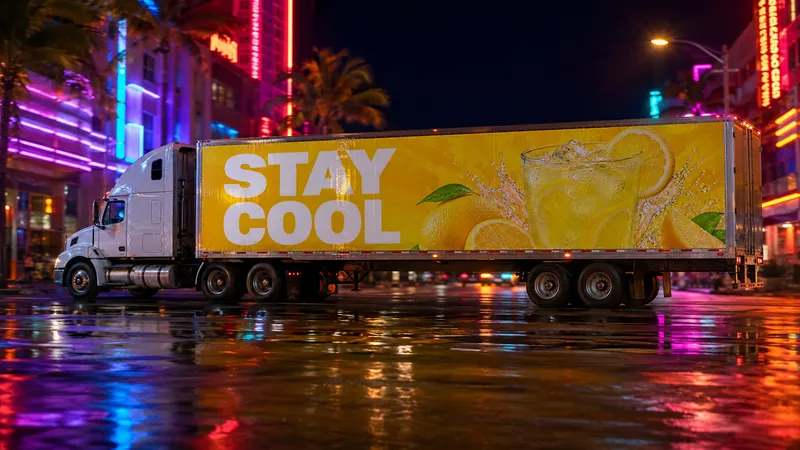
Night launch

Night stripTrailerStatic street

Neon reflections and headlights. Dramatic, great for event teasers.
Preview

Summer promo

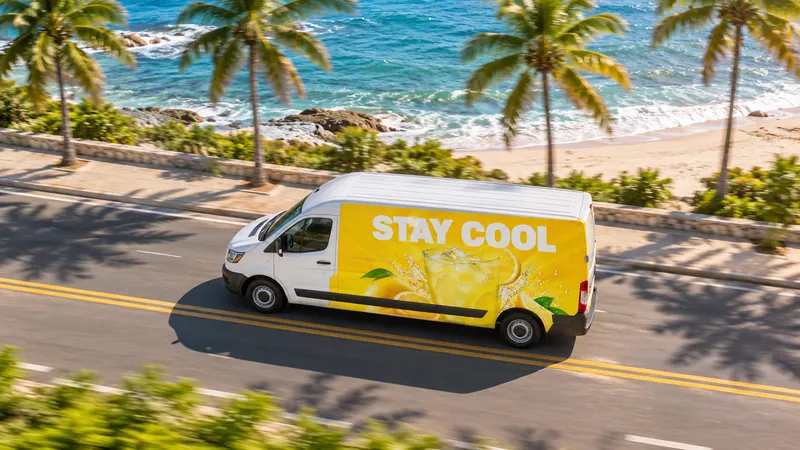
Beach roadVanDrone

Warm light, open road, a cinematic look from above.

The honest comparison

By hand vs Moving Billboard

Filming a real truck ad means printing a test wrap, booking a truck and a crew, and waiting for the right light. A truck ad mockup from Moving Billboard takes about 80 seconds.

How many clips this month?10clips
130

By-hand time is a typical estimate of 6 h per clip.

By hand≈ 60 h
Moving Billboard≈ 13 min
Time saved 60 hCredits –
What it takesBy handMoving Billboard
PreviewPrint a test wrapAnimated preview in 80 seconds
MotionStatic mockups onlyReal driving shots
RoutesWherever you can film4 routes, 3 camera moves
CostFilm crew and a truck– credits
ChangesReprint, refilmSwap artwork, run again

Better results

Wraps that read in traffic

Before you run · tick them off0 / 3
Ready. Good input in, good result out.
Skip
  • ✕Put the phone number near the wheel arches.
  • ✕Use thin fonts or fine detail.
  • ✕Present the clip as a real campaign that did not run.
Input Wide imageRoutes 4Vehicles Box truck · trailer · vanOutput 16:9 · 8 s

Plans

Moving Billboard is in every plan.

Starter

Fits you
–Moving Billboard clips / mo
1,000 credits / mo · – credits per clip
$19.90$14.99/ month, billed yearly
Get Starter

Studio

MOST POPULARFits you
–Moving Billboard clips / mo
2,600 credits / mo · – credits per clip
$61.90$30.83/ month, billed yearly
Get Studio

Omni Creator

BEST VALUEFits you
–Moving Billboard clips / mo
4,200 credits / mo · – credits per clip
$101.90$45.83/ month, billed yearly
Get Omni Creator
Failed run? Credits back automaticallyCommercial use on paid plansCancel anytime

FAQ

Questions about Moving Billboard

What is a truck ad mockup?

It shows how an ad will look wrapped on the side of a truck. Moving Billboard goes further and animates it: the truck drives through a real-looking street with motion blur, reflections and traffic.

What size should my artwork be?

Around 5:2 for box trucks and trailers, 2:1 for vans. Moving Billboard fits other ratios and adds a brand-coloured border if needed.

How much does it cost?

The credits for a clip are shown on the button before you start. If a run fails, nothing is charged and the credits go back to your balance.

Does the panel reflect the street?

Yes. Street lights, sky and passing buildings slide across the panel as it moves, which is what makes the clip read as filmed.

Can I wrap both sides?

The camera shows one side per clip. Run it twice with different artwork for left and right.

Can I use it for my own fleet?

Yes. Upload your livery artwork and preview it across box trucks, trailers and vans before you print.

Can I use Moving Billboard results commercially?

Yes. On paid plans the clips you make are yours to use in ads, client work and products. Only upload material you own or have permission to use.

Who can see what I upload?

Only you. Uploads and results live in your private History, are never posted anywhere for you, and can be deleted at any time.

Where should the offer go in a truck ad mockup?

In the top half of the panel, with the logo. Cars, kerbs and wheel arches hide the bottom 30% most of the time, so keep that area decorative. The drive-by preview on this page shows how often each part is visible.

More Minnies

Keep the run going

All Minnies
BillboardPut your ad on a real-looking billboard.
Look BookCopy the mood of any reference photo.

Minnies · included in every plan

A billboard that drives.

Animated truck mockups in any street. Moving Billboard comes with every Creatide AI plan.

Hit the road See plans