Explore
  • VideoPopular
  • Image
  • Music
  • Story
  • Motion
  • Upscale
  • Lip Sync
  • MinniesNew
  • SubtitlesNew
  • Video ExtendNew
  • Video ProducerNew
  • Agent+Popular
  • Ad HubNew
  • TakeShiftNew
  • 3D HubNew
  • Viral
  • Effects
  • Born Elsewhere
Pricing-65%-65% OFFUpgrade-65%-65% OFF
Log inSign upSign Up Free

One idea.
Every model.
One finished creation.

The AI-native creative suite for video, image, music and ads.

Live support on TelegramChat with our team in real time

Create

  • Video
  • Image
  • Music
  • Story
  • Motion
  • Upscale
  • Lip Sync
  • MinniesNew
  • SubtitlesNew
  • Video ExtendNew
  • Video ProducerNew
  • Agent+
  • Ad HubNew
  • TakeShiftNew
  • 3D HubNew
  • Viral
  • Effects
  • Born Elsewhere

Features

  • AI Video Generator
  • AI Image Generator
  • AI Music Generator
  • 2× Duration
  • 8K Output
  • Director Mode
  • Photo Studio Mode
  • Composer Mode
  • Image to Video AI
  • Text to Video AI
  • Agent+

Video models

  • Seedance 2.5
  • Kling 4.0
  • Gemini Omni 1.2 Flash
  • Vidu Q4
  • MiniMax H3
  • PixVerse C1
  • Wan 3.0
  • Grok Video 1.5
  • FLUX.3 Video
  • MAGI-2
  • All video models

Image models

  • Seedream 5.5
  • Muse Image
  • GPT Image 2.6
  • Qwen Image 3.0
  • Kling Image 4.0
  • FLUX 3 Image
  • Nano Banana 2.1
  • Grok Image 2.0
  • Ideogram 4.5
  • Z-Image
  • MiniMax H3 Image
  • All image models

Resources

  • Runway Unlimited Extension: What Creators Need to Know
  • Suno Download Limits: What Creators Need to Know
  • FLUX 3 Video Pricing: What Creators Actually Pay Per Clip
  • What is SeeDance 2.0? ByteDance's AI Video Generator
  • Browse all articles
  • Help Center
  • Prompt Guide
  • Video Prompts
  • Image Prompts
  • Music & Sound Prompts

Company

  • About
  • Pricing
  • Contact
  • Trust Center
  • Brand kit
  • Affiliate program
  • Creator Partner Program

Free tools

  • Video Compressor
  • Trim, Cut & Merge
  • Slow Motion & Speed Ramp
  • Extract Audio or Mute
  • Frame Grabber
  • Video to Text
  • Text to Speech
  • Slowed + Reverb
  • Remove Image Background
  • Image Upscaler
  • Magic Eraser
  • Image to Prompt
  • Video to Prompt
  • AI Clip Stitcher
  • Seamless Loop Maker
  • Video Background Remover
  • Color Match
  • Voice Cleaner
  • Start Frame Prep
  • All free tools

Compare

  • vs Higgsfield
  • vs Runway
  • vs Pika
  • vs Krea
  • vs Freepik AI
  • vs Leonardo AI
  • vs OpenArt
  • vs Kling AI
  • vs Artlist
  • vs BytePlus
  • vs Canva
  • vs ElevenLabs
  • vs Grok Imagine
  • vs InVideo
  • vs Picsart
  • X / Twitter
  • YouTube
  • Instagram
  • TikTok
  • Telegram
  • Facebook

All systems normal

  • Terms
  • Privacy
  • Cookie policy
  • Content policy
  • Refund policy
  • DMCA

© 2026 AIVid, LLC. All rights reserved.

  1. Creatide.ai
  2. /
  3. Minnies
  4. /
  5. Sign Maker

Sign MakerAI sign generator · your words, in any sign

Type the words. Pick neon, chalkboard, carved wood, a cinema marquee or a hand-painted shopfront. Sign Maker hangs it in a real scene with real light.
MinnieText → Image≈ 10 s– credits
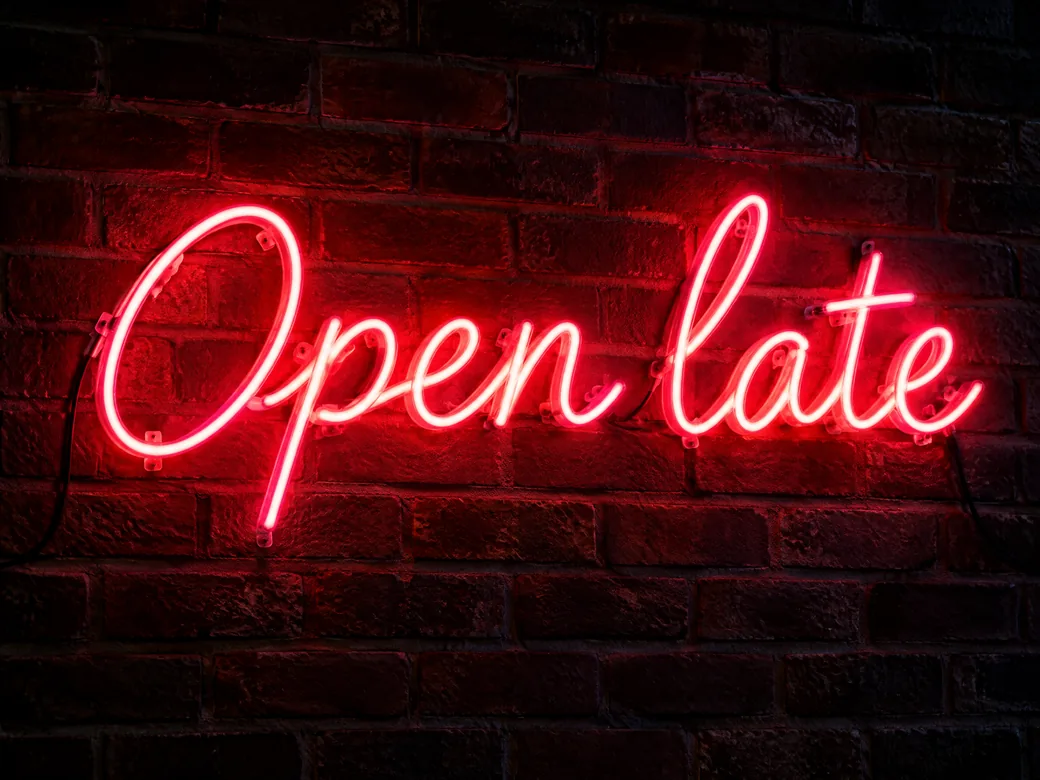
A glowing pink neon sign reading Open late on a dark brick wall
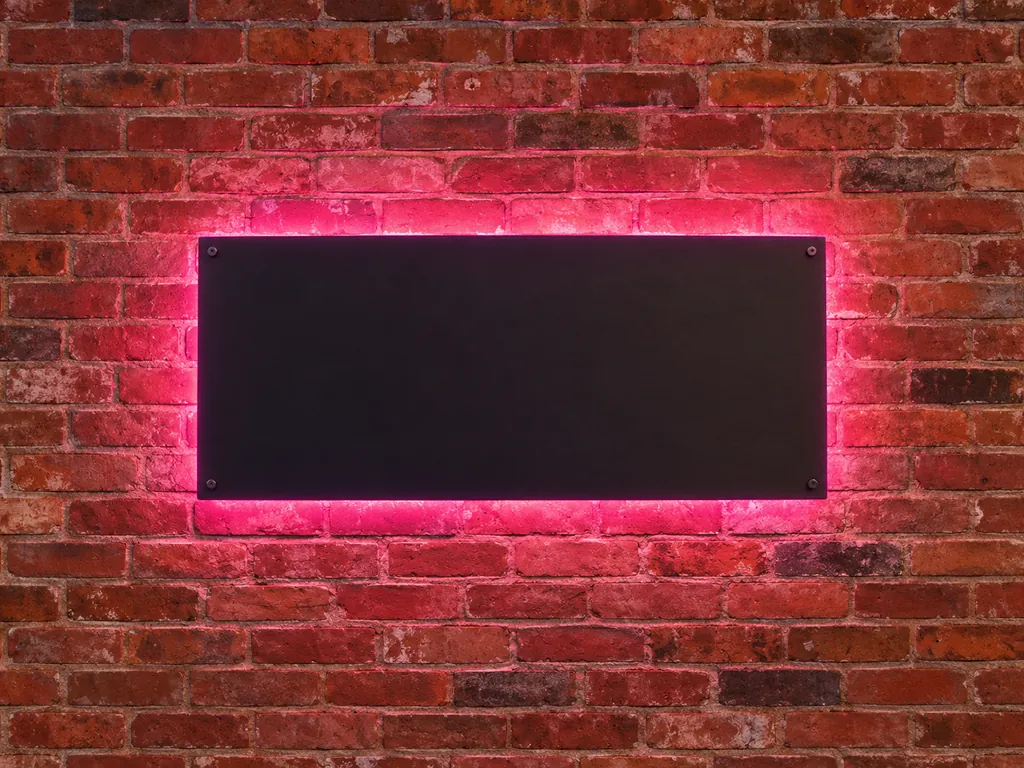
Example resultA blank backlit sign with a pink glow on a red brick wallBefore
Your words
0 / 32
Sign type
Hang it
Cost – credits · ≈ 10 s

In short

What is an AI sign generator?

An AI sign generator creates a photo of a sign with your text on it. Sign Maker keeps your exact words, builds a neon, chalkboard, carved wood, marquee, street or hand-painted sign around them, and lights it in a real scene.

Input
Text
Output
Image
Time
about 10 s
Cost
– credits

Same words, six signs

Your exact words. Six different voices.

Type a few words, then try each material and scene. The material changes the voice of the words more than the words do.

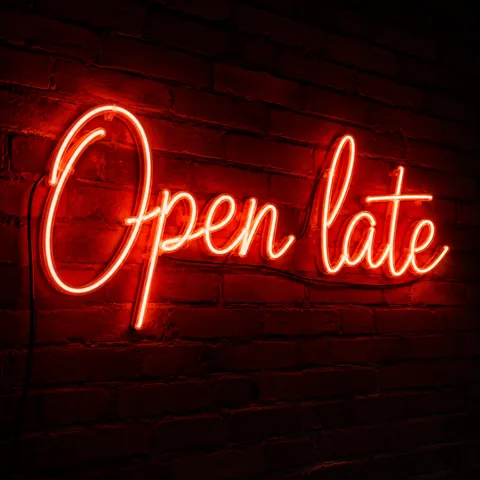
Your sign in a sceneOpen late
Material
Scene

How it works

Type it. Hang it.

✓ added
Sign type
NeonChalkboardCarved woodMarqueeStreet signHand-painted
Hang it
Brick wallShopfrontCafé
✓ Done

The glance test

Signs are glanced at, not read.

Fewer words means bigger letters, and bigger letters carry further. Pick a sign size and walk away from it. Your sign from above stays the same, only you move.
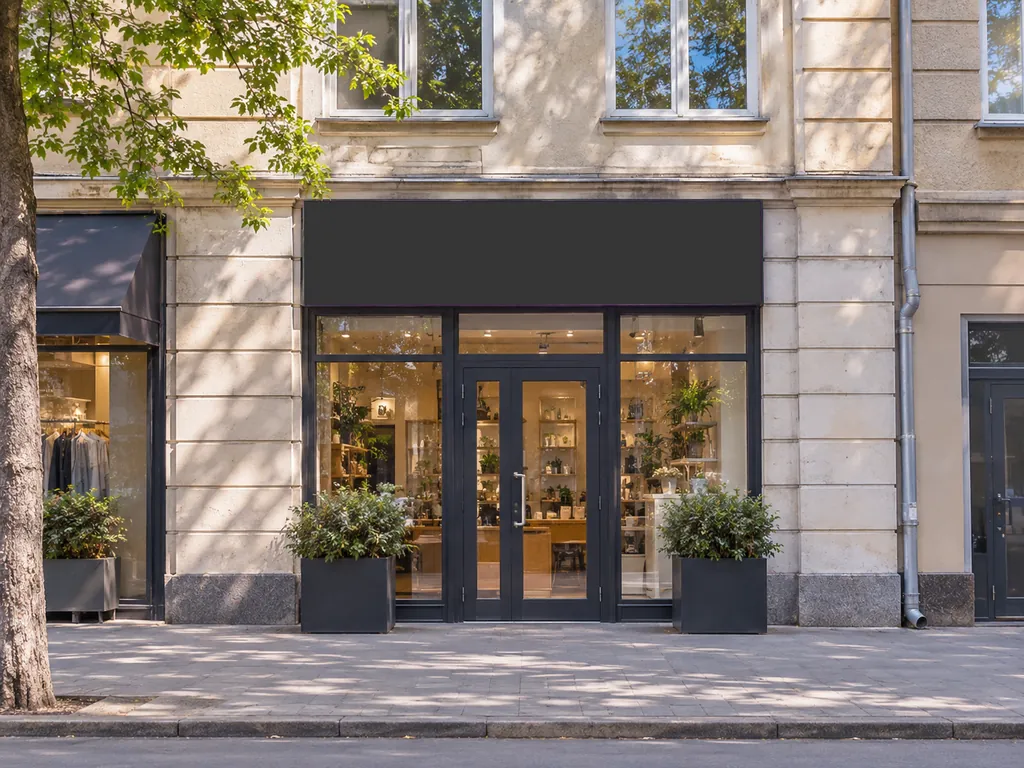
Your sign seen from a distanceOpen lateyou · 10 m
Sign size
Your distance 10 m
Letter height19 cm
Reads up to22 m

Readable at a glance from here.

Deep dive

How an AI sign generator gets the letters right

01

Your words, as typed

Most AI tools garble letters because they draw text as shapes. Sign Maker treats your words as the point of the sign and shapes the material around those letterforms: glass tubes bent along the strokes, chalk dragged across them, wood carved out of them. The words stay exactly as you typed them.

02

Each material has rules

Neon needs continuous strokes and rounded corners, so script fonts and tube supports are used. Marquees need bulbs around a frame and separate letter panels. Carved wood needs depth and grain. Chalk needs uneven pressure and dust. These rules are why the signs read as made, not printed.

03

Light completes the scene

A neon sign tints the wall around it pink or blue. A marquee throws warm light down on the pavement. A chalkboard in a café picks up window light. Sign Maker lights the scene from the sign itself where it should, which is what makes it look photographed at night.

Ideas

Signs for every brand moment

Recipes

Settings that just work

Three AI sign generator recipes for the signs we see most. Tap one to load its material and scene into Sign Maker at the top of the page.

Preview

Bar sign

NeonBrick wall"Open late"

Pink script neon on dark brick. The shot every new bar posts.
Preview

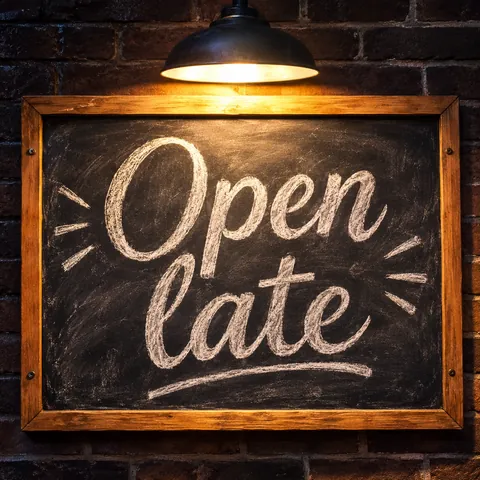
Daily special

ChalkboardCafé

A chalk menu board next to the counter. Change the text daily, keep the look.
Preview

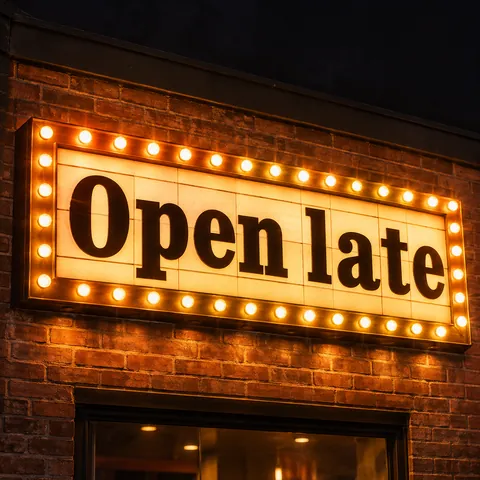
Premiere night

MarqueeShopfront

Your event name in bulbs above the door. Great for launches.

The honest comparison

By hand vs Sign Maker

A sign mockup by hand means finding a photo, matching the lettering style and faking the glow or the grain in an editor. The AI sign generator builds it around your exact words in about 10 seconds.

How many signs this month?10signs
160

By-hand time is a typical estimate of 3 h per sign.

By hand≈ 30 h
Sign Maker≈ 2 min
Time saved 30 hCredits –
What it takesBy handSign Maker
MethodFind a mockup, warp the textType your words
SpellingAI tools garble lettersExact text, every time
Time20–40 minutesAbout 10 seconds
VarietyOne mockup per purchaseSix signs, three scenes
CostMockup packs– credits

Better results

Signs people can read

Before you run · tick them off0 / 3
Ready. Good input in, good result out.
Skip
  • ✕Use trademarks or brand names you do not own.
  • ✕Write long sentences. Signs are glanced at.
  • ✕Pass a mockup off as a real shop that does not exist.
Input Up to 32 charactersSigns 6Scenes 3Output 4:3

Plans

Sign Maker is in every plan.

Starter

Fits you
–Sign Maker signs / mo
1,000 credits / mo · – credits per sign
$19.90$14.99/ month, billed yearly
Get Starter

Studio

MOST POPULARFits you
–Sign Maker signs / mo
2,600 credits / mo · – credits per sign
$61.90$30.83/ month, billed yearly
Get Studio

Omni Creator

BEST VALUEFits you
–Sign Maker signs / mo
4,200 credits / mo · – credits per sign
$101.90$45.83/ month, billed yearly
Get Omni Creator
Failed run? Credits back automaticallyCommercial use on paid plansCancel anytime

FAQ

Questions about Sign Maker

Does the AI sign generator spell my words right?

Yes. Sign Maker uses your exact text and builds the sign around it, so letters are correct and readable instead of AI gibberish.

Do I need to upload anything?

No. Type your words, pick a sign and pick where it hangs: a brick wall, a shopfront or a café.

Which characters are supported?

Letters, numbers and common punctuation in Latin, Cyrillic, Greek and Turkish alphabets.

How much does it cost?

The credits for a run are shown on the button before you start. If a run fails, nothing is charged and the credits go back to your balance.

Can I use my own wall or shop photo?

Not yet. Sign Maker hangs the sign in one of three scenes: a brick wall at night, a shopfront at dusk or a café counter.

Can I get a flickering neon video?

Yes. Send the result to Image to Video for a short looping clip with buzz and flicker.

Can I order a real sign from this?

Many sign makers accept an image like this as a brief. Share the result with the text and the style you want.

Why only 32 characters?

Signs are read at a glance. Short text keeps the letters big and the design believable.

Can I choose the font?

Each sign type uses lettering that suits its material: script for neon and chalk, bold sans for street signs, slab serif for marquees and carved wood. Pick the sign type that matches the voice you want.

Can I add a logo to the sign?

Sign Maker focuses on lettering. Simple icons like an arrow, a heart or a star can be typed as symbols; full logos should be added in your editor afterwards.

Can I use Sign Maker results commercially?

Yes. On paid plans the images you make are yours to use in ads, client work and products. Only upload material you own or have permission to use.

Who can see what I upload?

Only you. Uploads and results live in your private History, are never posted anywhere for you, and can be deleted at any time.

More Minnies

Keep the run going

All Minnies
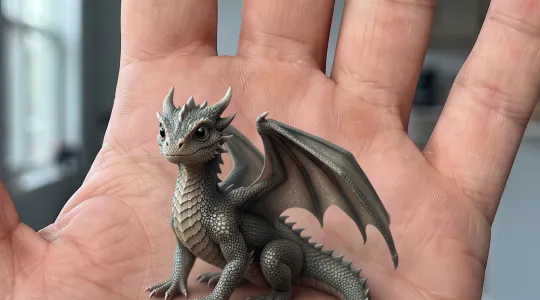
Tiny ZooPut a tiny creature on your fingertip.
Retro PaintRedraw any photo as a 90s mouse doodle.

Minnies · included in every plan

Put your name in lights.

Readable signs in any style. Sign Maker comes with every Creatide AI plan.
Hang the sign See plans