Explore
  • VideoPopular
  • Image
  • Music
  • Story
  • Motion
  • Upscale
  • Lip Sync
  • SubtitlesNew
  • Video ExtendNew
  • Video ProducerNew
  • Agent+Popular
  • Ad HubNew
  • TakeShiftNew
  • Viral
  • Effects
  • Born Elsewhere
Pricing-65%-65% OFFUpgrade-65%-65% OFF
Log inSign upSign Up Free

One idea.
Every model.
One finished creation.

The AI-native creative suite for video, image, music and ads.

Live support on TelegramChat with our team in real time

Create

  • Video
  • Image
  • Music
  • Story
  • Motion
  • Upscale
  • Lip Sync
  • SubtitlesNew
  • Video ExtendNew
  • Video ProducerNew
  • Agent+
  • Ad HubNew
  • TakeShiftNew
  • Viral
  • Effects
  • Born Elsewhere

Features

  • AI Video Generator
  • AI Image Generator
  • AI Music Generator
  • 2× Duration
  • 8K Output
  • Director Mode
  • Photo Studio Mode
  • Composer Mode
  • Image to Video AI
  • Text to Video AI

Video models

  • Seedance 2.5
  • Wan 3.0
  • MiniMax H3 Max
  • Happy Horse 1.1
  • Flux 3
  • Kling 4.0
  • Kling O3
  • Gemini Omni Flash 1.2
  • All video models

Image models

  • Qwen Image 3
  • Seedream v5.5
  • Qwen Image 2.1
  • Nano Banana 2.1
  • Wan 2.7
  • GPT Image 2.6
  • FluX 3
  • FluX 3 Klein
  • All image models

Resources

  • Runway Unlimited Extension: What Creators Need to Know
  • Suno Download Limits: What Creators Need to Know
  • FLUX 3 Video Pricing: What Creators Actually Pay Per Clip
  • What is SeeDance 2.0? ByteDance's AI Video Generator
  • Browse all articles
  • Help Center
  • Prompt Guide
  • Video Prompts
  • Image Prompts
  • Music & Sound Prompts

Company

  • About
  • Pricing
  • Contact
  • Trust Center
  • Brand kit
  • Affiliate program
  • Creator Partner Program

Free tools

  • Video Compressor
  • Trim, Cut & Merge
  • Slow Motion & Speed Ramp
  • Extract Audio or Mute
  • Frame Grabber
  • Video to Text
  • Text to Speech
  • Slowed + Reverb
  • Remove Image Background
  • Image Upscaler
  • Magic Eraser
  • Image to Prompt
  • Video to Prompt
  • AI Clip Stitcher
  • Seamless Loop Maker
  • Video Background Remover
  • Color Match
  • Voice Cleaner
  • Start Frame Prep
  • All free tools

Compare

  • vs Higgsfield
  • vs Runway
  • vs Pika
  • vs Krea
  • vs Freepik AI
  • vs Leonardo AI
  • vs OpenArt
  • vs Kling AI
  • vs Artlist
  • vs BytePlus
  • vs Canva
  • vs ElevenLabs
  • vs Grok Imagine
  • vs InVideo
  • vs Picsart
  • X / Twitter
  • YouTube
  • Instagram
  • TikTok
  • Telegram
  • Facebook

All systems normal

  • Terms
  • Privacy
  • Cookie policy
  • Content policy
  • Refund policy
  • DMCA

© 2026 AIVid, LLC. All rights reserved.

HomeLibraryAgent+Profile
  1. Creatide.ai
  2. /
  3. Blog
  4. /
  5. Page 12

Blog - Page 12

All articles, newest first. Page 12 of 16.

A cinematographer intently adjusting settings on a professional cinema camera, with the text 'HOW TO MASTER KLING 3.0' clearly visible on the lens hood.
Unlock your creative potential: A professional guide to mastering Kling 3.0 for high-quality video production.

How to Master Kling 3.0 & Kling Omni 3 [2026 Guide]

A male video editor looking shocked at a massive 3D sculpture in a dark studio that spells out FIRST LAST in glowing letters.
Professional editor finding inspiration in massive 3D glowing typography.

First/Last Frame Animation: A Deterministic AI Animation Workflow for Kling, Veo, and Wan

A shocked young man editing video on dual monitors in a studio with large illuminated stone lettering saying MAX PLAN in the background.
A creative professional captivated by the breakthrough results of their video production project.

Runway Unlimited Is Ending: Is the New Max Plan Worth It for AI Video Creators?

A man looking shocked at his computer desk with giant glowing stone letters behind him that read HALF SPEED.
Cinematic visualization of a creative professional working on high-impact Half Speed motion graphics.

AI Video Slow Motion: Why Clips Look Too Slow and How to Fix It

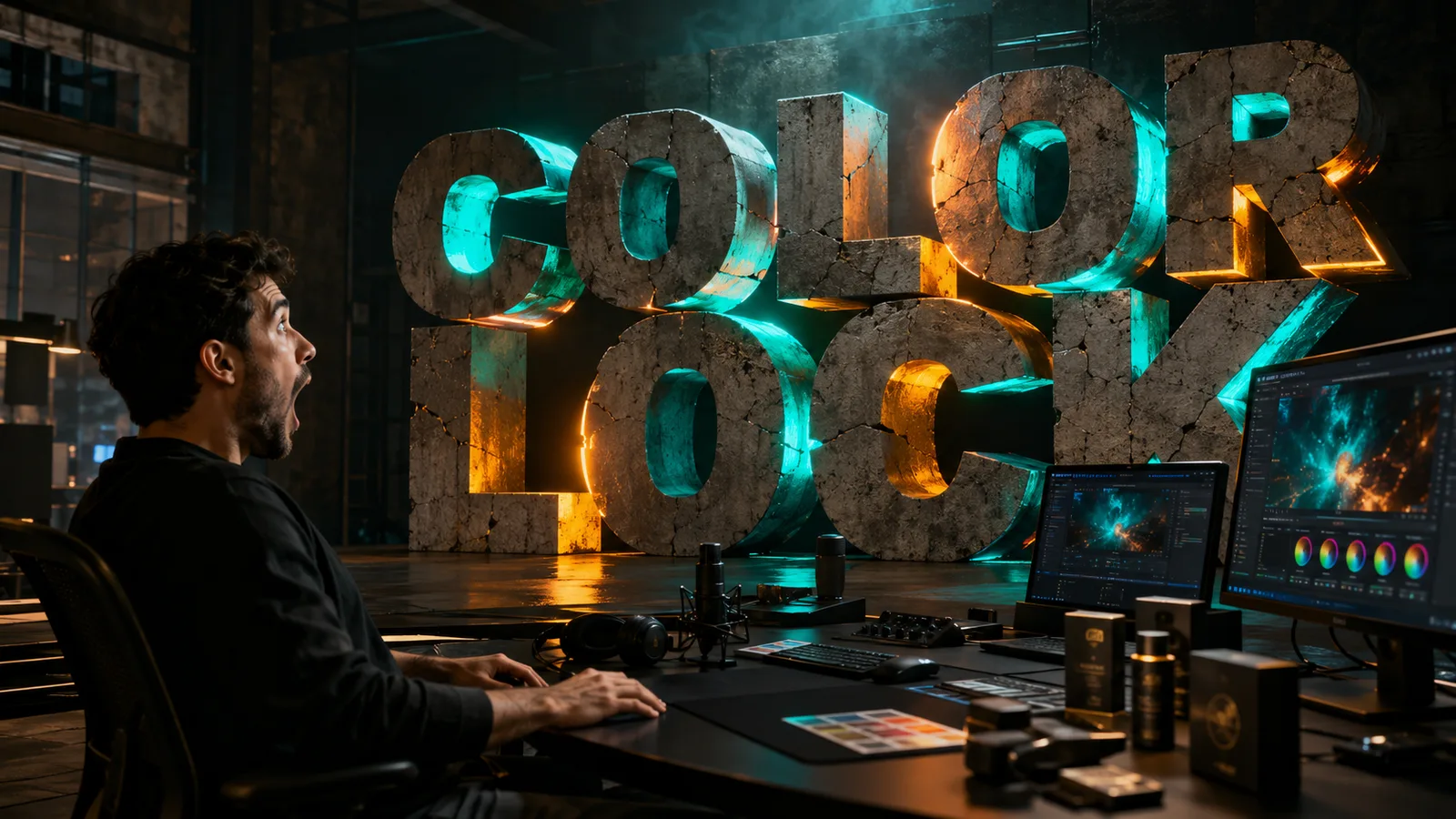
A man in a dark creative studio looking with surprise at large, glowing stone letters spelling COLOR LOCK, with computer monitors showing video editing interfaces in the foreground.
Mastering visual storytelling through advanced color grading techniques in a professional studio environment.

Seedream 5.0 Pro Color Code Control: HEX and Material Test

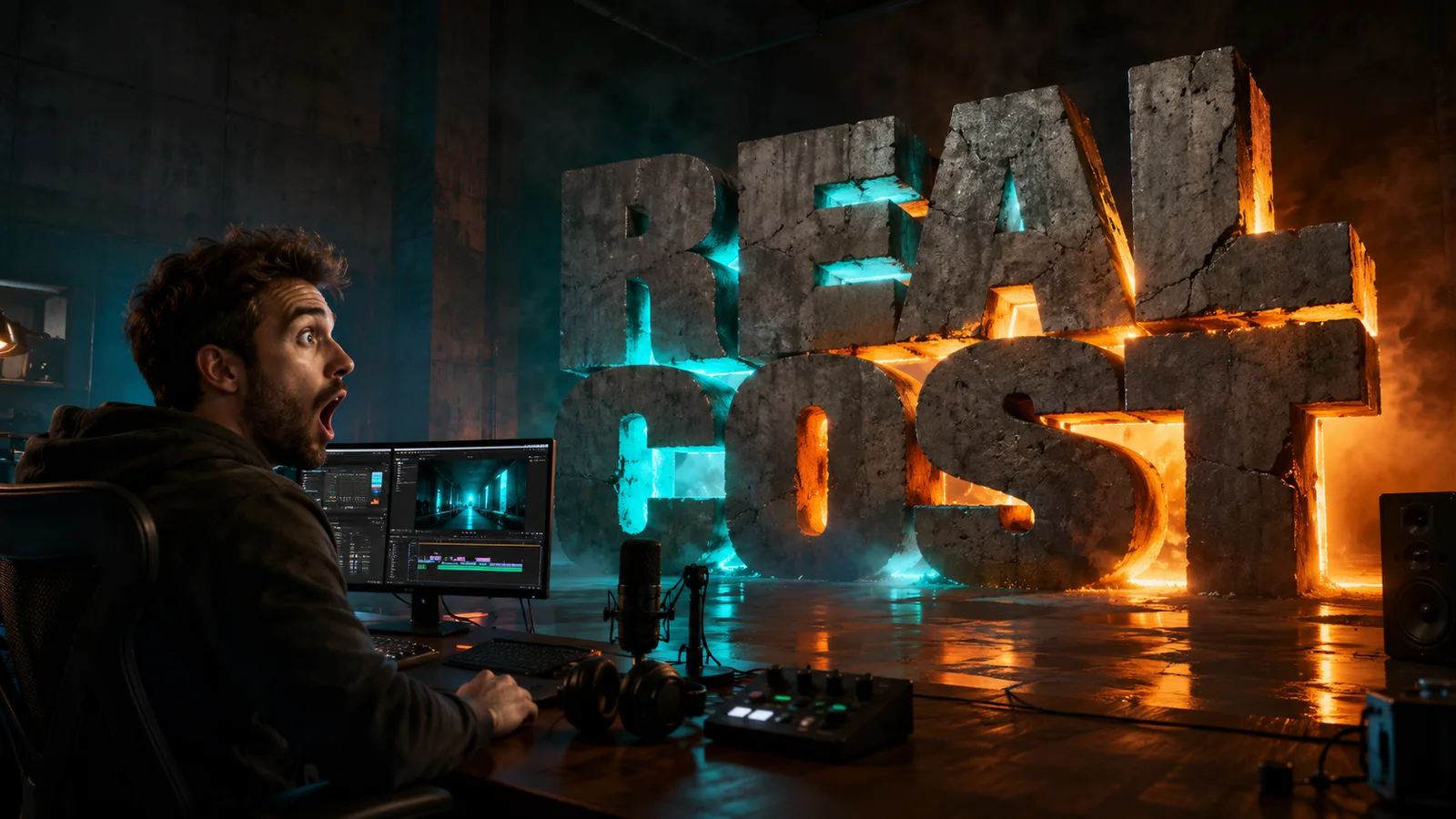
A male video editor looking surprised at his computer monitors in a dark, professional studio while massive, glowing stone letters spell out 'REAL COST' in the background.
Exploring the investment and dedication required for professional-grade video production.

AI Video Credits Explained: How to Calculate the Real Cost Before You Generate

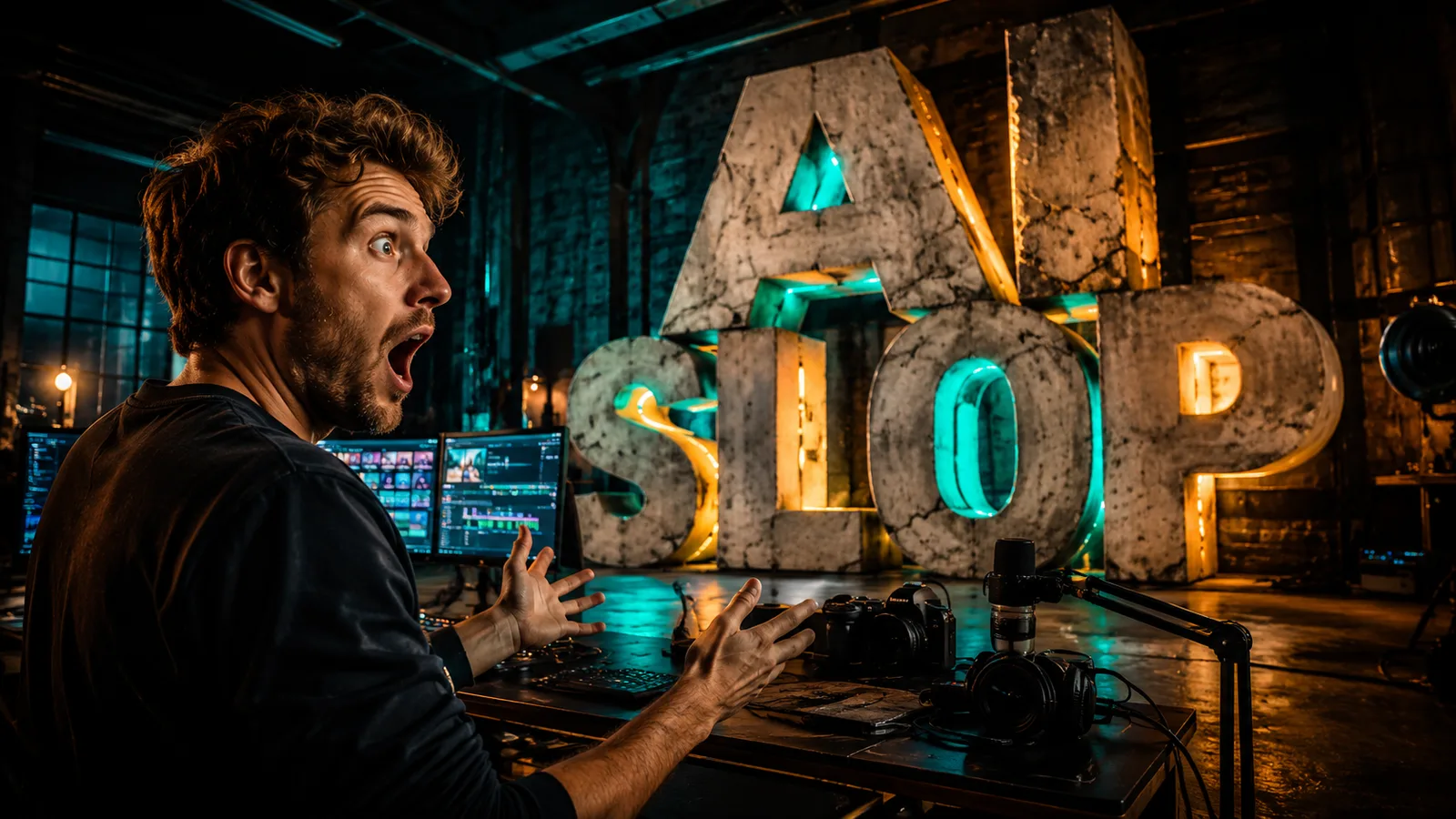
A man looking shocked while sitting at a desk with video editing monitors, microphones, and cameras, with large glowing letters spelling AI SLOP in the dark industrial studio background.
Inside the creative process: a filmmaker reacting to the final cut in an equipped media studio.

AI Slop: How Creators Can Avoid It on Social Media

A photographer holding a camera in a warehouse studio looking at a large glowing red sign with the text Absolute Freedom.
A photographer stands in a studio in front of a giant metallic sign that reads Absolute Freedom, illuminated by dramatic red neon light.

How Wan 2.7 Unlocks Absolute Creative Freedom [2026 Guide]

Professional filmmaker holding a cinema camera behind glowing gold Masterclass typography in a dark studio.
Capture the essence of high-end cinematography in this professional Masterclass production scene.

The 5-Step Blueprint for Cinematic AI Video Prompts [2026 Masterclass]

A male creative professional sitting at a desk with dual monitors, expressing amazement while looking at his screen. In the background, a large, glowing FUSION sign illuminates the dark studio, which is cluttered with photos and video editing gear.
A designer celebrates a creative breakthrough in a high-tech studio illuminated by the Fusion sign.

Seedream 5.0 Pro Multi-Image Fusion: Reference Control Test

A focused man looking at a glowing 3D stone structure displaying the text EXPERT MODE on a desk.
Transitioning into professional capabilities with Expert Mode.

How to Use Midjourney: The Ultimate Guide to Parameters (2026)

A close-up of a person's hands using a professional creative control console, illustrating the process of enhancing visual media quality.
Mastering the professional tools required for high-quality image and video resolution enhancement.

How to Master AI Image and Video Upscaling [2026 Guide]

12345678910111213
14
15
16