Explore
  • VideoPopular
  • Image
  • Music
  • Story
  • Motion
  • Upscale
  • Lip Sync
  • MinniesNew
  • SubtitlesNew
  • Video ExtendNew
  • Video ProducerNew
  • Agent+Popular
  • Ad HubNew
  • TakeShiftNew
  • 3D HubNew
  • Viral
  • Effects
  • Born Elsewhere
Pricing-65%-65% OFFUpgrade-65%-65% OFF
Log inSign upSign Up Free

One idea.
Every model.
One finished creation.

The AI-native creative suite for video, image, music and ads.

Live support on TelegramChat with our team in real time

Create

  • Video
  • Image
  • Music
  • Story
  • Motion
  • Upscale
  • Lip Sync
  • MinniesNew
  • SubtitlesNew
  • Video ExtendNew
  • Video ProducerNew
  • Agent+
  • Ad HubNew
  • TakeShiftNew
  • 3D HubNew
  • Viral
  • Effects
  • Born Elsewhere

Features

  • AI Video Generator
  • AI Image Generator
  • AI Music Generator
  • 2× Duration
  • 8K Output
  • Director Mode
  • Photo Studio Mode
  • Composer Mode
  • Image to Video AI
  • Text to Video AI
  • Agent+

Video models

  • Seedance 2.5
  • Kling 4.0
  • Gemini Omni 1.2 Flash
  • Vidu Q4
  • MiniMax H3
  • PixVerse C1
  • Wan 3.0
  • Grok Video 1.5
  • FLUX.3 Video
  • MAGI-2
  • All video models

Image models

  • Seedream 5.5
  • Muse Image
  • GPT Image 2.6
  • Qwen Image 3.0
  • Kling Image 4.0
  • FLUX 3 Image
  • Nano Banana 2.1
  • Grok Image 2.0
  • Ideogram 4.5
  • Z-Image
  • MiniMax H3 Image
  • All image models

Resources

  • Runway Unlimited Extension: What Creators Need to Know
  • Suno Download Limits: What Creators Need to Know
  • FLUX 3 Video Pricing: What Creators Actually Pay Per Clip
  • What is SeeDance 2.0? ByteDance's AI Video Generator
  • Browse all articles
  • Help Center
  • Prompt Guide
  • Video Prompts
  • Image Prompts
  • Music & Sound Prompts

Company

  • About
  • Pricing
  • Contact
  • Trust Center
  • Brand kit
  • Affiliate program
  • Creator Partner Program

Free tools

  • Video Compressor
  • Trim, Cut & Merge
  • Slow Motion & Speed Ramp
  • Extract Audio or Mute
  • Frame Grabber
  • Video to Text
  • Text to Speech
  • Slowed + Reverb
  • Remove Image Background
  • Image Upscaler
  • Magic Eraser
  • Image to Prompt
  • Video to Prompt
  • AI Clip Stitcher
  • Seamless Loop Maker
  • Video Background Remover
  • Color Match
  • Voice Cleaner
  • Start Frame Prep
  • All free tools

Compare

  • vs Higgsfield
  • vs Runway
  • vs Pika
  • vs Krea
  • vs Freepik AI
  • vs Leonardo AI
  • vs OpenArt
  • vs Kling AI
  • vs Artlist
  • vs BytePlus
  • vs Canva
  • vs ElevenLabs
  • vs Grok Imagine
  • vs InVideo
  • vs Picsart
  • X / Twitter
  • YouTube
  • Instagram
  • TikTok
  • Telegram
  • Facebook

All systems normal

  • Terms
  • Privacy
  • Cookie policy
  • Content policy
  • Refund policy
  • DMCA

© 2026 AIVid, LLC. All rights reserved.

  1. Creatide.ai
  2. /
  3. Minnies
  4. /
  5. Beat Fit

Beat FitAI beat sync video editor · cut on the beat

Drop in raw clips and a track. Beat Fit finds the beat, the bars and the drop, then cuts, ramps and punches your footage exactly on the beat.
MinnieClips + song → Video≈ 90 s– credits
Example resultBefore
Drop your clipsPhone footage is perfect. Bring your own track.
Your file
Your clips Up to 20 clips or photos
Song OPTIONALOptional · MP3, WAV, M4A, AAC or OGG
Cut style
Energy
Length
Cost – credits · ≈ 90 s
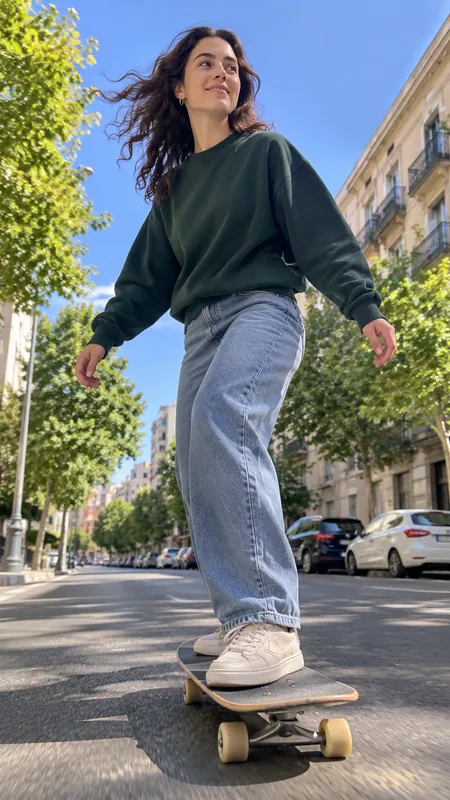
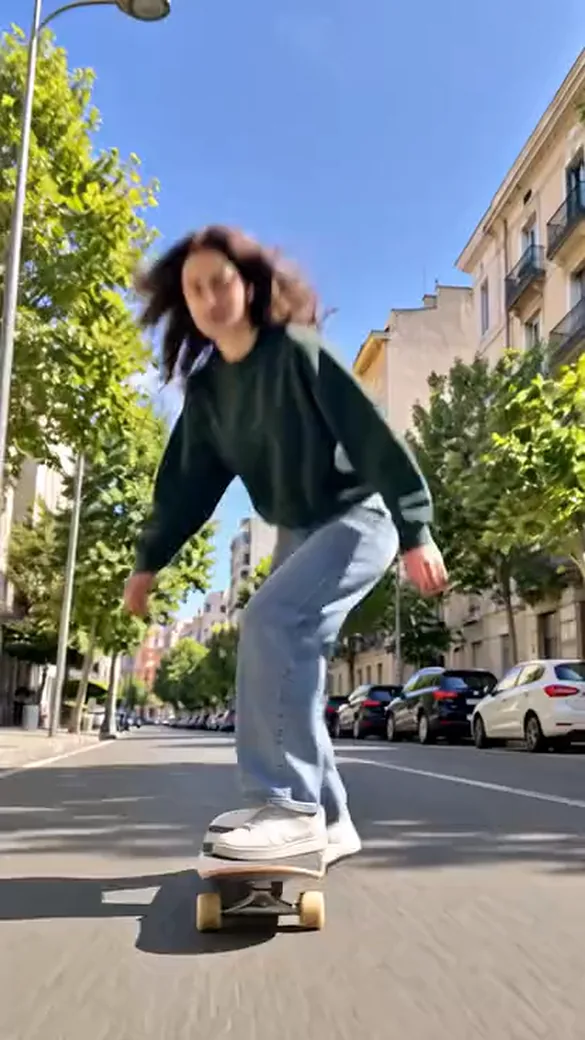
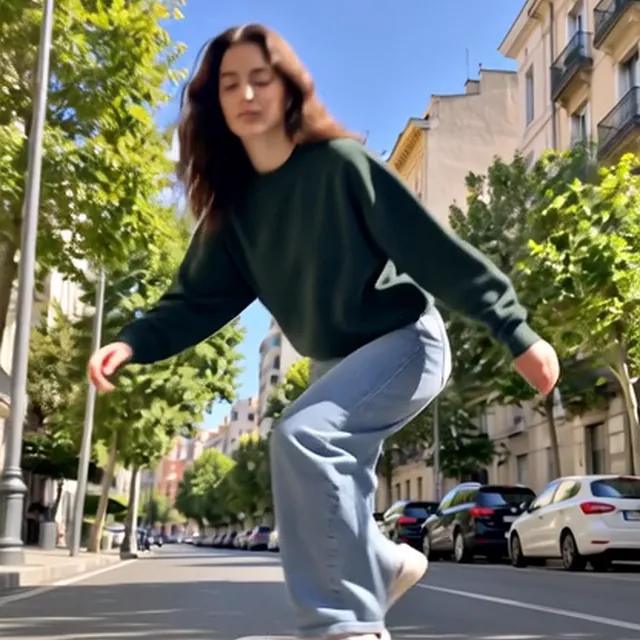
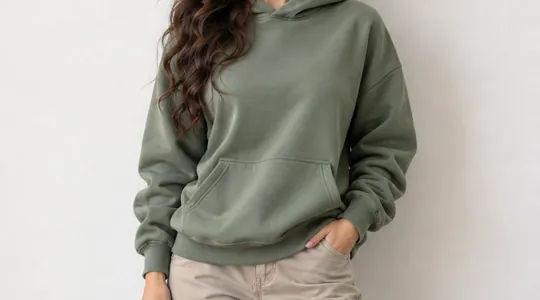
A skateboarder in a green hoodie rolling down a sunny city street, cut on the beat
One of the raw clips: the skateboarder on the street before the edit

In short

What is an AI beat sync video editor?

An AI beat sync video editor cuts footage in time with music. Beat Fit maps every kick, snare and drop in your song, picks the best moments from your clips and lands cuts, ramps and punches exactly on the beat.

Input
Clips + song
Output
Video
Time
about 90 s
Cost
– credits

The beat map

Your song, drawn as cut points.

An AI beat sync video editor hears the track first and edits second. Press play: every yellow beat is a cut to the next clip. Pink snares are punches in the style you pick: on the drop in Chill, a few in Medium, every one in Hype. Turn the sound on to hear it land.
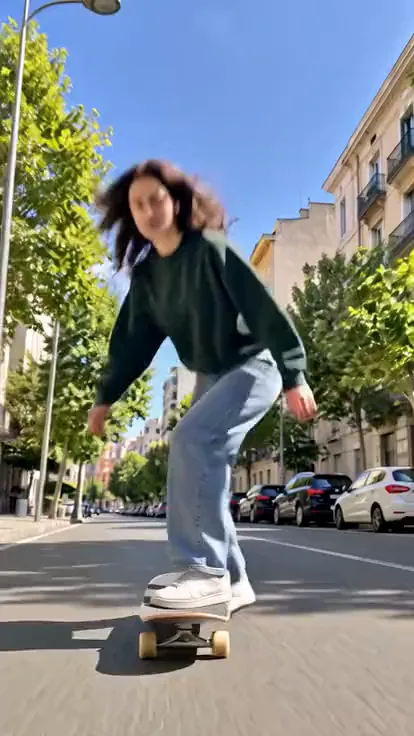
The raw clips cut on the beat with zoom punches
0:00
night-drive.mp3 · 128 BPM16 cuts · 8 punches
DROP
Beat → cutSome snares → punchDrop → best moment

How it works

Raw clips in, a cut on the beat

8 clips · 1:42 total✓ added
Cut style
Speed rampZoom punchFlash frameStutterShakeRGB split
Energy
ChillMediumHype
✓ Done

Best moment

Twenty clips in. The best one lands on the drop.

Before it cuts anything, Beat Fit scores every clip for motion and sharpness. The winner goes on the drop, the next best on the strongest beats, and the shaky ones get the quick cuts where nobody notices.
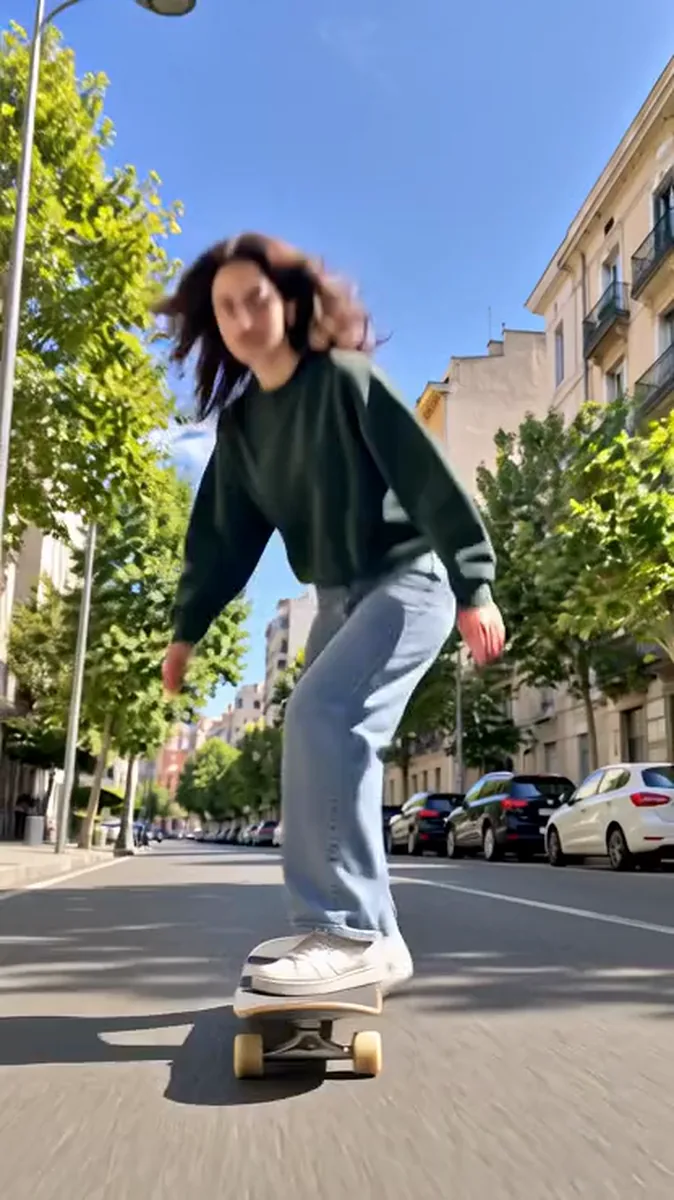
A skateboarder rolling down a sunny city streetSkate street–
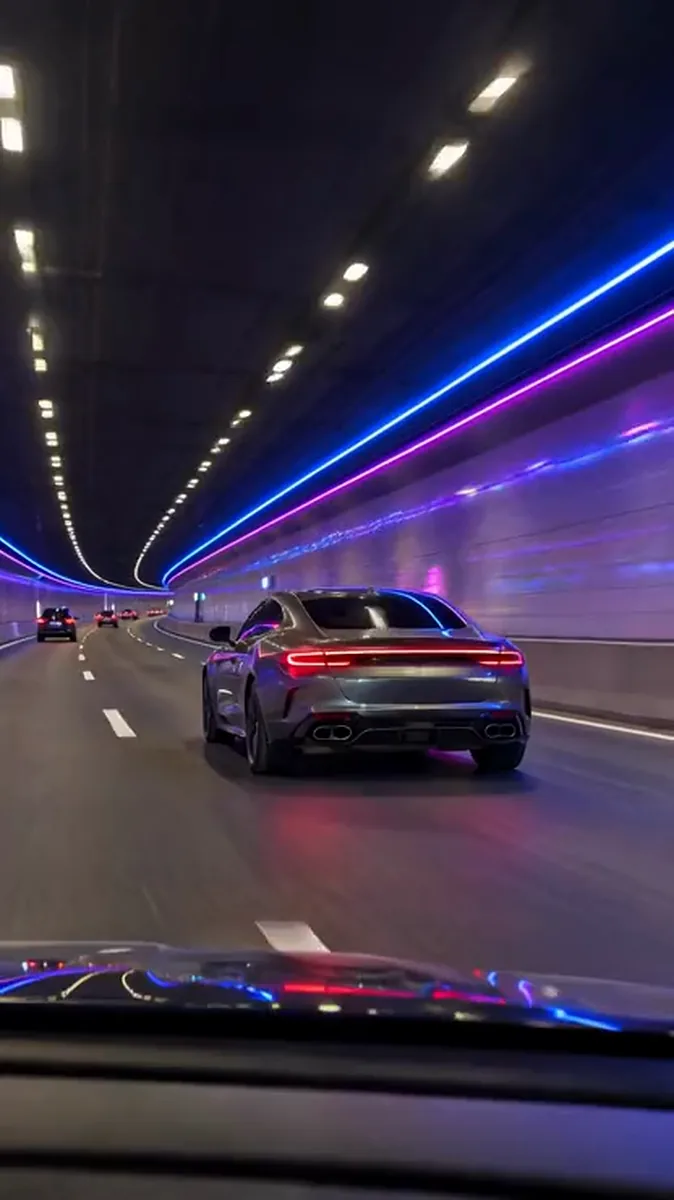
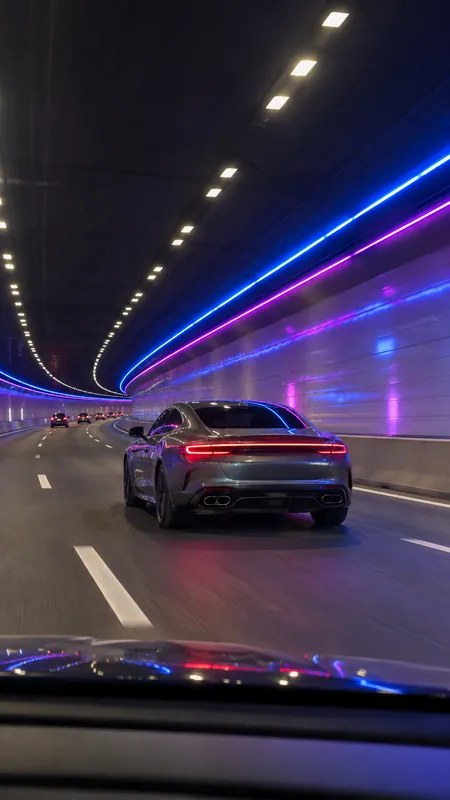
A sports car driving through a neon-lit tunnel at nightNeon tunnel–
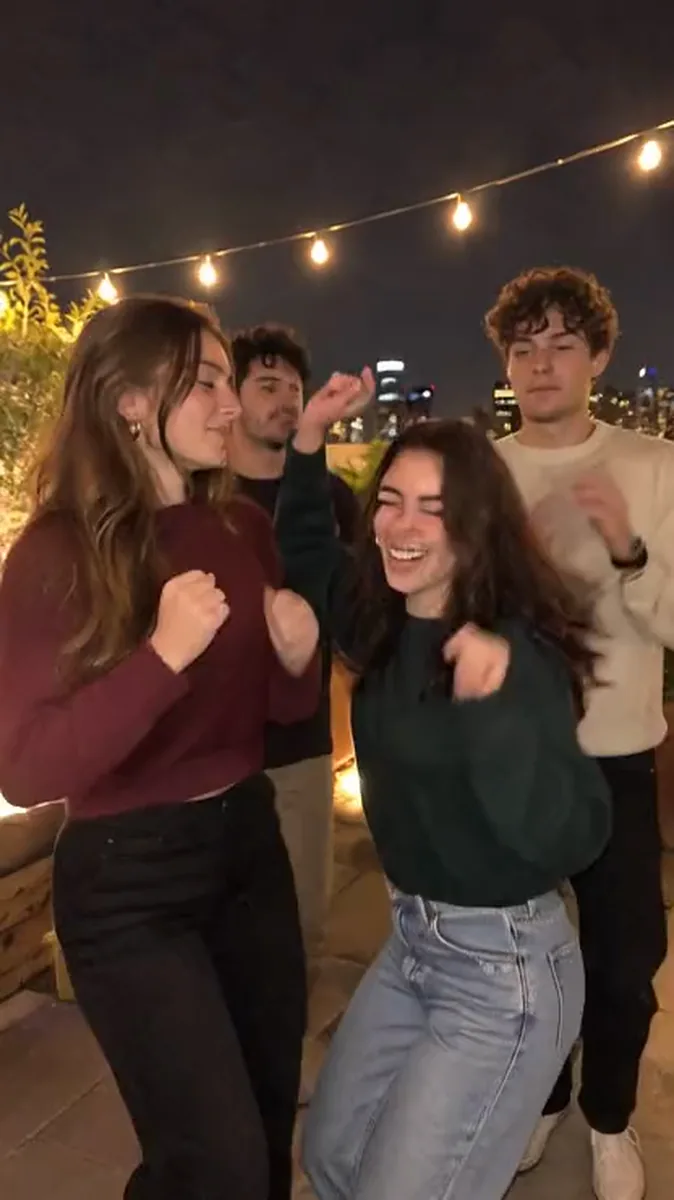
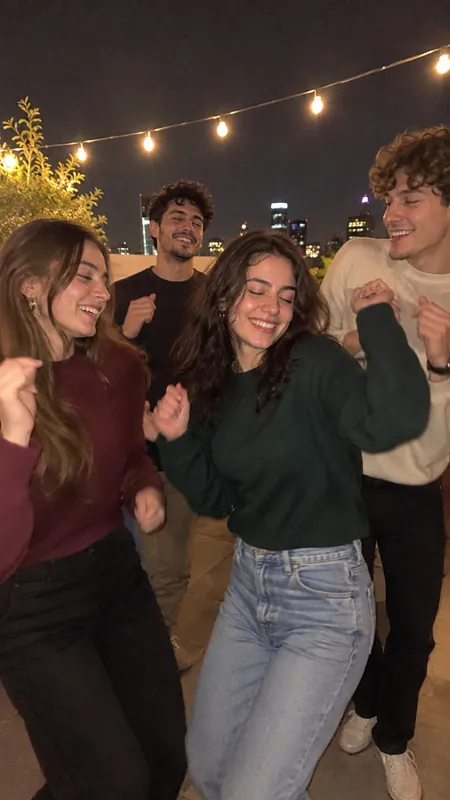
Friends dancing at a rooftop party under string lightsRooftop party–
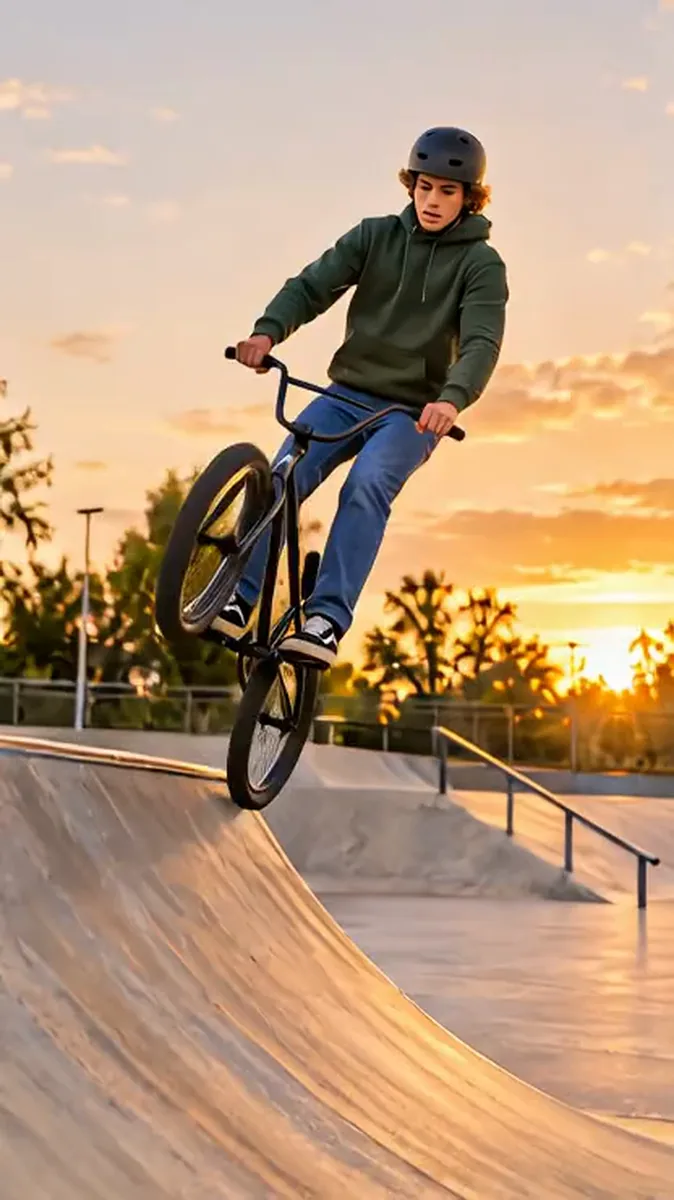
A BMX rider in the air off a ramp at golden hourBMX jump–
A busy city crossing in the rain at night, seen from aboveRainy crossing–
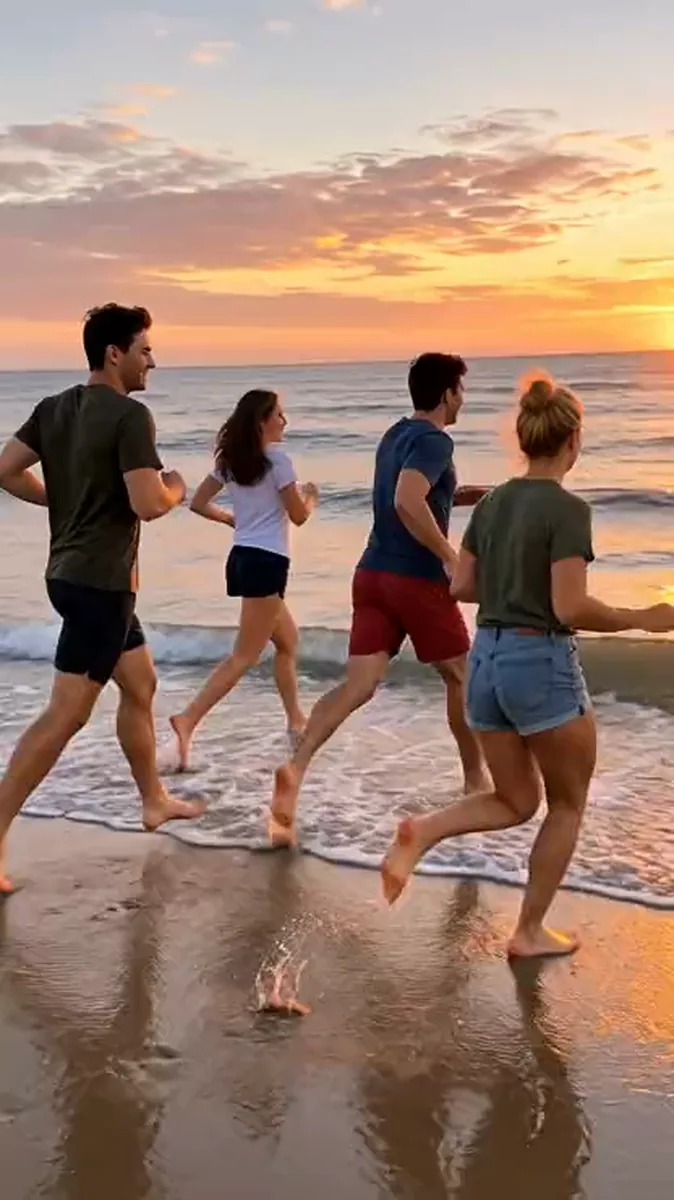
Friends running into the sea at sunsetBeach run–
On the drop
Waiting for scores

Deep dive

How the AI beat sync video editor listens

01

It hears the song first

Beat Fit maps the whole track before it touches your clips: tempo, every kick and snare, the bars and the drop. Beats become cut points, snares become punches or flashes, and the drop gets the biggest moment from your footage. Editing to that map is what makes the result feel cut by hand.

02

Then it watches your clips

Every clip is scored for motion, sharpness and changes in light. A kickflip landing or a car passing close scores high. Long static shots score low. The edit puts your highest-scoring moment on the drop and the next best on the strongest beats, and spreads the rest across your clips.

03

Energy is restraint

Chill cuts on every bar and punches only on the drop, with gentle ramps. Medium cuts on every second beat and adds a few punches. Hype cuts on every beat and punches on every snare. More effects are not always better; the best street edits keep one or two signature moves.

Ideas

Edits that move like the music

Recipes

Settings that just work

Three AI beat sync video editor recipes for the edits people make most. Tap one to load its cut style, energy and length into Beat Fit at the top of the page, with sample clips ready.

Preview

Skate part

Speed rampHype30 s

Ramps into every trick and slams back to real speed on the landing. Works best with a heavy kick drum.
Preview

Night drive

RGB splitChill60 s

Long, smooth cuts on the bar with a subtle colour split. Moody and cinematic.
Preview

Party recap

Flash frameMedium15 s

Quick cuts with white flashes on the snare. The fastest way to sum up a night.

The honest comparison

By hand vs Beat Fit

Cutting to music by hand means marking every beat on the timeline, trimming each clip to it and adding the punches one by one. The AI beat sync video editor does it in a minute or two.

How many edits this month?10edits
160

By-hand time is a typical estimate of 2.5 h per edit.

By hand≈ 25 h
Beat Fit≈ 15 min
Time saved 25 hCredits –
What it takesBy handBeat Fit
Beat mappingTap markers while the song playsDetected automatically
Time1–2 hours for 30 secondsA minute or two
Clip pickingScrub every clipBest moments scored for you
EffectsKeyframe each rampOne tap per style
CostEditing software and time– credits

Better results

Edits that hit

Before you run · tick them off0 / 3
Ready. Good input in, good result out.
Skip
  • ✕Upload one long clip and expect variety.
  • ✕Use songs you do not have rights to for ads.
  • ✕Stack every effect. One or two styles look intentional.
Inputs Up to 20 clips + songStyles 6Length 15 · 30 · 60 sOutput 9:16 or 16:9 · 1080p

Plans

Beat Fit is in every plan.

Starter

Fits you
–Beat Fit edits / mo
1,000 credits / mo · – credits per edit
$19.90$14.99/ month, billed yearly
Get Starter

Studio

MOST POPULARFits you
–Beat Fit edits / mo
2,600 credits / mo · – credits per edit
$61.90$30.83/ month, billed yearly
Get Studio

Omni Creator

BEST VALUEFits you
–Beat Fit edits / mo
4,200 credits / mo · – credits per edit
$101.90$45.83/ month, billed yearly
Get Omni Creator
Failed run? Credits back automaticallyCommercial use on paid plansCancel anytime

FAQ

Questions about Beat Fit

What does an AI beat sync video editor do?

It analyses your song for kicks, snares and drops, then edits your clips so cuts and effects land exactly on those beats. Beat Fit also picks the most interesting moments from each clip, so you do not have to scrub through footage.

Can I use any song?

You can upload any track for personal edits. For ads and paid posts, use music you have rights to. No song? You get the edit without sound.

Does it work with photos?

Yes. Photos get a slow pan so they move with the music.

How much does it cost?

{credits} credits per edit.

Can I export horizontal?

Yes. Beat Fit exports 9:16 by default and 16:9 if your clips are mostly landscape.

Will it keep my clip audio?

The song becomes the soundtrack. Original clip audio is muted so the beat stays clean.

How does it choose which moments to use?

It looks for motion, sharp focus and changes in light. A trick landing or a car passing scores higher than a static stretch.

Can I use Beat Fit results commercially?

Yes. On paid plans the clips you make are yours to use in ads, client work and products. Only upload material you own or have permission to use.

Who can see what I upload?

Only you. Uploads and results live in your private History, are never posted anywhere for you, and can be deleted at any time.

How does an AI beat sync video editor find the beat?

It analyses the waveform for sudden jumps in energy, which is where kicks and snares hit, then works out the tempo and the bars. The AI beat sync video editor uses those points as the grid for every cut and effect.

More Minnies

Keep the run going

All Minnies
Outfit ReelOne photo, six outfits, cut on the beat.
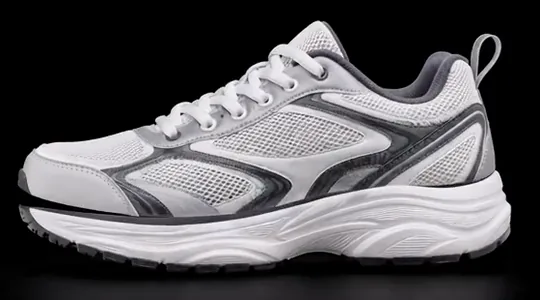
TeardownPull any product apart in mid-air.
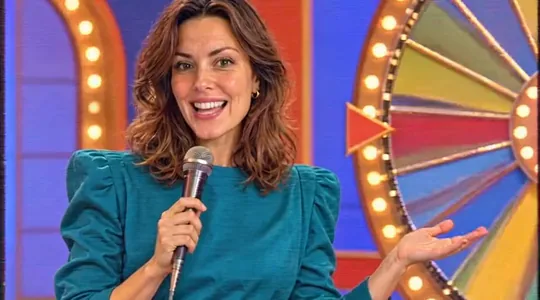
Retro BroadcastPut yourself on an 80s TV show.
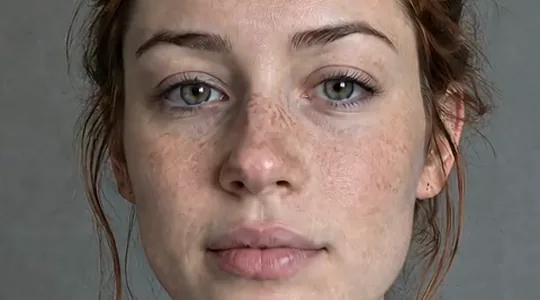
True SkinRetouch skin, keep the texture.

Minnies · included in every plan

Every cut on the beat.

Raw clips to a beat-perfect edit. Beat Fit comes with every Creatide AI plan.
Cut it on the beat See plans