Explore
  • VideoPopular
  • Image
  • Music
  • Story
  • Motion
  • Upscale
  • Lip Sync
  • MinniesNew
  • SubtitlesNew
  • Video ExtendNew
  • Video ProducerNew
  • Agent+Popular
  • Ad HubNew
  • TakeShiftNew
  • 3D HubNew
  • Viral
  • Effects
  • Born Elsewhere
Pricing-65%-65% OFFUpgrade-65%-65% OFF
Log inSign upSign Up Free

One idea.
Every model.
One finished creation.

The AI-native creative suite for video, image, music and ads.

Live support on TelegramChat with our team in real time

Create

  • Video
  • Image
  • Music
  • Story
  • Motion
  • Upscale
  • Lip Sync
  • MinniesNew
  • SubtitlesNew
  • Video ExtendNew
  • Video ProducerNew
  • Agent+
  • Ad HubNew
  • TakeShiftNew
  • 3D HubNew
  • Viral
  • Effects
  • Born Elsewhere

Features

  • AI Video Generator
  • AI Image Generator
  • AI Music Generator
  • 2× Duration
  • 8K Output
  • Director Mode
  • Photo Studio Mode
  • Composer Mode
  • Image to Video AI
  • Text to Video AI
  • Agent+

Video models

  • Seedance 2.5
  • Kling 4.0
  • Gemini Omni 1.2 Flash
  • Vidu Q4
  • MiniMax H3
  • PixVerse C1
  • Wan 3.0
  • Grok Video 1.5
  • FLUX.3 Video
  • MAGI-2
  • All video models

Image models

  • Seedream 5.5
  • Muse Image
  • GPT Image 2.6
  • Qwen Image 3.0
  • Kling Image 4.0
  • FLUX 3 Image
  • Nano Banana 2.1
  • Grok Image 2.0
  • Ideogram 4.5
  • Z-Image
  • MiniMax H3 Image
  • All image models

Resources

  • Runway Unlimited Extension: What Creators Need to Know
  • Suno Download Limits: What Creators Need to Know
  • FLUX 3 Video Pricing: What Creators Actually Pay Per Clip
  • What is SeeDance 2.0? ByteDance's AI Video Generator
  • Browse all articles
  • Help Center
  • Prompt Guide
  • Video Prompts
  • Image Prompts
  • Music & Sound Prompts

Company

  • About
  • Pricing
  • Contact
  • Trust Center
  • Brand kit
  • Affiliate program
  • Creator Partner Program

Free tools

  • Video Compressor
  • Trim, Cut & Merge
  • Slow Motion & Speed Ramp
  • Extract Audio or Mute
  • Frame Grabber
  • Video to Text
  • Text to Speech
  • Slowed + Reverb
  • Remove Image Background
  • Image Upscaler
  • Magic Eraser
  • Image to Prompt
  • Video to Prompt
  • AI Clip Stitcher
  • Seamless Loop Maker
  • Video Background Remover
  • Color Match
  • Voice Cleaner
  • Start Frame Prep
  • All free tools

Compare

  • vs Higgsfield
  • vs Runway
  • vs Pika
  • vs Krea
  • vs Freepik AI
  • vs Leonardo AI
  • vs OpenArt
  • vs Kling AI
  • vs Artlist
  • vs BytePlus
  • vs Canva
  • vs ElevenLabs
  • vs Grok Imagine
  • vs InVideo
  • vs Picsart
  • X / Twitter
  • YouTube
  • Instagram
  • TikTok
  • Telegram
  • Facebook

All systems normal

  • Terms
  • Privacy
  • Cookie policy
  • Content policy
  • Refund policy
  • DMCA

© 2026 AIVid, LLC. All rights reserved.

  1. Creatide.ai
  2. /
  3. Minnies
  4. /
  5. Life Sim

Life SimAI isometric room generator · your life, as a sim

Upload yourself and your room. Life Sim builds a cosy isometric diorama with a tiny you, your furniture and a set of mood meters.
MinniePhoto + room → Image≈ 25 s– credits
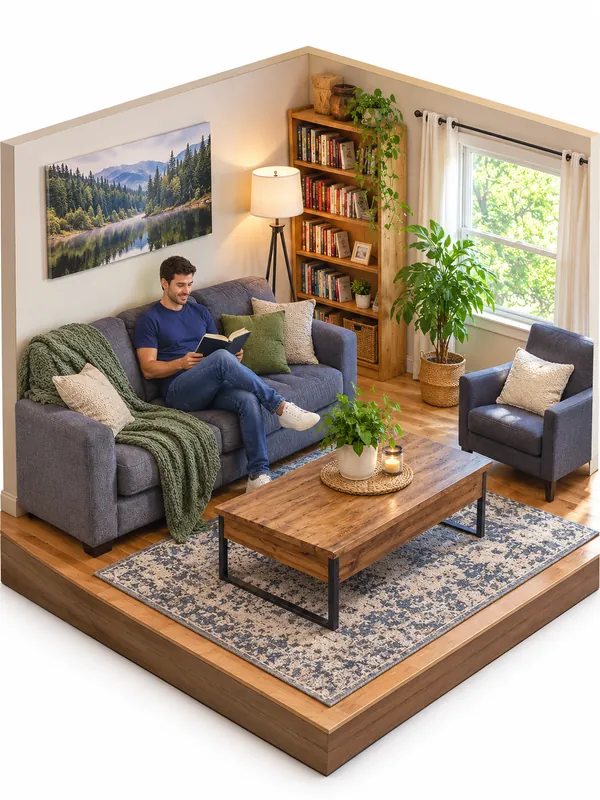
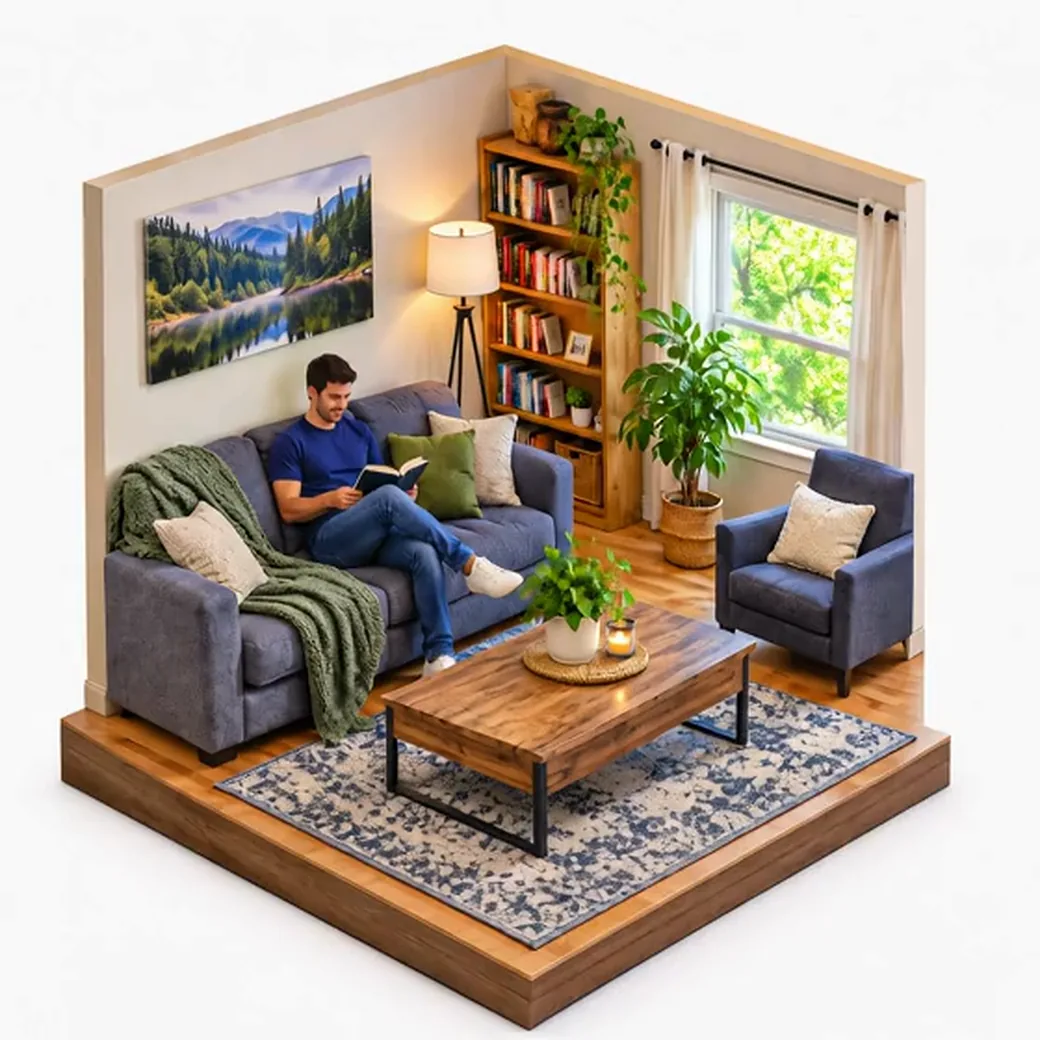
An isometric living room diorama with a tiny man reading on a grey sofa beside a bookshelf and a window
Example resultThe sample photo: a man with short dark hair in a navy tee and jeansBefore
Drop your photoAdd your room too for a version of your actual space.
Your file
Your photo Full body if you can
Your room OPTIONALOptional · a wide photo of the room
Room
Mood
Cost – credits · ≈ 25 s

In short

What is an isometric room generator?

An isometric room generator draws a space as a 3D diorama seen from a fixed corner angle. Life Sim builds one from your photo and your room, keeps the layout and colours, and places a tiny you inside with optional mood meters.

Input
Photo + room
Output
Image
Time
about 25 s
Cost
– credits

Dollhouse view

Two walls off. One tiny you inside.

An isometric room generator shows a space from a fixed corner, with the two nearest walls taken away so you can see in. Life Sim keeps your layout and colours and drops a tiny you inside. Pick a room and a mood and watch the meters react.
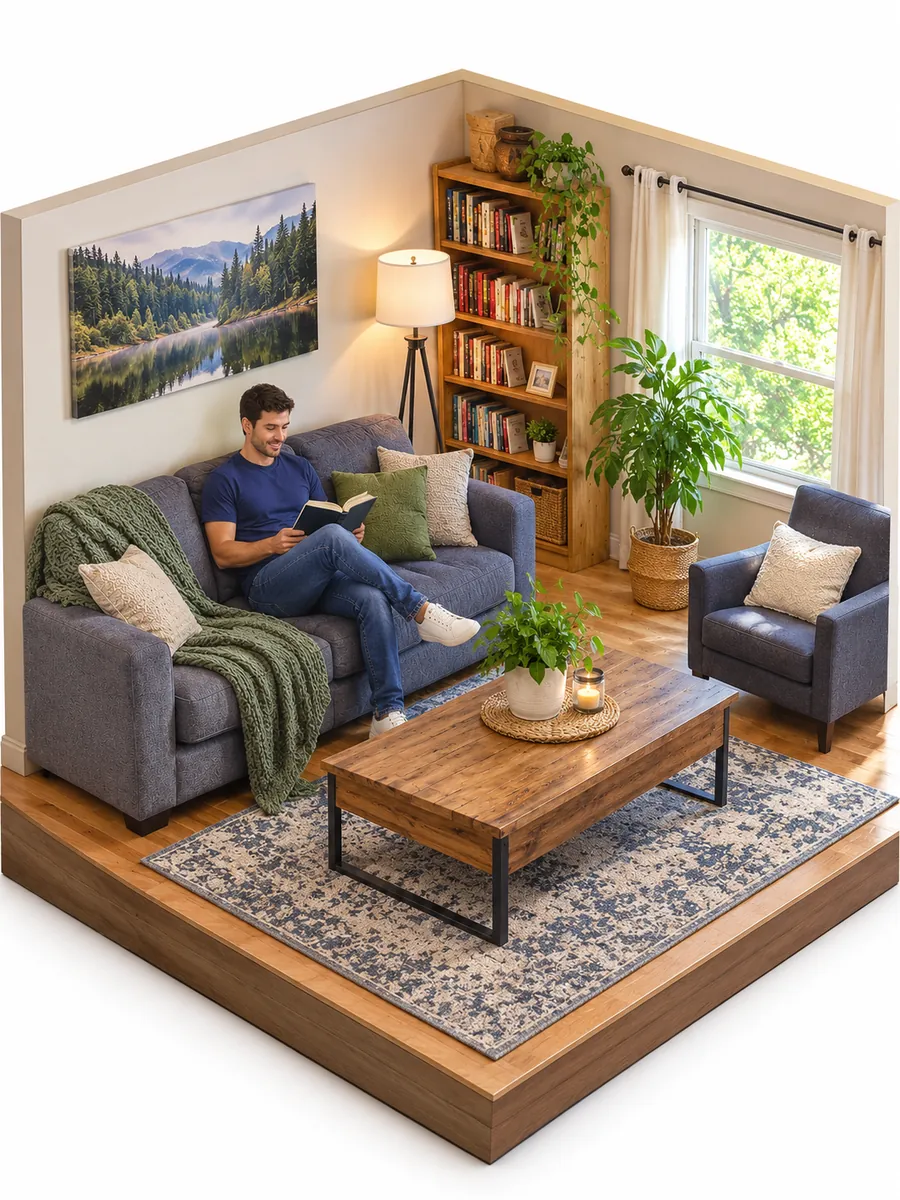
Isometric living room with a tiny character, chill moodHUNGERFUNSOCIALENERGY
Room
Mood

Chill: tidy room, soft lamp light, meters mostly green. The cleanest result for a moving-day post.

How it works

Your life, in miniature

me-couch.jpg · 1536 × 2048✓ added
Room
Living roomBedroomKitchenHome office
Mood
ChillBusyParty
✓ Done

The corner camera

Same room. Four corners.

The isometric camera never tilts or zooms, it only picks a corner. Turn the room to choose which two walls disappear, and set the time of day. The room follows whatever you picked above.

The same room seen from corner 1
Corner
Time

Front-left corner: the window wall and the poster wall stay up.

Deep dive

How the isometric room generator builds your space

01

Reading the room

From a room photo, Life Sim finds the walls, the floor and the big pieces: sofa, bed, desk, shelves, plants. It keeps their positions relative to each other and their colours, then rebuilds them as simple, toy-like 3D objects. The room feels like yours without being a photo.

02

The isometric camera

The view is a fixed corner angle with two walls removed, so you see into the room like a dollhouse. Lines never converge, which keeps everything tidy and readable. That clean geometry is what makes the result feel like a game screen.

03

A tiny you, living there

Your character is built from your photo: hair, outfit colours and build, scaled down with the slightly bigger head typical of the genre. Mood meters above the scene are fun extras; turn them off for a cleaner, poster-style image.

Ideas

Tiny worlds, big reactions

Recipes

Settings that just work

Three isometric room generator recipes for the posts we see most. Tap one to load its room, mood and meters into Life Sim at the top of the page, with sample photos ready.

Preview

New flat reveal

Living roomChillMeters on

Your actual new place, cosy and tidy, ready for a moving-day post.
Preview

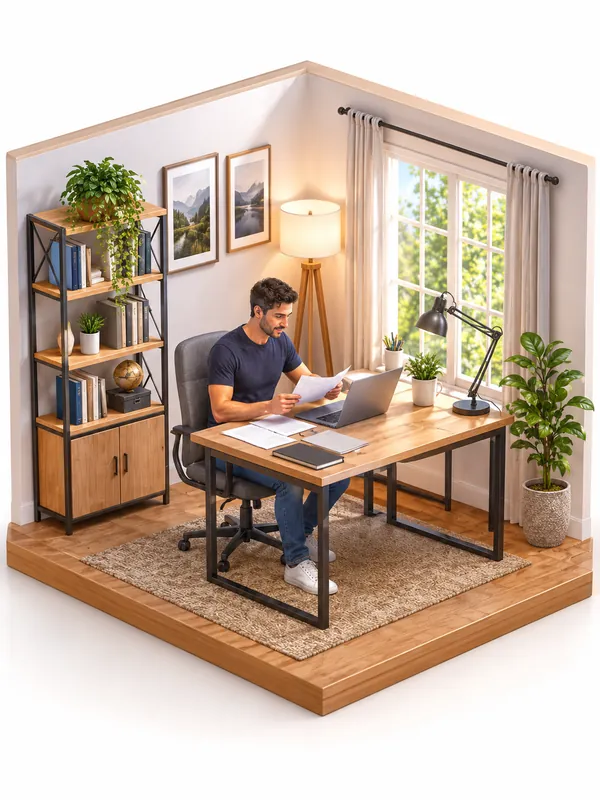
Work from home

Home officeBusyMeters on

The desk, the plants, the energy bar dangerously low. Very relatable.
Preview

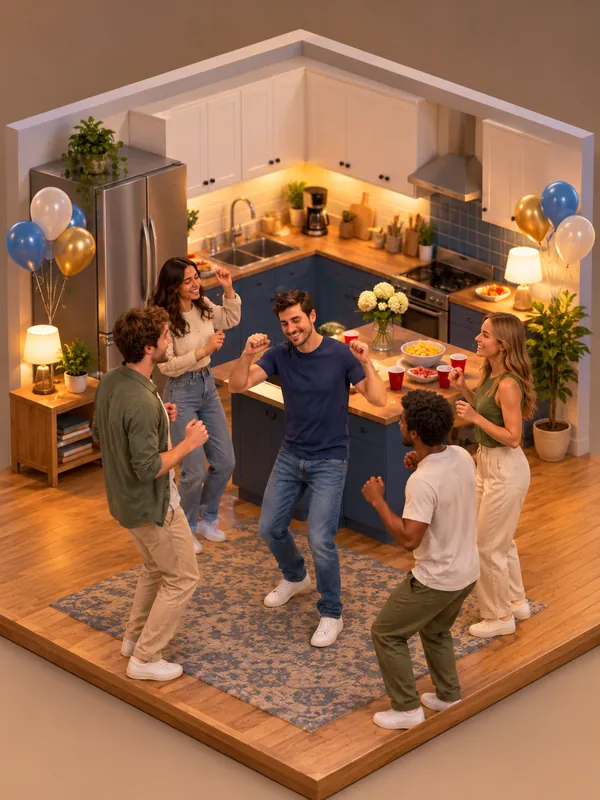
Housewarming invite

KitchenPartyMeters off

A busy, colourful kitchen that doubles as the invitation image.

The honest comparison

By hand vs Life Sim

An isometric room by hand means modelling every piece of furniture, setting up the camera and lighting, and drawing a tiny character. The isometric room generator builds it from one or two photos in about 25 seconds.

How many rooms this month?10rooms
130

By-hand time is a typical estimate of 8 h per room.

By hand≈ 80 h
Life Sim≈ 4 min
Time saved 80 hCredits –
What it takesBy handLife Sim
Method3D modelling softwareTwo photos
TimeDays for a detailed roomAbout 25 seconds
Skill3D and lightingPick a room
LikenessBuilt from scratchBuilt from your actual room
CostFreelance 3D rates– credits

Better results

Cosy, not chaotic

Before you run · tick them off0 / 3
Ready. Good input in, good result out.
Skip
  • ✕Expect exact furniture brands.
  • ✕Use photos of other people’s homes without asking.
  • ✕Upload very dark room photos.
Inputs You + optional roomRooms 4Moods 3Output 1:1 · up to 2K

Plans

Life Sim is in every plan.

Starter

Fits you
–Life Sim rooms / mo
1,000 credits / mo · – credits per room
$19.90$14.99/ month, billed yearly
Get Starter

Studio

MOST POPULARFits you
–Life Sim rooms / mo
2,600 credits / mo · – credits per room
$61.90$30.83/ month, billed yearly
Get Studio

Omni Creator

BEST VALUEFits you
–Life Sim rooms / mo
4,200 credits / mo · – credits per room
$101.90$45.83/ month, billed yearly
Get Omni Creator
Failed run? Credits back automaticallyCommercial use on paid plansCancel anytime

FAQ

Questions about Life Sim

What is an isometric room generator?

It draws a room as a 3D diorama seen from a fixed corner angle, like a dollhouse with the walls cut away. Life Sim builds one from your photos and places a tiny version of you inside.

Does it copy my real furniture?

With a room photo, it keeps the layout, colours and main pieces. Without one, it builds a cosy room for the type you picked.

Is this a specific game?

No. It follows the cosy life-sim genre: isometric rooms, soft colours and need meters. No real game’s icons or characters are used.

How much does it cost?

The credits for a room are shown on the button before you start.

Can I build a whole house?

Run Life Sim once per room and post the rooms together.

Why isometric?

The fixed corner view shows three sides of the room at once with no distortion, which is why games and architects use it for clear, readable spaces.

How detailed is the tiny me?

Tiny on purpose. Hair colour and style, outfit colours, glasses and build carry over. Fine facial details are simplified so the character fits the cosy art style.

Can I change furniture after?

Run it again with a different mood or room photo. Each run builds a fresh room, and your History keeps every version.

Can I use Life Sim results commercially?

Yes. On paid plans the images you make are yours to use in ads, client work and products. Only upload material you own or have permission to use.

Who can see what I upload?

Only you. Uploads and results live in your private History, are never posted anywhere for you, and can be deleted at any time.

Do I need a room photo for the isometric room generator?

No. Without one, Life Sim furnishes the room type you pick. With a wide photo taken from a corner, the isometric room generator keeps your real layout and colours.

More Minnies

Keep the run going

All Minnies
Twelve WorldsYou as a character in twelve game genres.
Tactical HeroBecome a tactical operator with a stat card.
Open WorldStar on the cover of a game that does not exist.
Plush MeTurn anyone or anything into a plush toy.

Minnies · included in every plan

Move into your own game.

Isometric rooms starring you. Life Sim comes with every Creatide AI plan.

Build my room See plans