Explore
  • VideoPopular
  • Image
  • Music
  • Story
  • Motion
  • Upscale
  • Lip Sync
  • MinniesNew
  • SubtitlesNew
  • Video ExtendNew
  • Video ProducerNew
  • Agent+Popular
  • Ad HubNew
  • TakeShiftNew
  • 3D HubNew
  • Viral
  • Effects
  • Born Elsewhere
Pricing-65%-65% OFFUpgrade-65%-65% OFF
Log inSign upSign Up Free

One idea.
Every model.
One finished creation.

The AI-native creative suite for video, image, music and ads.

Live support on TelegramChat with our team in real time

Create

  • Video
  • Image
  • Music
  • Story
  • Motion
  • Upscale
  • Lip Sync
  • MinniesNew
  • SubtitlesNew
  • Video ExtendNew
  • Video ProducerNew
  • Agent+
  • Ad HubNew
  • TakeShiftNew
  • 3D HubNew
  • Viral
  • Effects
  • Born Elsewhere

Features

  • AI Video Generator
  • AI Image Generator
  • AI Music Generator
  • 2× Duration
  • 8K Output
  • Director Mode
  • Photo Studio Mode
  • Composer Mode
  • Image to Video AI
  • Text to Video AI
  • Agent+

Video models

  • Seedance 2.5
  • Kling 4.0
  • Gemini Omni 1.2 Flash
  • Vidu Q4
  • MiniMax H3
  • PixVerse C1
  • Wan 3.0
  • Grok Video 1.5
  • FLUX.3 Video
  • MAGI-2
  • All video models

Image models

  • Seedream 5.5
  • Muse Image
  • GPT Image 2.6
  • Qwen Image 3.0
  • Kling Image 4.0
  • FLUX 3 Image
  • Nano Banana 2.1
  • Grok Image 2.0
  • Ideogram 4.5
  • Z-Image
  • MiniMax H3 Image
  • All image models

Resources

  • Runway Unlimited Extension: What Creators Need to Know
  • Suno Download Limits: What Creators Need to Know
  • FLUX 3 Video Pricing: What Creators Actually Pay Per Clip
  • What is SeeDance 2.0? ByteDance's AI Video Generator
  • Browse all articles
  • Help Center
  • Prompt Guide
  • Video Prompts
  • Image Prompts
  • Music & Sound Prompts

Company

  • About
  • Pricing
  • Contact
  • Trust Center
  • Brand kit
  • Affiliate program
  • Creator Partner Program

Free tools

  • Video Compressor
  • Trim, Cut & Merge
  • Slow Motion & Speed Ramp
  • Extract Audio or Mute
  • Frame Grabber
  • Video to Text
  • Text to Speech
  • Slowed + Reverb
  • Remove Image Background
  • Image Upscaler
  • Magic Eraser
  • Image to Prompt
  • Video to Prompt
  • AI Clip Stitcher
  • Seamless Loop Maker
  • Video Background Remover
  • Color Match
  • Voice Cleaner
  • Start Frame Prep
  • All free tools

Compare

  • vs Higgsfield
  • vs Runway
  • vs Pika
  • vs Krea
  • vs Freepik AI
  • vs Leonardo AI
  • vs OpenArt
  • vs Kling AI
  • vs Artlist
  • vs BytePlus
  • vs Canva
  • vs ElevenLabs
  • vs Grok Imagine
  • vs InVideo
  • vs Picsart
  • X / Twitter
  • YouTube
  • Instagram
  • TikTok
  • Telegram
  • Facebook

All systems normal

  • Terms
  • Privacy
  • Cookie policy
  • Content policy
  • Refund policy
  • DMCA

© 2026 AIVid, LLC. All rights reserved.

  1. Creatide.ai
  2. /
  3. Minnies
  4. /
  5. Light Rig

Light RigAI relight · change the light after the shoot

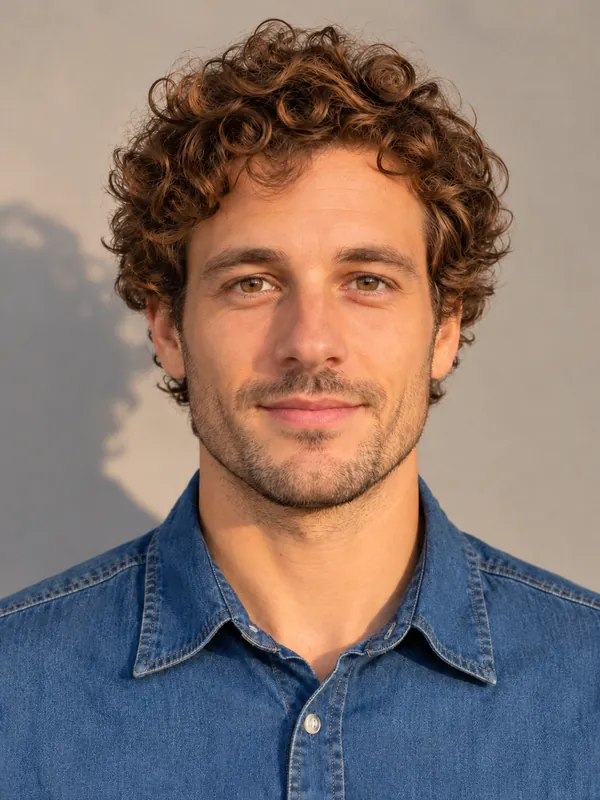
Golden hour at noon. Neon in a kitchen. Light Rig rebuilds the light in your photo, so shadows and highlights change with it.
MinniePhoto → Photo≈ 15 s– credits
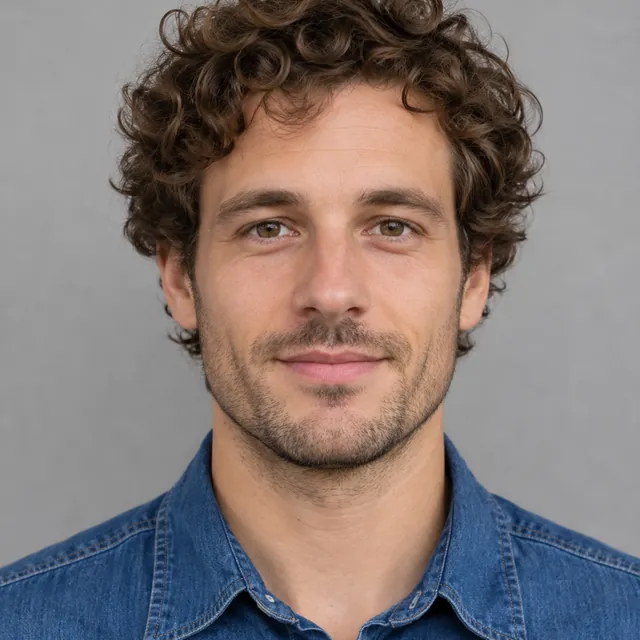
A curly-haired man in a denim shirt lit by warm golden hour light from the side
Example resultThe sample photo: the same man in flat, grey lightBefore
Drop a photo to relightFlat, overcast or badly lit shots gain the most.
Your file
Photo to relight People, products or rooms
Light
Cost – credits · ≈ 15 s

In short

What is an AI relight?

AI relight tools change the lighting in a finished photo. Light Rig estimates the shape of your subject, places the new light you pick and redraws the highlights and shadows so the result looks lit on the day.

Input
Photo
Output
Photo
Time
about 15 s
Cost
– credits

Try the idea

Pick the light. Watch the shadows follow.

This is the idea behind every AI relight: light has a position, so shadows have a direction. Pick a light and watch the highlights and shadows change. Light Rig does the same to your real photo.
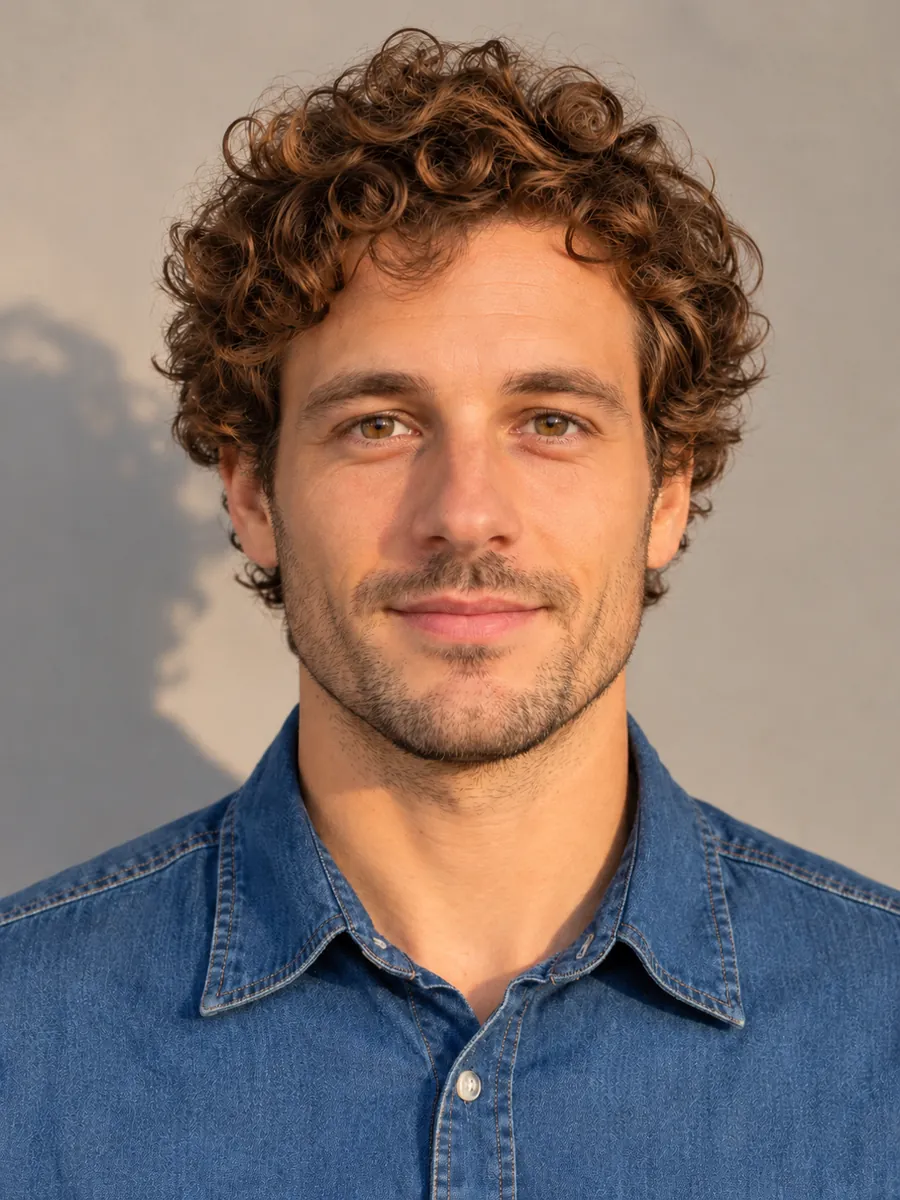
The portrait relit with golden hour light
Golden hourRelit
Light

How it works

Move the sun in 15 seconds

flat-light.jpg · 2048 × 2730✓ added
Light
Golden hourNeon splitWindowSoftboxCandleMoonlight
✓ Done

Lighting patterns

Five classic setups, seen from above

Portrait photographers name their lighting by the shadow it leaves on the face. Pick a pattern to see where the lamps stand on the floor plan and the shadow each one leaves.

CameraKEYFILL
The portrait in Rembrandt lightingRembrandt

Rembrandt lighting

Key lamp 45° to one side and above eye level. The far cheek keeps a small triangle of light under the eye.

Best for Moody portraits, actors, book covers

Deep dive

How AI relight changes the light

01

Depth before colour

Light Rig first estimates the shape of everything in the frame: noses, cheekbones, bottle shoulders, table edges. Only then does it place a light. That is why shadows fall where the new light would cast them, and why a rim light wraps around hair instead of tinting the whole picture.

02

Pick a motivated light

Light looks real when the viewer can guess where it comes from. If the photo has a window, choose Window. If it is a night scene with signs behind the subject, choose Neon split. A light that fits nothing in the scene is the fastest way to make a relit photo feel composited.

03

The setup is the mood

Window and Softbox fix a flat photo without anyone noticing. Golden hour and Moonlight change the time of day. Neon split and Candle are a stylistic choice: dramatic, cinematic, on purpose. For faces, start with the softer setups unless the whole image is meant to look graphic.

Ideas

Light you could not book

Recipes

Settings that just work

Three AI relight recipes we use all the time. Tap one to load its light into Light Rig at the top of the page, with a sample photo ready.

Preview

Fix the overcast shoot

Golden hour

Adds warm, low sun. Grey wedding or travel photos look like they were shot in the last hour of the day.
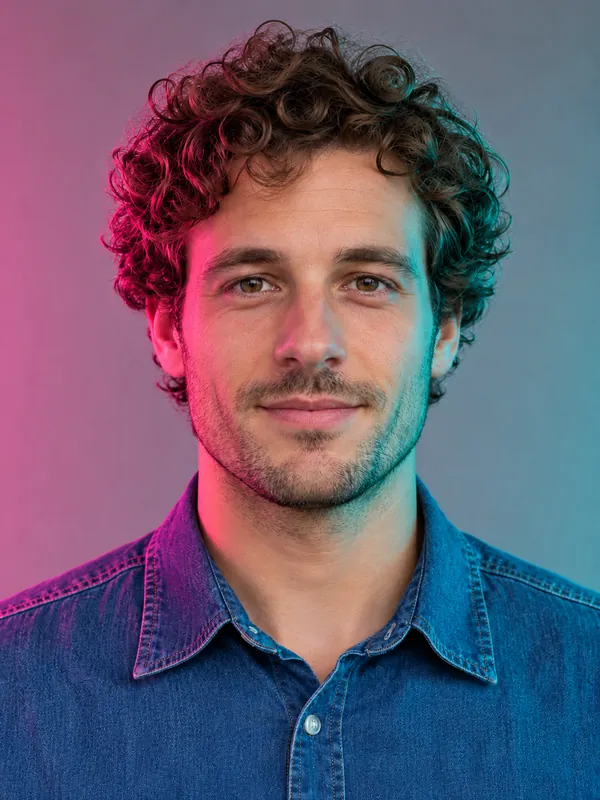
Preview

Night-out thumbnail

Neon split

Pink and teal neon light. Turns a plain selfie into a club-night thumbnail.

Preview

Calm product shot

Softbox

Even, soft light with gentle shadows. Clean and premium for e-commerce.

The honest comparison

By hand vs Light Rig

An AI relight takes seconds. Doing the same in an editor means masking the subject, painting new highlights and faking the shadows, photo by photo.

How many photos this month?10photos
1100

By-hand time is a typical estimate of 1.5 h per photo.

By hand≈ 15 h
Light Rig≈ 3 min
Time saved 15 hCredits –
What it takesBy handLight Rig
SetupReshoot with new lightsUpload the photo you have
TimeHours of masking and paintingAbout 15 seconds
ShadowsPainted by handRecast from estimated depth
OptionsOne lighting per shootSix setups
CostStudio time– credits

Better results

Light that looks motivated

Before you run · tick them off0 / 3
Ready. Good input in, good result out.
Skip
  • ✕Relight a photo that already has hard shadows both ways.
  • ✕Use Candle or Neon split on skin you want to look natural.
  • ✕Expect reflections in glasses to update perfectly.
Setups 6Output Same resolutionResult 1 image per run

Plans

Light Rig is in every plan.

Starter

Fits you
–Light Rig photos / mo
1,000 credits / mo · – credits per photo
$19.90$14.99/ month, billed yearly
Get Starter

Studio

MOST POPULARFits you
–Light Rig photos / mo
2,600 credits / mo · – credits per photo
$61.90$30.83/ month, billed yearly
Get Studio

Omni Creator

BEST VALUEFits you
–Light Rig photos / mo
4,200 credits / mo · – credits per photo
$101.90$45.83/ month, billed yearly
Get Omni Creator
Failed run? Credits back automaticallyCommercial use on paid plansCancel anytime

FAQ

Questions about Light Rig

What is AI relighting?

Instead of a colour filter, it estimates the shape and depth of your scene, places a new light source and recalculates highlights and shadows. The light looks like it was there when you shot.

Does it work on products?

Yes. Glass, metal and matte packaging all respond well. Very shiny surfaces may need a second try.

Will skin tone change?

Only as much as real light would change it. Golden hour warms, moonlight cools. The base tone stays.

What does it cost?

The credits for a run are shown on the button before you start. If a run fails, nothing is charged and the credits go back to your balance.

Can I relight a whole room?

Yes. Interiors work well with Window and Softbox. Large spaces may need a second run with a different light.

Does it add light to video?

Light Rig works on photos. Relight a key frame, then use it as the start frame in Image to Video.

Will the background change too?

Yes, the whole frame is relit so the subject and the room agree. Walls catch the new colour, floors get the new shadows, and a window light falls across everything in its path.

Does it work on black and white photos?

Yes. Light Rig changes the light and shadows in monochrome too. Coloured setups like Neon split or Golden hour will add colour, so pick Window or Softbox to keep it black and white.

Can I use Light Rig results commercially?

Yes. On paid plans the images you make are yours to use in ads, client work and products. Only upload material you own or have permission to use.

Who can see what I upload?

Only you. Uploads and results live in your private History, are never posted anywhere for you, and can be deleted at any time.

Is AI relight better than a filter?

A filter tints the whole photo the same way. An AI relight changes the light itself, so one side of a face brightens, the other falls into shadow and the background reacts too. That is what makes the result look lit on the day.
More Minnies

Keep the run going

All Minnies
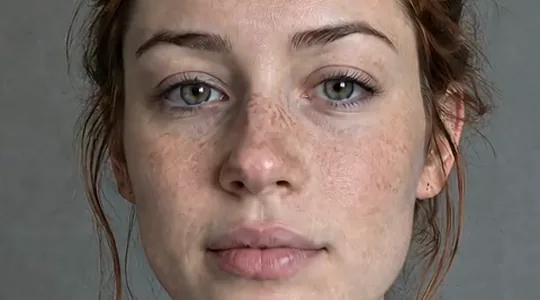
True SkinRetouch skin, keep the texture.
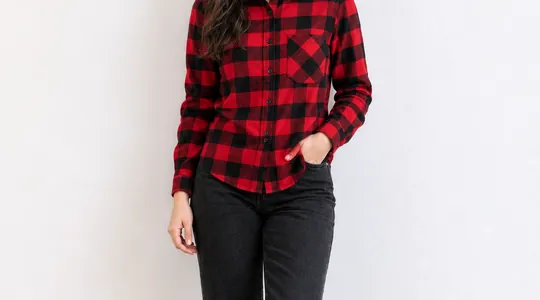
Wear ThisPut an exact garment on your photo.
Look BookCopy the mood of any reference photo.

Minnies · included in every plan

Reshoot the light, not the photo.

Six lights, any photo. Light Rig comes with every Creatide AI plan.

Relight See plans