Explore
  • VideoPopular
  • Image
  • Music
  • Story
  • Motion
  • Upscale
  • Lip Sync
  • MinniesNew
  • SubtitlesNew
  • Video ExtendNew
  • Video ProducerNew
  • Agent+Popular
  • Ad HubNew
  • TakeShiftNew
  • 3D HubNew
  • Viral
  • Effects
  • Born Elsewhere
Pricing-65%-65% OFFUpgrade-65%-65% OFF
Log inSign upSign Up Free

One idea.
Every model.
One finished creation.

The AI-native creative suite for video, image, music and ads.

Live support on TelegramChat with our team in real time

Create

  • Video
  • Image
  • Music
  • Story
  • Motion
  • Upscale
  • Lip Sync
  • MinniesNew
  • SubtitlesNew
  • Video ExtendNew
  • Video ProducerNew
  • Agent+
  • Ad HubNew
  • TakeShiftNew
  • 3D HubNew
  • Viral
  • Effects
  • Born Elsewhere

Features

  • AI Video Generator
  • AI Image Generator
  • AI Music Generator
  • 2× Duration
  • 8K Output
  • Director Mode
  • Photo Studio Mode
  • Composer Mode
  • Image to Video AI
  • Text to Video AI
  • Agent+

Video models

  • Seedance 2.5
  • Kling 4.0
  • Gemini Omni 1.2 Flash
  • Vidu Q4
  • MiniMax H3
  • PixVerse C1
  • Wan 3.0
  • Grok Video 1.5
  • FLUX.3 Video
  • MAGI-2
  • All video models

Image models

  • Seedream 5.5
  • Muse Image
  • GPT Image 2.6
  • Qwen Image 3.0
  • Kling Image 4.0
  • FLUX 3 Image
  • Nano Banana 2.1
  • Grok Image 2.0
  • Ideogram 4.5
  • Z-Image
  • MiniMax H3 Image
  • All image models

Resources

  • Runway Unlimited Extension: What Creators Need to Know
  • Suno Download Limits: What Creators Need to Know
  • FLUX 3 Video Pricing: What Creators Actually Pay Per Clip
  • What is SeeDance 2.0? ByteDance's AI Video Generator
  • Browse all articles
  • Help Center
  • Prompt Guide
  • Video Prompts
  • Image Prompts
  • Music & Sound Prompts

Company

  • About
  • Pricing
  • Contact
  • Trust Center
  • Brand kit
  • Affiliate program
  • Creator Partner Program

Free tools

  • Video Compressor
  • Trim, Cut & Merge
  • Slow Motion & Speed Ramp
  • Extract Audio or Mute
  • Frame Grabber
  • Video to Text
  • Text to Speech
  • Slowed + Reverb
  • Remove Image Background
  • Image Upscaler
  • Magic Eraser
  • Image to Prompt
  • Video to Prompt
  • AI Clip Stitcher
  • Seamless Loop Maker
  • Video Background Remover
  • Color Match
  • Voice Cleaner
  • Start Frame Prep
  • All free tools

Compare

  • vs Higgsfield
  • vs Runway
  • vs Pika
  • vs Krea
  • vs Freepik AI
  • vs Leonardo AI
  • vs OpenArt
  • vs Kling AI
  • vs Artlist
  • vs BytePlus
  • vs Canva
  • vs ElevenLabs
  • vs Grok Imagine
  • vs InVideo
  • vs Picsart
  • X / Twitter
  • YouTube
  • Instagram
  • TikTok
  • Telegram
  • Facebook

All systems normal

  • Terms
  • Privacy
  • Cookie policy
  • Content policy
  • Refund policy
  • DMCA

© 2026 AIVid, LLC. All rights reserved.

  1. Creatide.ai
  2. /
  3. Minnies
  4. /
  5. Orbit Shot

Orbit ShotAI bullet time effect · freeze it, fly around it

Freeze the jump, the splash, the kick. The camera flies around the frozen moment. No 120-camera rig.
MinniePhoto or clip → Video≈ 75 s– credits
Example resultBefore
Drop an action shotA jump, a splash, a spin. One subject, frozen mid-move.
Your file
Action photo or clip One subject mid-action
Speed
Cost – credits · ≈ 75 s
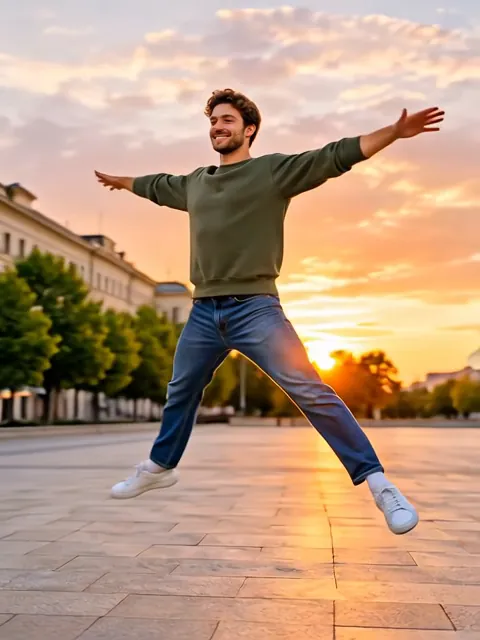
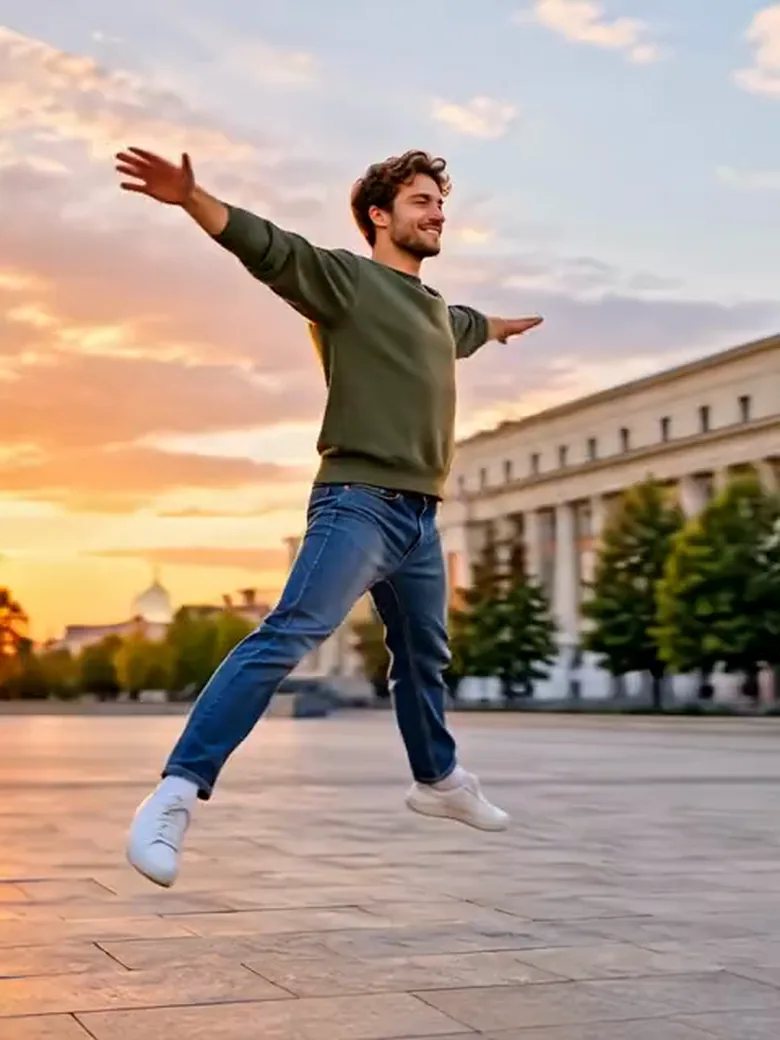
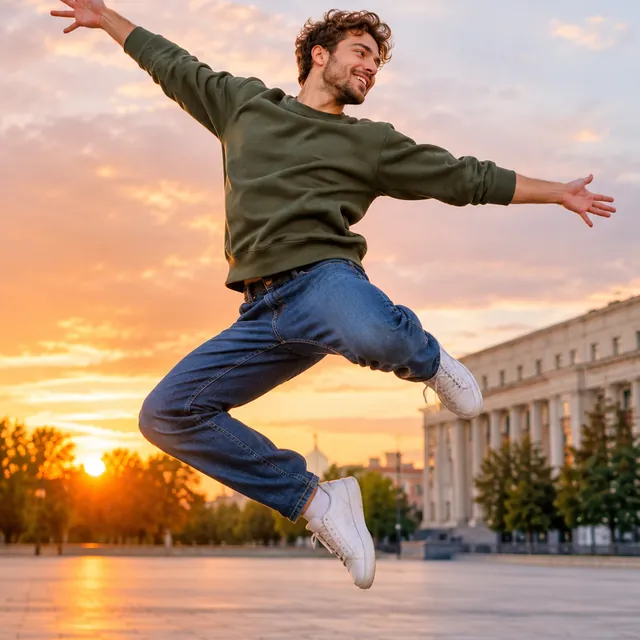
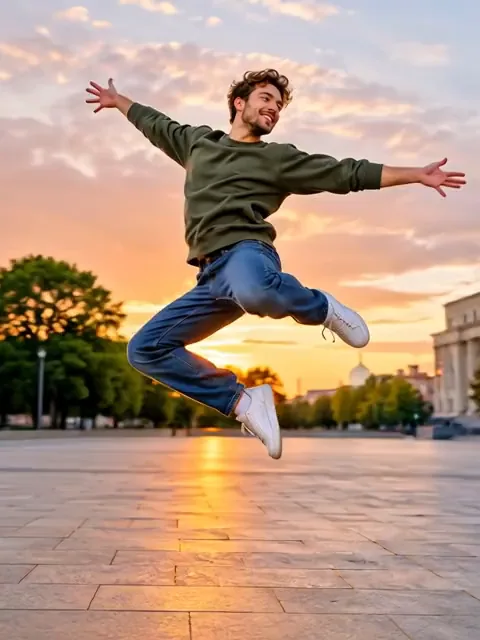
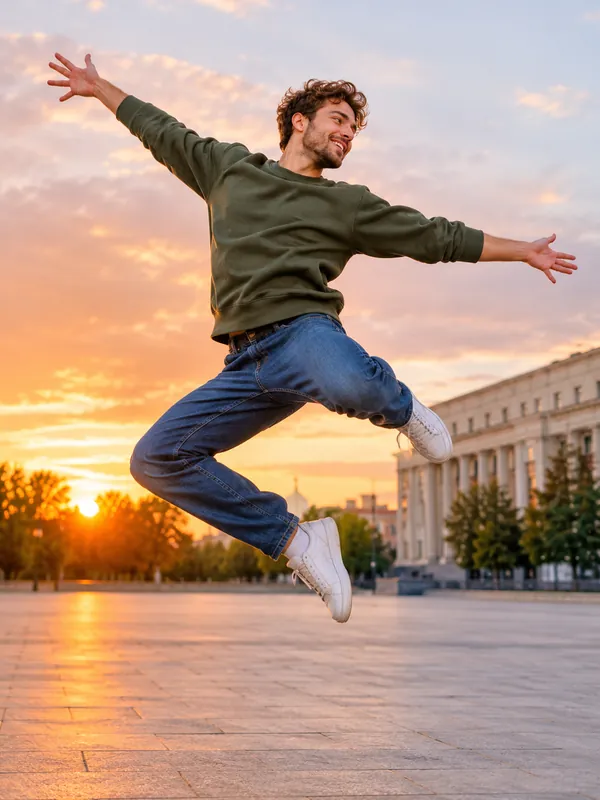
A man in an olive sweater frozen mid-jump on a city square at sunset while the camera circles him
The sample photo: the man jumping with his arms out on the square at sunset

In short

What is a bullet time effect?

The bullet time effect freezes a moment while the camera keeps moving around it. Orbit Shot creates it from one photo or clip by flying a virtual camera around the frozen subject.

Input
Photo or clip
Output
Video
Time
about 75 s
Cost
– credits

The virtual rig

Freeze the moment. Fly around it.

The bullet time effect stops the action while the camera keeps moving. Orbit Shot rebuilds your frame in 3D and places sixteen virtual cameras around it, cameras that never existed. Pick a speed, press play or drag the timeline yourself.
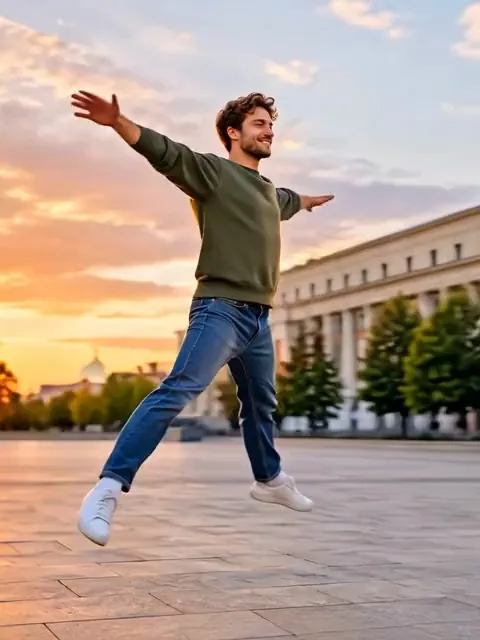
The camera sweeping around the man frozen mid-jump
Frozen · camera 1 of 16
Speed
Timeline 0.0 s

How it works

The Matrix shot, minus the rig

jump-shot.jpg · 2048 × 2730✓ added
Speed
SlowMediumWhip
✓ Done

The speed curve

Turntable or cinema? It is all in the curve.

Move a camera around a subject at one steady speed and you get a product turntable. Ease in, sweep fast, ease out and the same move feels like a film, which is what a good bullet time effect needs. Drag the ease and watch where the sixteen frames land.
TIME →ANGLE →
The full orbit around the frozen jump, played with a cinema curve
Ease 60
Peak speed2.9×
Feels likeCinema

Frames bunch up at both ends and spread out in the middle. The camera seems to lean into the move.

Deep dive

How the AI bullet time effect is built

01

From one view to many

The film version of bullet time used a ring of cameras firing at once. Orbit Shot gets there from a single view: a virtual camera flies along the orbit and the sides your shot never saw are filled in to match.

02

Speed curves make it cinematic

A constant spin looks like a turntable. Orbit Shot eases in and out: the camera starts slowly, speeds up through the middle of the arc and settles at the end. Whip compresses that into a fast, energetic sweep; Slow stretches it into a dreamy float.

03

The freeze is the payoff

The magic is the frozen instant seen from a new angle: the jump hangs in the air, the splash stays still. That moment is what makes viewers replay the clip.

Ideas

Moments worth circling

Recipes

Settings that just work

Three bullet time effect recipes for the shots we see most. Tap one to load its speed into Orbit Shot at the top of the page, with a sample action shot ready.

Preview

Sports hero

Medium

Freeze the ball at the top of the shot and sweep around the player.

Preview

Splash ad

Slow

A slow orbit around a frozen splash of drink. Hypnotic.
Preview

Dance drop

Whip

A fast orbit on the beat drop. Great for Reels.

The honest comparison

By hand vs Orbit Shot

A real bullet time effect means a ring of synced cameras, a crew and a day of setup before anyone jumps. Orbit Shot creates it from one photo or clip in a minute or two.

How many orbits this month?10orbits
130

By-hand time is a typical estimate of 8 h per orbit.

By hand≈ 80 h
Orbit Shot≈ 13 min
Time saved 80 hCredits –
What it takesBy handOrbit Shot
RigDozens of synced camerasOne photo or clip
TimeA day of setupA minute or two
CostRig rental and crew– credits
RetakesReset everyone, shoot againChange the speed, run again
PlacesStudio onlyAny photo, anywhere

Better results

Freeze the right instant

Before you run · tick them off0 / 3
Ready. Good input in, good result out.
Skip
  • ✕Use a shot where the subject is cut off by the frame.
  • ✕Use crowded scenes with many moving people.
  • ✕Expect the hidden back side to match a real one exactly.
Input Photo or clip up to 5 sSpeed Slow · medium · whipLength 5 sOutput Your shot's ratio · 5 s · upscale to 8K

Plans

Orbit Shot is in every plan.

Starter

Fits you
–Orbit Shot orbits / mo
1,000 credits / mo · – credits per orbit
$19.90$14.99/ month, billed yearly
Get Starter

Studio

MOST POPULARFits you
–Orbit Shot orbits / mo
2,600 credits / mo · – credits per orbit
$61.90$30.83/ month, billed yearly
Get Studio

Omni Creator

BEST VALUEFits you
–Orbit Shot orbits / mo
4,200 credits / mo · – credits per orbit
$101.90$45.83/ month, billed yearly
Get Omni Creator
Failed run? Credits back automaticallyCommercial use on paid plansCancel anytime

FAQ

Questions about Orbit Shot

What is the bullet time effect?

It freezes a moment while the camera keeps moving around it, made famous by films that used rings of still cameras. Orbit Shot builds the effect from one photo or clip by flying a virtual camera around it.

Do I need a video, or is a photo enough?

A photo is enough. A short clip of 3 to 5 seconds works too, and costs fewer credits.

Why does the far side sometimes look less exact?

The camera has to show sides your photo never saw. Orbit Shot invents them believably, but the closer the camera stays to your original angle, the closer the result stays to it.

How much does it cost?

The credits for an orbit are shown on the button before you start, and depend on whether you upload a photo or a clip. If a run fails, nothing is charged and the credits go back to your balance.

Can I choose where the orbit starts?

The orbit always starts at your original angle.

Does it keep sound?

A video made from a photo has no sound. Add music or sound in your editor.

Can I orbit a product without a person?

Yes, but for clean product spins on white use Orbit Studio, which is tuned for packshots.

Can I use Orbit Shot results commercially?

Yes. On paid plans the clips you make are yours to use in ads, client work and products. Only upload material you own or have permission to use.

Who can see what I upload?

Only you. Uploads and results live in your private History, are never posted anywhere for you, and can be deleted at any time.

Which photos make the best bullet time effect?

A single subject at the peak of the action, with some space around them: the top of a jump, a splash, a hair flip. Busy crowds and tight crops leave Orbit Shot less to rebuild around.

More Minnies

Keep the run going

All Minnies
BillboardPut your ad on a real-looking billboard.
Moving BillboardYour ad on a truck, driving through town.
Orbit StudioA 360° product spin on seamless white.
New AngleMove the camera after the photo is taken.

Minnies · included in every plan

Stop time. Walk around it.

Bullet time from one shot. Orbit Shot comes with every Creatide AI plan.

Freeze and orbit See plans