Explore
  • VideoPopular
  • Image
  • Music
  • Story
  • Motion
  • Upscale
  • Lip Sync
  • MinniesNew
  • SubtitlesNew
  • Video ExtendNew
  • Video ProducerNew
  • Agent+Popular
  • Ad HubNew
  • TakeShiftNew
  • 3D HubNew
  • Viral
  • Effects
  • Born Elsewhere
Pricing-65%-65% OFFUpgrade-65%-65% OFF
Log inSign upSign Up Free

One idea.
Every model.
One finished creation.

The AI-native creative suite for video, image, music and ads.

Live support on TelegramChat with our team in real time

Create

  • Video
  • Image
  • Music
  • Story
  • Motion
  • Upscale
  • Lip Sync
  • MinniesNew
  • SubtitlesNew
  • Video ExtendNew
  • Video ProducerNew
  • Agent+
  • Ad HubNew
  • TakeShiftNew
  • 3D HubNew
  • Viral
  • Effects
  • Born Elsewhere

Features

  • AI Video Generator
  • AI Image Generator
  • AI Music Generator
  • 2× Duration
  • 8K Output
  • Director Mode
  • Photo Studio Mode
  • Composer Mode
  • Image to Video AI
  • Text to Video AI
  • Agent+

Video models

  • Seedance 2.5
  • Kling 4.0
  • Gemini Omni 1.2 Flash
  • Vidu Q4
  • MiniMax H3
  • PixVerse C1
  • Wan 3.0
  • Grok Video 1.5
  • FLUX.3 Video
  • MAGI-2
  • All video models

Image models

  • Seedream 5.5
  • Muse Image
  • GPT Image 2.6
  • Qwen Image 3.0
  • Kling Image 4.0
  • FLUX 3 Image
  • Nano Banana 2.1
  • Grok Image 2.0
  • Ideogram 4.5
  • Z-Image
  • MiniMax H3 Image
  • All image models

Resources

  • Runway Unlimited Extension: What Creators Need to Know
  • Suno Download Limits: What Creators Need to Know
  • FLUX 3 Video Pricing: What Creators Actually Pay Per Clip
  • What is SeeDance 2.0? ByteDance's AI Video Generator
  • Browse all articles
  • Help Center
  • Prompt Guide
  • Video Prompts
  • Image Prompts
  • Music & Sound Prompts

Company

  • About
  • Pricing
  • Contact
  • Trust Center
  • Brand kit
  • Affiliate program
  • Creator Partner Program

Free tools

  • Video Compressor
  • Trim, Cut & Merge
  • Slow Motion & Speed Ramp
  • Extract Audio or Mute
  • Frame Grabber
  • Video to Text
  • Text to Speech
  • Slowed + Reverb
  • Remove Image Background
  • Image Upscaler
  • Magic Eraser
  • Image to Prompt
  • Video to Prompt
  • AI Clip Stitcher
  • Seamless Loop Maker
  • Video Background Remover
  • Color Match
  • Voice Cleaner
  • Start Frame Prep
  • All free tools

Compare

  • vs Higgsfield
  • vs Runway
  • vs Pika
  • vs Krea
  • vs Freepik AI
  • vs Leonardo AI
  • vs OpenArt
  • vs Kling AI
  • vs Artlist
  • vs BytePlus
  • vs Canva
  • vs ElevenLabs
  • vs Grok Imagine
  • vs InVideo
  • vs Picsart
  • X / Twitter
  • YouTube
  • Instagram
  • TikTok
  • Telegram
  • Facebook

All systems normal

  • Terms
  • Privacy
  • Cookie policy
  • Content policy
  • Refund policy
  • DMCA

© 2026 AIVid, LLC. All rights reserved.

  1. Creatide.ai
  2. /
  3. Minnies
  4. /
  5. Orbit Studio

Orbit StudioAI 360 product video · a turntable spin on white

One packshot becomes a smooth spin on seamless white. Clean shadow, loop-ready, sized for product pages and marketplaces.
MinnieProduct photo → Video≈ 60 s– credits
Example resultBefore
Drop a packshotOne product. Any background, Orbit Studio cuts it out.
Your file
Product photo Front or three-quarter, any background
Spin
Backdrop
Cost – credits · ≈ 60 s
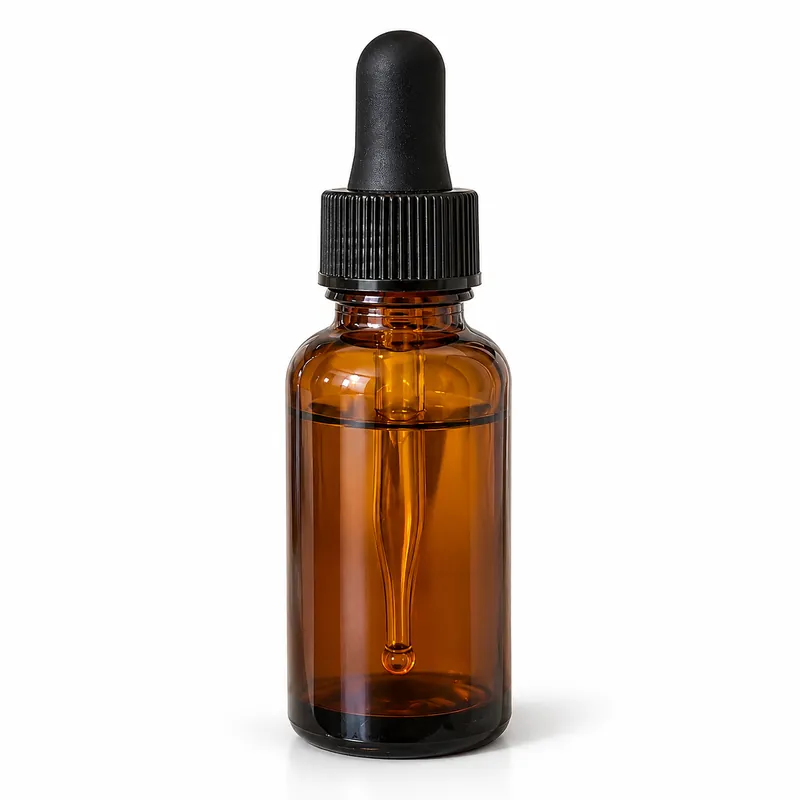
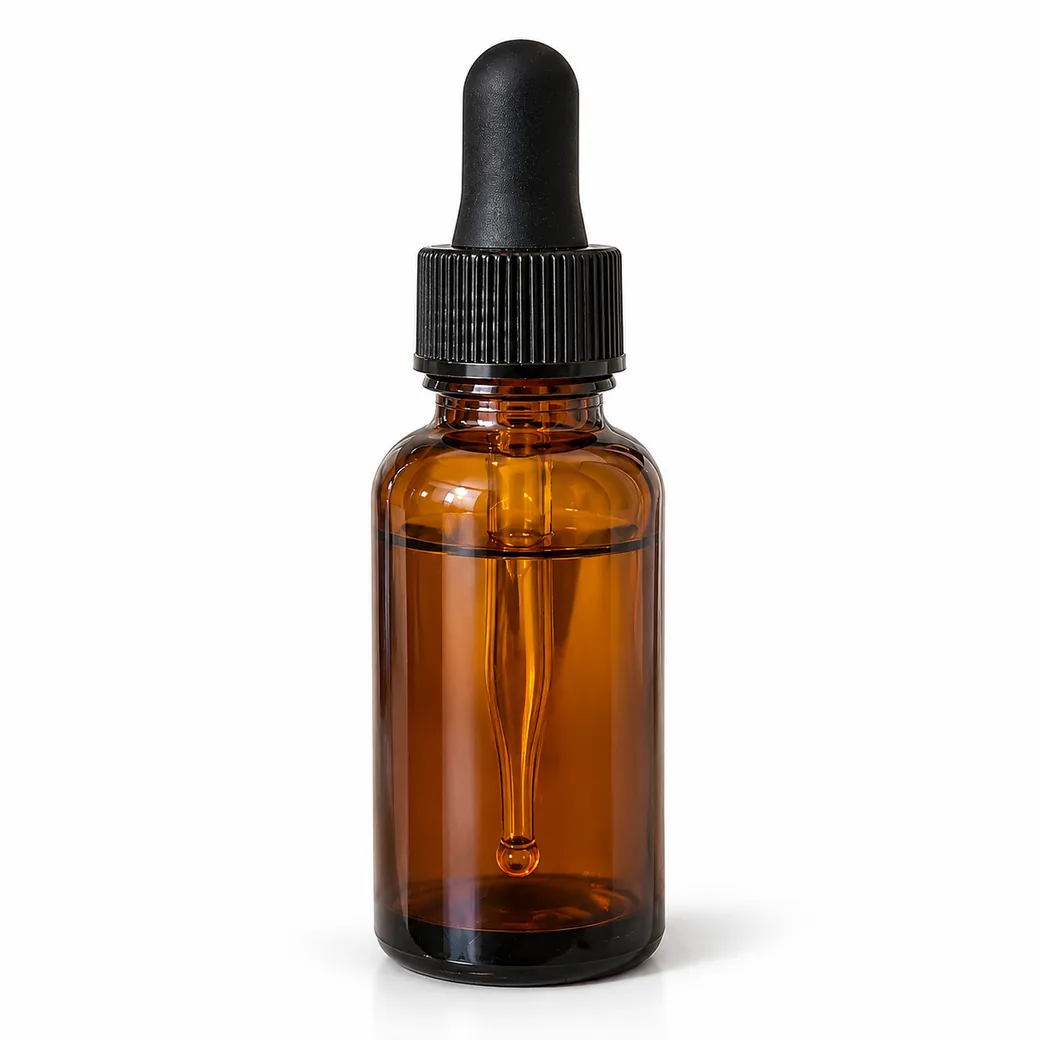
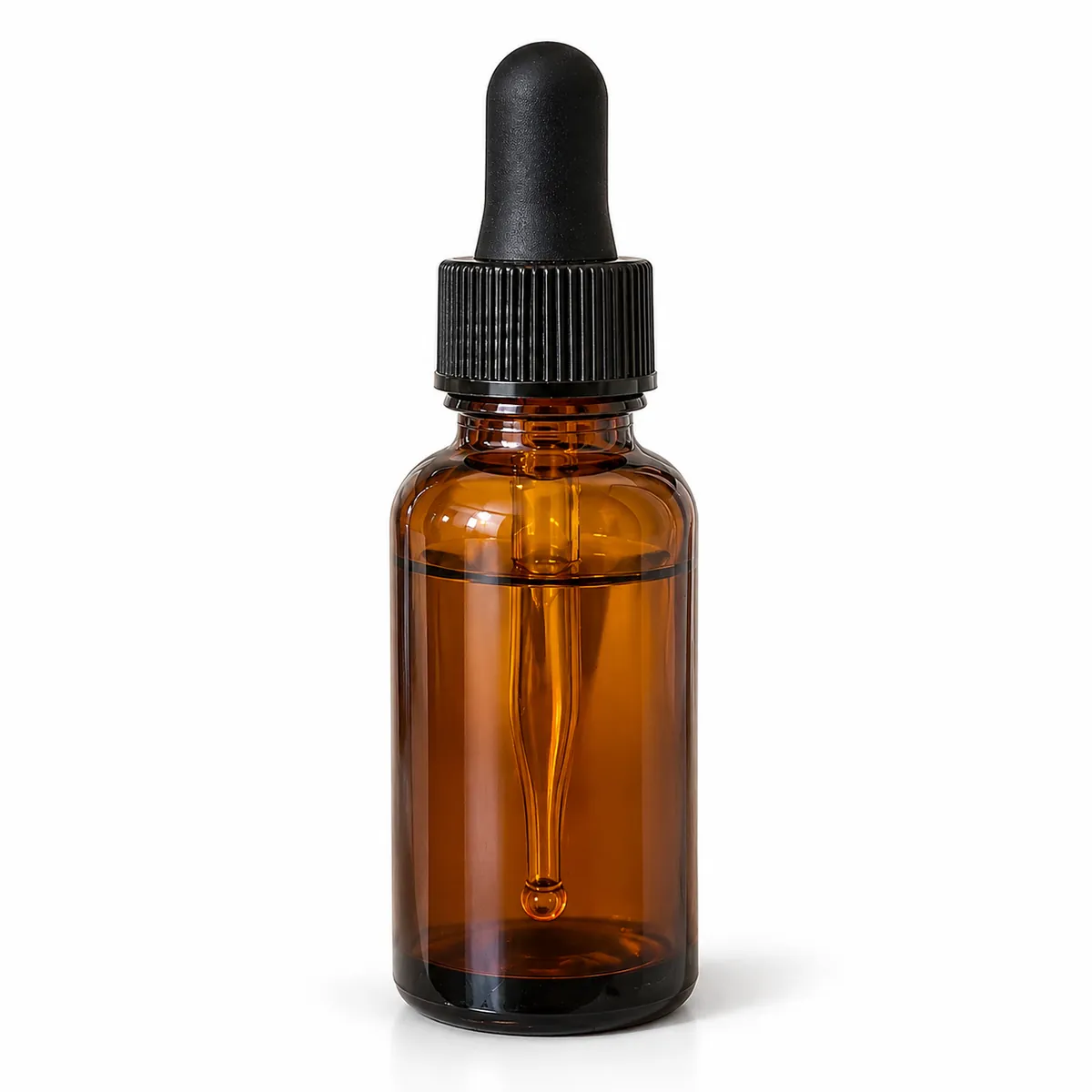
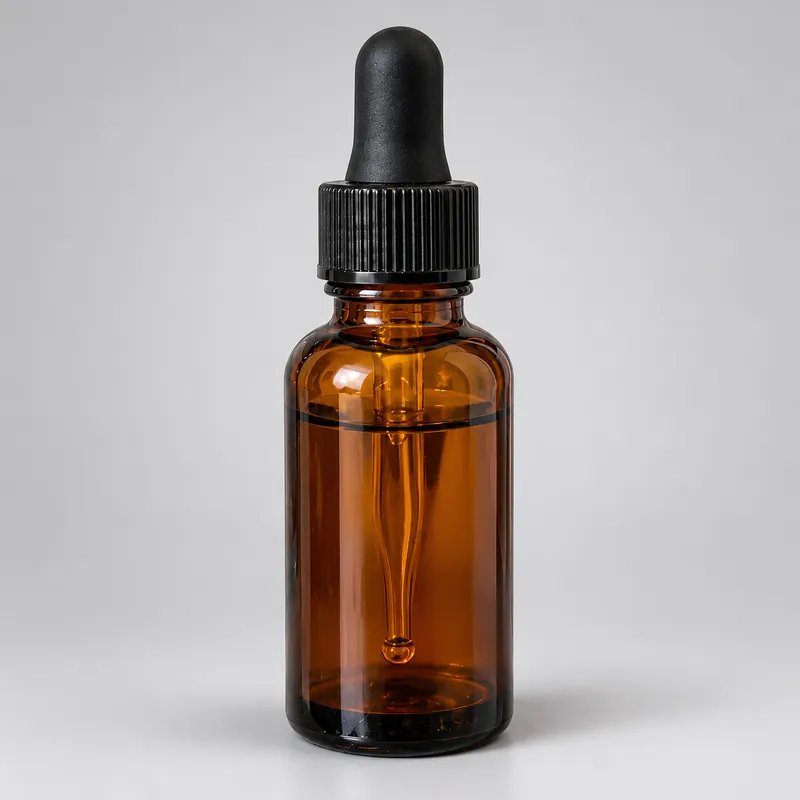
An amber serum bottle with a black dropper turning on a seamless white backdrop
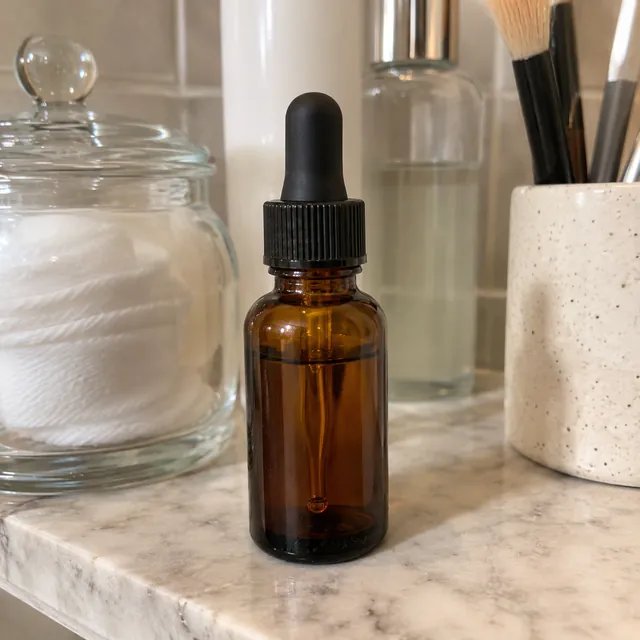
The sample photo: the serum bottle on a marble bathroom counter beside jars and brushes

In short

What is a 360 product video?

A 360 product video shows a product rotating on a turntable so shoppers can see it from every side. Orbit Studio creates one from a single packshot: it cuts out the product and renders a seamless loop on a clean backdrop.

Input
Product photo
Output
Video
Time
about 60 s
Cost
– credits

The turntable

One packshot. Every side.

A 360 product video lets shoppers turn the product in their head before they buy. Orbit Studio rebuilds the shape from one photo and spins it on a seamless backdrop. Pick a product, a spin and a backdrop, or grab the product and turn it yourself.
An amber serum bottle with a black dropper turning on a seamless white backdrop
Drag to turn
Product
Spin
Backdrop
Angle0°

How it works

One packshot, every angle

serum-30ml.jpg · 2400 × 2400✓ added
Spin
360°Rock
Backdrop
WhiteLight greyBlack
✓ Done

Contact sheet

180 frames. Pick the cover.

Six seconds at 30 frames a second. Every 360 product video comes with all of them, so you can choose the still that shows before the loop starts. Tap a frame.
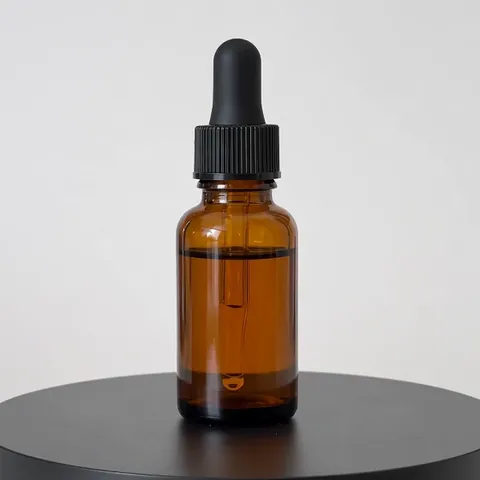
Listing preview with frame 1 as the cover: the serum bottle on its turntable▶ 6 s loop
Hydrating Serum 30 mlMarketplace listing · 1:1

Deep dive

How a 360 product video is made from one photo

01

Cut-out, then rebuild

Orbit Studio first removes the background and isolates the product. It then sets it in a clean studio frame and turns it, and the sides your photo does not show are completed to match.

02

A seamless studio

The backdrop is a virtual infinity curve with no horizon line, lit by soft top light. A gentle shadow anchors the product so it does not float. On white, the edges of the frame stay pure white, which keeps marketplace listings clean and lets the video sit on white web pages without a visible box.

03

Loops are the point

The video starts and ends on the same frame, so it loops. That makes it ideal for product pages, where the spin keeps playing while people read. Rock mode swings back and forth instead, staying near the front for products with one hero side.

Ideas

Spins that sell

Recipes

Settings that just work

Three 360 product video recipes for the listings we see most. Tap one to load its spin, backdrop and shadow into Orbit Studio at the top of the page, with a sample packshot ready.

Preview

Marketplace standard

360°WhiteShadow on

Clean, compliant and loop-ready. Upload straight to the product listing.
Preview

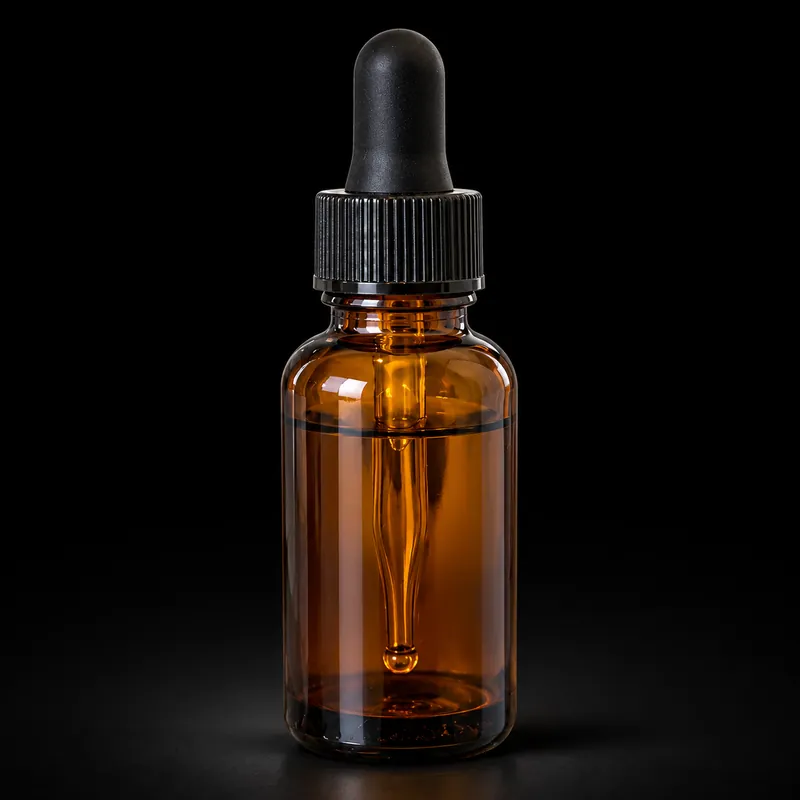
Luxury ad

360°BlackShadow on

A slow spin on black. Feels premium for watches, fragrance and jewellery.
Preview

Label-forward

RockLight grey

Swings gently around the front so the label stays readable the whole time.

The honest comparison

By hand vs Orbit Studio

A 360 product video shot by hand means a turntable, a lightbox, a camera and about an hour per product, plus cleaning up the background. Orbit Studio makes one from a single packshot in a minute or two.

How many spins this month?10spins
1120

By-hand time is a typical estimate of 1 h per spin.

By hand≈ 10 h
Orbit Studio≈ 10 min
Time saved 9.8 hCredits –
What it takesBy handOrbit Studio
SetupTurntable, lightbox, cameraOne packshot
TimeAn hour per productA minute or two
BackgroundClean-up in postPure white, built in
LoopTrim and match by handSeamless by default
CostPhoto studio rates– credits

Better results

Spins that look shot

Before you run · tick them off0 / 3
Ready. Good input in, good result out.
Skip
  • ✕Use photos where hands hold the product.
  • ✕Expect hidden labels on the back to be accurate.
  • ✕Use a transparent product on a busy background.
Input 1 packshotSpin 360° · rockLength 6 s loopOutput 1:1 MP4 loop

Plans

Orbit Studio is in every plan.

Starter

Fits you
–Orbit Studio spins / mo
1,000 credits / mo · – credits per spin
$19.90$14.99/ month, billed yearly
Get Starter

Studio

MOST POPULARFits you
–Orbit Studio spins / mo
2,600 credits / mo · – credits per spin
$61.90$30.83/ month, billed yearly
Get Studio

Omni Creator

BEST VALUEFits you
–Orbit Studio spins / mo
4,200 credits / mo · – credits per spin
$101.90$45.83/ month, billed yearly
Get Omni Creator
Failed run? Credits back automaticallyCommercial use on paid plansCancel anytime

FAQ

Questions about Orbit Studio

What is a 360 product video?

It is a short clip where a product rotates on a turntable so shoppers can see every side. Orbit Studio creates one from a single photo, on a seamless backdrop, as a loop.

What about the back of the product?

Orbit Studio imagines the sides it cannot see. For packaging with important back labels, choose Rock to stay near the front.

Is the white background pure white?

Yes. White gives a clean, bright backdrop that works for most marketplaces.

How much does it cost?

The credits for a spin are shown on the button before you start. If a run fails, nothing is charged and the credits go back to your balance.

Can I add a second photo for accuracy?

Not yet. Orbit Studio works from one photo and completes the sides it cannot see; choose Rock to stay near the front.

Which format should I download?

Every spin is a 1:1 MP4 loop, for product pages, marketplaces and ads.

Does it work for reflective products?

Glass, chrome and gloss work, with reflections that move as the product turns. Mirror-like surfaces may show soft, generic reflections instead of a real room.

Can I use Orbit Studio results commercially?

Yes. On paid plans the clips you make are yours to use in ads, client work and products. Only upload material you own or have permission to use.

Who can see what I upload?

Only you. Uploads and results live in your private History, are never posted anywhere for you, and can be deleted at any time.

Can I choose the first frame of my 360 product video?

The loop starts and ends on the front of the product, as your photo shows it. To use another still as the cover, grab it with Frame Grabber.

More Minnies

Keep the run going

All Minnies
BillboardPut your ad on a real-looking billboard.
Orbit ShotFreeze a moment and fly around it.
Moving BillboardYour ad on a truck, driving through town.
Retro BroadcastPut yourself on an 80s TV show.

Minnies · included in every plan

Every angle, on white.

Loop-ready 360 spins from one photo. Orbit Studio comes with every Creatide AI plan.

Spin it See plans